Quick Answer
Clean your desk mat weekly by brushing off debris, spot-cleaning stains with mild soap and water, and letting it air dry completely. For deeper care, avoid harsh chemicals and never machine wash unless the manufacturer explicitly allows it.
Why Regular Desk Mat Care Matters
A desk mat takes daily abuse from coffee spills, snack crumbs, and wrist sweat. Without routine cleaning, dirt gets ground into the fabric or rubber base, causing discoloration and a rough feel. Regular care also prevents the mat from curling at the edges or losing its grip on your desk.
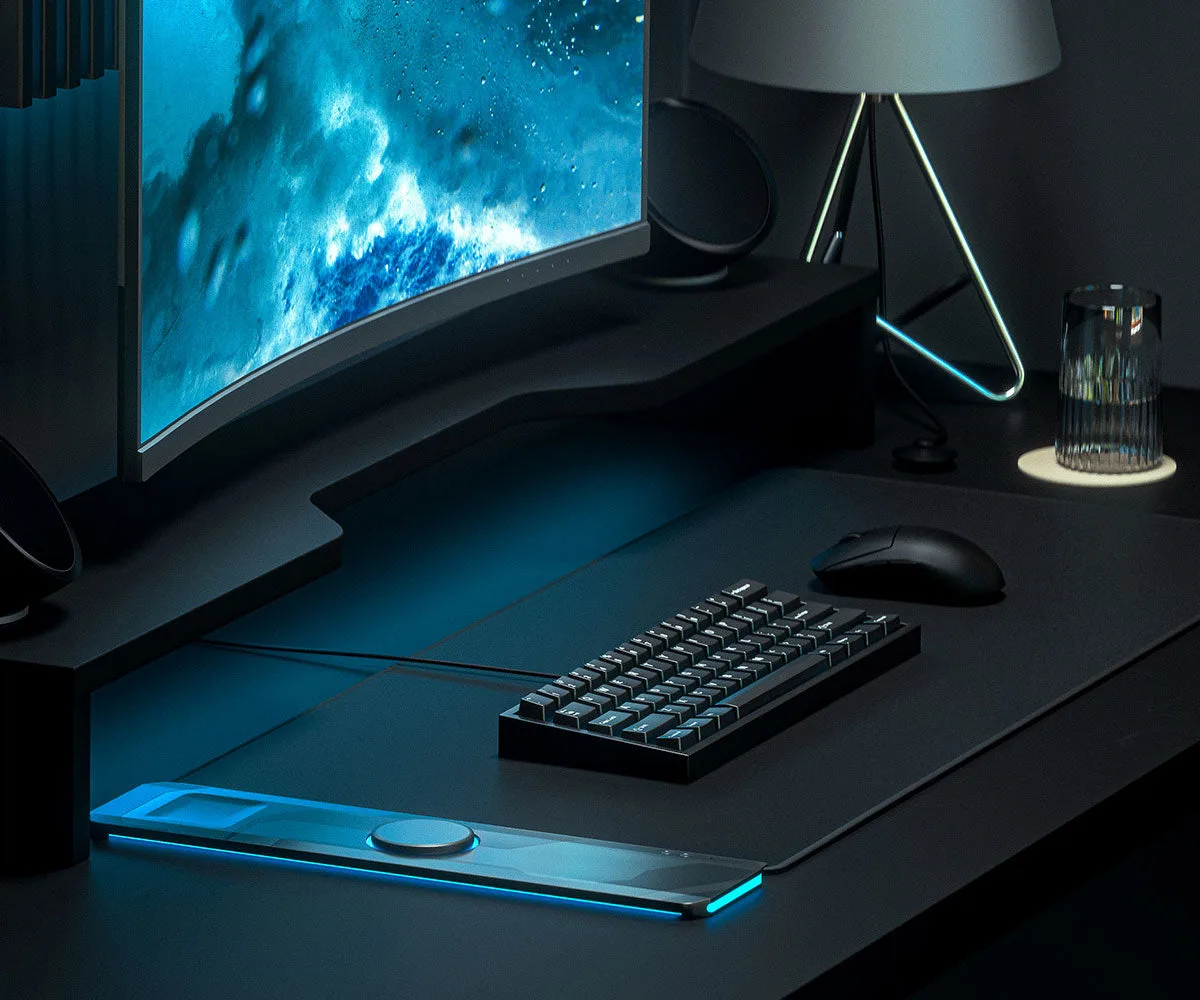
The ALTI PLAY Performance Desk Mat, for example, uses high-quality materials designed for long-lasting use. But even premium mats need the right cleaning approach to avoid damaging the surface or the built-in charging rig.
How to Clean Your Desk Mat in 5 Steps
- Step 1: Remove Everything from the Mat: Take off your keyboard, mouse, phone, and any cables. If your mat has a charging rig like the ALTI PLAY, disconnect all cables first. Common mistake: cleaning around items instead of removing them, which leaves hidden dirt and risks moisture damage to electronics.
- Step 2: Shake or Brush Off Loose Debris: Take the mat outside or over a trash bin and shake it firmly. Use a soft-bristle brush or your hand to dislodge crumbs and dust stuck in the fabric. Checkpoint: If crumbs remain after shaking, use a lint roller or tape to lift them without rubbing debris deeper into the surface.
- Step 3: Spot Clean Stains with Mild Soap: Mix a few drops of mild dish soap with warm water. Dampen a microfiber cloth (not soaking wet) and gently blot stains. Avoid scrubbing hard, which can fray the fabric. Common mistake: using bleach, alcohol, or all-purpose cleaners. These can strip the mat's color and damage the rubber base.
- Step 4: Rinse and Blot Dry: Dampen a clean cloth with plain water and blot the cleaned area to remove soap residue. Then use a dry towel to press out excess moisture. Checkpoint: Never pour water directly onto the mat. Excess moisture can seep into the base layer and cause delamination or mold.
- Step 5: Air Dry Flat Completely: Lay the mat flat on a towel or drying rack in a well-ventilated area away from direct sunlight and heat sources. Wait until it's fully dry before putting items back. Common mistake: using a hair dryer or placing the mat on a radiator. Heat can warp the mat's shape and weaken the adhesive backing.
Product Fact
- ALTI PLAY Performance Desk Mat: High-quality materials for long-lasting use. Perfect length for gaming and everyday tasks. Includes a convenient charging rig for easy cable management. The durable materials resist wear, but the charging rig means you must be careful not to get moisture near the cable openings during cleaning.