Clean Screen, Clear View
Your iPhone 13 Pro Max screen is the part you touch, swipe, and read from all day. Keeping it clean not only looks better but also helps Face ID and touch responses work reliably. If you've just bought a refurbished iPhone 13 Pro Max, a proper cleaning routine is one of the best ways to maintain it. Here's how to do it safely without damaging the oleophobic coating or the display.
Step-by-Step Screen Cleaning
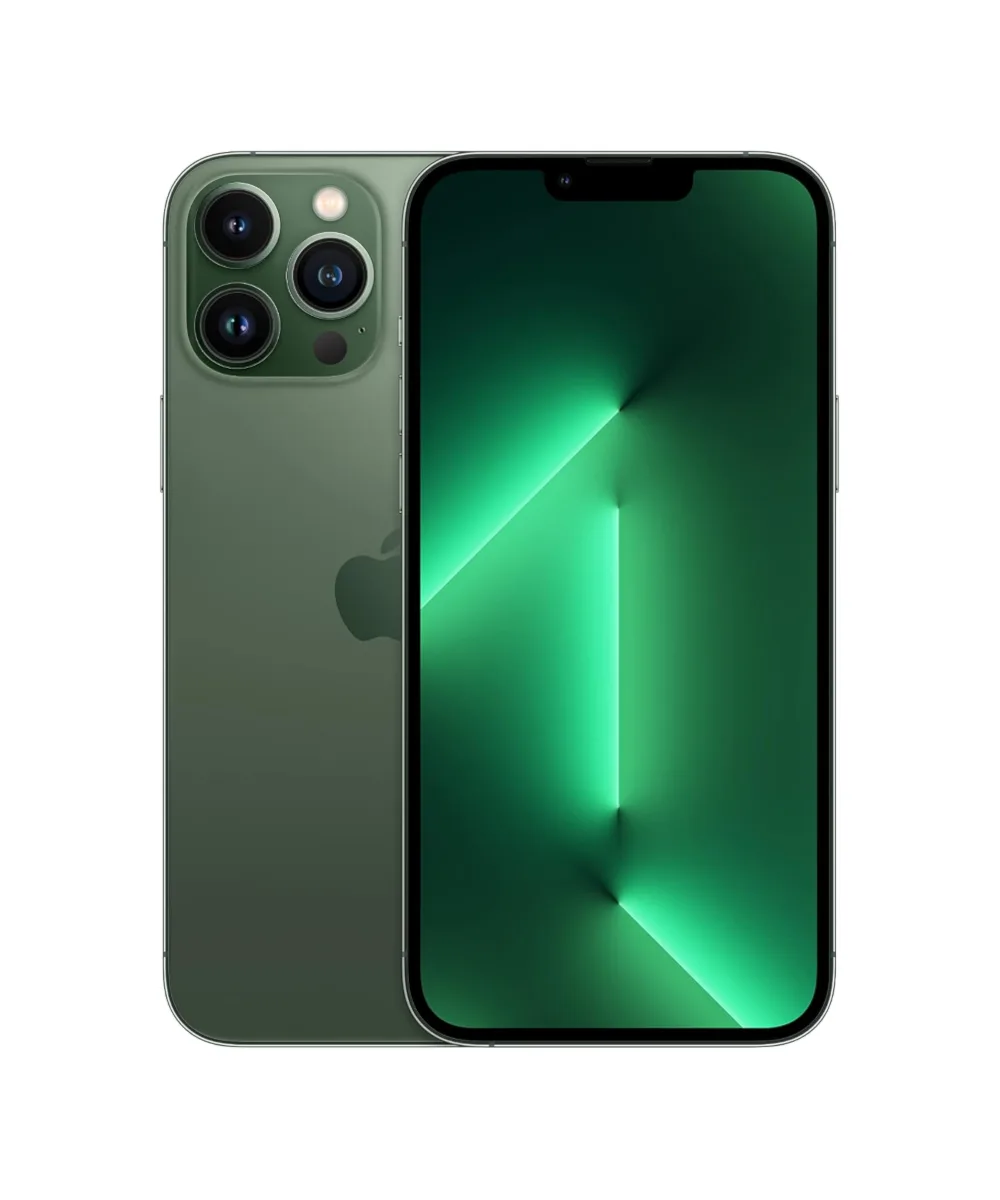
Follow these steps each time you clean your screen. They work for any iPhone 13 Pro Max, whether it's the Sierra Blue, Silver, or Alpine Green model.
- Power off and unplug: Turn off the iPhone and disconnect any cables. This prevents accidental touches and reduces the risk of liquid reaching ports.
- Use a soft, lint-free cloth: A microfiber cloth is ideal. Avoid paper towels or abrasive fabrics that can leave micro-scratches.
- Dampen slightly if needed: If water alone isn't enough, lightly dampen the cloth with clean water. Never spray directly onto the screen, and avoid getting moisture in openings.
- Wipe gently in circles: Start from the center and move outward. Apply light pressure—no need to press hard.
- Dry with a clean section: Use a dry part of the cloth to remove any remaining moisture and streaks.
What to Avoid on Your Screen
Some common cleaning habits can do more harm than good. Steer clear of harsh chemicals, abrasive pads, and excessive moisture. Products containing alcohol or ammonia can strip the oleophobic coating that repels oil and fingerprints. Stick to plain water and a soft cloth for routine cleaning. If you need a dedicated cleaner, choose one labeled safe for phone screens, but always check the label for compatibility with oleophobic coatings.
Dealing with Smudges and Fingerprints
The iPhone 13 Pro Max screen has a Super Retina XDR display with ProMotion, and it's prone to fingerprints just like any glass surface. A quick wipe with a dry microfiber cloth usually removes them. For stubborn smudges, a slightly damp cloth works better than pressing harder. If fingerprints persist after cleaning, it might be a sign that the oleophobic coating is worn, which is normal on a refurbished device.
Preventing Scratches and Damage
Prevention is easier than repair. A screen protector adds a layer of protection against scratches and minor impacts. When not in use, keep your iPhone in a pocket or bag where it won't rub against keys or coins. Avoid placing it face-down on rough surfaces. The iPhone 13 Pro Max has Ceramic Shield for durability, but it's not scratch-proof.
What the Refurbished iPhone 13 Pro Max Listings Confirm
-
iPhone 13 Pro Max – 128GB – Sierra Blue – Grade B: The iPhone 13 Pro Max features a 6.7-inch Super Retina XDR display with ProMotion, A15 Bionic chip, and a triple-camera system with Cinematic mode and Night mode. The large, high-refresh screen is the centerpiece of your experience, so keeping it clean and scratch-free matters for daily use.
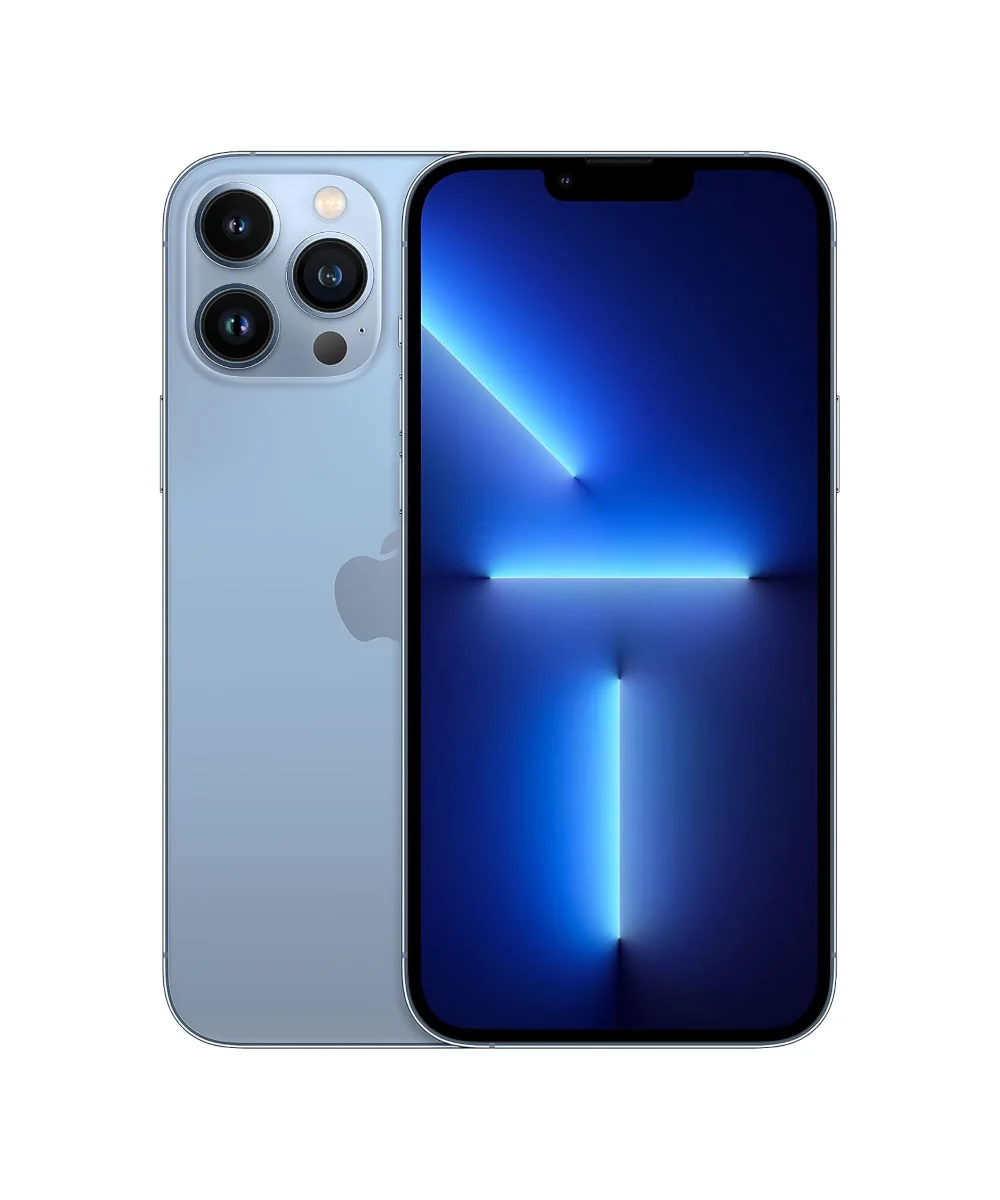
iPhone 13 Pro Max – 128GB – Sierra Blue – Grade B
-
iPhone 13 Pro Max – 128GB – Silver – Grade B: Battery: Above 80% capacity, MagSafe and wireless charging. MagSafe and wireless charging mean you'll often place the phone on charging pads; keeping the back clean helps maintain good contact.
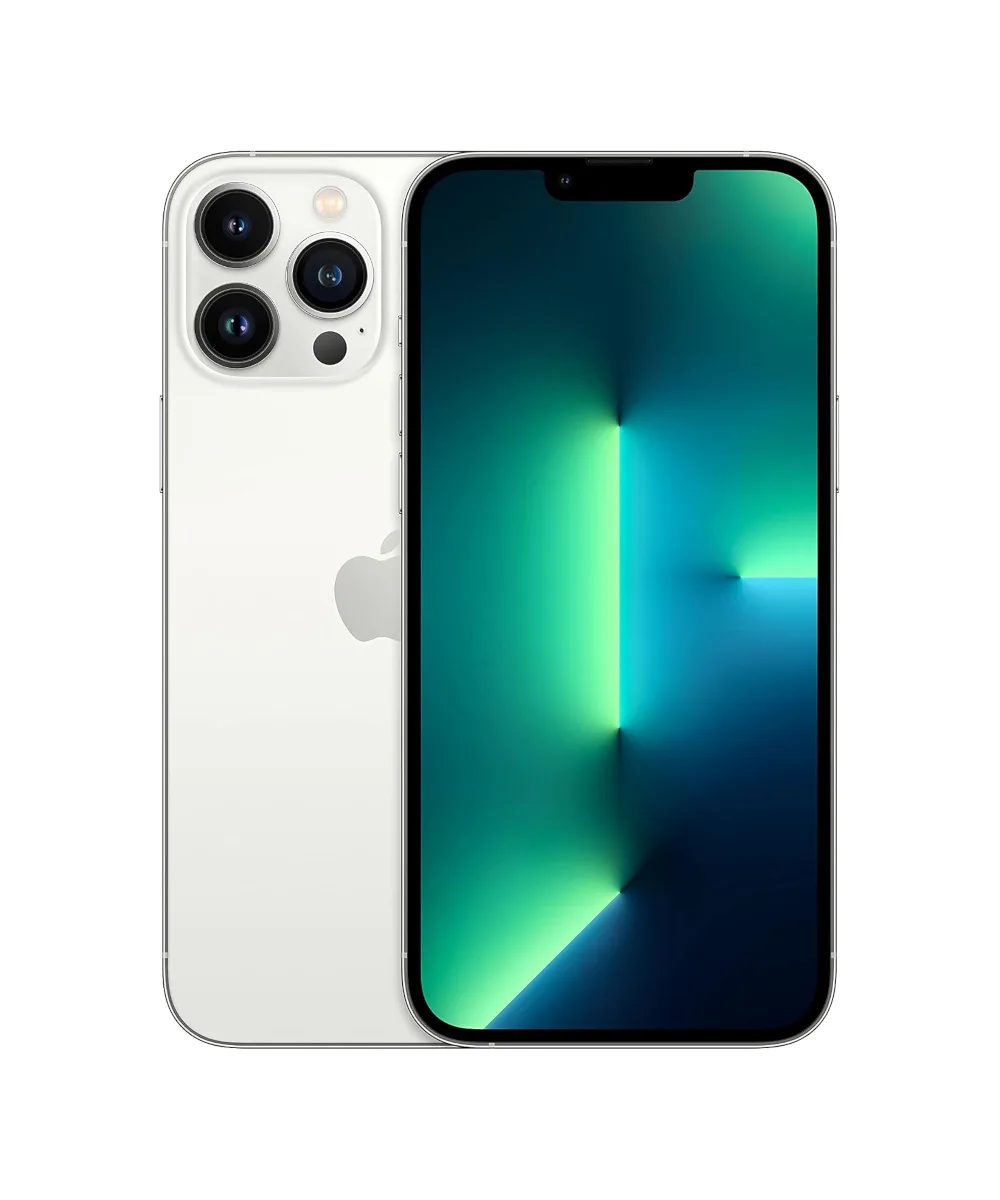
iPhone 13 Pro Max – 128GB – Silver – Grade B
-
iPhone 13 Pro Max – 256GB – Alpine Green – Grade A: Supports 5G, has Ceramic Shield for durability, and Face ID for security. Ceramic Shield adds drop resistance, but Face ID relies on a clear sensor area, so keeping the top of the screen clean is important.
Routine Maintenance Tips
Incorporate these simple habits into your daily routine to keep your iPhone 13 Pro Max screen in great condition.
- Wipe after every use: A quick dry wipe removes oils before they build up.
- Clean your hands: Less oil on your fingers means less smudging.
- Check your case: A case with a raised lip can protect the screen when placed face-down.
- Avoid extreme heat: Don't leave your iPhone in direct sunlight for long; heat can affect the display and battery.
When to Consider a Screen Protector
If you're worried about scratches on your refurbished iPhone 13 Pro Max, a screen protector is a worthwhile investment. Tempered glass protectors offer good impact resistance and feel similar to the original glass. Film protectors are thinner and less noticeable. Whichever you choose, apply it on a clean, dust-free screen for the best adhesion. A protector can also hide minor existing scratches, though it won't remove them.
Can You Remove Scratches?
Once a scratch is in the glass, it's very difficult to remove without professional equipment. Home remedies like toothpaste or baking soda are abrasive and can damage the oleophobic coating, making the problem worse. If a scratch bothers you, a screen protector can make it less visible. For deep scratches, you might consider a professional repair, but that's usually not cost-effective on a refurbished device.
Caring for the Rest of the Phone
Screen care is part of overall maintenance. The iPhone 13 Pro Max has a stainless steel frame and a glass back that benefit from the same gentle cleaning approach. Wipe the back and sides with a slightly damp cloth as needed. Avoid getting moisture in the charging port, speaker grilles, or microphone holes. Keeping the whole device clean also helps with heat dissipation and overall longevity.