Quick Answer
To clean your karaoke microphone, start by removing the grille and gently brushing away debris. Wipe the body with a slightly damp cloth, avoid moisture near the capsule, and store it in a dry, padded case. For wireless mics like the PartyMic 11, also keep the charging port clean and recharge with USB-C regularly.
Why Regular Maintenance Matters
A clean microphone not only sounds better but also lasts longer. Dust, saliva, and grime can clog the grille, muffle audio, and even corrode internal components. For wireless models, neglecting the battery or charging port can lead to intermittent cutouts. A few minutes of care after each use prevents most common issues.
What You'll Need
Gather a soft-bristle brush (a clean toothbrush works), a lint-free microfiber cloth, isopropyl alcohol (70% or higher), cotton swabs, and a small screwdriver if your mic grille is removable. Avoid using water, paper towels, or harsh chemicals that could damage the finish or electronics.
Step-by-Step Cleaning Guide
- Remove the Grille: Unscrew or gently twist off the grille. If it's stuck, check for a locking ring or small screw. Do not force it, as you may damage the threads. Common mistake: pulling too hard can bend the grille. Always check the manual first.
- Clean the Grille: Use a soft brush to remove dust and debris from the grille mesh. For stubborn spots, lightly dampen a cloth with isopropyl alcohol and wipe the grille—never the capsule. Let it air dry completely. Checkpoint: avoid soaking the grille; moisture can seep into the capsule and ruin the sound.
- Wipe the Body and Connectors: Dampen a microfiber cloth with alcohol and wipe the microphone body, handle, and any switches. Use a dry cotton swab to clean the charging port (for wireless mics) and the base of the connector. Common mistake: inserting a wet swab into the charging port can cause short circuits. Use only dry swabs there.
- Reassemble and Test: Once all parts are dry, reattach the grille and turn on the microphone. Do a quick sound check to ensure clarity. If audio is muffled, the grille may still be damp or the capsule may need professional cleaning. Checkpoint: if sound is still unclear after cleaning, the capsule might be damaged—consider replacing the mic.
- Store Properly: Place the microphone in a padded case or a dry drawer away from direct sunlight and humidity. For wireless mics, store them with a partial charge (around 50%) to prolong battery life. Common mistake: leaving a mic on a stand in a damp room can corrode the grille and electronics over time.
Product Spotlight: PartyMic 11
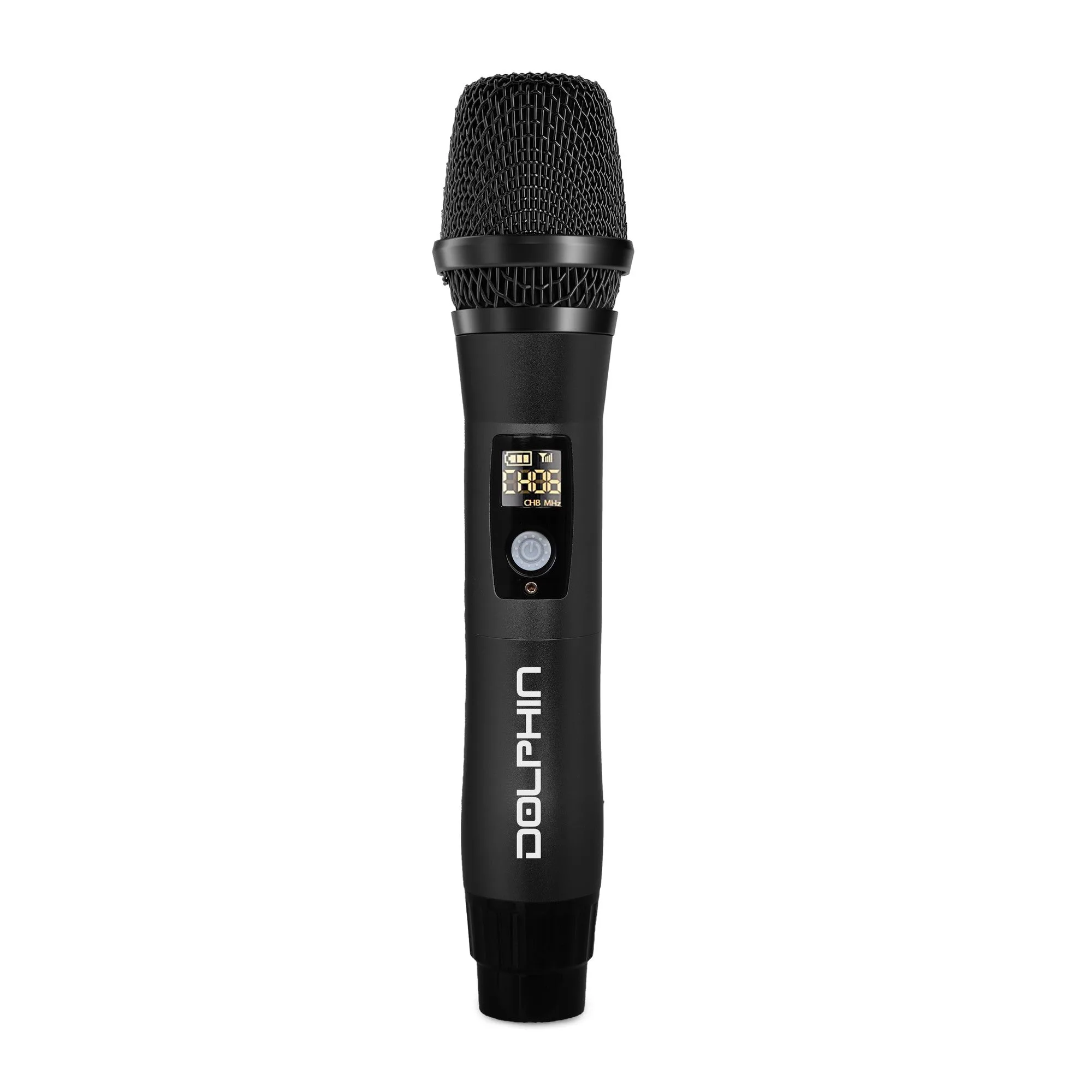
- PartyMic 11: The PartyMic 11 UHF Wireless Microphone features USB-C recharging and an all-metal construction for durability. Its metal body resists wear from frequent handling, and the USB-C port makes charging simple—just keep the port clean to ensure reliable connection.