Quick answer
To keep your wireless charger working efficiently, clean the charging surface and your device's back regularly with a soft, dry cloth. Avoid liquid cleaners, check for debris in the MagSafe alignment ring, and ensure the charger isn't covered by thick cases. If your charger stops working, a simple dust removal often fixes the issue.
Why wireless chargers need regular care
Wireless chargers rely on electromagnetic induction, which means any dust, dirt, or debris between the coil and your device can reduce charging speed or cause intermittent disconnections. Over time, a layer of grime on the charging pad or your phone's back can also lead to overheating, which may trigger safety shutdowns. Regular cleaning not only maintains performance but also extends the life of both the charger and your device's battery.
How to clean and maintain your wireless charger (step by step)
- Unplug and cool down: Always disconnect the charger from power before cleaning. Let it cool for a few minutes if it has been in use. Checkpoint: Never clean a charger that is still warm or plugged in.
- Wipe the charging surface: Use a soft, lint-free microfiber cloth slightly dampened with water (or a 70% isopropyl alcohol wipe) to gently wipe the charging pad. Avoid dripping liquid into any openings. Common mistake: Using paper towels or abrasive cloths can scratch the surface and reduce charging efficiency.
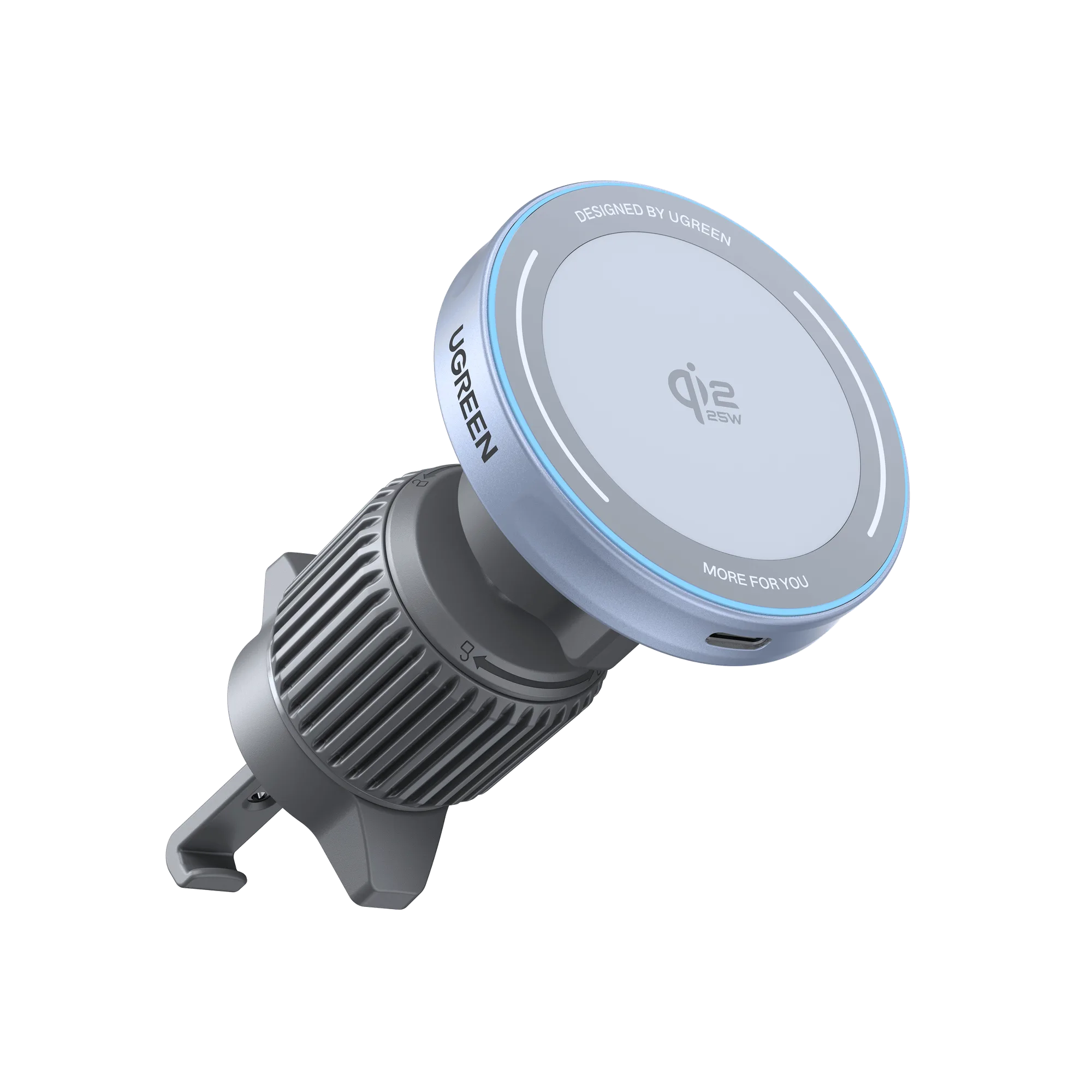
- Clean the magnetic alignment ring (for MagSafe chargers): If your charger has a magnetic ring, use a dry cotton swab or a soft brush to remove dust from the ring and the surrounding area. For the UGREEN MagFlow Magnetic Wireless Car Charger, this ensures a secure hold and consistent 25W charging. Checkpoint: A dirty ring can cause weak magnetic attachment or slow charging.
- Check and clean your phone's back: Wipe the back of your phone with a soft cloth, paying special attention to the area where the charger makes contact. Remove any case or pop socket that might interfere. Common mistake: Thick cases or metal attachments can block the charging signal entirely.
- Inspect the cable and port: Look for bent pins, frayed wires, or debris in the USB-C port. Gently blow out dust or use a wooden toothpick to dislodge stubborn particles. Checkpoint: A damaged cable is the most common cause of a wireless charger not charging.
- Test and reposition: Plug the charger back in, place your device on the pad, and verify that the charging indicator lights up. If it doesn't, adjust the position slightly or try a different power adapter. Next step: If the charger still doesn't work, try a different cable or adapter before assuming the charger is faulty.
Products that help with maintenance
- UGREEN MagFlow Magnetic Wireless Car Charger 25W (Magsafe-Compatible): Magnetic alignment for secure attachment and easy one-handed operation. Strong magnets keep your phone perfectly aligned, reducing the chance of dust or misalignment causing charging pauses.
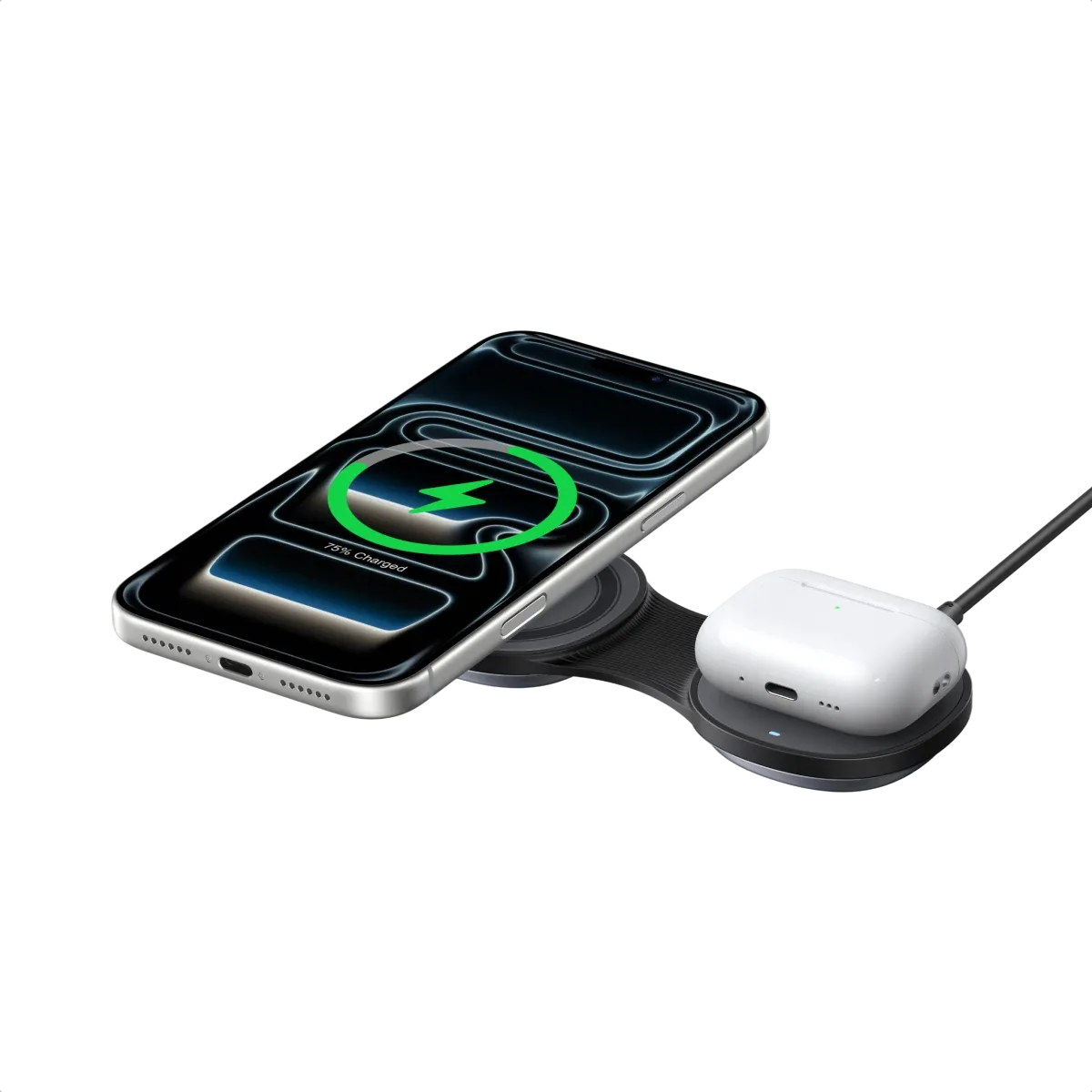
- UGREEN MagFlow 2-in-1 Foldable Magnetic Wireless Charger 25W: Cool-Touch Glass Surface The glass surface resists heat buildup and is easier to wipe clean than textured plastic, helping you maintain consistent charging performance.