Quick answer
To clean your camera lens protector without scratching, use a microfiber cloth and a drop of lens cleaner, and always wipe in a single direction from the center outward.
Why tempered glass needs special care
Tempered glass camera lens protectors, like the ones from GHOSTEK for iPhone 15 and iPhone 17 series, are scratch-resistant but not scratch-proof. Using rough materials or abrasive cleaners can create micro-scratches that affect photo clarity over time.
Common cleaning mistakes to avoid
Paper towels, tissues, and shirt sleeves often contain wood fibers or dust that can scratch the glass. Alcohol-based wipes may damage the oleophobic coating on some protectors. Stick to a soft microfiber cloth and a cleaner designed for optics.
Step-by-step cleaning process
- Blow off loose dust: Use a can of compressed air or a soft air blower to remove any dust or grit from the protector surface. Do not skip this step — wiping dry dust into the glass is the most common cause of scratches.
- Apply lens cleaner to the cloth: Spray one or two drops of lens cleaner or isopropyl alcohol (diluted to 50%) onto a clean microfiber cloth, never directly onto the protector. Direct spray can seep into edges and loosen adhesive. Check that your lens cleaner is safe for coated glass.
- Wipe from center outward: Gently wipe the protector in a single direction from the center toward the edge using light pressure. Circular motions can trap debris against the glass and cause swirl marks. If smudges remain, use a fresh section of the cloth and repeat.
- Dry with a clean cloth section: Flip the microfiber cloth to a dry area and buff the protector in the same outward motion. This removes any remaining moisture and prevents streaks. Store the cloth in a sealed bag to keep it lint-free for next time.
Products mentioned in this guide
-
iPhone 15 Series Tempered Glass Camera Protectors — Camera Lens Protection: Precision-cut tempered glass specifically for iPhone 15 Series models. A precise fit means fewer edges to trap dust, making cleaning easier and reducing the chance of debris scratching the lens.
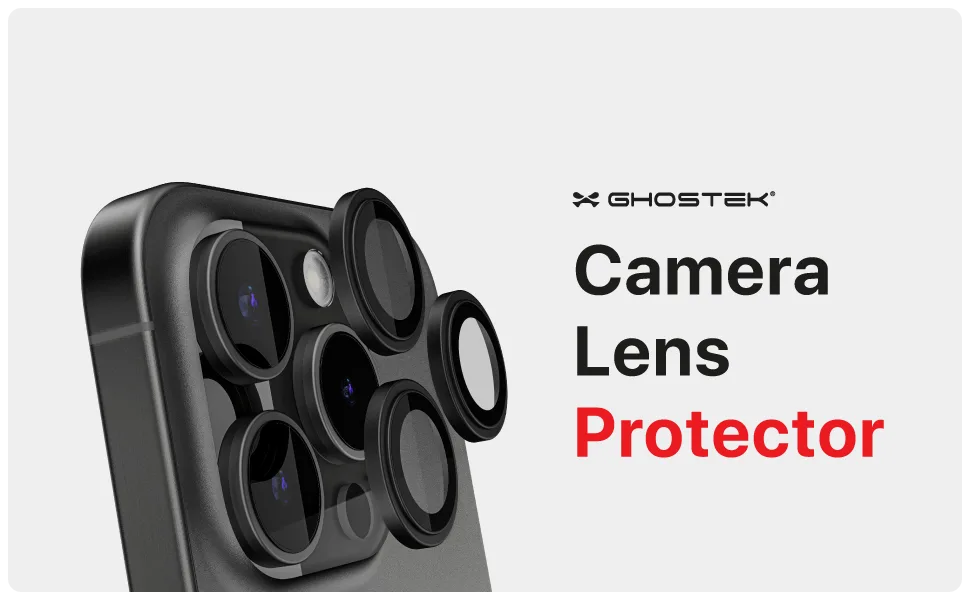
iPhone 15 Series Tempered Glass Camera Protectors — Camera Lens Protection
-
iPhone 17 / Air Series Tempered Glass Camera Protectors — Camera Lens Protection: Transparent design that preserves the original look of your camera. A clear protector won't distort photos, but only if you keep it free of smudges and scratches through proper cleaning.
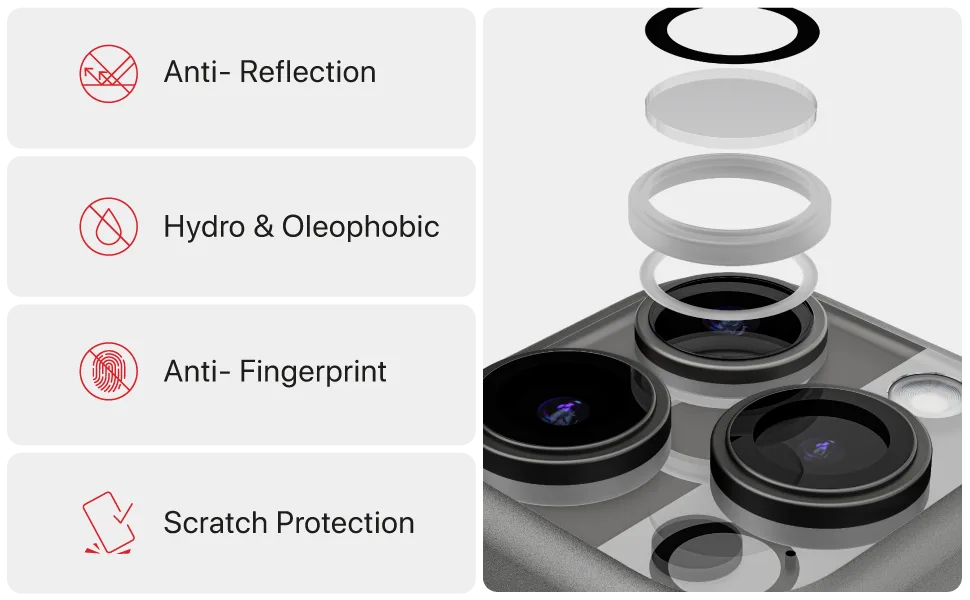
iPhone 17 / Air Series Tempered Glass Camera Protectors — Camera Lens Protection