Quick Answer
Use a sensor swab kit with the correct size for your sensor, apply a few drops of cleaning solution, and swipe gently in one direction to safely remove dust and smudges.
Why Sensor Cleaning Kits Beat Air Blowers Alone
Air blowers are great for loose dust, but they often fail on sticky particles or oil spots. A swab kit physically lifts these contaminants off the sensor surface, which is why it's the go-to method when a blower isn't enough.
Swab kits are designed to be safe when used correctly. The key is to match the swab size to your sensor format—using a swab meant for a full-frame sensor on an APS-C sensor can leave streaks because the swab is too wide.
Step-by-Step Sensor Cleaning with a Swab Kit
- Prepare your camera: Set your camera to sensor cleaning mode (often found in the setup menu) to lock up the mirror and open the shutter. Remove the lens to expose the sensor. Check your camera manual for the exact sensor cleaning mode.
- Use a blower first: Use a rocket air blower to remove loose dust before wet cleaning. This reduces the amount of debris the swab has to pick up and avoids grinding particles into the sensor. Never use canned air—it can spray propellant onto the sensor.
- Apply solution to the swab: Add 2-3 drops of cleaning solution to the swab tip. Do not oversaturate—excess liquid can leave residue or drip into the camera body. If the swab is dripping, wipe off excess on a lint-free cloth.
- Swipe in one direction: Starting at one edge of the sensor, gently swipe the swab across to the other edge in a single, continuous motion. Flip the swab and swipe back if needed, but do not scrub back and forth. Use light pressure—let the swab do the work.
- Inspect and repeat if necessary: Reattach the lens, take a photo of a plain white wall at a small aperture (like f/16), and check for remaining spots. If dust persists, repeat the process with a fresh swab. If spots remain after two attempts, consider professional cleaning—don't risk damaging the sensor.
Product Facts
-
VSGO VS-S02E APS-C DSLR Sensor Cleaning Swab Kit: Designed specifically for APS-C sensors Ensures the swab width matches your sensor, preventing streaks and incomplete cleaning.
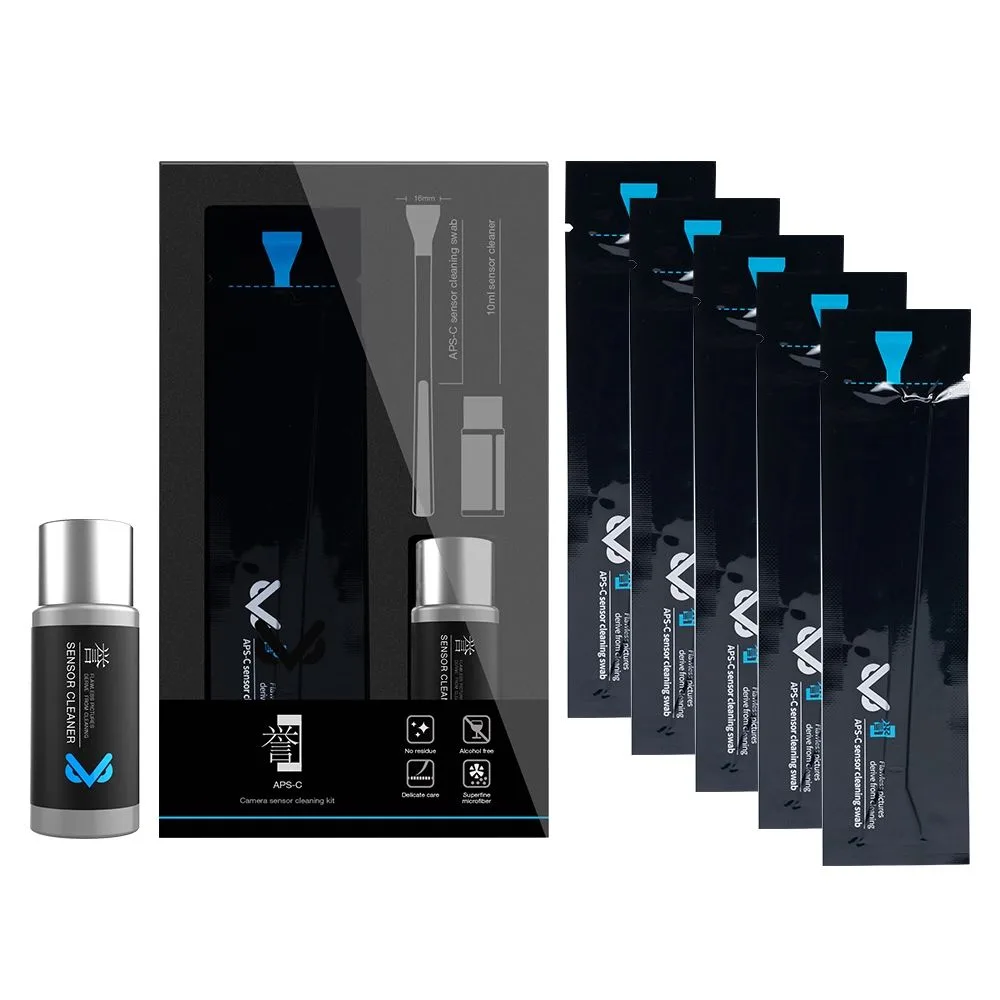
VSGO VS-S02E APS-C DSLR Sensor Cleaning Swab Kit
-
VSGO VS-S02E APS-C DSLR Sensor Cleaning Swab Kit: Includes 10 swabs and 10ml cleaning solution Enough for multiple cleanings, and the solution is formulated for safe sensor use.