Quick Answer
To clean your camera sensor safely, use a purpose-made sensor swab and a blower first, then follow a single, gentle swipe in each direction. Avoid cotton buds and canned air, which can damage the sensor.
Why use dedicated sensor swabs?
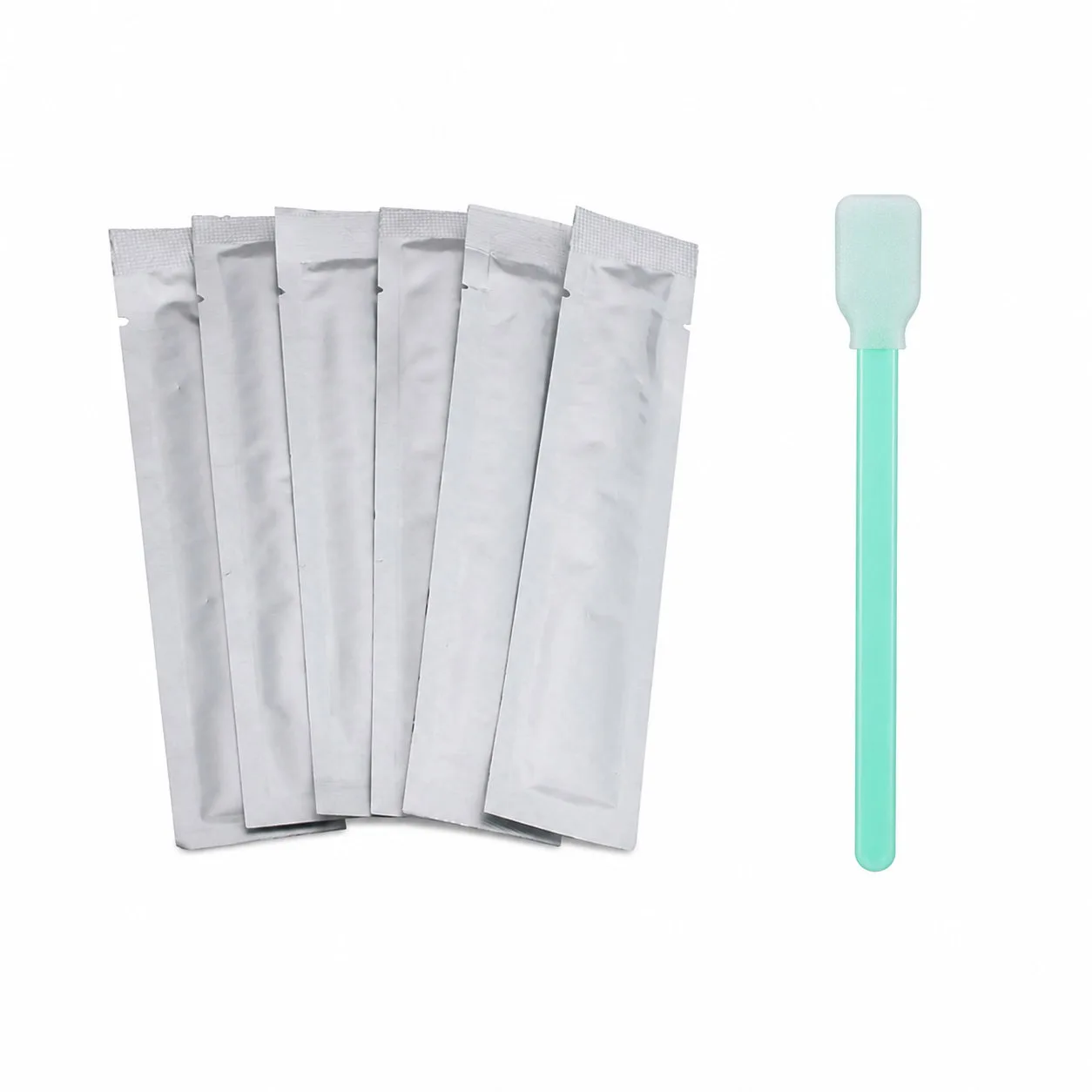
Dedicated sensor swabs are designed specifically for the delicate surface of your camera's sensor. Unlike cotton buds or lens cloths, they are lint-free, anti-static, and individually wrapped to avoid introducing new dust or moisture. The swab width is matched to your sensor size, ensuring even pressure across the entire surface.
Know when to stop
Sensor cleaning is not risk-free. If you see streaks, oil, or stubborn spots that won't lift with a swab, or if you're nervous about touching the sensor, it's wise to stop and take your camera to a professional. A scratched or damaged sensor is far more expensive to fix than a cleaning service.
Step-by-Step Sensor Cleaning Guide
- Step 1: Prepare your camera: Ensure your camera battery is fully charged to prevent the mirror or shutter from closing mid-cleaning. Set the camera to 'Sensor Cleaning' mode (found in the menu) to lock the mirror up and expose the sensor. Check your manual for the correct sensor cleaning mode—this is not the same as the regular cleaning mode.
- Step 2: Use a blower first: Use a hand-operated air blower to remove loose dust and particles from the sensor surface. Never use canned air, as the propellant can freeze and damage the sensor. If the blower doesn't remove all dust, proceed to the next step. If it does, you're done—don't risk unnecessary swabbing.
- Step 3: Choose the right swab: Select a sensor swab that matches your camera's sensor size (e.g., APS-C, full-frame, or 4/3). Use a lint-free, anti-static swab designed for sensors, like the CELLONIC CCD cleaning swabs. Never use cotton buds or regular cloths—they can leave fibers and scratches.
- Step 4: Apply cleaning solution (if needed): If dust is stubborn, apply a small amount of sensor cleaning solution to the swab tip. Do not saturate the swab; it should be damp, not dripping. One or two drops are enough. Check that the swab is not dripping before you touch the sensor—excess liquid can damage the sensor.
- Step 5: Wipe in one direction: With gentle, even pressure, wipe the swab across the sensor in one direction. Do not press hard or drag the swab back and forth. Use a fresh swab for a second pass if needed. If you need to wipe again, use a new swab to avoid redistributing dirt.
- Step 6: Inspect and repeat if necessary: Take a test photo of a plain white wall at a small aperture (e.g., f/16) and check for spots. If spots remain, repeat the cleaning steps with a fresh swab. If streaks or spots persist, consider professional cleaning. If you see streaks or oil, stop—professional help is the safer option.
What to use
-
6 stuks camera sensor reinigingsstaafjes – CCD lens reinigingskit, pluisvrij van CELLONIC: 6 stuks camera sensor reinigingsstaafjes – CCD lens reinigingskit, pluisvrij van CELLONIC. Antistatisch, pluisvrij, individueel verpakt. These anti-static, lint-free swabs are individually wrapped to prevent contamination, making them a safe choice for removing dust and dirt from your sensor without leaving residue.
6 stuks camera sensor reinigingsstaafjes – CCD lens reinigingskit, pluisvrij van CELLONIC


