Quick answer
Clean Lensbaby optics with a blower first, then a soft brush, and only use a microfiber cloth with lens solution for stubborn marks. Always remove the optic from the body before cleaning, and never touch the glass with your fingers. For everyday care, store optics in a dust-free case and keep the mount cap on when not in use.
Why Lensbaby optics need a different cleaning approach
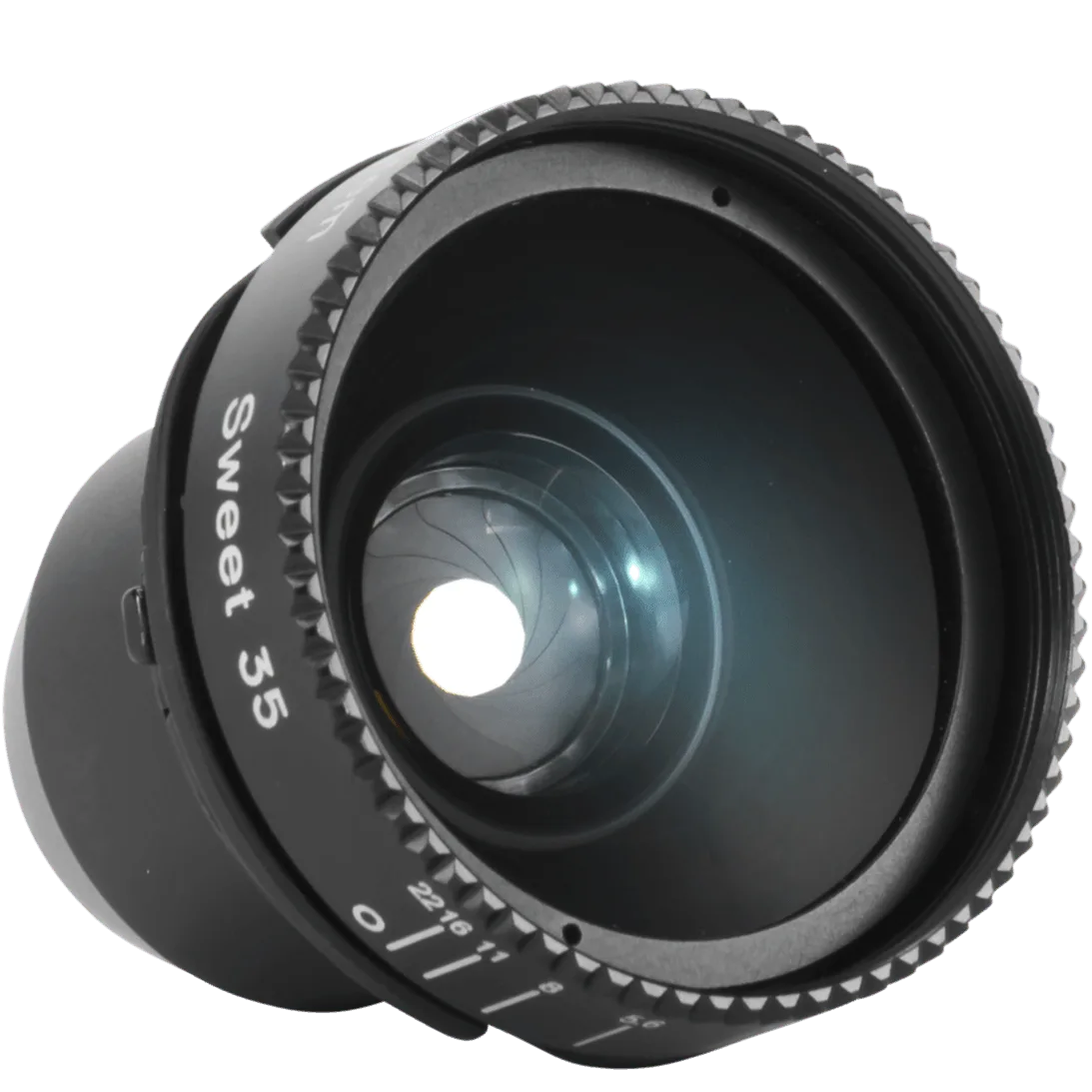
Lensbaby optics are often swapped between bodies, which exposes both the glass and the mount to dust and fingerprints more frequently than a fixed lens. The Sweet 35 Optic, for example, is designed to be moved between compatible bodies, so its rear element and threads see more handling. That means your cleaning routine should focus on the optic itself, not just the front glass. Also, because many Lensbaby optics have a simple optical design, a smear or dust speck can show up more obviously in the sweet spot of focus. Always work in a clean, well-lit area and avoid cleaning outdoors where wind can blow grit onto the glass.
Tools you should and shouldn't use
A rocket blower, a soft lens brush, and a microfiber cloth are the only tools you need for routine care. Lens cleaning solution is fine for fingerprints, but apply it to the cloth, never directly to the lens. Avoid canned air, which can spit propellant, and never use paper towels, tissues, or your shirt. For the mount threads and body, a dry soft brush or a slightly damp cloth is enough. If you use a UV filter for protection, clean it the same way as the lens. Keep a small cleaning kit in your bag so you can address dust before it becomes a scratch.
How to clean the optic swap system without damage
When you remove an optic from a Lensbaby body, place it face up on a clean surface and immediately cap the body mount. Dust that settles on the rear element is harder to remove later. For the optic's rear threads, use a dry brush to sweep away debris before reattaching. If the threads feel gritty, do not force the optic; instead, clean the threads on both the optic and the body with a dry brush. A little grit can cross-thread the mount, which is expensive to repair. After cleaning, test the optic by mounting it and checking that it seats smoothly.
Step-by-step Lensbaby cleaning routine
- Step 1: Prepare your workspace: Work on a clean, well-lit table indoors. Wash and dry your hands, and lay out a rocket blower, soft brush, microfiber cloth, and lens solution. Remove the optic from the body if you use an Optic Swap system, and cap the body mount immediately. Checkpoint: no pets, fans, or open windows nearby that could blow dust onto the glass.
- Step 2: Blow away loose dust: Use a rocket blower to puff air across the front and rear glass at an angle. Never touch the glass with the blower tip. For the Sweet 35 Optic, also blow around the threads and the mount. Common mistake: using canned air, which can spray propellant and leave a residue.
- Step 3: Brush off stubborn particles: If dust remains, use a soft lens brush to gently sweep it away. Brush in one direction, then use the blower again. For the body, brush the exterior and the mount threads. Checkpoint: if you feel grit under the brush, stop and blow again to avoid scratching.
- Step 4: Wipe smudges with a microfiber cloth: Breathe lightly on the glass or apply one drop of lens solution to a microfiber cloth, not the lens. Wipe in a circular motion from the center outward. Use a clean part of the cloth for the final pass. Common mistake: pressing hard. Let the cloth do the work; pressure can damage coatings.
- Step 5: Clean the mount and threads: Use a dry brush or a slightly damp cloth to remove dust from the mount threads on both the optic and the body. Do not use liquid directly on the mount. Let everything dry completely before reassembling. Checkpoint: the optic should mount smoothly with no gritty feeling.
- Step 6: Store properly: Replace front and rear caps on the optic and body cap on the camera. Store optics in a padded case or bag. Keep a silica gel packet in your bag if you shoot in humid conditions. Next step: clean your optics after every outdoor shoot, especially if you swapped lenses in the field.
Product facts
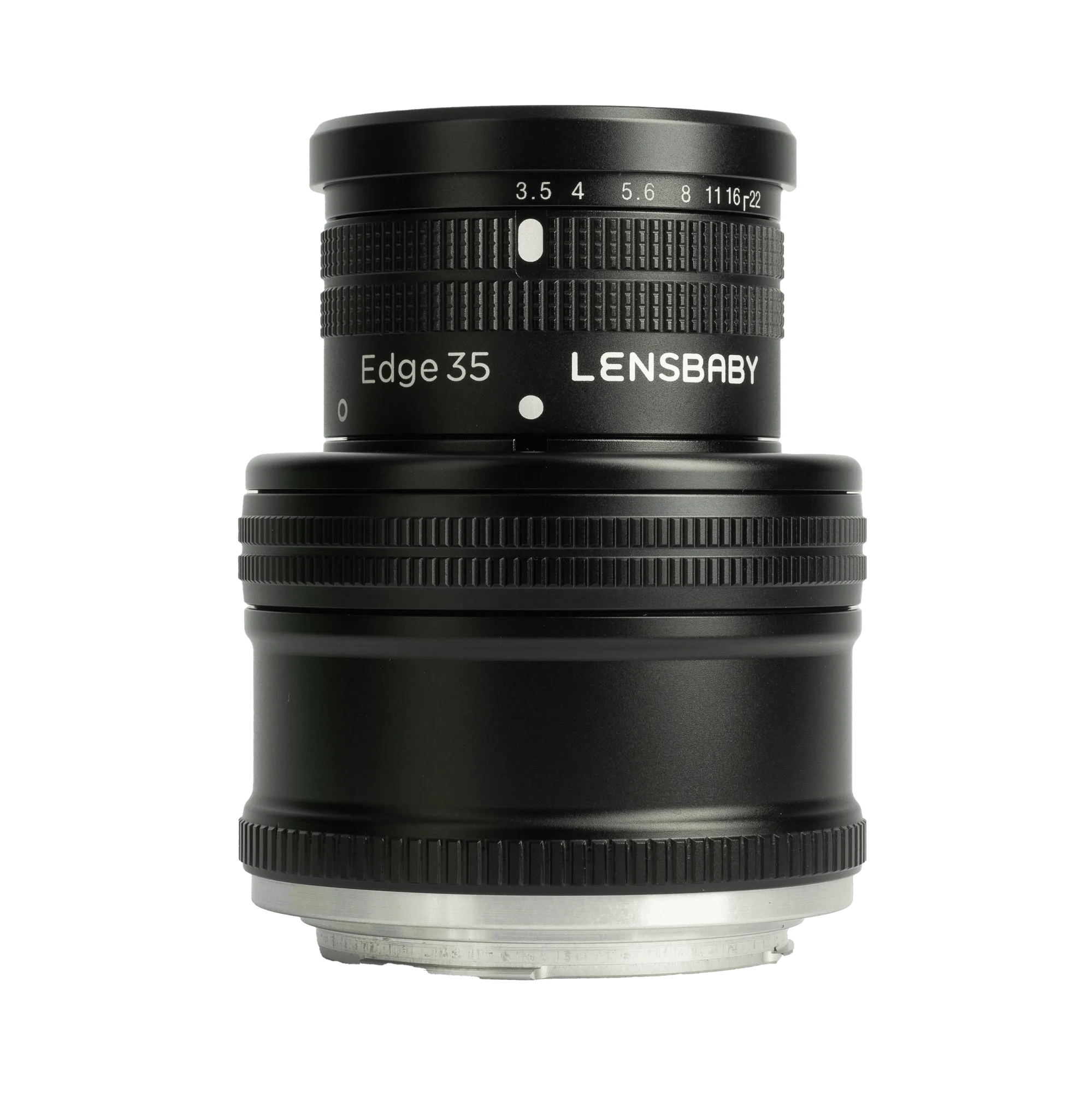
- Fixed Body + Edge 35: Fixed Body + Edge 35 has a 35mm f/3.5 flat field optic built into a fixed body, so there are no interchangeable parts. Because the optic is sealed in the body, you only need to clean the front and rear glass and the exterior; there is no separate optic to remove or clean.
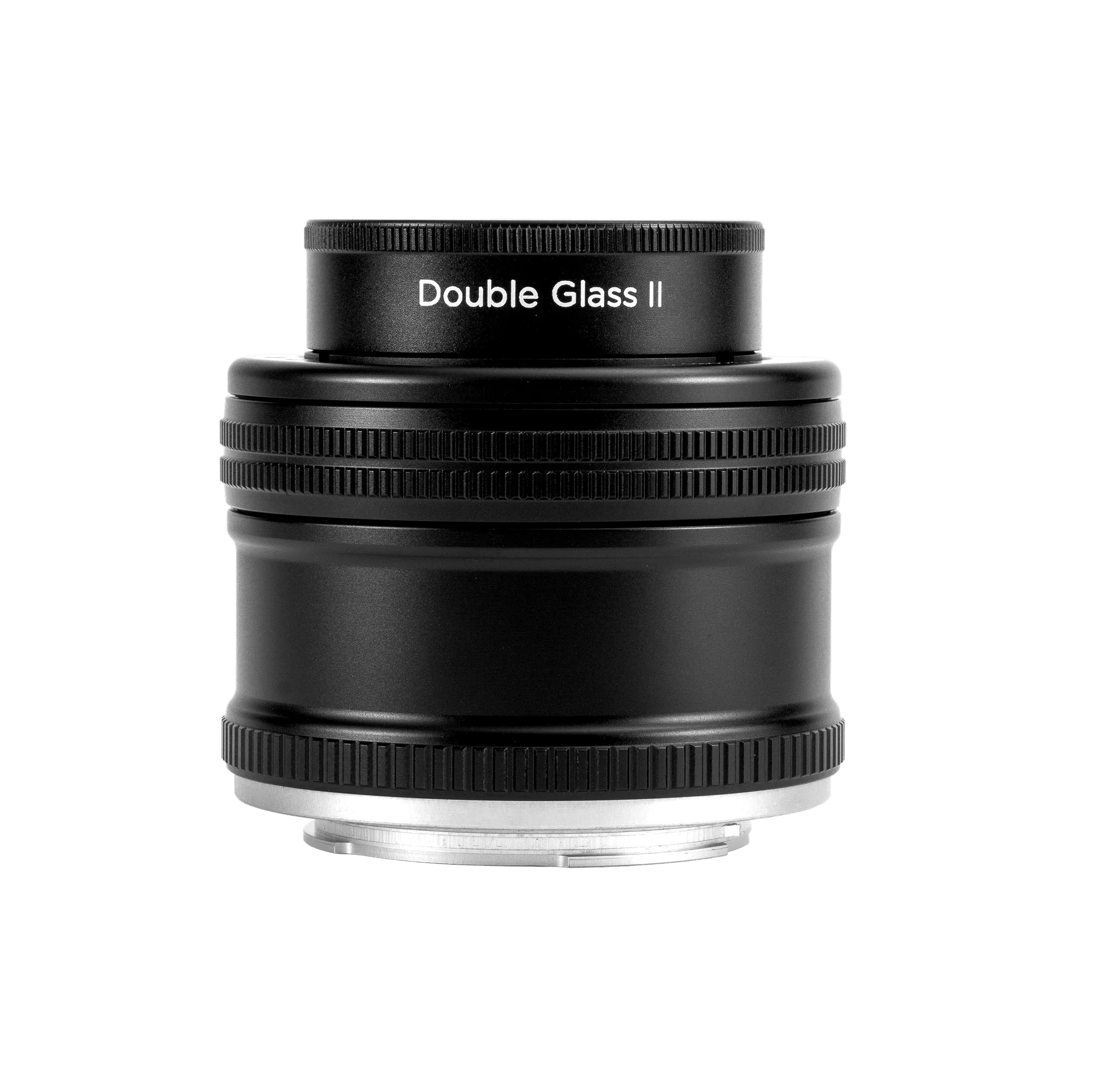
- Fixed Body + Double Glass II: Fixed Body + Double Glass II has a 50mm f/2.5 optic and a fixed bend body, designed for mirrorless and DSLR cameras. The fixed body means fewer entry points for dust, but the bend mechanism can trap debris, so wipe the exterior and use a blower around the moving parts without disassembling.
- Sweet 35 Optic: Sweet 35 Optic is part of the Optic Swap system and can be moved between compatible bodies. Because it is swapped frequently, its rear element and threads are exposed to dust more often, so clean it each time you remove it and always cap both the optic and the body mount.