Quick answer
Clean your Micro Player or Joystick Player with a dry microfiber cloth and a soft brush, never with dripping liquids. Power it off, remove batteries if possible, and work from the screen to the joystick to the shell. A two-minute routine every few weeks prevents sticky buttons and keeps mini arcade games ready to play.
Why micro arcade handhelds need a different cleaning routine
Micro Player and Joystick Player units pack full-size controls into a palm-sized shell, so dust and skin oils have less room to spread. A single sticky button or gritty joystick can change how a game feels. The good news is that these devices have no complex internal fans or vents to service, so most care happens on the surface. The main risks are liquid seeping into button gaps and abrasive cloths scratching the screen or printed artwork.
What you need (and what to avoid)
Gather a dry microfiber cloth, a soft-bristle brush (a clean makeup brush or soft toothbrush works), and a can of compressed air if you have one. For stubborn grime on the shell, a barely damp cloth with a drop of mild dish soap is enough. Avoid paper towels, which can leave lint and micro-scratches, and never spray cleaner directly onto the device. Skip alcohol, ammonia, and abrasive cleaners because they can dull plastic and remove printed labels. If your model has a display tray or screen protector, treat it with the same gentle approach.
How often should you clean?
A quick dry wipe after each heavy play session takes seconds. A deeper clean every two to four weeks is plenty for most homes. If you play daily or live in a dusty or humid climate, aim for a deeper clean every two weeks and store the device in a dry, covered spot. You do not need to open the shell or clean internal components. If a button stops responding after cleaning, stop and check for trapped debris before forcing it.
Step-by-step micro player care routine
- Power down and remove batteries: Turn off the device and take out any removable batteries before cleaning. This prevents accidental button presses and keeps moisture away from the battery compartment. If your model has a rechargeable internal battery, simply power it off and unplug any cable. Checkpoint: the screen should be dark and no cables attached.
- Wipe the screen with a dry microfiber cloth: Use a clean, dry microfiber cloth and wipe in one direction. For fingerprints, breathe lightly on the screen and wipe again. Do not press hard or use paper towels. If a smudge remains, a cloth barely dampened with water is safe, but wring it out so it does not drip. Common mistake: spraying liquid directly on the screen, which can run into the seams.
- Brush around the joystick and buttons: Use a soft-bristle brush to sweep dust and crumbs away from the joystick base and around each button. Work in short strokes toward the edges of the device. If you have compressed air, use short bursts at a distance, never a continuous blast close to the controls. Checkpoint: the joystick should move freely without a gritty feel.
- Clean the shell and grip areas: Wipe the plastic shell with a dry microfiber cloth. For sticky spots, use a cloth barely dampened with water and a drop of mild dish soap, then wipe dry immediately. Pay attention to the areas your palms touch most. Avoid getting moisture into speaker holes, ports, or the battery door. Common mistake: using alcohol or abrasive cleaners, which can dull the finish and fade printed art.
- Dry completely before powering on: Let the device air dry for a few minutes, then buff any remaining moisture with a dry cloth. Make sure the battery compartment and button gaps are dry before inserting batteries or turning the device on. If you used a damp cloth, wait at least ten minutes. Checkpoint: no visible moisture anywhere before you press power.
- Store it dust-proof between sessions: Keep your Micro Player or Joystick Player in a drawer, a soft pouch, or a display case when not in use. Avoid leaving it on a windowsill or in direct sun, which can heat the shell and screen. If you keep it on a shelf, a simple cloth cover or display tray reduces dust buildup. Next step: set a recurring reminder to do a quick dry wipe every two weeks.
Products that benefit from this routine
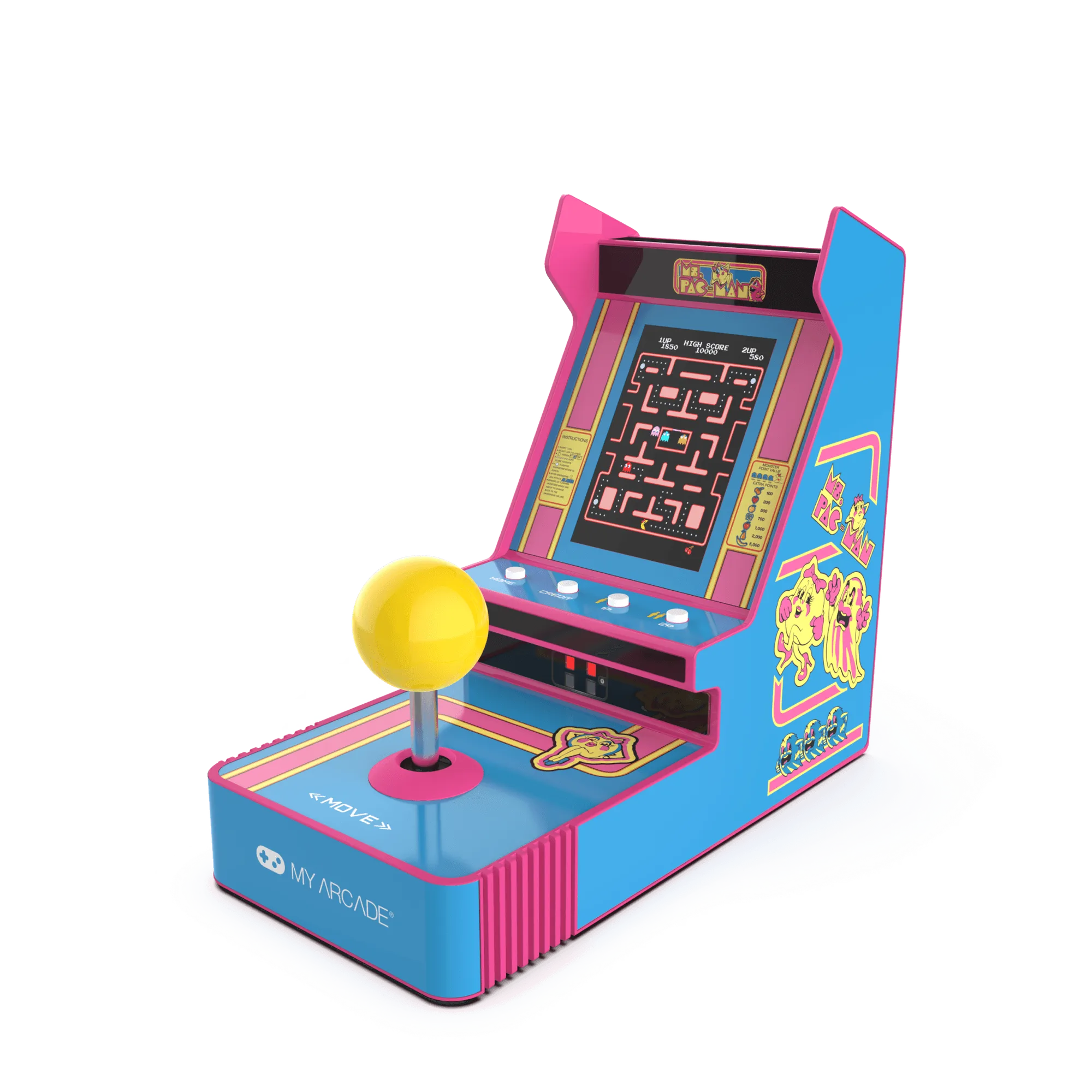
- Ms.PAC-MAN Joystick Player: Ms.PAC-MAN Joystick Player is a handheld game with a joystick and maze-chase action in a portable design. The joystick is the most-touched part, so a soft brush around its base prevents grit from making turns feel rough.
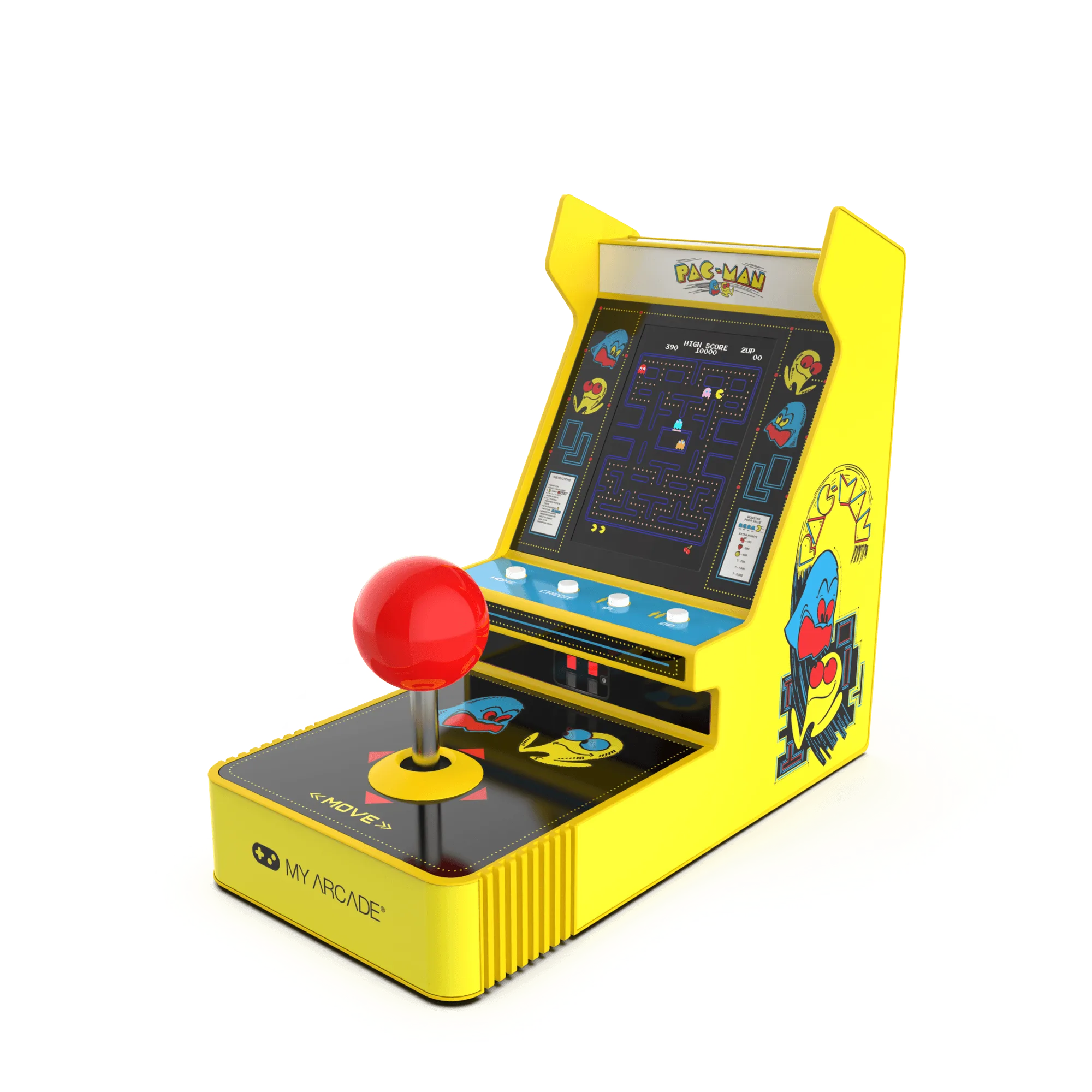
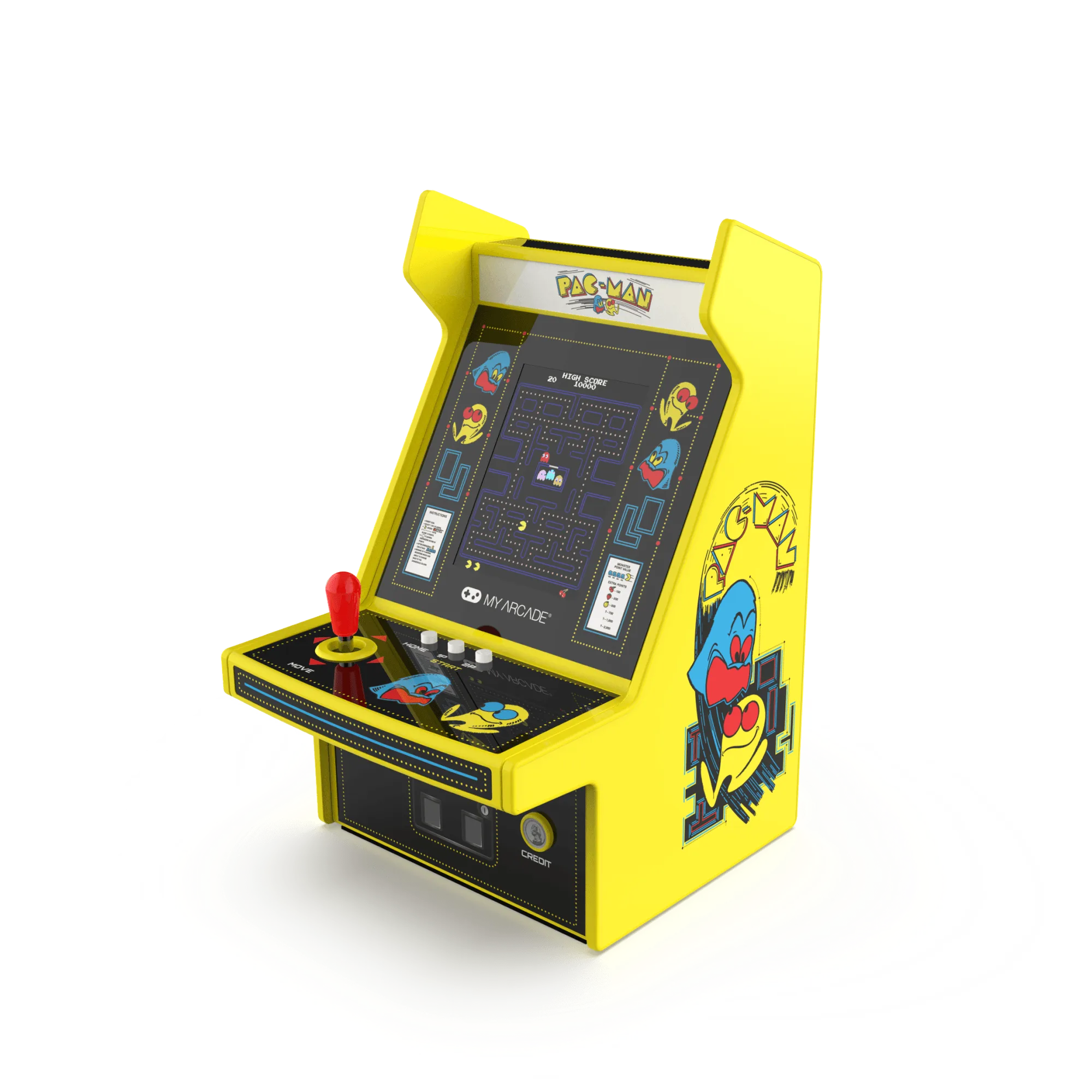
PAC-MAN Joystick Player
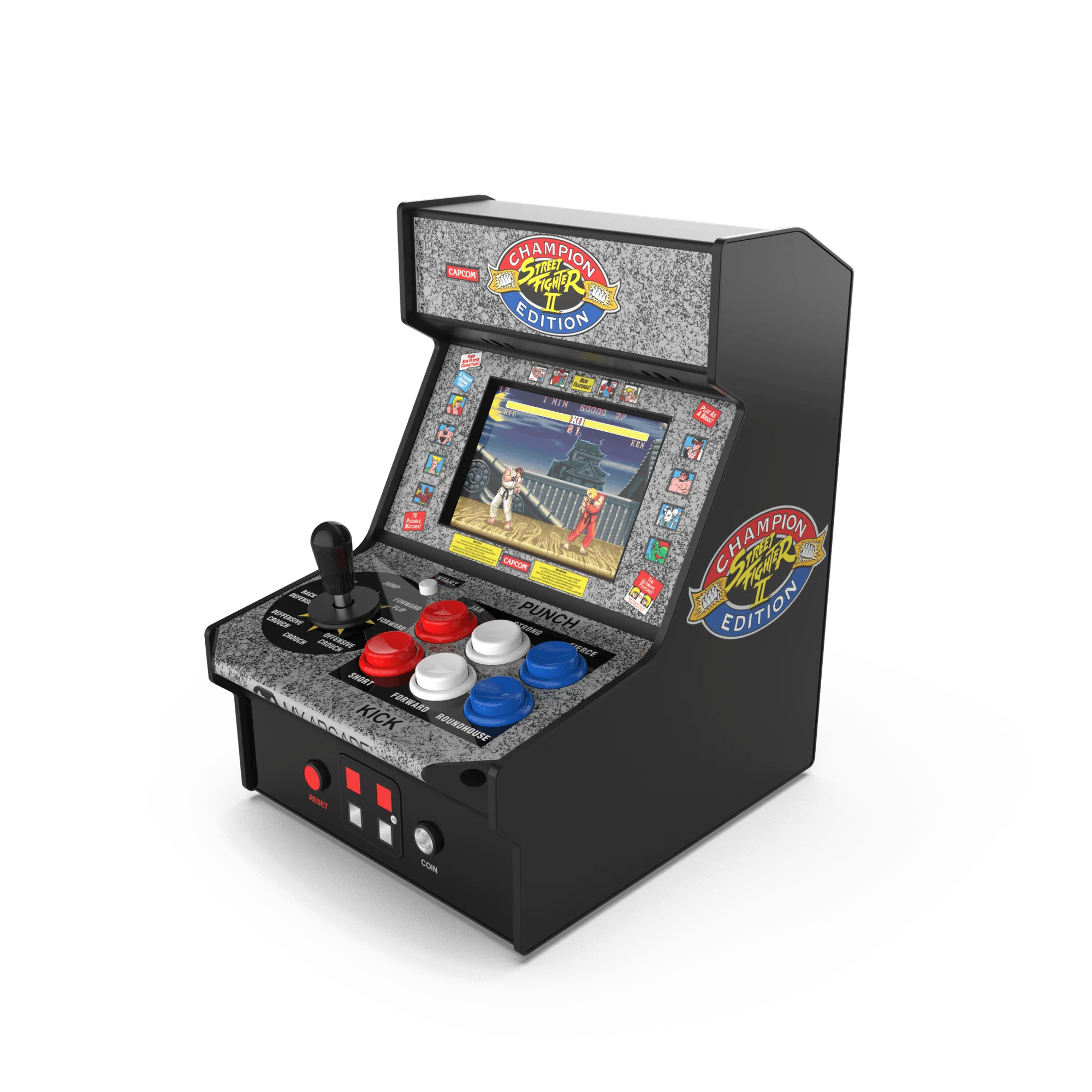
- Street Fighter 2 Champion Edition Micro Player: Street Fighter 2 Champion Edition Micro Player features multi-button combinations and head-to-head gameplay. Frequent button combos mean skin oils build up on the face buttons; a dry wipe after play keeps inputs crisp.
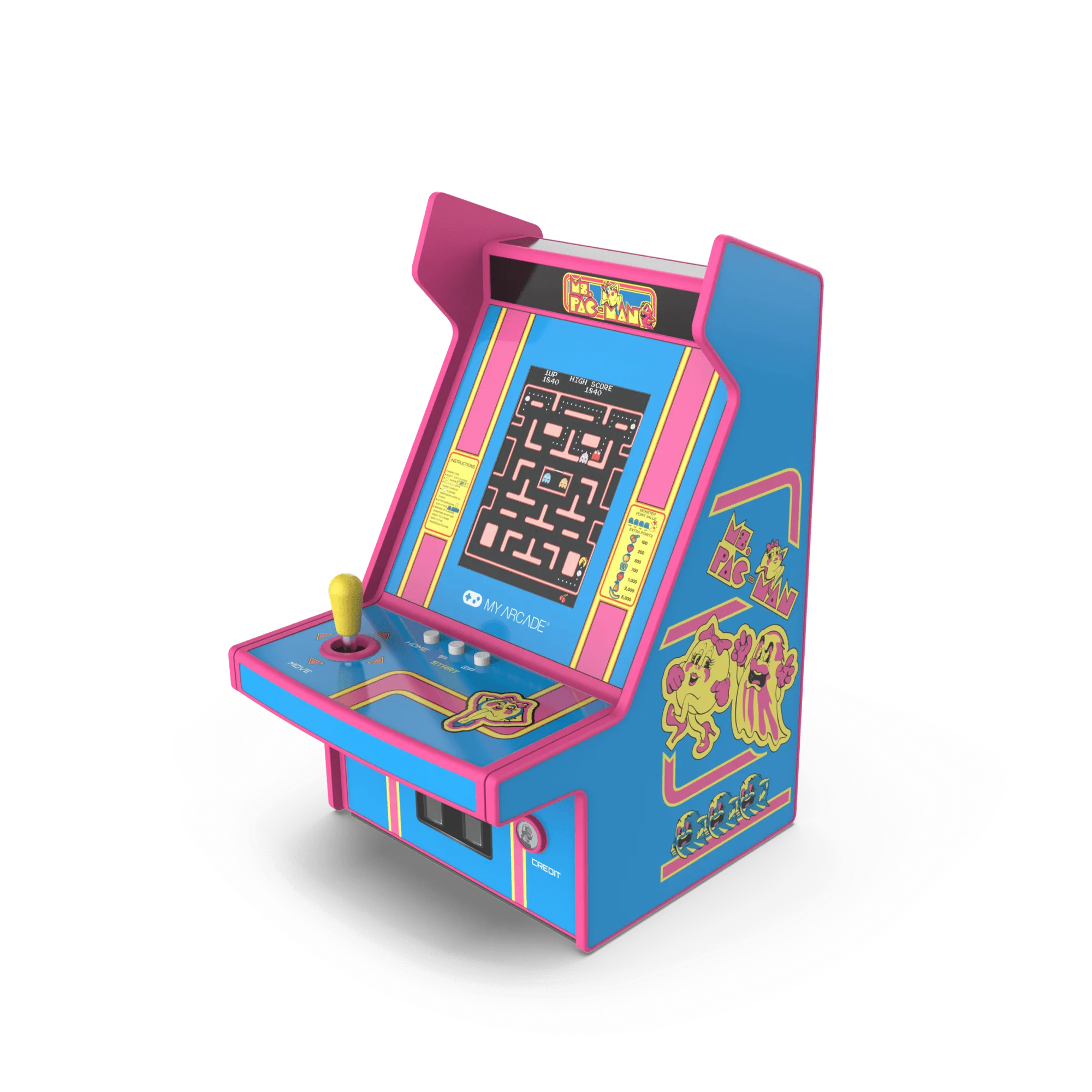
- Ms.PAC-MAN Micro Player Pro: Ms.PAC-MAN Micro Player Pro offers simple, addictive maze-chase gameplay in a compact form. Its straightforward controls make it a good candidate for a quick weekly dry clean and dust cover.