Quick answer
To clean a clear MagSafe case without scratching it, rinse it under lukewarm water, apply a tiny drop of mild dish soap with your fingers, and dry it with a soft microfiber cloth—skip paper towels and harsh brushes entirely.
Why clear cases scratch so easily
Clear cases are usually made of polycarbonate or TPU, and both materials are softer than the glass on your phone. That means dust and grit trapped between your fingers and the case act like sandpaper. A quick wipe with a dry shirt can leave micro-scratches that show up as dull streaks, especially under direct light.
The trade-off is simple: the same transparency that shows off your phone's color also reveals every mark. You can keep the case looking new, but only if you match the cleaning method to the material and avoid the habits that cause most scratches.
Why microfiber beats paper towels
Paper towels, napkins, and most tissues have a rough fiber structure that can leave fine scratches on clear polycarbonate. Microfiber cloths are designed to lift oils and dust without abrasion. If you only remember one rule, make it this: never wipe a dry clear case with anything except a clean microfiber cloth.
What to do about the MagSafe ring
The MagSafe ring on a clear case is usually a separate metal or plastic piece. It can trap lint and fingerprints at the seam, so give it its own gentle wipe. Avoid scraping the ring with a nail or tool — that leaves permanent marks that are much harder to hide than a smudge.
Step-by-Step Cleaning Routine
- Step 1: Remove the case and rinse it: Take the case off the iPhone and rinse it under lukewarm running water. This lifts dust and grit that can scratch the clear back when you wipe it. Do not use hot water, which can warp the frame or weaken the MagSafe ring. Rinsing before wiping removes the abrasive particles that cause micro-scratches.
- Step 2: Wash with mild soap and a soft cloth: Use a drop of dish soap diluted in lukewarm water and a soft microfiber cloth. Gently wipe the inside and outside, including the MagSafe ring area. Avoid paper towels, abrasive sponges, or any alcohol-based cleaner, which can strip the oleophobic coating or damage the clear finish. Check the cloth for grit before touching the case; one trapped grain can scratch the surface.
- Step 3: Rinse and dry with a separate microfiber cloth: Rinse the case under lukewarm running water to remove soap residue, shake off excess, then pat dry with a clean lint-free microfiber cloth. Let it air-dry completely before reinstalling to avoid trapping moisture between the case and your iPhone. Dry the case fully before reattaching it to your iPhone 17 Pro Max to keep the MagSafe ring and ports clear of moisture.
- Step 4: Remove smudges and fingerprints safely: Use a soft, lint-free microfiber cloth slightly dampened with water. Wipe in one direction and finish with a dry pass. For stubborn smudges, use a drop of mild dish soap diluted in water; avoid alcohol or ammonia-based cleaners that can strip the clear coating. If fingerprints return quickly, check your hands for lotion or sunscreen residue before touching the case.
- Step 5: Dry and reattach: Pat the case dry with a clean microfiber cloth and let it air-dry for a few minutes before snapping it back on. Check the MagSafe ring area for trapped moisture or dust, and reattach the case only when fully dry. Reattach the case only after it is completely dry to avoid trapping moisture against the phone.
Cleaning a clear MagSafe case on your iPhone 17 Pro Max
-
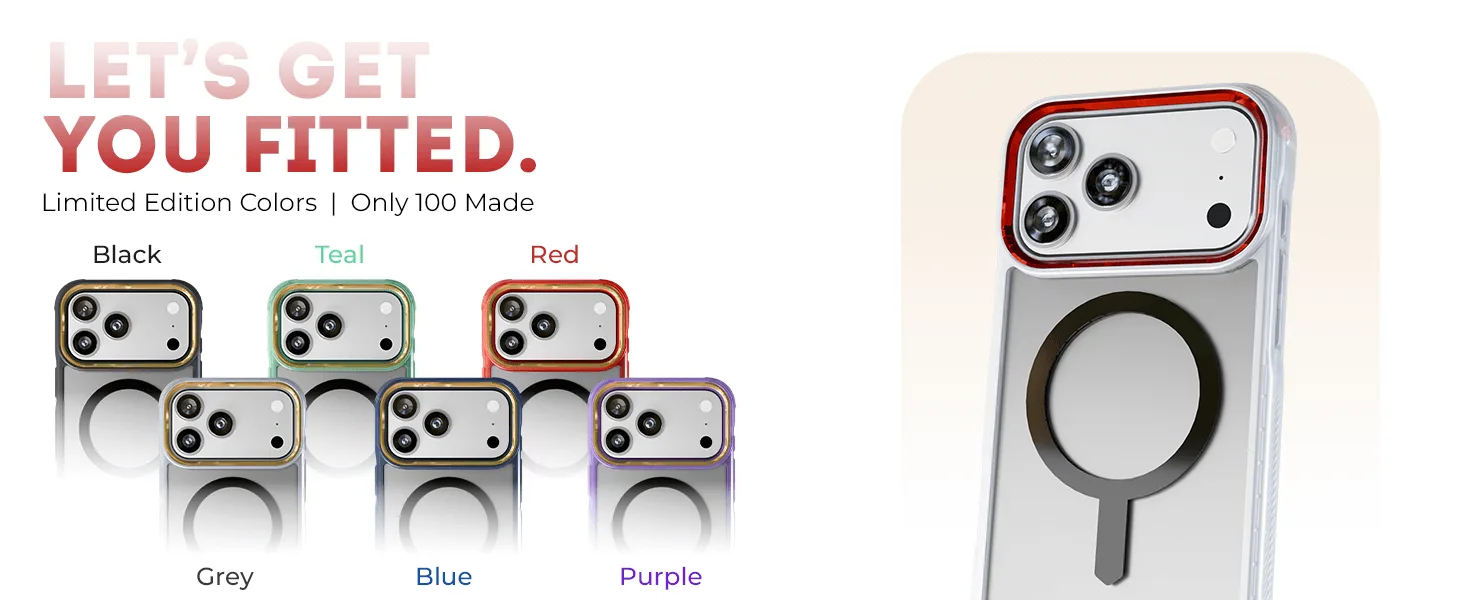
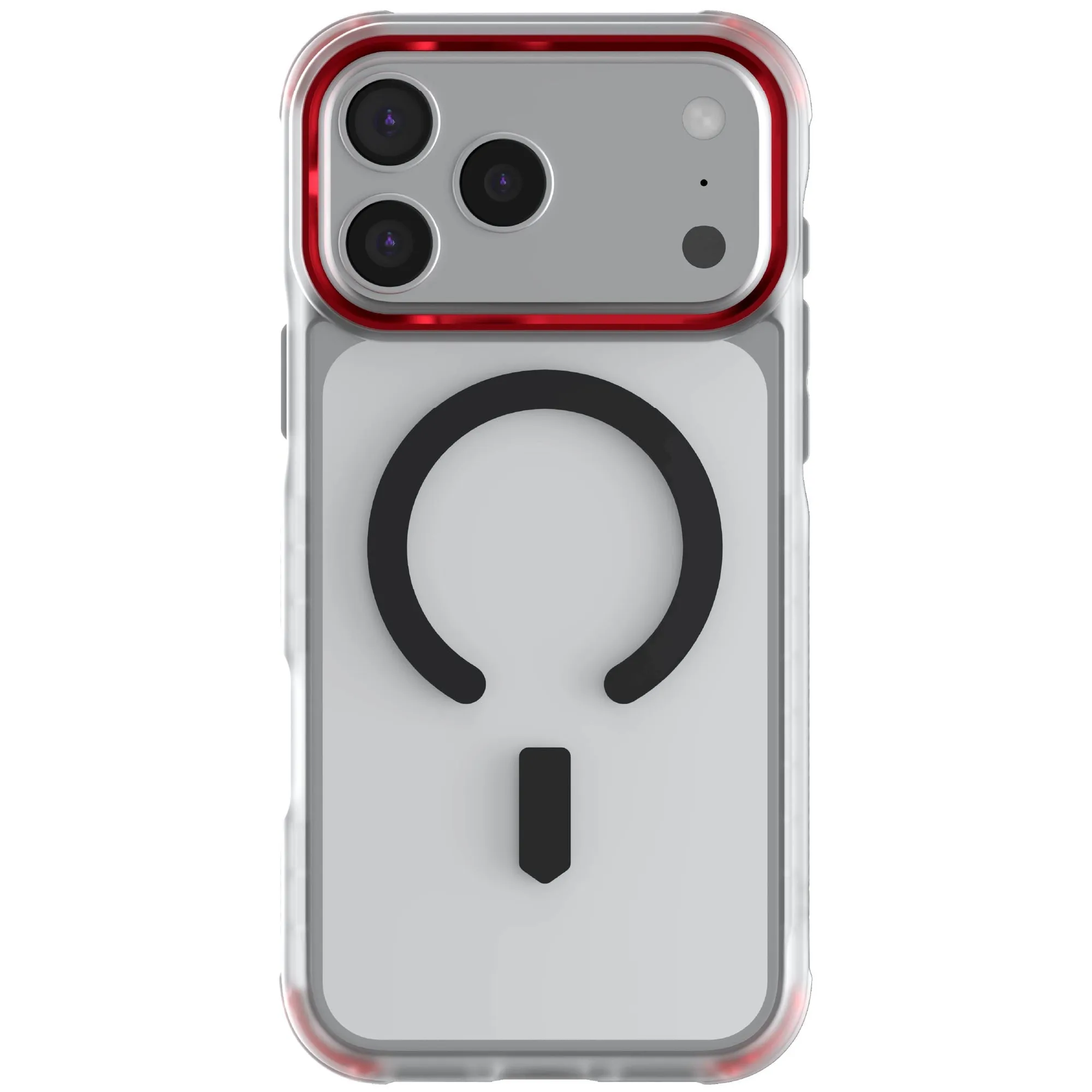
iPhone 17 / Air Series Protective Clear MagSafe Cases — COVERTiPhone 17 Pro Max / Red: The GHOSTEK COVERT clear MagSafe case for iPhone 17 Pro Max is designed with a clear protective finish that shows off the phone's original color and works with MagSafe accessories. Keeping the transparent panel smudge-free preserves the look the case is designed for, and the MagSafe ring needs gentle care so it keeps snapping onto chargers cleanly.
iPhone 17 / Air Series Protective Clear MagSafe Cases — COVERTiPhone 17 Pro Max / Red