Quick Answer
To clean a Galaxy S24 screen protector without smudges, use a dry microfiber cloth first, then a lightly dampened one, and finish with a final dry polish. Avoid paper towels, harsh chemicals, and excessive pressure.
Why Smudges Keep Coming Back
Even the best tempered glass screen protector will show fingerprints and smudges over time, especially if you use your phone throughout the day. The natural oils from your skin, along with dust and lint, create a film that regular wiping often just pushes around.
The key to a streak-free finish is using the right cloth and the right motion. A dry microfiber cloth lifts oils without spreading them, while a slightly damp cloth helps dissolve dried-on residue. Avoid using your shirt, paper towels, or tissues, as these can leave fibers and even cause micro-scratches on the glass.
What to Avoid When Cleaning
Some common cleaning habits can damage the oleophobic coating on your screen protector or leave residue behind. Stay away from window cleaners, vinegar, or any product containing alcohol or ammonia, as these can strip the protective layer over time.
Also, be careful with water: too much moisture can seep into the edges of the protector and weaken the adhesive. Always wring out your cloth thoroughly before wiping, and never spray liquid directly onto the screen.
Step-by-Step Cleaning Routine
- Dry wipe with a microfiber cloth: Use a clean, dry microfiber cloth to gently wipe the entire screen in a circular motion. This removes loose dust and most fingerprints without needing any liquid. If smudges remain after this step, proceed to the next step.
- Lightly dampen the cloth: Dampen a corner of the microfiber cloth with a few drops of water (or a 50/50 water and isopropyl alcohol solution, used sparingly). Wring it out so it's barely damp, then wipe the screen again to break up stubborn oils. Never spray liquid directly on the screen; always apply to the cloth.
- Dry polish with a fresh area: Use a dry part of the microfiber cloth to buff the screen in a gentle, circular motion. This removes any remaining moisture and gives a streak-free shine. A final dry pass is what eliminates streaks—don't skip it.
- Check for dust and lint: Hold the phone at an angle to catch any remaining lint or dust. If you see any, use a piece of low-tack masking tape (or a lint roller) to gently lift them off without pressing hard. This step prevents tiny particles from scratching the glass during future wipes.
Product Facts
-
Galaxy S24 Series Tempered Glass Screen Protectors — Screen Protection: Precision-cut tempered glass tailored for Galaxy S24 series devices. A well-fitted protector leaves no gaps for dust or moisture to collect, which makes cleaning easier and keeps edges from peeling.
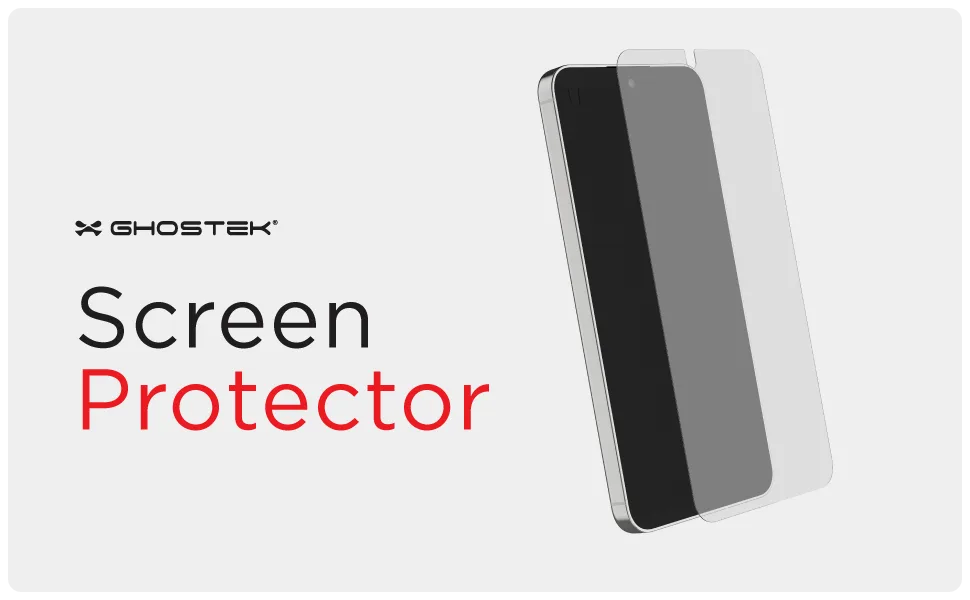
Galaxy S24 Series Tempered Glass Screen Protectors — Screen Protection
-
Galaxy S24 Series Tempered Glass Screen Protectors — Screen Protection: High transparency maintains the vivid clarity of your display. A clear protector shows smudges more easily, so proper cleaning habits help you enjoy the full brightness and sharpness of your screen.