Quick answer
Hand wash your gaming mousepad in lukewarm water with a drop of mild dish soap, rub gently with your fingertips, rinse until the water runs clear, then press it flat between two towels and air dry away from direct heat. Skip the washing machine, the dryer, and harsh cleaners, because heat and agitation are what warp edges and break down the cloth surface.
A gaming mousepad collects skin oil, dust, snack crumbs, and dead skin cells faster than almost anything else on your desk. That buildup does not just look bad. It changes how your mouse glides, and it can make tracking feel inconsistent from one day to the next.
The good news is that most cloth mousepads are tougher than people think, as long as you avoid heat and harsh chemicals. This guide walks through a safe cleaning routine, then covers the ongoing habits that keep a pad feeling new for years instead of months.
Before you start: know what your pad is made of
Most gaming mousepads are cloth-topped with a rubber or foam base, and that combination responds well to gentle hand washing. Hard pads, glass pads, and RGB pads with built-in lighting are a different story. For those, check the manufacturer's instructions first, because water can damage electronics and some coatings do not tolerate soap.
If your pad has stitched edges, you are in luck. Stitching holds the layers together and resists fraying, so it tolerates a gentle wash better than a raw cut edge. If the edges are already peeling or curling, clean it anyway, but handle those spots carefully and expect the damage to stay visible.
- Check the label or product page before washing anything with electronics or a hard surface.
- When in doubt, test a small corner first and let it dry completely before washing the whole pad.
What you actually need
You do not need a special kit. Lukewarm water, a drop or two of mild dish soap, and a soft cloth or your own fingertips will handle almost every mess. A soft-bristled brush, like an old toothbrush, helps with textured edges and stubborn spots near where your wrist rests.
Avoid laundry detergent, bleach, vinegar, alcohol, and abrasive sponges. Those can strip the surface coating, fade printed art, or leave residue that makes the pad feel tacky. If your pad has a printed design, treat it like a printed shirt and keep the cleaning mild.
- Never soak a pad overnight. A few minutes is plenty.
- Use cool or lukewarm water only. Hot water is the fastest way to warp a rubber base.
How often you should clean it
For daily use, a quick wipe every week or two keeps oil from settling in. A full wash every one to three months is enough for most setups, depending on how much you eat at your desk and whether you have pets. If your mouse starts feeling sticky or the surface looks shiny in the middle, that is your cue to wash it sooner.
If you share your desk with a cat or dog, expect to clean more often. Pet hair works its way into the weave and is much easier to remove before it mats down.
- Shiny or slick patches mean oil has built up.
- Visible crumbs and hair mean it is time for a full wash, not just a wipe.
Drying matters as much as washing
After rinsing, lay the pad flat on a clean towel and press another towel on top to absorb excess water. Do not wring or twist it. Then let it air dry completely, flat, away from radiators, direct sun, and hair dryers. Heat is what causes curling and delamination, not water.
A thick pad may take several hours to dry all the way through. If the base still feels cool or damp, give it more time. Putting a damp pad back on your desk can trap moisture underneath and encourage that musty smell.
- Never put a mousepad in the dryer, even on low.
- If you are in a hurry, point a room-temperature fan at it instead of using heat.
Your mousepad cleaning routine, step by step
- Unplug and clear your desk: Turn off your mouse, move your keyboard aside, and take a photo of your cable routing before you unplug anything. Lift the pad straight up rather than dragging it across the desk. Checkpoint: if the pad is stuck to the desk, slide a credit card under an edge instead of pulling.
- Shake and vacuum loose debris: Take the pad outside or over a trash can and give it a firm shake. Then run a vacuum hose with a brush attachment over both sides on low suction to lift hair and crumbs before they turn into mud. Common mistake: skipping this step and going straight to water, which grinds grit deeper into the weave.
- Mix a mild soap bath: Fill a sink or tub with lukewarm water and add one or two drops of mild dish soap. Swirl it in with your hand. The water should feel barely soapy, not slippery. Checkpoint: if you see thick suds, you used too much soap and will need extra rinsing later.
- Wash gently with your fingertips: Submerge the pad and rub the surface in slow circles with your fingertips or a soft cloth. Pay extra attention to the wrist area and the center where your mouse travels most. Do not scrub, fold, or twist the pad. Common mistake: using a scrub brush or sponge, which pills the cloth surface and dulls printed art.
- Rinse until the water runs clear: Drain the soapy water and refill with clean lukewarm water. Press down on the pad gently to push water through it, then drain and repeat until no bubbles appear and the water is clear. Checkpoint: leftover soap residue is the main reason a pad feels tacky after washing.
- Press out water, never wring: Lay the pad flat on a clean dry towel, fold the towel over it, and press down with your palms. Do not twist or wring the pad, because that is how rubber bases separate from the cloth top. Common mistake: hanging a wet pad over a shower rod, which stretches it out of shape.
- Air dry flat, away from heat: Place the pad flat on a drying rack or clean towel in a well-ventilated room. Keep it out of direct sunlight and away from radiators, space heaters, and hair dryers. Let it dry fully, which can take several hours for a thick pad. Checkpoint: the base should feel room temperature and completely dry before it goes back on the desk.
Desk gear worth pairing with a clean setup
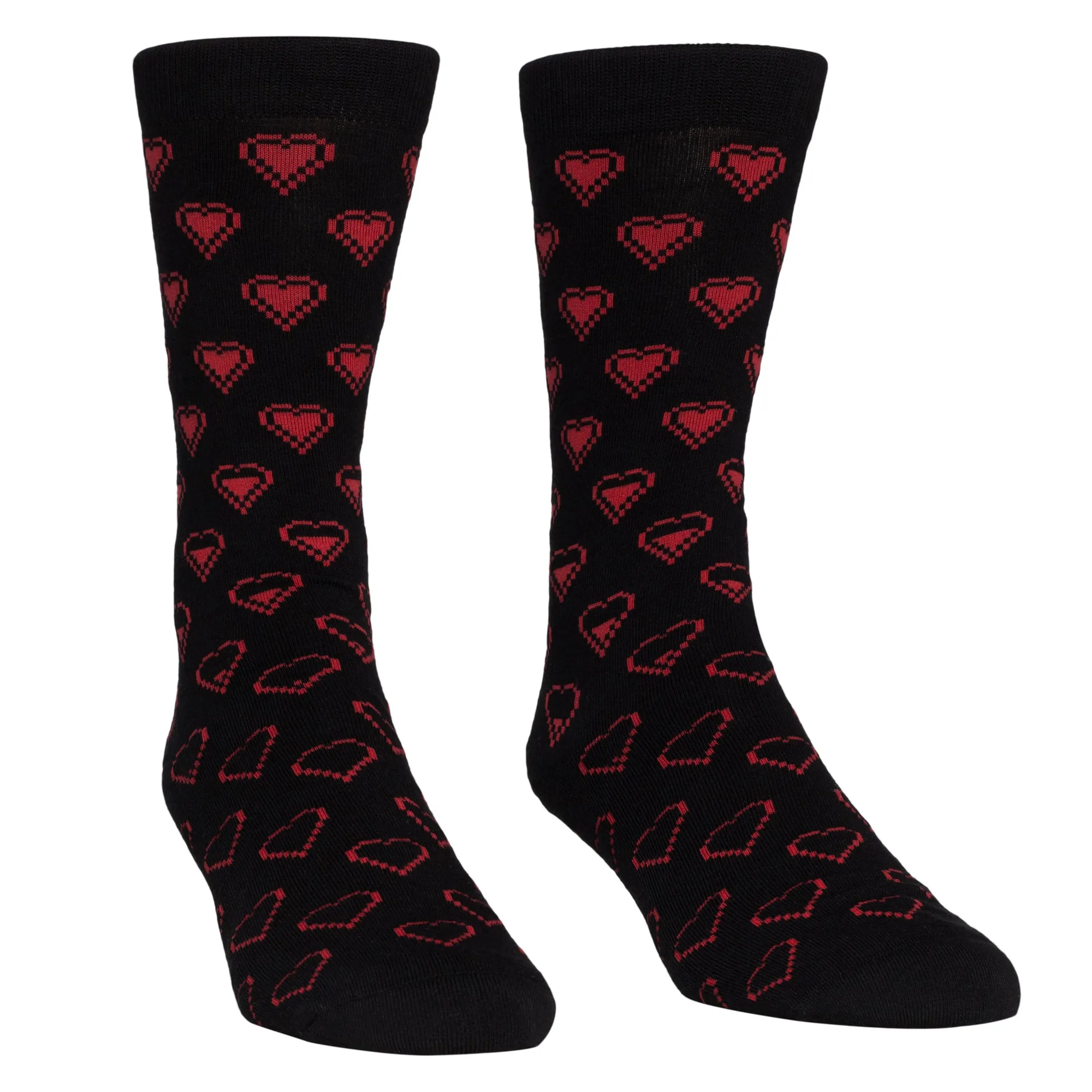
- Sanshee - Gaming Hearts Crew Socks: High quality combed cotton knit socks that approximately fit men's shoe 7-13 and women's shoe 5-10, made from 76% combed cotton, 10% spandex, 9% nylon, and 5% elastic. If you game barefoot or in socks, a soft cotton knit keeps lint and sweat off your pad compared to rougher fabrics, which means fewer washes over time.
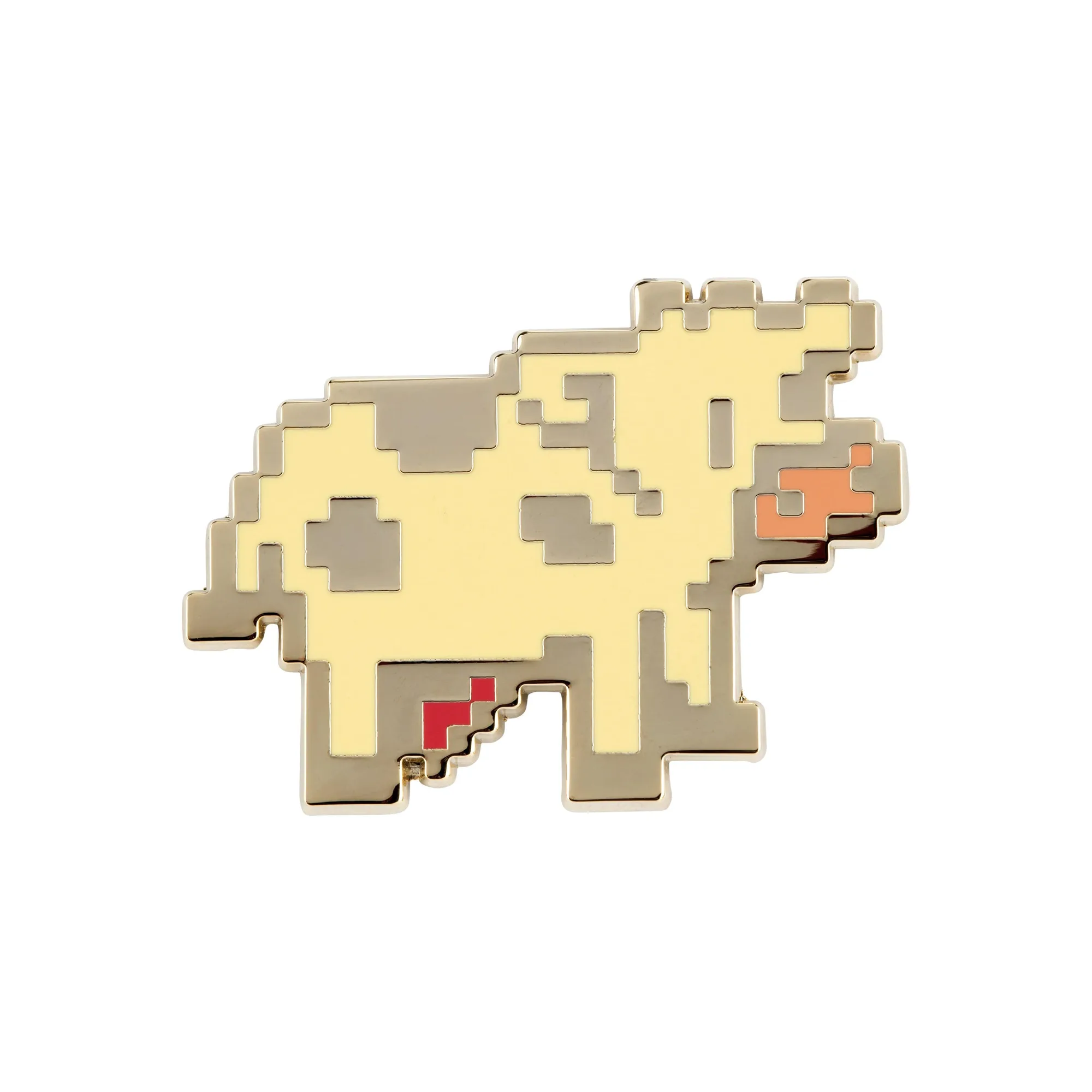
- Stardew Valley - Pixel Cow Pin: An officially licensed Stardew Valley hard enamel pin, approximately 1.5 in. by 1.25 in., with a gold finish and locking back. A pin like this is a low-maintenance way to personalize a desk or bag without adding clutter that traps dust near your mousepad.
A clean mousepad is one of the cheapest upgrades you can make to your setup. Hand wash it gently, dry it flat, and skip the shortcuts that warp edges, and the surface will keep its glide through years of late-night sessions.