Quick answer
Clean your iPhone lens with a microfiber cloth and a blower first; only use a lens-safe solution if needed. For cases, match the material: mild soap for silicone, leather conditioner for leather, and avoid alcohol on coated lenses. Always remove add-on lenses before cleaning.
Your iPhone lens and case take a beating every day—pocket lint, fingerprints, rain, and the occasional drop. But cleaning them wrong can scratch glass or strip protective coatings, especially on add-on lenses like SANDMARC's multi-coated optics. This guide gives you a safe, step-by-step routine that works for any iPhone lens and case material.
We'll cover the tools you need, how to handle different case materials, and specific care for SANDMARC lenses. You'll also learn the one mistake that ruins more lenses than dirt ever will.
Tools you actually need (and what to avoid)
You don't need a lab kit. A microfiber cloth, a rubber air blower, and a lens pen or soft brush handle 90% of cleaning jobs. For stubborn smudges, add a few drops of lens cleaning solution or distilled water on a cloth—never directly on the lens. Avoid paper towels, tissues, and rough fabrics; they can leave micro-scratches that dull sharpness over time.
For cases, a soft toothbrush helps reach speaker cutouts and camera ridges. Leather cases need a different approach: a damp cloth and a dedicated leather conditioner. Alcohol wipes are fine for silicone or TPU cases but will dry out leather and can damage oleophobic coatings on lenses.
- Microfiber cloth (at least two: one for lenses, one for cases)
- Rubber air blower or soft-bristle brush
- Lens cleaning solution or distilled water
- Leather conditioner for leather cases
- Avoid: paper towels, alcohol on lenses, abrasive cleaners
How to clean your iPhone lens safely
Start by blowing off loose dust with an air blower. If you skip this, you'll grind grit into the glass when you wipe. Next, use a dry microfiber cloth in a gentle circular motion. For fingerprints or oil, breathe lightly on the lens and wipe again—your breath provides just enough moisture without chemicals.
If a smudge persists, apply one drop of lens solution to your microfiber cloth (not the lens) and wipe gently. Then dry with a clean, dry part of the cloth. Never spray liquid directly onto the lens; it can seep into the housing and cause fogging or damage. This method works for both your iPhone's built-in lenses and add-on lenses.
- Always blow before you wipe
- Use circular motions, not back-and-forth scrubbing
- One drop of solution on cloth, never on lens
Caring for SANDMARC lenses and coatings
SANDMARC lenses use premium multi-coated optics, which means the coating is your image quality's best friend—and its most delicate part. Avoid alcohol, ammonia, or abrasive cleaners; they can strip the coating and reduce contrast and color accuracy. Stick to the dry microfiber method first, and only use lens-safe solution when necessary.
When your SANDMARC lens isn't on your iPhone, store it in its dedicated case. The case protects the glass and keeps dust off. If you use a clip mount, clean the clip's contact points with a dry cloth to prevent grit from transferring to your lens or iPhone.
- No alcohol or ammonia on coated lenses
- Store lenses in their case when not in use
- Clean clip mounts to avoid scratching
How to clean different iPhone case materials
Silicone and TPU cases: remove the case, rinse with warm water and mild soap, then scrub with a soft toothbrush. Dry completely before putting it back on. Leather cases: wipe with a damp cloth, then apply a leather conditioner to keep the material supple and prevent cracking. Avoid soaking leather or using alcohol-based cleaners.
For clear cases, avoid alcohol as it can cause clouding. A mild soap and water mix works best. Always remove the case from your iPhone before cleaning to avoid liquid entering ports or speaker grilles.
- Silicone/TPU: mild soap and water
- Leather: damp cloth and conditioner
- Clear cases: avoid alcohol, use mild soap
Common mistakes that damage lenses and cases
The biggest mistake is wiping a dry lens with a dry cloth without blowing off dust first—that's how you create permanent scratches. Another is using household glass cleaner on lenses; it contains chemicals that degrade anti-reflective coatings. For cases, putting a wet case back on your iPhone can trap moisture and cause fogging or corrosion.
Also, don't clean your lens right after using your iPhone in a cold environment; sudden temperature changes can cause condensation. Let it reach room temperature first. And never use compressed air on lenses—it can spray propellant and leave residue.
- Blow before wiping—always
- No household glass cleaner on lenses
- Let your iPhone warm up before cleaning
Your 5-step cleaning routine
- Remove add-on lenses and case: Take off any SANDMARC lens and your iPhone case. This prevents liquid from seeping into ports and lets you clean all surfaces thoroughly. Checkpoint: Never clean while the lens or case is attached.
- Blow away loose dust: Use a rubber air blower to remove grit from the lens and case crevices. If you skip this, you'll scratch the glass when you wipe. Checkpoint: No visible dust before you touch the lens with a cloth.
- Wipe lenses with a microfiber cloth: Use a clean, dry microfiber cloth in a gentle circular motion. For smudges, breathe lightly on the lens and wipe again. If needed, apply one drop of lens solution to the cloth—never directly on the lens. Checkpoint: Lens should be streak-free and dry.
- Clean the case according to its material: For silicone or TPU, wash with mild soap and warm water, then scrub with a soft toothbrush. For leather, wipe with a damp cloth and apply leather conditioner. For clear cases, use mild soap only—no alcohol. Checkpoint: Case is completely dry before reassembling.
- Reassemble and store properly: Put the case back on your iPhone and attach your lens. When not in use, store SANDMARC lenses in their dedicated cases to keep them dust-free and protected. Final step: Proper storage prevents most future cleaning problems.
Why SANDMARC lenses need gentle care
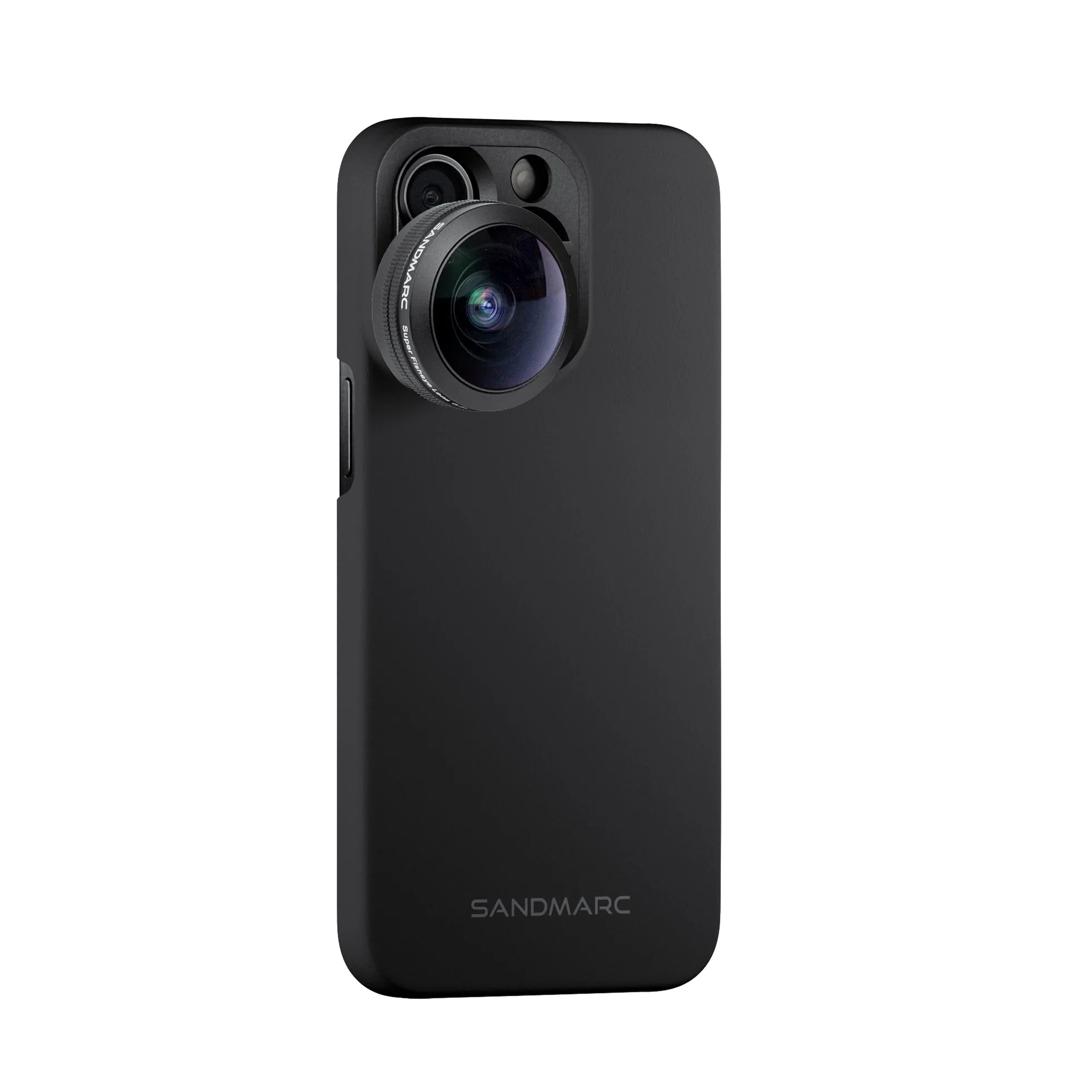
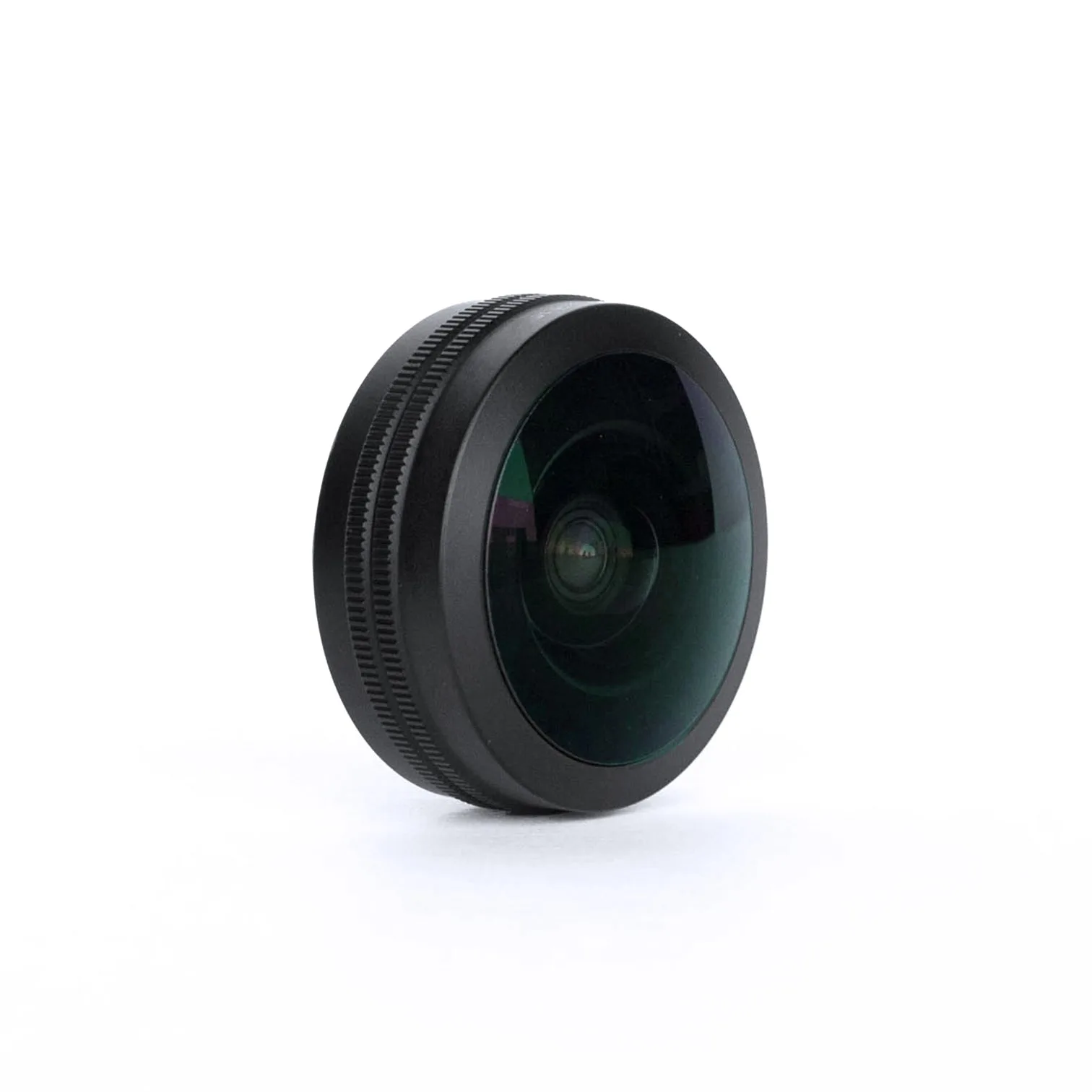
- https://sandmarcefg.com/products/fisheye-lens-edition-iphone-15-pro-max-41018edb5c434893ea13403d-1359077https://sandmarcefg.com/products/fisheye-lens-edition-iphone-15-pro-e8aa72ff7e31366ea9f301a6-1358773https://sandmarcefg.com/products/fisheye-lens-edition-iphone-15-ae4e8ad2350617a10e65faa4-1359067Fisheye Lens Edition - iPhone 15 Pro Max: The SANDMARC Fisheye Lens captures a bold, unique perspective with a 5x ultra-wide field of view, nearly 2x more than the iPhone's built-in Ultra-Wide lens. Its multi-coated glass is sensitive to harsh cleaners; use only microfiber and lens-safe solution to preserve the coating and image quality.
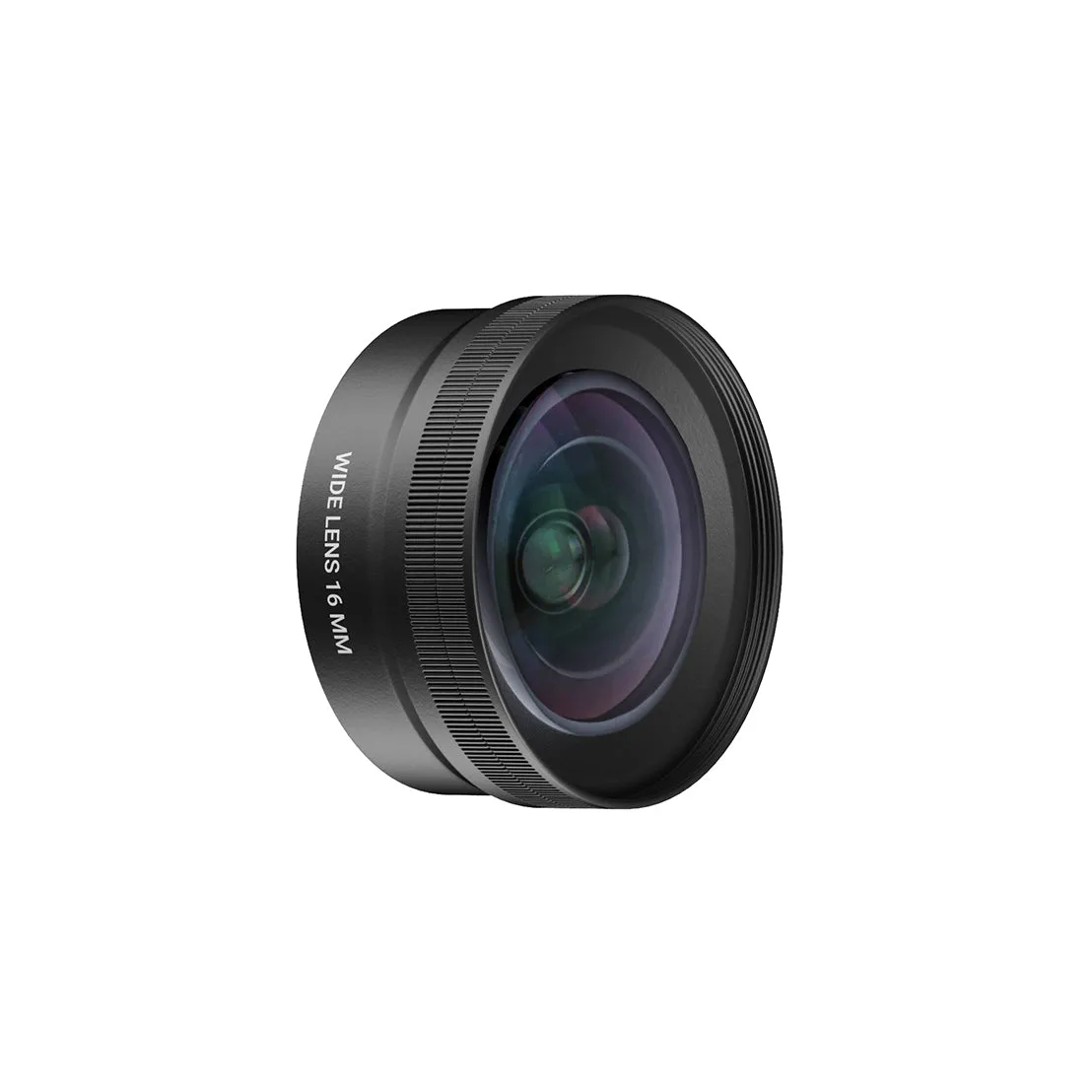
Wide lens
- Ultra Edition - iPhone 17 Pro: The Ultra collection for iPhone 17 Pro is perfect for photographers and filmmakers ready to push their iPhone's limits. With multiple lenses in one kit, each lens needs individual cleaning; store them in their cases to avoid cross-contamination of dust and oil.
- Photography Edition - iPhone 15 Pro: Made from premium multi-coated optics, each lens delivers sharp and stunning images. Multi-coated optics require gentle cleaning to maintain sharpness; avoid abrasive cloths and alcohol-based cleaners.
Cleaning your iPhone lens and case doesn't require expensive tools—just the right technique. Blow off dust, use microfiber, and match your cleaner to the material. With this routine, your SANDMARC lenses and iPhone case will stay clear, protected, and ready for whatever you shoot next.