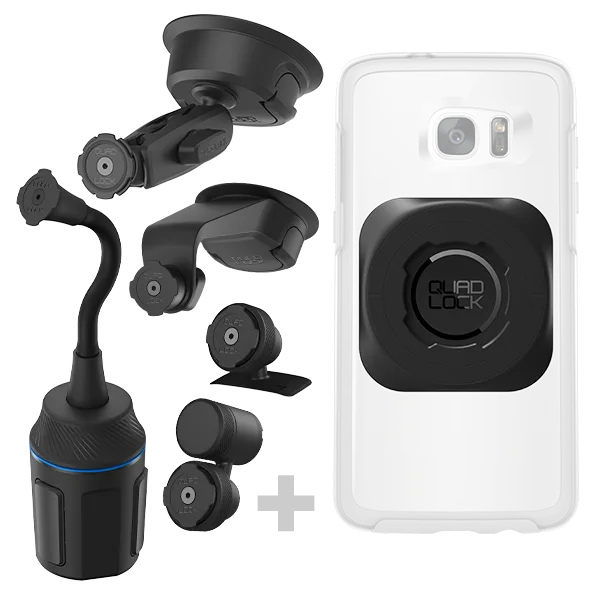
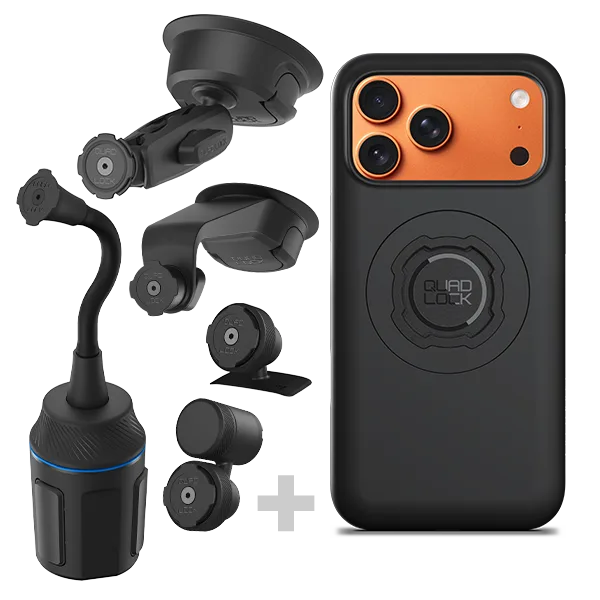
Your Quad Lock case and mounts are built to handle the rigors of daily life, from bumpy bike trails to dusty off-road adventures. But even the toughest gear needs a little TLC to keep performing at its best. Regular cleaning and maintenance not only extend the life of your products but also ensure a secure, rattle-free connection every time you click your phone into place.
In this guide, we'll walk you through simple, effective ways to clean and maintain your Quad Lock case, mounts, and accessories. Whether you're using a MAG Case for quick attachment or a rugged 4x4 car kit for off-road excursions, these tips will keep your gear in prime condition.
Why Regular Maintenance Matters
Your Quad Lock system is designed for reliability, but dirt, dust, and grime can accumulate over time, affecting the locking mechanism and the grip of your mount. A clean case ensures your phone stays secure, while well-maintained mounts provide a stable base for navigation, photos, and more.
Regular maintenance also helps preserve the look of your gear. A quick wipe-down after a muddy ride or a dusty trail keeps your Quad Lock products looking as good as new. Plus, it prevents abrasive particles from scratching your phone or the mount's surfaces.
- Inspect your mount and case regularly for signs of wear or damage.
- Clean your gear after exposure to mud, sand, or salt water.
- Lubricate moving parts sparingly to avoid attracting dirt.
Step-by-Step Cleaning Guide
Start by removing your phone from the case. Use a soft, lint-free cloth slightly dampened with warm water and a mild soap to wipe down the exterior of the case. Avoid harsh chemicals, solvents, or abrasive cleaners, as they can damage the finish and materials.
For the mount, detach it from your handlebar, dashboard, or other surface. Use a soft brush or cloth to remove loose dirt from the locking mechanism and the contact points. Pay special attention to the area where the case clicks into the mount, as debris here can prevent a secure fit.
If you have a charging accessory like the Dual USB 12V Car Charger or a USB to Lightning Cable, wipe the connectors with a dry cloth to remove dust and ensure a good connection. Never submerge electronic components in water.
- Use a toothpick or soft brush to gently remove debris from crevices.
- Dry all parts thoroughly before reassembling.
- Avoid using compressed air, which can push dirt deeper into mechanisms.
Caring for Specific Mounts
Different mounts require slightly different care. For example, the Quad Lock 360 Base - Roll Cage Hose Clamp is exposed to harsh conditions in off-road vehicles. After each adventure, rinse it with fresh water to remove mud and grit, then dry it thoroughly. Check the clamp and hose for any signs of wear or loosening.
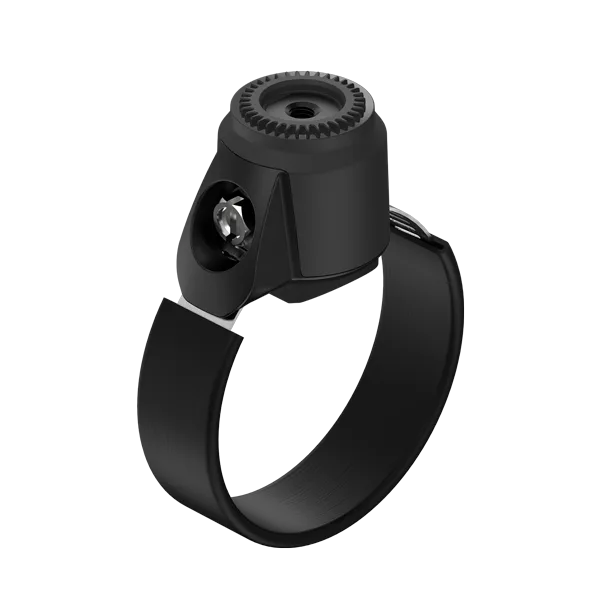
Quad Lock 360 Base - Roll Cage Hose Clamp
For car mounts like the 4x4 Car Kits - iPhone, the adhesive pad may collect dust over time. Clean it with a damp cloth and let it air dry. If the pad loses its stickiness, you can use a mild adhesive restorer or replace the pad. Similarly, the Ball Top Cap Adaptor 4x4 Car Kits - Universal Fit should be wiped down to ensure the ball joint moves smoothly.
- For handlebar mounts, check the rubber pads for cracks and replace if needed.
- For dashboard mounts, avoid exposing them to extreme heat for prolonged periods.
- For tripod mounts like the Tripod/Selfie Stick Kits - Galaxy, extend and retract the legs occasionally to keep the joints moving freely.
Maintaining Your Phone Case
The case is your phone's first line of defense, so keeping it clean is crucial. For standard cases, a soapy water rinse works well. For MAG Cases, avoid using magnetic cleaning tools, as they can interfere with the magnets. Instead, use a soft cloth and gentle strokes.
If your case has a clear back, you may notice yellowing over time due to UV exposure. While this is normal, you can slow it down by keeping the case away from prolonged direct sunlight when not in use. For special editions like the Cases - AirPods - McLaren Edition, follow the same cleaning steps to keep them looking sharp.
Remember to remove the case from your phone periodically to clean both the inside of the case and the back of your phone. This prevents dust from scratching your device.
- Use a microfiber cloth for a streak-free finish.
- For stubborn stains, use a soft toothbrush with mild soap.
- Let the case dry completely before putting your phone back in.
Pro Tips for Long-Lasting Performance
To get the most out of your Quad Lock gear, incorporate maintenance into your routine. After a weekend of riding or off-roading, take a few minutes to clean your mounts and case. This simple habit will keep your equipment functioning smoothly for years.
Store your mounts in a cool, dry place when not in use. Extreme temperatures can affect the materials and adhesives. If you use a charging cable, coil it loosely to prevent damage to the wires.
Finally, always use genuine Quad Lock accessories. Third-party parts may not fit securely and could damage your device or mount. With proper care, your Quad Lock system will continue to provide a reliable, secure connection wherever you go.
- Set a reminder to clean your gear every few weeks, or after heavy use.
- Keep a small cleaning kit with a cloth, brush, and mild soap in your gear bag.
- Check the Quad Lock website for product-specific care instructions.
Regular cleaning and maintenance are key to extending the life of your Quad Lock case and mounts. By following these simple steps, you'll ensure your gear stays secure, functional, and looking great. Ready to upgrade your setup? Explore our range of durable cases and mounts to find the perfect match for your lifestyle.