Quick answer
Clean your Kraken Elite 240 every three to six months: power down and unplug the PC, blow dust out of the radiator fins and fans with short bursts of compressed air, wipe the pump block and tubing with a dry or barely damp microfiber cloth, and never open the closed loop or submerge any part of it. If you see coolant residue, cracked tubing, or the pump gets loud, stop cleaning and contact NZXT support instead.
Dust is the quiet performance thief in any liquid-cooled build. It mats radiator fins, slows fan blades, and forces the Kraken Elite 240 to work harder for the same temperatures. A 20-minute cleaning routine every few months keeps your cooler doing what it was bought to do.
This guide walks through the whole process in order, from safe shutdown to putting the side panel back on. It also flags the mistakes that turn a simple cleaning into a damaged cooler, so you can do the job once and do it right.
Before you touch anything
Shut the PC down through Windows, flip the power supply switch to off, and unplug the power cable. Press the case power button once more to drain residual charge. Give the system 10 to 15 minutes to cool if it was recently running, since radiator fins and the pump housing can stay warm.
Work on a stable, non-carpeted surface in a room with good ventilation. Compressed air blows dust into the air, so avoid doing this next to laundry, bedding, or anything you do not want coated in fine gray fuzz. Keep a microfiber cloth and a soft brush within reach.
- Photograph your fan orientation and cable routing before disassembly if you are not confident you will remember it.
- Keep screws in a small cup or magnetic tray so none roll under the motherboard.
Clear dust from the radiator and fans
Remove the side panel and any front or top filter covering the radiator. Hold fan blades still with a finger or a soft brush before hitting them with air, otherwise the bearings spin faster than they were designed to and wear prematurely. Use short bursts at a slight angle rather than holding the nozzle an inch from the fins.
Work from the clean side of the radiator toward the dusty side so you push debris out rather than deeper in. If the fins are caked, a soft paintbrush loosens the mat first, then compressed air carries it away. Wipe the frame and fan hubs with a dry microfiber cloth.
- Do not use a vacuum nozzle directly on the radiator; static buildup and suction can bend fins.
- If a fan blade is cracked or wobbles when spun by hand, replace the fan rather than cleaning it.
Wipe the pump block and tubing
The pump block sits over your CPU, so treat it gently. Wipe the top and sides with a dry microfiber cloth. If there is sticky residue, dampen a corner of the cloth with distilled water and wring it out until it is barely moist, then dry immediately with a second cloth. Never spray cleaner directly onto the pump or let liquid run toward the CPU socket.
Run your fingers along the tubing to check for stiffness, cracks, or weeping fittings. A healthy closed loop is dry and firm. Any moisture, crusty residue, or a persistent gurgling noise means the loop should be inspected by support, not cleaned.
- Skip alcohol, acetone, and abrasive pads; they can dull the pump housing finish.
- Do not twist or kink the tubing while wiping; repeated stress at the fittings is a real failure point.
Reassemble and verify temperatures
Reinstall the radiator and fans in the same orientation, reconnect the fan and pump cables to the same headers or controller, and double-check that no cable is touching a fan blade. Reinstall filters and panels, plug the power back in, and boot to the BIOS or your monitoring software.
Let the system idle for a few minutes, then run a game or a short stress test and compare CPU temperatures to what you remember before cleaning. A drop of several degrees is normal after removing a dust mat. If temperatures are worse or the pump sounds different, power down and recheck your connections.
- Log idle and load temperatures after each cleaning so you can spot gradual changes over months.
- If you removed a fan, confirm it is blowing the same direction as before; reversed airflow quietly raises temperatures.
Cleaning steps at a glance
- Power down and cool: Shut down, switch off the PSU, unplug the cable, and wait 10 to 15 minutes so the radiator and pump are not warm to the touch. Checkpoint: the power cable is unplugged and the system is cool before any panel comes off.
- Remove panels and filters: Take off the side panel and pull the dust filter covering the radiator, keeping screws in a tray. Common mistake: yanking filters while the PC is still powered, which can drop dust straight onto running fans.
- Blow out the radiator: Hold fan blades still and use short bursts of compressed air at an angle, working from the clean side toward the dusty side. Common mistake: spinning fans with the air jet, which wears bearings faster than normal use.
- Wipe the pump block and tubing: Use a dry microfiber cloth, or one barely dampened with distilled water, then dry immediately. Inspect tubing for cracks or residue. Checkpoint: no moisture, crusting, or stiffness on the tubing. If you find any, contact support instead of continuing.
- Reassemble and test: Reconnect fans and pump to the same headers, reinstall filters and panels, boot, and compare idle and load temperatures to your last reading. Next step: if temperatures did not improve or the pump sounds different, power down and recheck connections before using the PC normally.
Parts that help with cooler upkeep
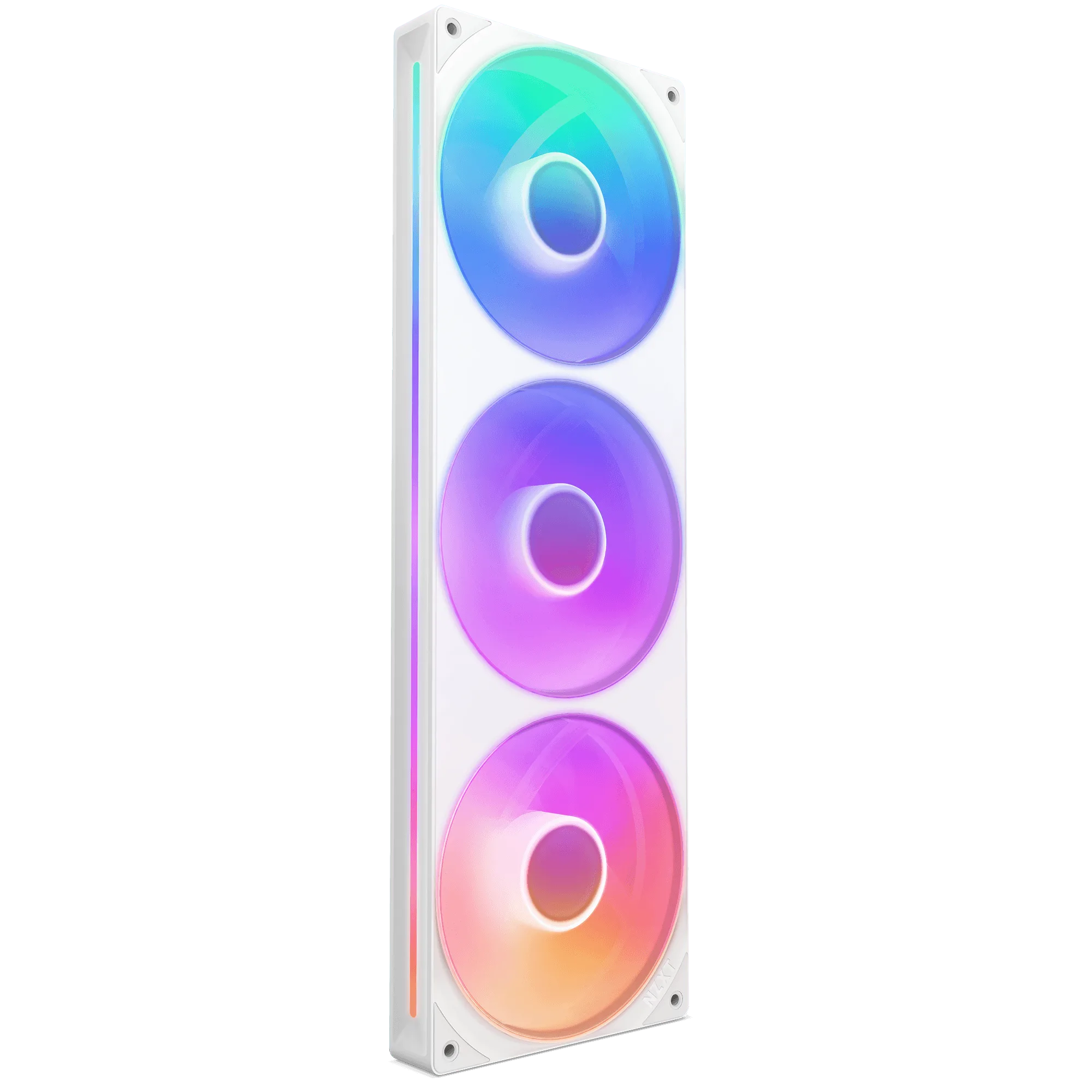
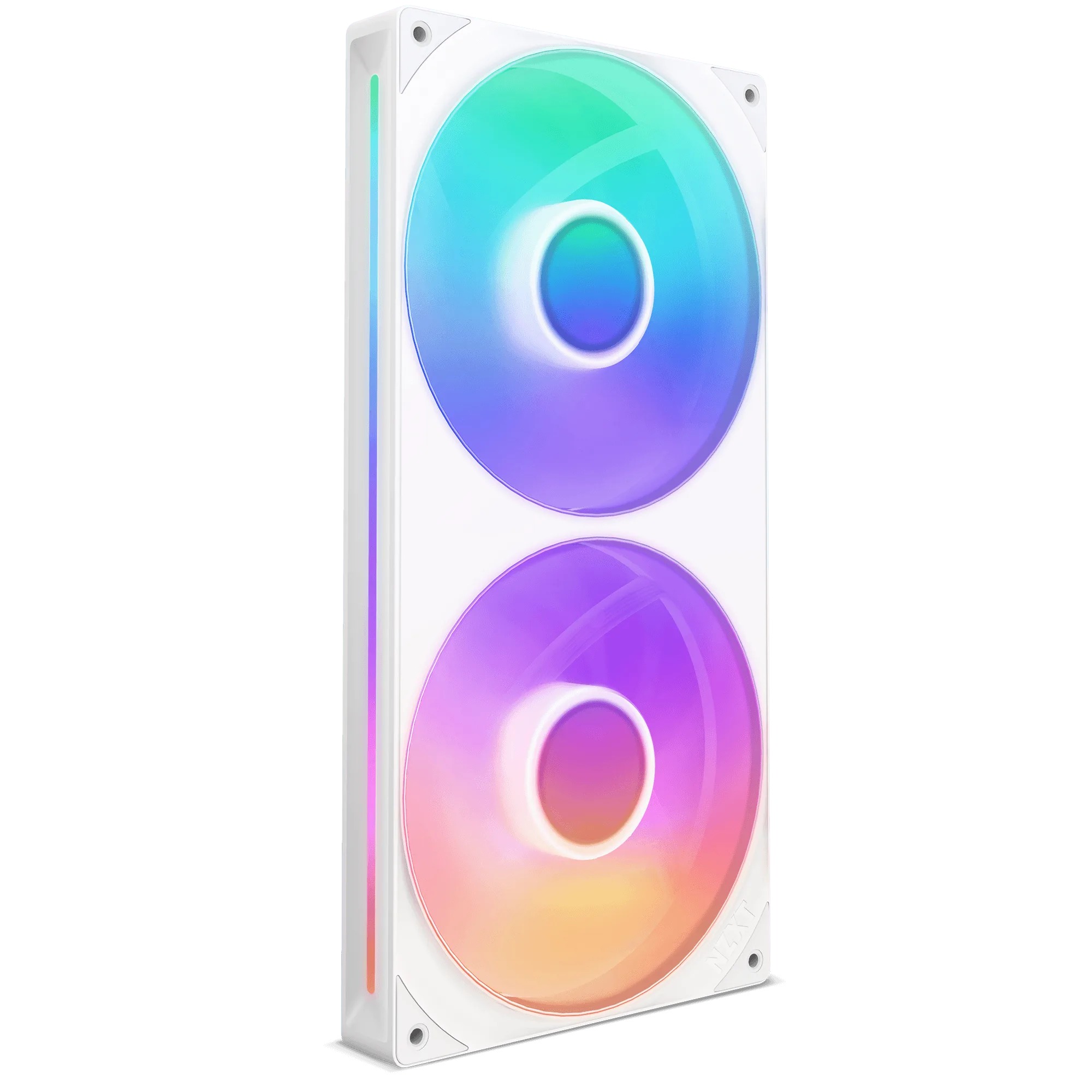
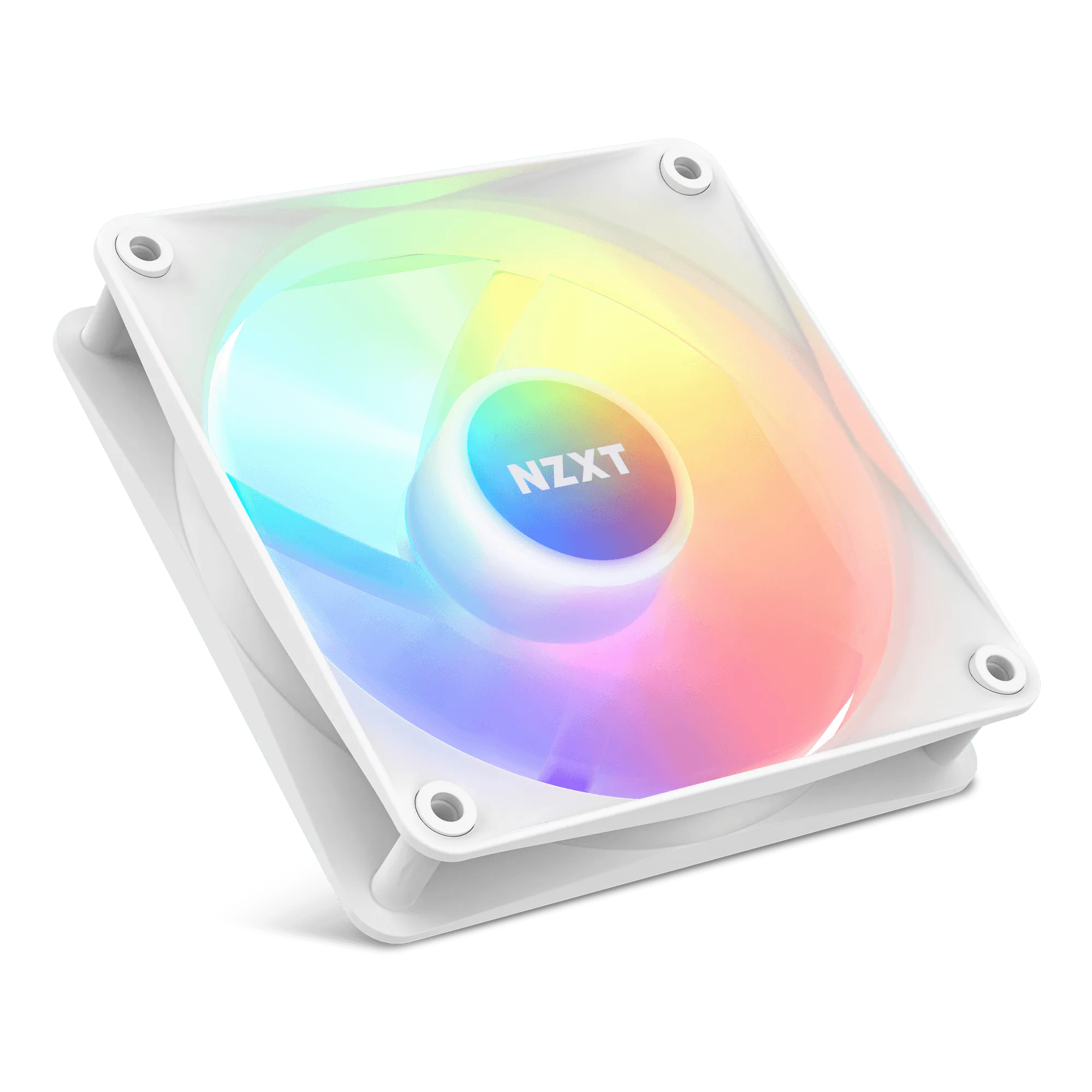
- F120 RGB Core Fans: Eight individually addressable RGB LEDs are mounted on the fan hub and diffused through semi-translucent blades, and the hub and blade design raises static pressure for pushing air through a radiator. If a radiator fan is damaged during cleaning or finally wears out, a high-static-pressure fan like this is the right replacement for a Kraken Elite 240 radiator rather than a generic case fan.
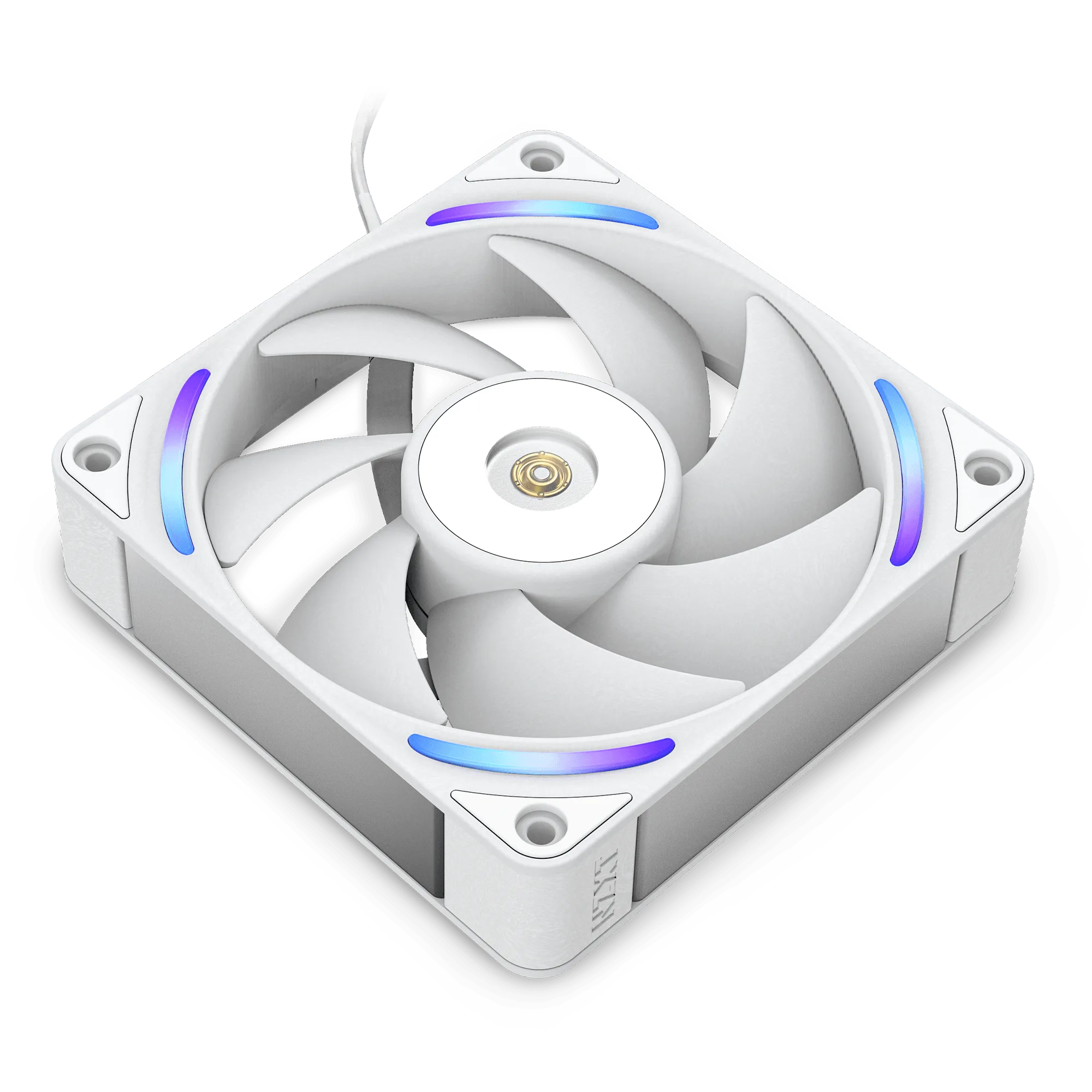
- F140Q: Nine sickle-style blades are optimized to move large amounts of air for intake or exhaust, with fluid dynamic bearings and PWM control for quiet, efficient operation. A quiet airflow fan suits case intake or exhaust positions, so you can improve overall airflow around the radiator without adding noise during long gaming sessions.
A Kraken Elite 240 that gets a proper dusting every few months runs quieter and holds its temperatures far longer than one left to clog. Keep the loop sealed, keep the fins clear, and let temperature logs tell you when something needs a closer look.