Quick answer
Clean silicone controller skins with lukewarm water, a drop of mild dish soap, and your fingertips. Never use alcohol, bleach, acetone, or abrasive scrubbers, and never put silicone in a washing machine or dryer. Rinse, pat dry with a microfiber cloth, and let the skin air-dry completely before stretching it back over the controller.
Why silicone needs a gentler routine than hard plastic
Silicone is flexible, which is exactly why it protects controllers so well and also why it needs different handling than a hard shell. The same elasticity that lets a skin stretch over a controller also lets it stretch out of shape if you pull too hard, wring it, or hang it to dry. Heat is the other issue: hot water and direct sun can make silicone feel tacky or lose its snug fit over time.
That does not mean silicone is fragile. It means the cleaning method matters more than the frequency. A quick weekly wipe and a deeper wash every few weeks is usually enough for normal play, and it keeps dust and skin oils from building up in the textured areas where grip covers do their job.
What to use and what to avoid
Stick to lukewarm water, a small amount of mild dish soap, and a soft microfiber cloth or your clean hands. For dust trapped in fine grooves, a soft-bristle toothbrush or a dry soft brush works better than pressing harder with a cloth.
Avoid alcohol, disinfecting wipes, bleach, acetone, nail polish remover, and any solvent-based cleaner. These can dry out or discolor silicone, and repeated use may leave a chalky or shiny surface. Also skip abrasive sponges, scouring pads, and the dishwasher or washing machine, which can distort the shape and weaken the fit.
How often to clean, by situation
Wipe the surface after sweaty sessions, and do a full wash when you can see a dull film or feel grit in the grip texture. If you eat while playing, clean sooner rather than later, because crumbs and oils work into the grooves and become harder to lift.
If you rotate between several skins, clean each one before storing it. Storing a dusty or oily skin in a drawer lets residue settle into the silicone, and it can transfer to the controller when you put it back on.
Step-by-step cleaning routine
- Step 1: Remove the skin gently: Peel the silicone away from the controller starting at a corner or edge, working slowly around the cutouts. Do not yank it off by one side or use a tool to pry it. Checkpoint: the skin should come off with steady finger pressure, not a hard pull.
- Step 2: Knock off loose dust first: Shake the skin over a bin and brush the textured grip areas with a dry soft-bristle brush or toothbrush before adding any water. This removes grit that would otherwise turn into a paste. Checkpoint: no visible crumbs or loose dust remain in the grooves.
- Step 3: Wash in lukewarm water with a drop of mild soap: Fill a bowl with lukewarm water, add one small drop of mild dish soap, and work the suds over the silicone with your fingertips or a microfiber cloth. Keep the skin fully supported so it does not twist. Common mistake: using hot water or a strong degreaser, which can dull the finish and weaken the fit.
- Step 4: Rinse until the water runs clear: Rinse under lukewarm running water or in a clean bowl until no soap film remains. Soap left behind attracts dust and can feel tacky once dry. Checkpoint: the surface should feel slick-clean, not slippery with residue.
- Step 5: Pat dry and air-dry completely: Press the skin between a clean microfiber towel to blot water, then lay it flat to air-dry away from direct sun and heat. Do not wring, twist, or hang it, and do not use a hair dryer. Checkpoint: the skin is fully dry inside and out before it goes back on the controller.
- Step 6: Reinstall and check the fit: Ease the skin back over the controller, aligning the cutouts with the buttons, joysticks, ports, and triggers before pressing the edges down. If a section feels loose, reseat it rather than stretching it. Next step: if the skin no longer sits snugly after drying, it may have been stretched and is due for replacement.
Product facts
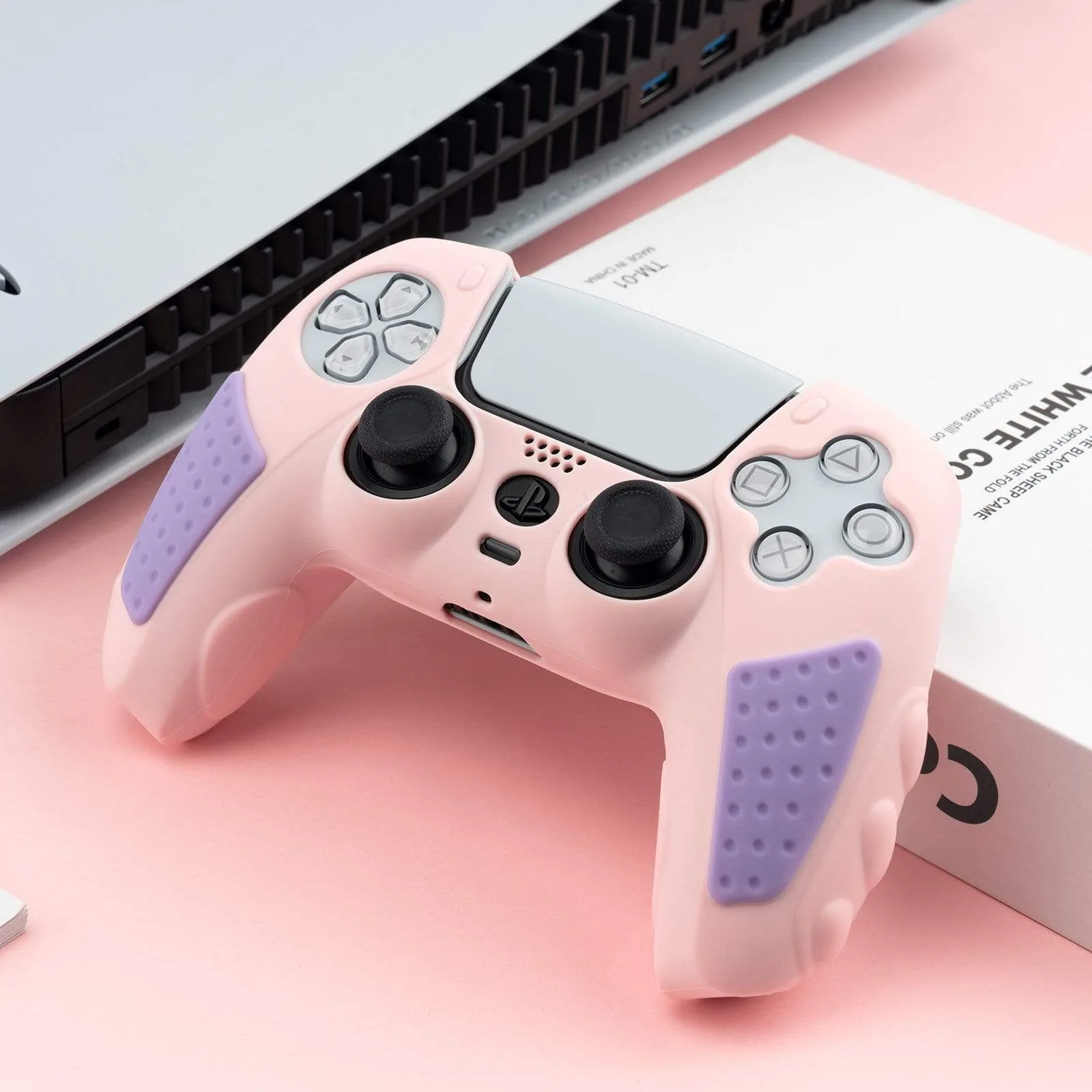
- GeekShare Star Wings Silicone Controller Grip Cover: The Star Wings Silicone Controller Grip Cover is precision molded for the Switch 2 Pro Controller with accurate cutouts that keep buttons, joysticks, ports, and triggers accessible. Because the cutouts are fitted rather than oversized, you can clean around the openings without forcing the skin off, which reduces the chance of stretching the edges.
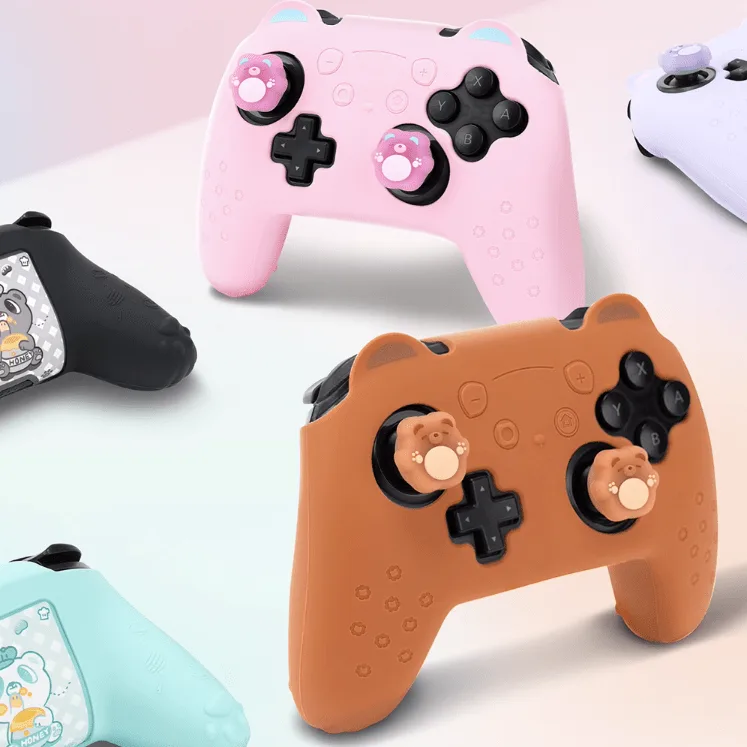
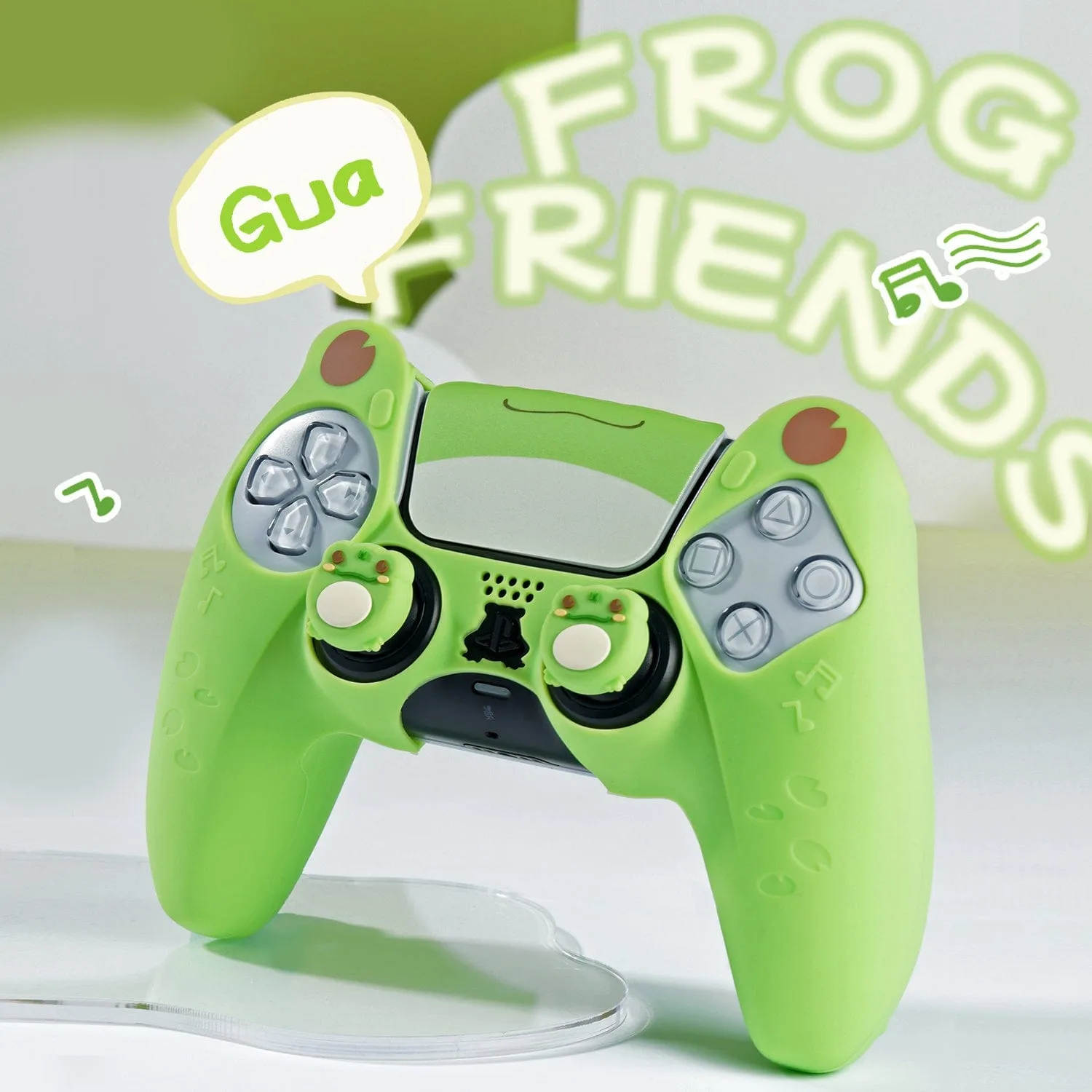
- GeekShare Frog Silicone Controller Skin: The Frog Silicone Controller Skin has a non-slip textured grip with fine grooves on the handle area that help improve airflow and provide a more secure hold. Those grooves collect dust and hand oils faster than a smooth surface, so a soft brush is more effective than scrubbing with a cloth.
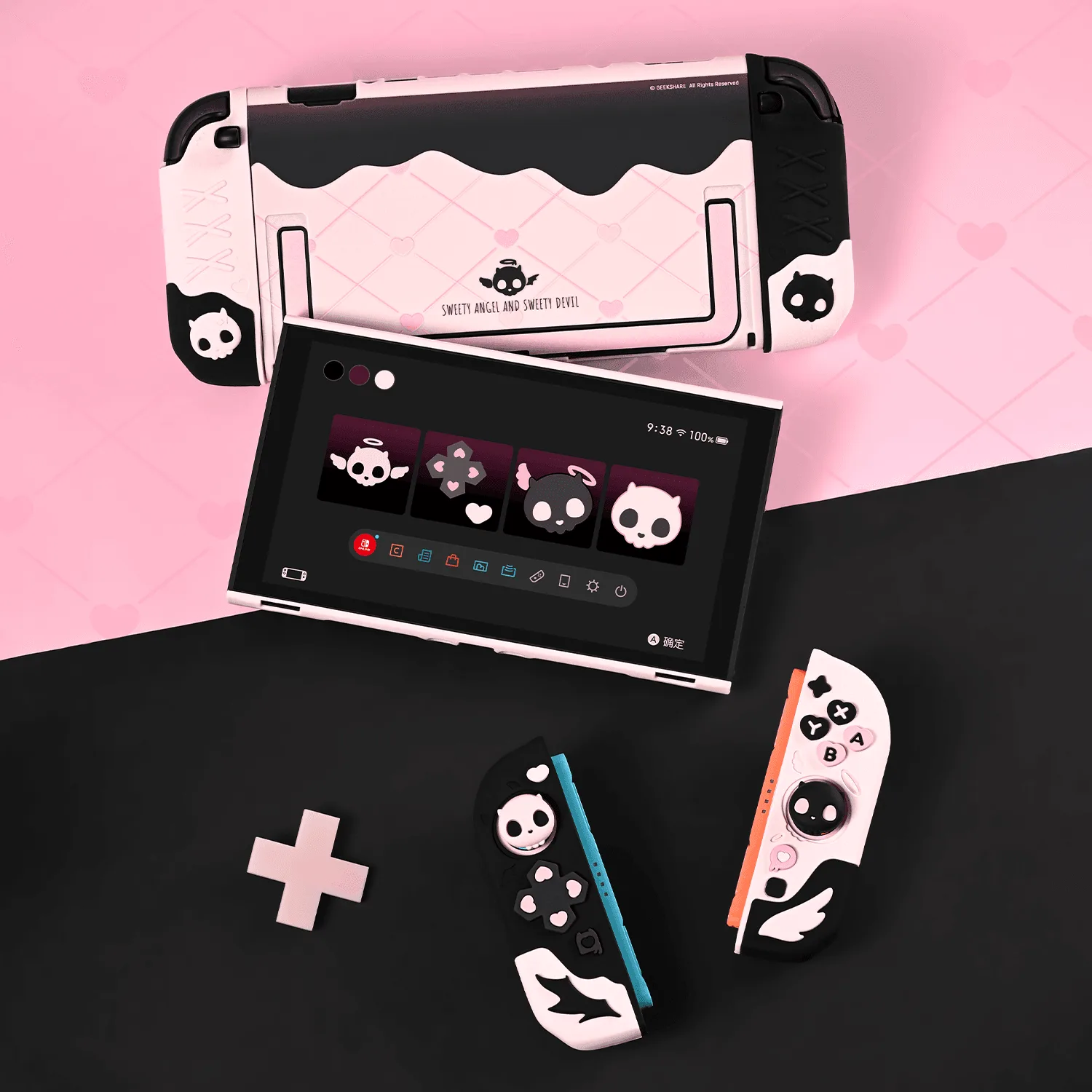
- GeekShare Sweet Skull Silicone Grip Case Set: The Sweet Skull Silicone Grip Case Set is made of skin-friendly silicone for a softer, more comfortable feel during longer gaming sessions. A softer silicone surface benefits from a gentle, low-soap wash, since harsh cleaners can change how the material feels in your hands.