Quick answer
Clean NiSi square filters with a soft microfibre cloth after every shoot, using a blower first to remove grit. For fingerprints or smudges, breathe lightly on the glass and wipe in one direction, then store the filter in a case or pouch so it never rubs against other filters.
Why square filters need a different cleaning routine
Square and rectangular filters sit in a holder, so their edges and corners collect dust that round screw-in filters usually avoid. That grit is the main scratch risk. NiSi square filters also have coatings that can be damaged by repeated dry wiping or household cleaners. The goal is to remove dust and fingerprints without pressing particles into the glass.
What to keep in your bag
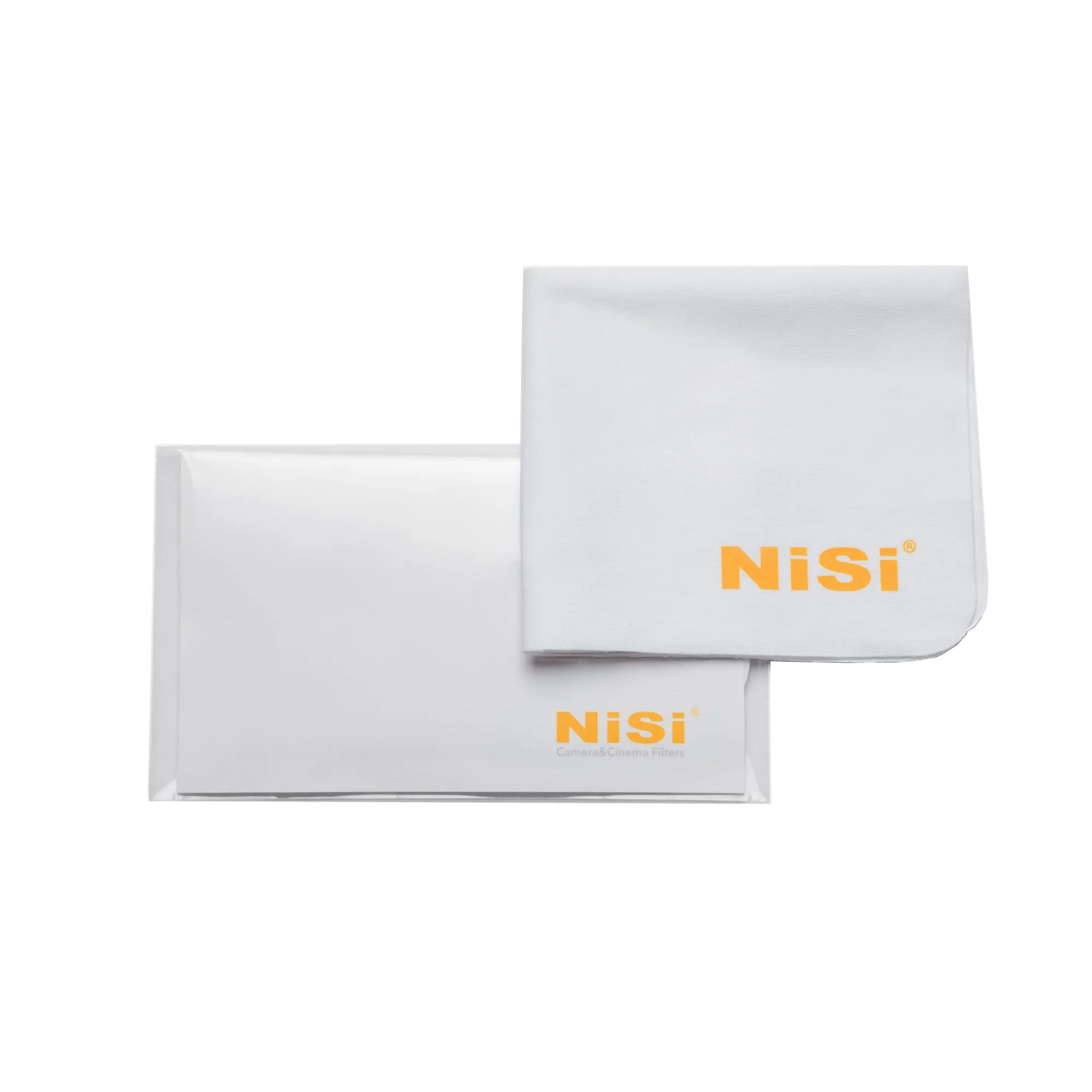
A blower, a soft microfibre cloth, and a protective case cover most situations. The NiSi Cleaning Microfibre Cloth (5-pack) is designed for cleaning and polishing filters, and having several means you can rotate them before they get dirty. Avoid paper towels, shirt sleeves, and lens tissues that shed fibres. If you use a cleaning solution, apply it to the cloth, never directly to the filter.
How to remove fingerprints from an ND filter
Fingerprints show up quickly on dark ND filters. First use a blower to remove loose dust. Then breathe gently on the glass and wipe with a clean microfibre cloth using light pressure in one direction. If the smudge remains, use a fresh section of the cloth. Do not scrub in circles, because that can spread oils and press grit across the coating.
Storing 100mm filters without damage
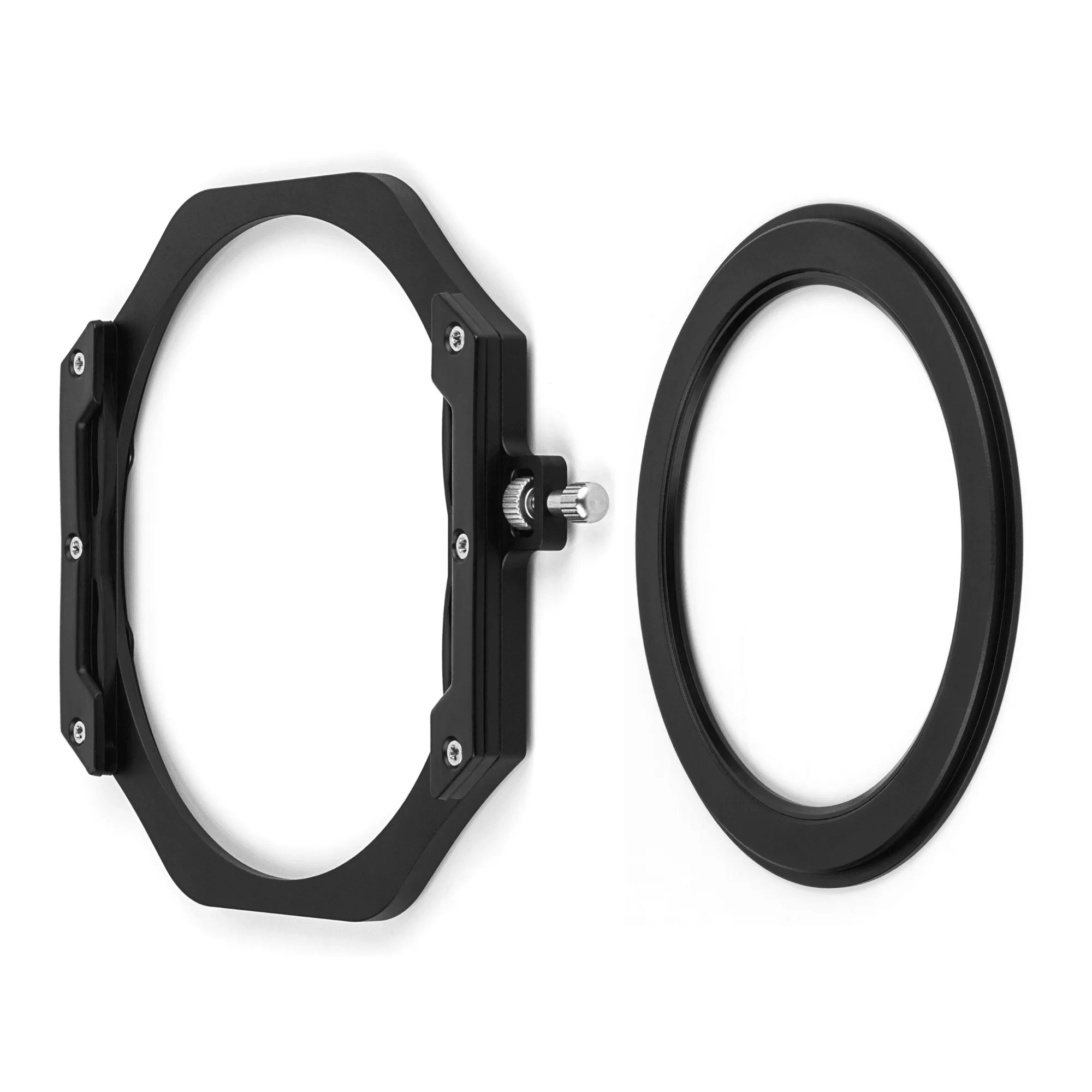
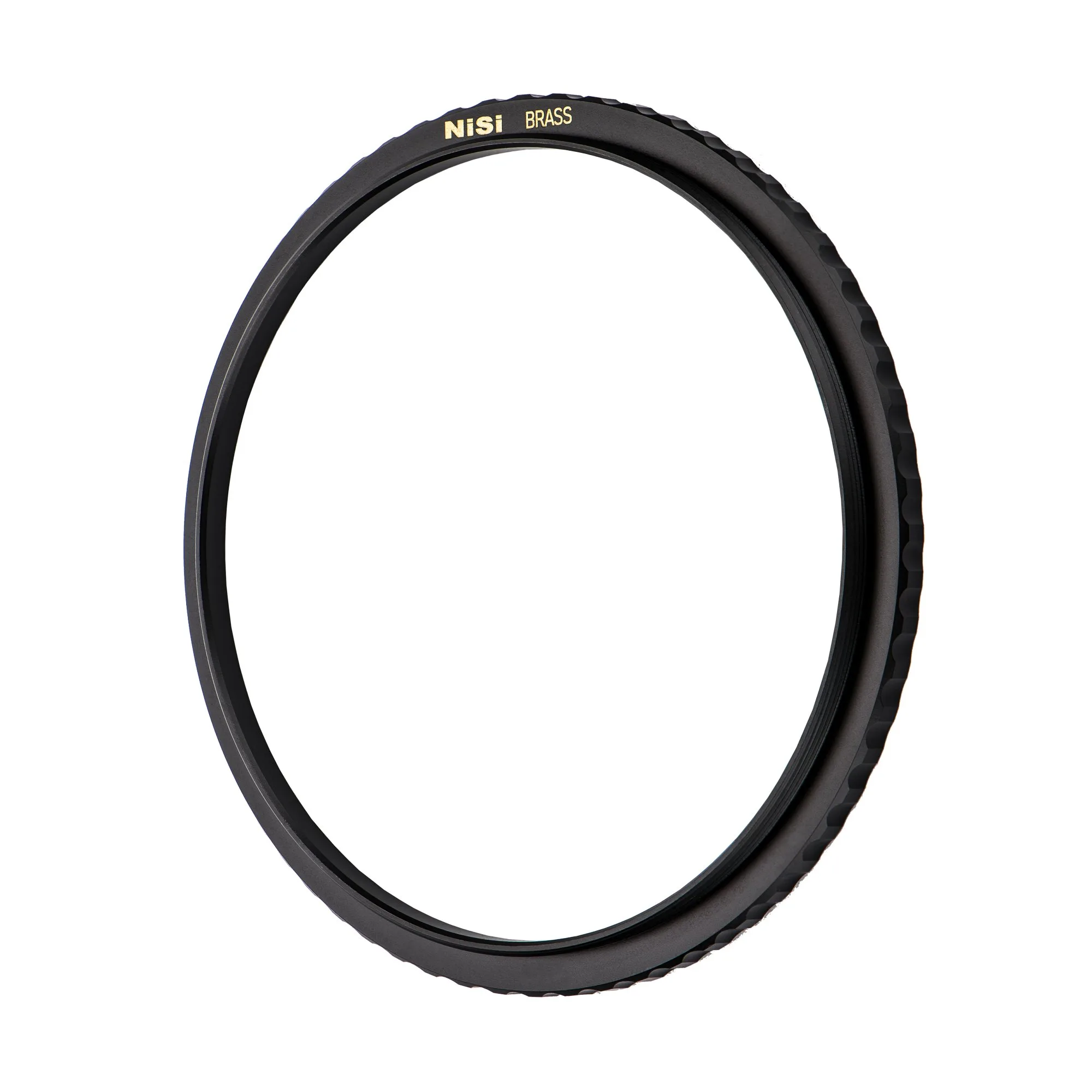
Store 100mm filters in a dedicated case or pouch with individual slots. Stacking them loose lets edges grind against each other. Keep the case closed when not shooting, and avoid leaving filters in a hot car or a damp bag. If you use a magnetic system like the NiSi JetMag Pro 100mm Filter Holder Kit for 82MAG, remove the filter from the holder before packing it away so the frame does not stay under tension.
When to clean, and when to leave it alone
Clean only when you see dust, fingerprints, or smudges that affect the image. Over-cleaning increases the chance of scratches. A few specks on the edge of a filter often do not show in the frame. If you shoot in sand or salt spray, clean at the end of the day rather than waiting. For graduated ND filters, check the transition area after wiping, since that is where smears are most visible.
Step-by-step filter care routine
- Blow off loose dust first: Use a rocket blower or similar to remove grit from both sides of the filter and the holder edges. Common mistake: skipping this step and wiping dust into the coating. Checkpoint: hold the filter up to light. If you still see particles, blow again.
- Wipe with a clean microfibre cloth: Use a soft microfibre cloth and light pressure in one direction. For fingerprints, breathe on the glass first. Common mistake: scrubbing in circles, which spreads oils. Checkpoint: if the cloth looks dirty, switch to a fresh one.
- Store in a case or pouch: Place the filter in a dedicated slot or pouch so it does not touch other filters. Remove it from the holder before packing. Common mistake: leaving filters loose in a bag where edges rub. Checkpoint: the case should close without pressure on the glass.
- Clean your cloths regularly: Wash microfibre cloths by hand with mild soap and let them air dry. Common mistake: using fabric softener, which leaves residue. Checkpoint: replace cloths when they no longer feel soft.
Products that support this routine
- NiSi Cleaning Microfibre Cloth (5-pack): Soft Microfiber Cloth Perfect for cleaning and polishing filters, 5 Pack Having five cloths lets you use a clean one for the final wipe and wash them before they become abrasive.
- NiSi JetMag Pro 100mm Filter Holder Kit for 82MAG (Filter Holder + 82MAG Adaptor Ring): Includes 100mm holder and 82MAG magnetic adapter ring for full system integration; attaches magnetically to JetMag Pro filters with a lock The magnetic attachment makes it quick to remove the filter for cleaning without disturbing your composition.