Quick answer
Wipe the surface with a barely damp microfiber cloth and a drop of mild soap, then air-dry completely. Never soak or machine-wash a memory foam wrist rest, because water trapped inside the foam breaks down the slow-rebound support. For deeper stains, spot-treat only the fabric surface and blot, don't scrub.
Why memory foam wrist rests need a gentler routine
The filling is the part that fails first. A TECKNET BASICS mouse pad with memory foam support uses slow-rebound foam that distributes pressure evenly and resists deformation, but that same open-cell structure absorbs water and detergent. Once liquid gets inside, the foam loses bounce and can develop odor, so the goal is to clean the surface without saturating the core.
A gel wrist rest behaves differently: the outer cover protects a gel layer, so surface wiping is usually enough. If you are not sure which type you own, press the wrist rest with your thumb. Foam rebounds slowly and feels soft; gel feels cooler and springs back quickly. Treat foam more conservatively.
How often to clean each part
Lift the pad and check the underside monthly. Dust and skin oils collect on the non-slip base, which reduces grip. A quick weekly wipe of the top surface takes under a minute and prevents most staining. Deep-clean every two to three months, or sooner if you eat at the desk, use hand lotion, or notice a shiny, slick patch where your wrist sits.
Step-by-step cleaning routine
- 1. Unplug and clear the desk: Turn off and unplug your mouse and keyboard, then move them aside. Wipe the pad with a dry microfiber cloth to remove loose crumbs and dust before any liquid touches it. Checkpoint: if you skip the dry pass, crumbs turn into paste and smear across the fabric.
- 2. Mix a mild cleaning solution: Add one drop of gentle dish soap to a cup of cool water. Dip a microfiber cloth and wring it out until it is barely damp, not dripping. Mistake to avoid: hot water and harsh cleaners can fade printed colors and weaken the foam.
- 3. Wipe the surface in one direction: Wipe the top of the pad and wrist rest with light pressure, following the texture or fabric grain. Rinse the cloth and repeat until it comes away clean. Checkpoint: never submerge the pad or hold it under a running tap.
- 4. Spot-treat stains: For ink, coffee, or grease marks, apply a small amount of the soapy solution directly to the spot and blot with a clean cloth. Work from the outside of the stain inward so it does not spread. Mistake to avoid: scrubbing with a brush or abrasive sponge pills the fabric and pushes the stain deeper into the foam.
- 5. Clean the non-slip base: Wipe the underside with a separate damp cloth to restore grip. If the base feels slick, a little soapy water removes the oily film that causes sliding. Checkpoint: use a different cloth than the one used on the top surface to avoid transferring grime.
- 6. Air-dry flat and fully: Lay the pad and wrist rest flat in a shaded, ventilated spot. Let them dry for several hours, turning once, until the foam feels completely dry to the touch. Mistake to avoid: direct sunlight, hair dryers, and radiators can warp the foam and loosen the base.
- 7. Reassemble and test: Place the pad back on the desk and press the wrist rest with your thumb. It should rebound slowly and feel dry, not cool or damp. If it still feels damp, wait another hour before using it to prevent moisture buildup under your wrist.
Product facts that affect cleaning
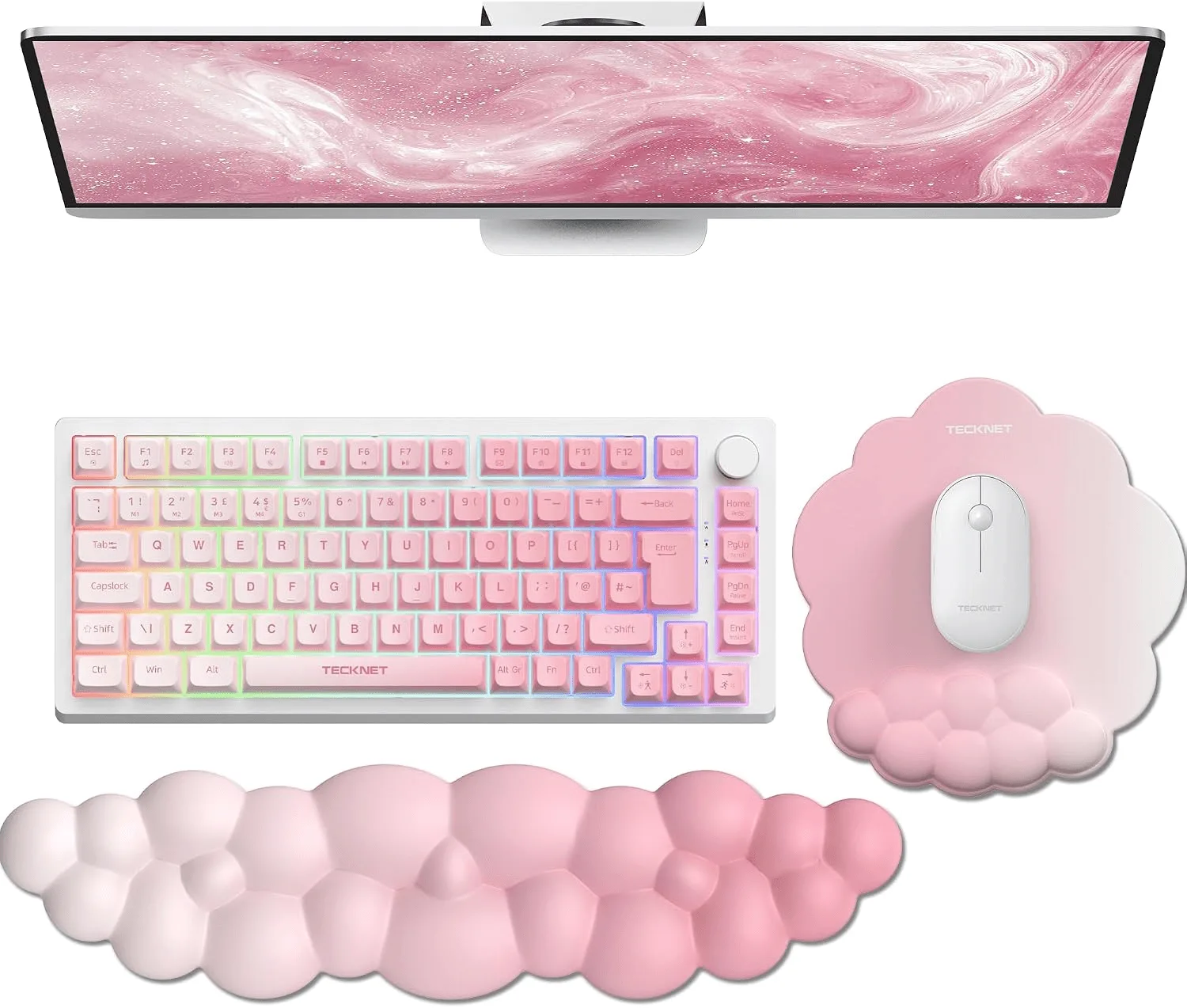
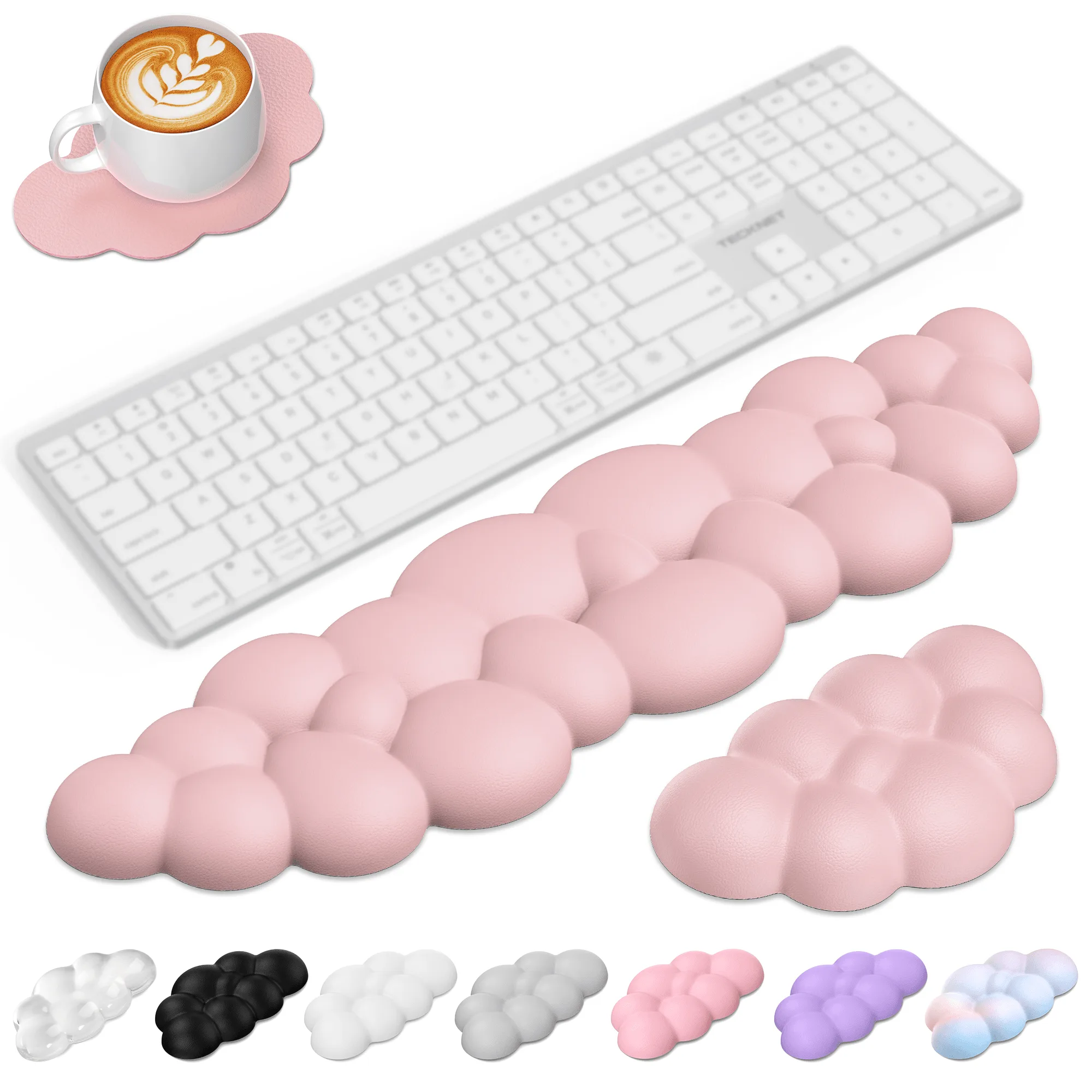
- TECKNET BASICS Cloud Ergonomic Mouse Pad with Wrist Rest, Memory Foam Support & Non-Slip Base for Pain Relief, Office & Gaming, Pink: Cloud-shaped wrist rest with a textured surface that enhances air circulation. The texture traps dust in the grooves, so wipe along the pattern rather than across it to lift debris without pressing it deeper.
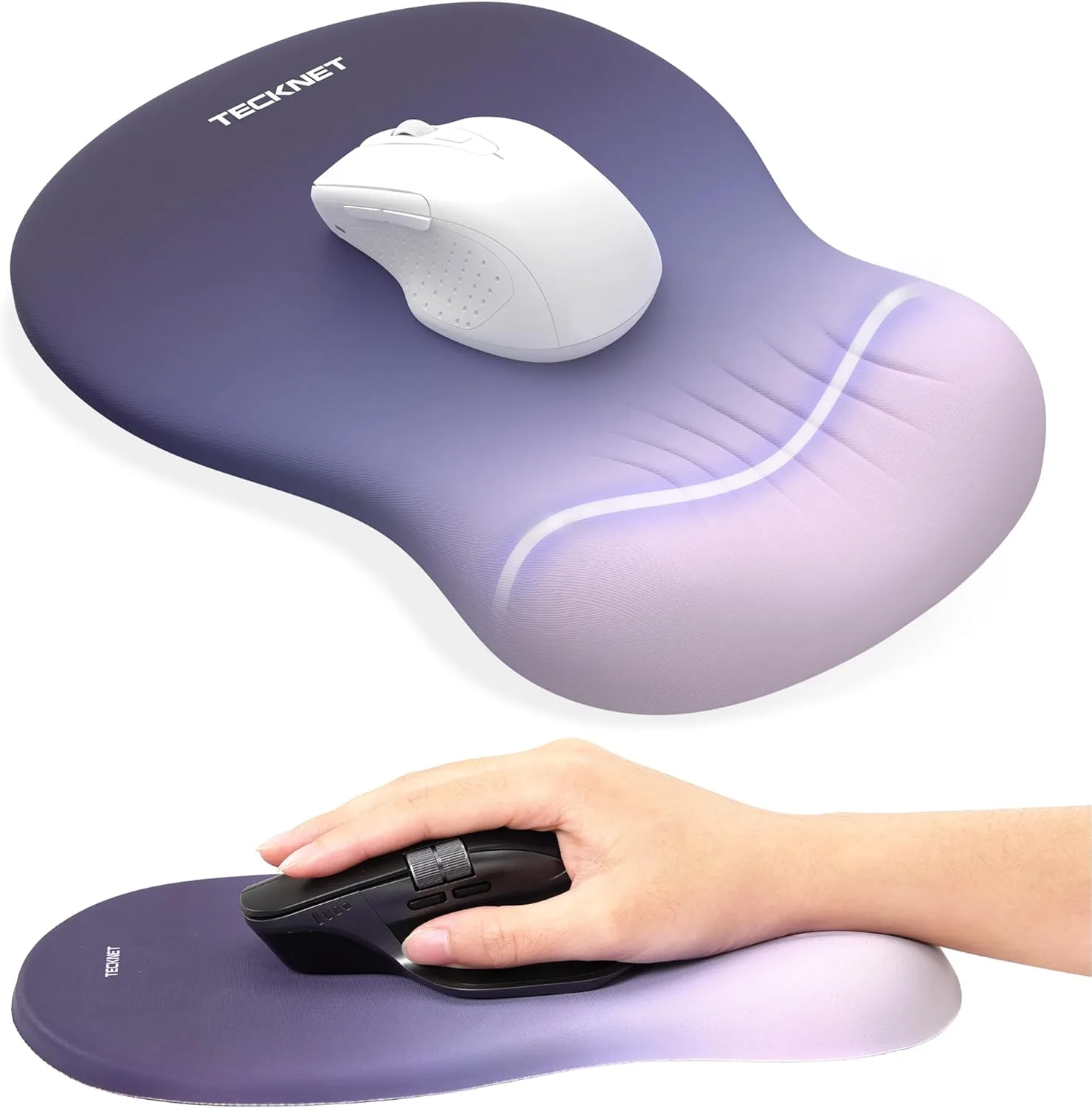
- TECKNET BASICS Ergonomic Mouse Pad with Wrist Rest, Memory Foam Support, Smooth Non-Slip Base for Laptop/PC, Pain Relief for Home Office Gaming, Gradient Blue: 80D memory foam filling and a smooth, water-resistant surface. The water-resistant top means spills bead up, so blot immediately instead of rubbing, which would push liquid toward the seams.
- TECKNET Cloud Ergonomic Keyboard and Mouse Wrist Rest Set MGM01123: 3-in-1 set with a keyboard wrist rest, mouse wrist rest, and coaster in 80D high-density memory foam. Clean all three pieces the same way, and give the coaster extra drying time since it sits under a drink and sees more moisture.