Quick Answer
Use a soft, lint-free cloth and a dedicated cleaning kit to gently remove dirt and debris from your AirPods and charging case. Avoid liquids and abrasive materials.
Why Regular Cleaning Matters
Daily use exposes your AirPods to earwax, dust, and oils that can clog speaker grilles, reduce sound quality, and even interfere with charging contacts. Regular cleaning helps maintain both appearance and performance without damaging the delicate components.
What Not to Use
Never use sharp objects, abrasive cloths, or liquid cleaners directly on your AirPods. Harsh chemicals or excessive moisture can damage the mesh grilles, microphones, and internal electronics. Stick to dry or slightly damp (not wet) lint-free cloths and purpose-built tools.
Step-by-Step Cleaning Process
- Prepare Your Tools: Gather a soft, lint-free cloth, a dry cotton swab, and a cleaning kit like the Belkin Cleaning Kit for AirPods. Avoid paper towels or tissues that can leave fibers. Using the wrong cloth can scratch the glossy finish or leave lint in the grilles.
- Clean the Speaker Grilles: Use the soft brush from the cleaning kit to gently sweep away debris from the speaker mesh. Do not poke or press hard—the mesh is delicate and can be pushed in. Pressing too hard can permanently damage the mesh and affect sound quality.
- Wipe the Exterior and Case: Dampen a lint-free cloth slightly with water (not wet) and wipe the outer surfaces of the AirPods and charging case. For stubborn dirt on the case, use a dry cotton swab. Keep the Lightning port and charging contacts dry. Moisture inside the charging port can cause corrosion or short circuits.
- Clean the Charging Contacts: Use a dry cotton swab to gently rub the metal charging contacts on the AirPods stems and inside the case. This ensures proper charging and connection. Dirty contacts are a common reason for AirPods not charging reliably.
- Let Everything Dry Completely: Allow the AirPods and case to air dry for at least 15 minutes before placing them back together or into the charger. Do not use heat or compressed air. Using heat can warp plastic components or damage the battery.
Recommended Tools
-
Cleaning Kit for AirPods | Apple: This Cleaning Kit for AirPods from Belkin includes tools designed specifically for Apple AirPods to gently remove dirt and debris from earbuds and charging case. Using a kit made for AirPods reduces the risk of damaging the mesh grilles or charging ports compared to improvised tools.
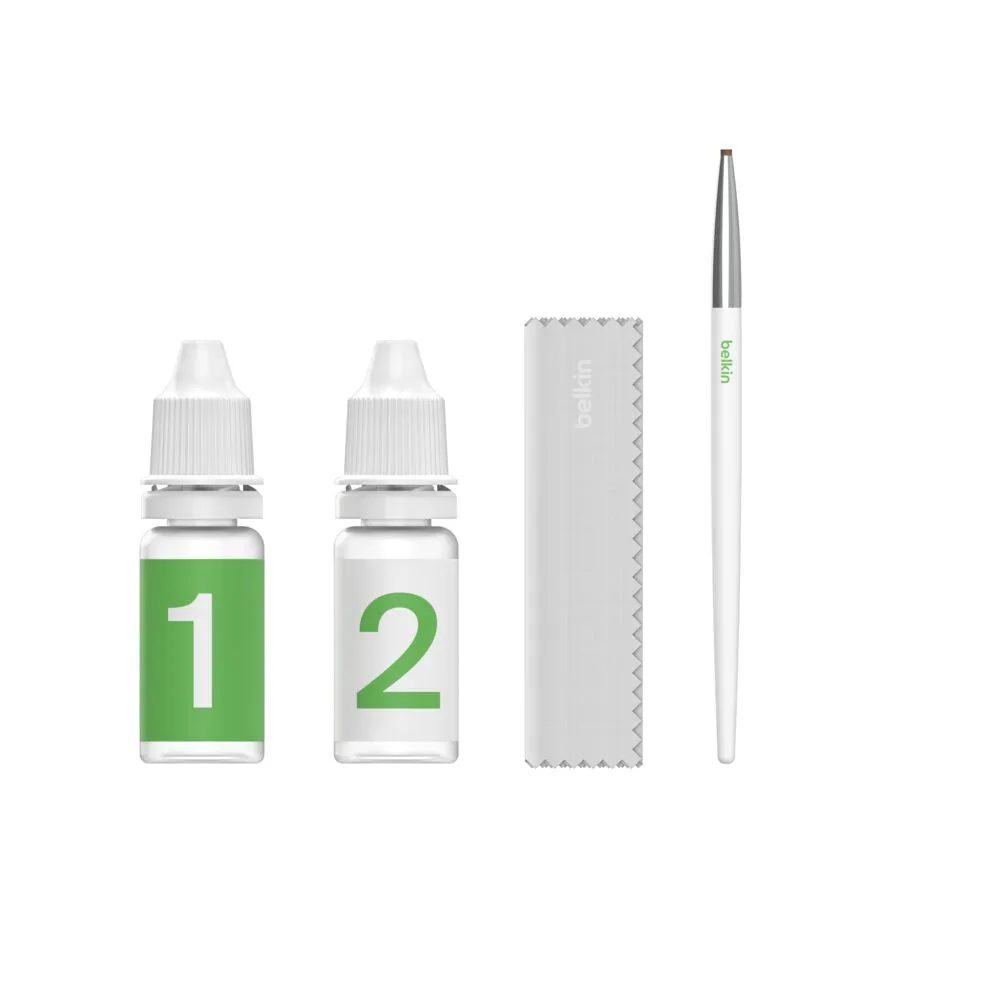
Cleaning Kit for AirPods | Apple