Quick answer
To clean your laptop sleeve without damaging it, start by checking the care label and spot-testing any cleaner. Use a soft, damp cloth with mild soap for most materials, and always air-dry the sleeve completely before storing your laptop.
Why proper cleaning matters
Your laptop sleeve protects your device from scratches, dust, and minor impacts. Over time, dirt, oils, and stains can build up, but using the wrong cleaning method can weaken the fabric, damage the padding, or ruin the sleeve's shape. Gentle, material-specific care extends the life of your sleeve and keeps it looking professional.
Step-by-step cleaning guide
- Check the care label and empty the sleeve: Look for any manufacturer instructions on the label inside the sleeve. Remove your laptop and any accessories. Shake out loose debris or use a lint roller on fabric sleeves. Skipping this step can lead to using the wrong cleaner or missing hidden crumbs that scratch your device later.
- Spot-clean stains with a mild solution: Mix a few drops of mild dish soap with warm water. Dip a soft microfiber cloth into the solution, wring it out well, and gently dab the stained area. Avoid soaking the sleeve, especially if it has foam padding. Using too much water or harsh chemicals like bleach can damage the padding and outer material.
- Hand wash or machine wash only if allowed: If the care label permits machine washing, place the sleeve in a mesh laundry bag and use a gentle cycle with cold water. For hand washing, submerge briefly and gently scrub with a soft brush. Never twist or wring the sleeve. Machine washing on a normal cycle or using hot water can warp the sleeve and reduce its protective padding.
- Air-dry completely before reuse: Lay the sleeve flat on a clean towel in a well-ventilated area away from direct sunlight or heat sources. Do not put it in the dryer. Allow 24–48 hours for full drying, especially if the padding is thick. Heat from dryers or radiators can shrink the fabric and melt internal padding, ruining the sleeve's fit.
Products that help protect your laptop
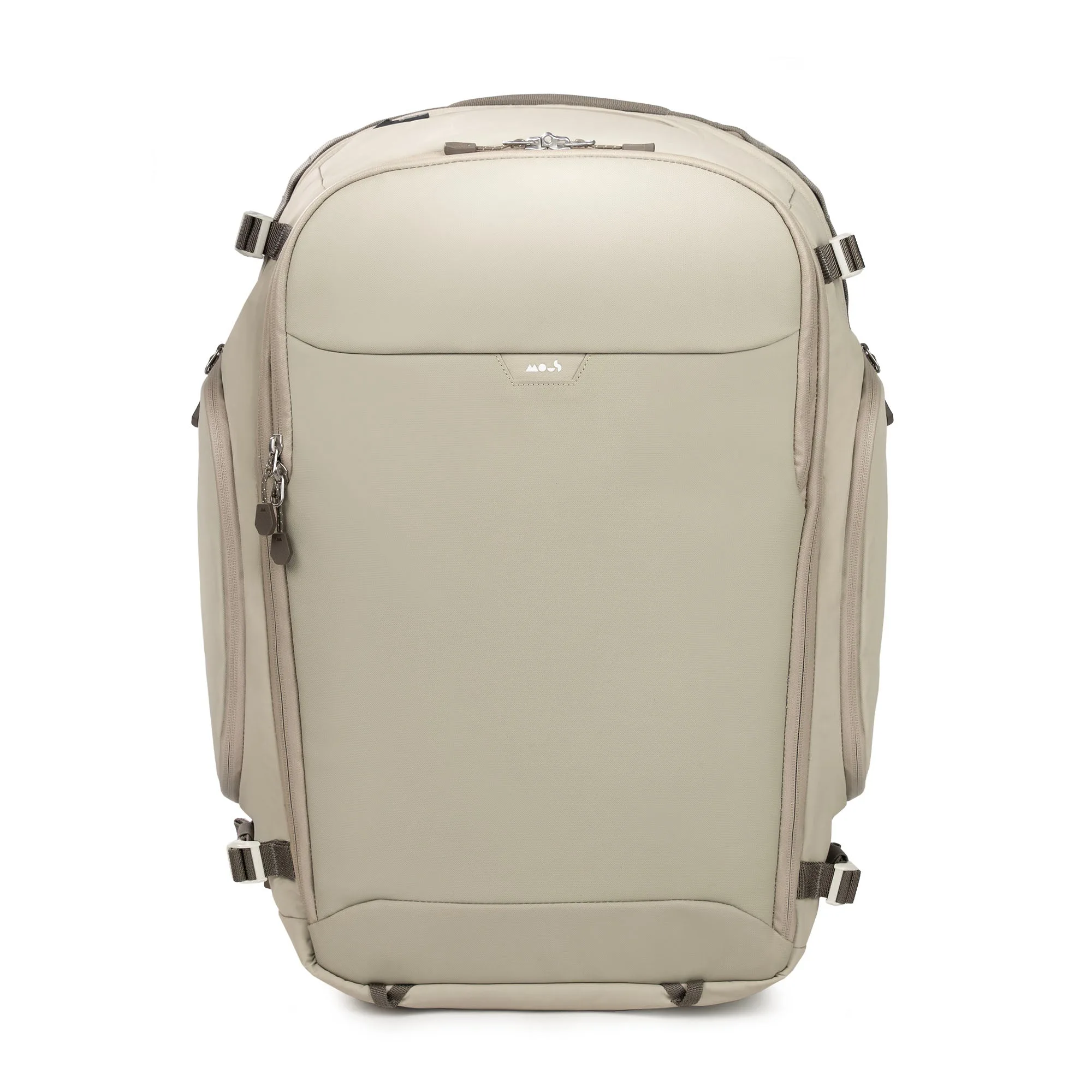
- Travel Backpack - Optimal: A high-performance carry-on backpack built for seamless travel. Expandable and ultra-durable, it's engineered for tech protection and seamless organisation. If you carry your laptop in a backpack, the Travel Backpack - Optimal offers dedicated tech protection and expandable storage, reducing the need for a separate sleeve while keeping your device safe.