Quick answer
Power off the speaker, connect your mic using the correct input, then power on and raise the mic volume slowly while keeping the mic behind the speaker. For wireless systems, pair the receiver and mic before turning up the gain, and always test at a low volume first to avoid feedback.
Connecting a microphone to a party speaker is simple when you follow the right order: power down, connect, power up, then raise volume gently. Rushing this sequence is the fastest way to get loud pops, dead channels, or piercing feedback.
This guide walks through a safe wired vs wireless mic connection, karaoke mic pairing steps, and the small habits that keep vocals clear at parties, DJ sets, and events.
Before you plug in: check power and inputs
Start with everything off, including the speaker and any wireless receiver. Locate the mic input on your party speaker. It may be a 1/4-inch jack, an XLR input, or a 3.5mm aux-style input. Match your microphone's connector to that port, or use the correct adapter cable. If your speaker has a dedicated mic level knob, turn it down before you connect anything.
Check that the speaker is on a stable surface and that cables are not stretched tight. A yanked cable can damage the input jack or cause a sudden pop. If you are using a wireless system, place the receiver where it has a clear line of sight to where you will hold the mic.
- Common mistake: plugging a mic into a line-level input and wondering why the volume is barely audible.
- Checkpoint: confirm the input label says Mic or has a microphone icon before connecting.
Wired vs wireless mic connection: pick the right path
A wired mic connection is the most reliable option for stationary performers or karaoke hosts who stay near the speaker. It uses a physical cable, so there is no pairing, no batteries, and no wireless interference. The tradeoff is that you are tethered to the speaker, and long cable runs can pick up noise if they cross power cords.
A wireless microphone setup gives you freedom to move through the crowd, which suits DJs, MCs, and party hosts. It requires a receiver, a compatible mic, and fresh batteries. Wireless systems can suffer from dropouts if the receiver is too far away or crowded by other wireless devices.
- Choose wired for fixed karaoke setups and short distances.
- Choose wireless when you need to walk the room or host from the dance floor.
Karaoke mic pairing steps for wireless systems
Turn on the wireless receiver first, then the microphone. Many systems pair automatically when both are powered on and close together. If yours has a manual pairing button, press and hold it on the receiver until the indicator flashes, then press the pairing button on the mic. Wait for a solid light, which usually means the connection is locked.
Once paired, set the mic gain to its lowest setting and slowly raise it while speaking in a normal voice. If you hear dropouts, move the receiver higher and away from metal surfaces and Wi-Fi routers. Keep spare batteries within reach, because a dying battery often shows up as crackling or intermittent signal before it dies completely.
- Common mistake: pairing the mic while the speaker volume is already high, which can cause a loud burst when the connection locks.
- Checkpoint: a solid receiver light and steady signal at low volume means pairing succeeded.
Set levels to avoid mic feedback
Feedback is that squeal or howl that happens when the mic picks up sound from the speaker and re-amplifies it. To avoid mic feedback setup problems, keep the microphone behind the speaker, not in front of it. Point the speaker away from the performance area. Start with the mic volume low, then bring it up until your voice is comfortably louder than the room.
If feedback starts, do not just turn everything down. Lower the mic gain slightly, move the mic farther from the speaker, and angle the speaker away from the mic. High treble settings can make feedback worse, so reduce treble before you reduce overall volume.
- Never stand directly in front of a speaker with a live mic.
- Cup the mic gently, not tightly over the grille, to reduce handling noise and feedback risk.
Test, then perform: a safe soundcheck
With the mic connected and levels set, do a quick soundcheck. Speak at the distance you will actually use, usually about two to four inches from the grille. Walk to the farthest point your audience will be and confirm the sound is still clear. If you are using a karaoke speaker with built-in effects, test those at low volume before the event starts.
Mark your settings with a piece of tape or take a photo of the knobs. That way, if someone bumps the controls, you can reset quickly. Keep the speaker out of direct sun and away from drinks, because heat and spills are common causes of failure at parties.
- Common mistake: skipping the soundcheck and discovering a dead channel after guests arrive.
- Checkpoint: clear voice at the back of the room with no squeal means you are ready.
Your safe mic connection checklist
- Power down everything: Turn off the speaker, mic, and any wireless receiver before making connections. This prevents loud pops that can damage speakers or your ears.
- Match the connector to the input: Use the correct cable or adapter for your mic and plug into the mic input, not a line input. If the label does not say Mic, do not force it.
- Pair wireless mics at low volume: Power the receiver first, then the mic, and pair with the speaker volume turned down. Wait for a solid indicator light before raising gain.
- Raise levels slowly and keep the mic behind the speaker: Bring up mic volume gradually and position the mic so it cannot hear the speaker directly. If you hear squealing, lower treble and move the mic, not just the master volume.
- Run a quick soundcheck: Speak from your performance position and from the back of the room, then note your settings. A clear voice with no feedback means you are ready to perform.
Party speakers with mic-friendly features
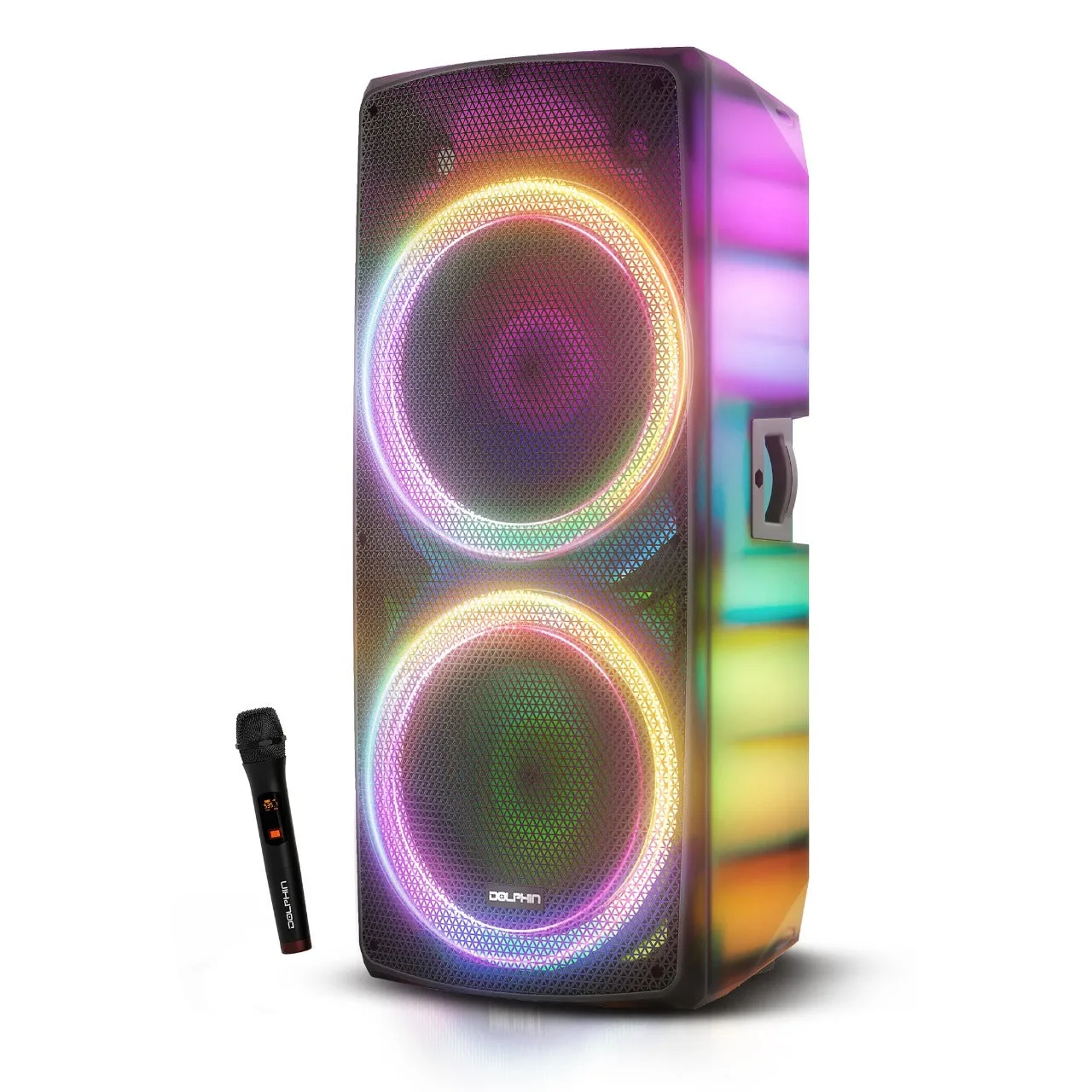
- ELITE 290: Dual 15-inch woofers, WaveSync technology, XLR inputs, and Bluetooth, USB, and AUX connectivity. XLR inputs give you a secure, balanced connection for wired microphones, which is useful for DJs and MCs who need reliable vocals at large events.
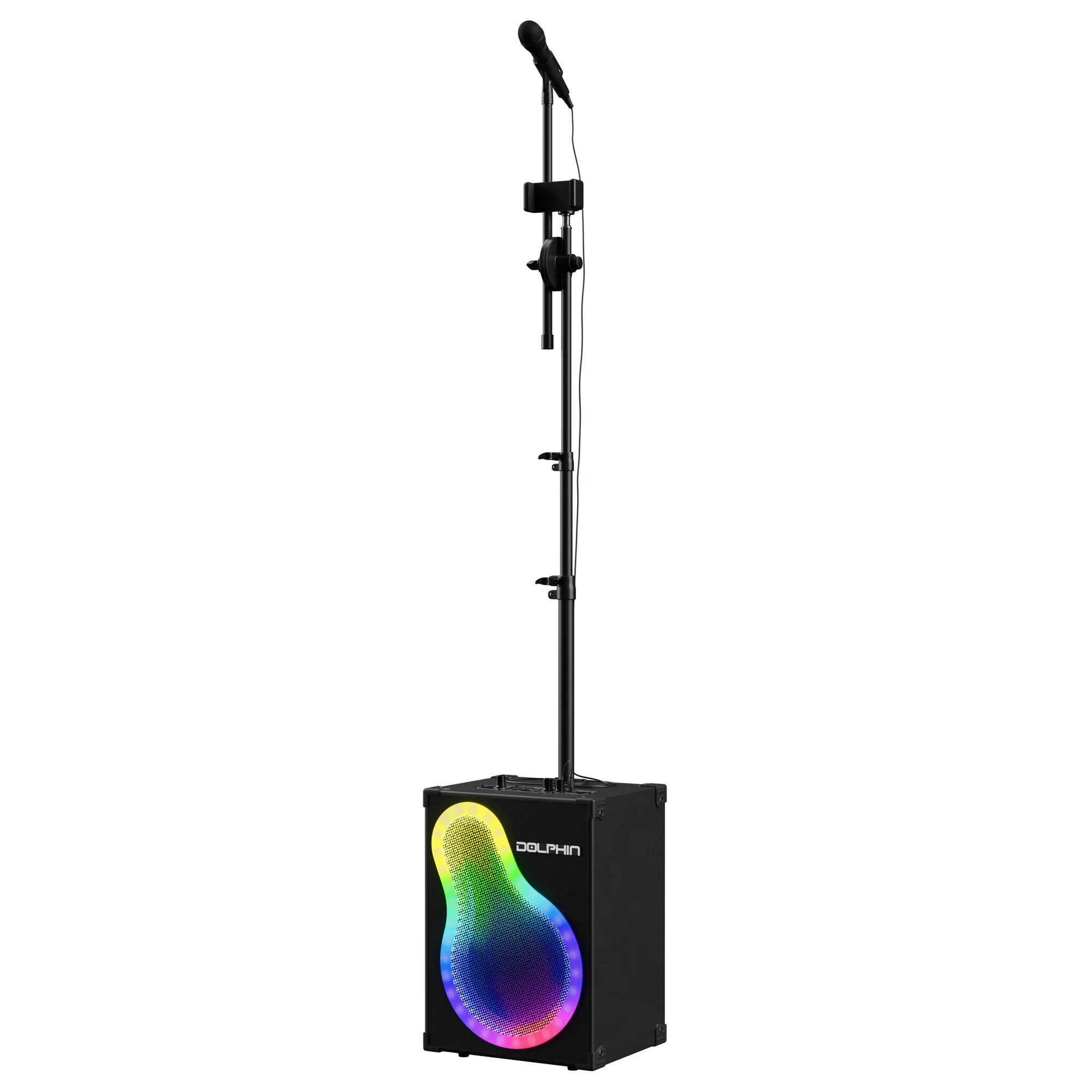
- KaraokeBox 500: Portable karaoke and PA system with WaveSync technology, an adjustable mic stand, a built-in phone holder, and multiple input options. The adjustable mic stand and multiple inputs make it easy to set up a wired or wireless mic without extra furniture, which suits casual parties and small performances.
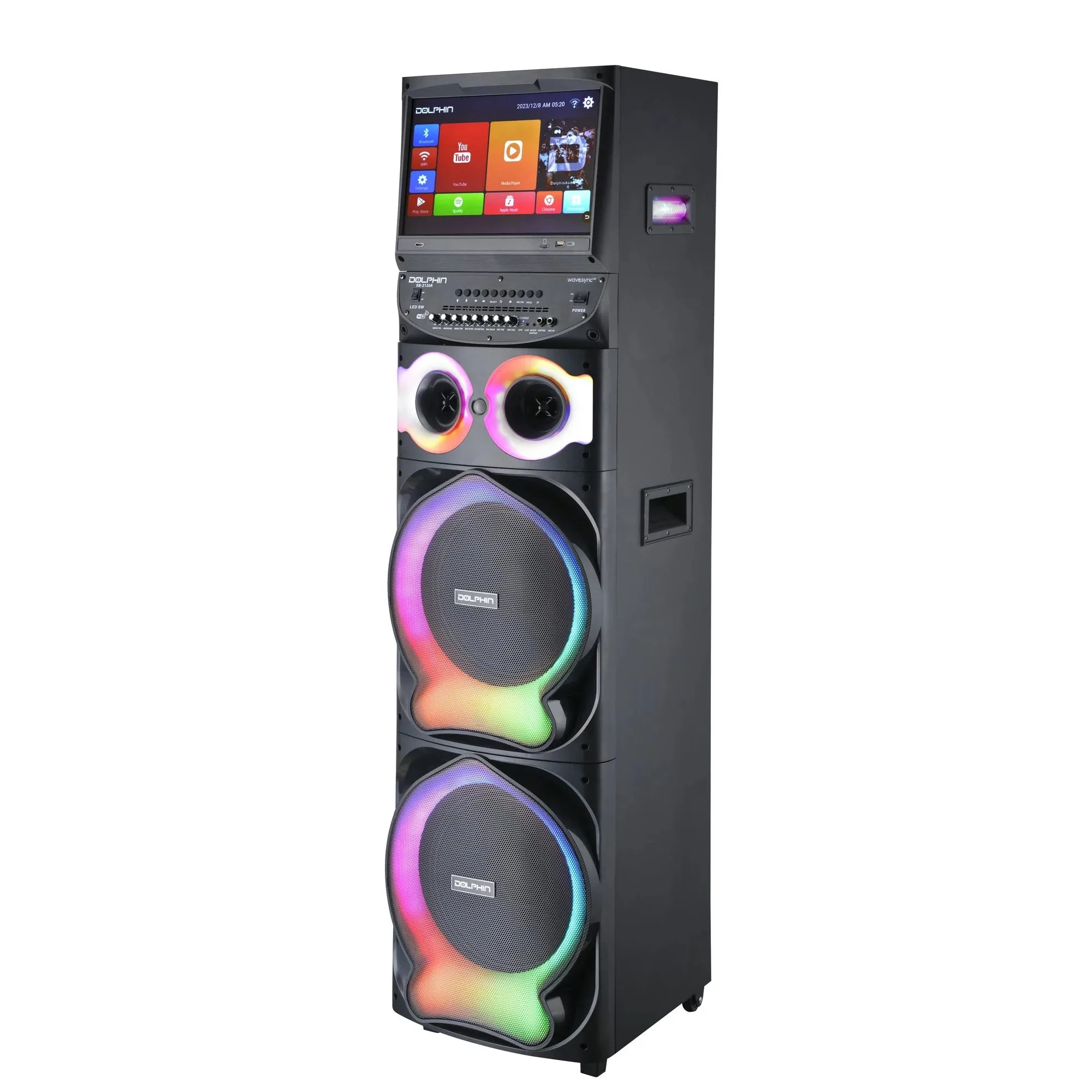
- Karaokebox 2120: Dual 12-inch karaoke speaker with a built-in 15.4-inch Android tablet, WaveSync Technology, dual wireless microphones, and a sound-activated LED light show. Included dual wireless microphones mean you can pair and perform without buying extra gear, and the tablet gives you on-screen control for karaoke nights.
Safe microphone connection comes down to order and patience: power down, connect correctly, pair at low volume, and position the mic away from the speaker. Follow these steps and your party speaker will deliver clear vocals without the squeal.