Quick answer
Use the included stand, choose a stable low-traffic spot, and dust gently with a soft cloth to keep your Zero figurine safe from scratches and falls.
Why proper display matters for your figurine
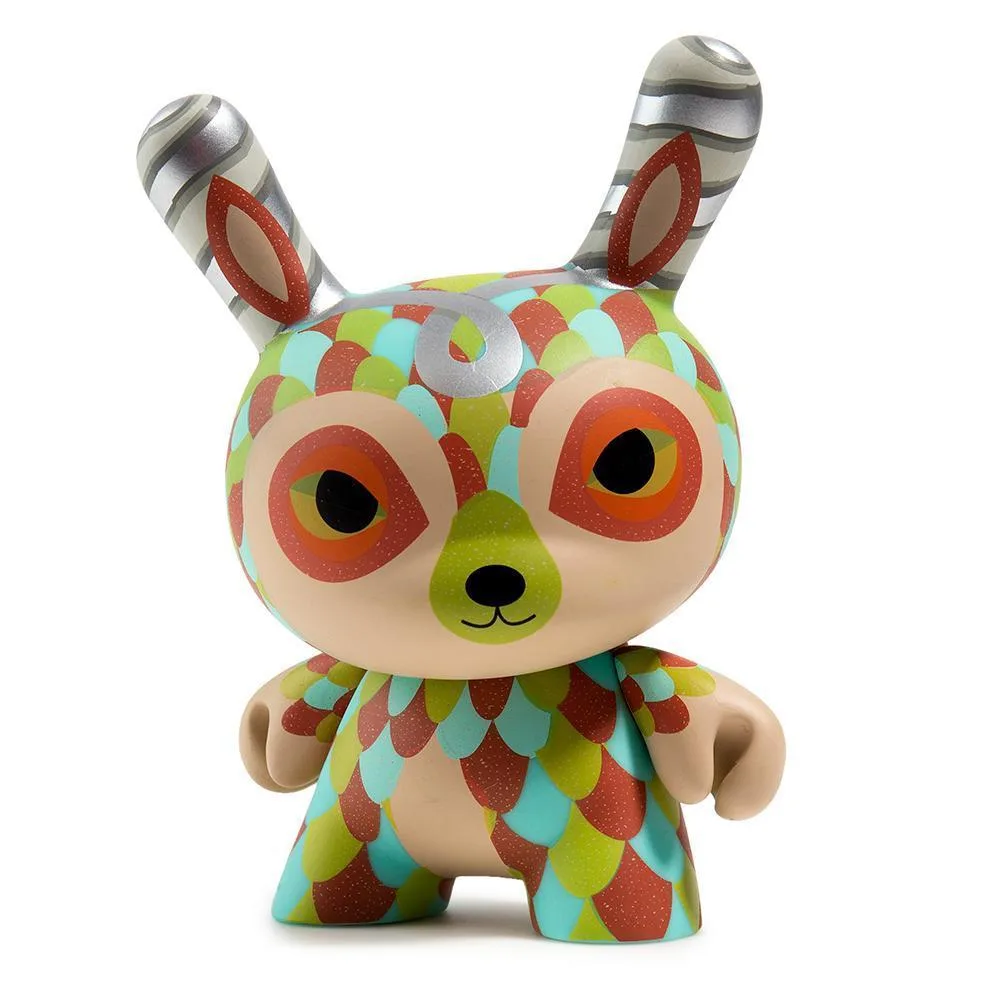
Your Zero figurine is a collectible piece that adds personality to your gaming setup. Without care, dust buildup, accidental knocks, or UV exposure can dull its finish or cause breakage. Taking a few minutes to set it up correctly saves you from repairs or replacements.
The Zero Figurine + Brick Stand Bundle gives you a dedicated base to keep it upright. Even so, where and how you place it makes a big difference in long-term condition.
Step-by-step display guide
- Attach the figurine to the stand securely: Align the peg or slot on the bottom of the Zero figurine with the matching connector on the brick stand. Press gently until it clicks or sits flush. Do not force it; if it resists, check alignment. A loose fit means the figurine may fall. Recheck the connection before moving on.
- Choose a stable, low-traffic surface: Place the stand on a flat desk area away from edges, cables, and high-traffic zones like keyboard trays or mouse pads. Avoid spots near open windows or direct sunlight to prevent fading. Sunlight can discolor plastic over weeks. Pick a shaded spot even if it looks bright.
- Dust the figurine weekly with a soft cloth: Use a microfiber or anti-static cloth to wipe the figurine and stand. Start from the top and work downward. For crevices, use a soft brush or compressed air. Avoid wet wipes or cleaners that may strip paint. Dust trapped in joints is easier to remove if you clean regularly instead of waiting for buildup.
Product facts
-
Zero Figurine + Brick Stand Bundle: The Zero Figurine + Brick Stand Bundle includes a stand designed to display your collectible figurines and bricks. Using the included stand prevents the figurine from tipping over, which is the most common cause of damage on a desk.
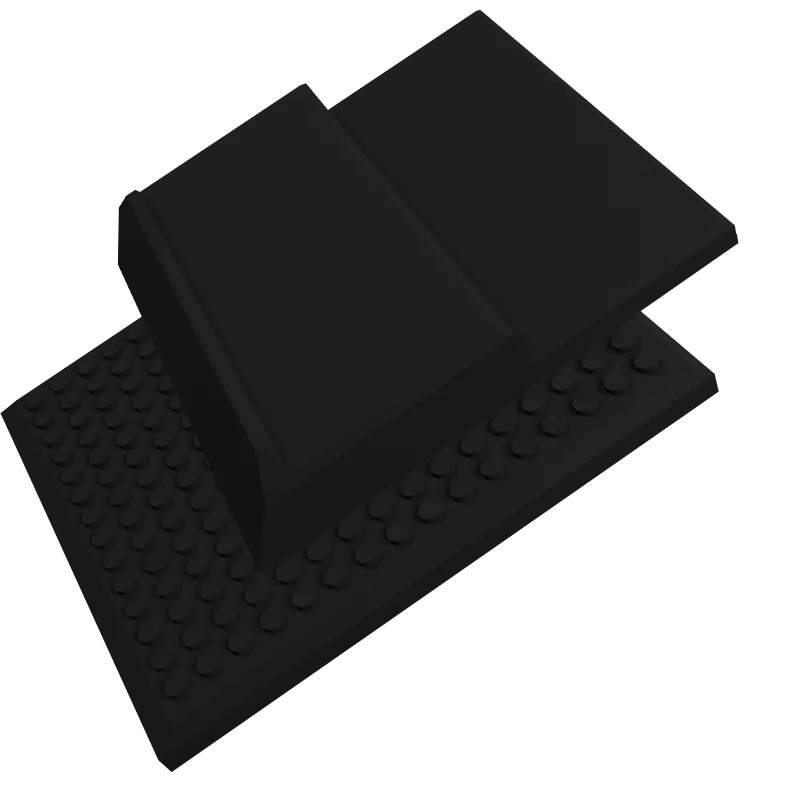
Zero Figurine + Brick Stand Bundle