Quick Answer
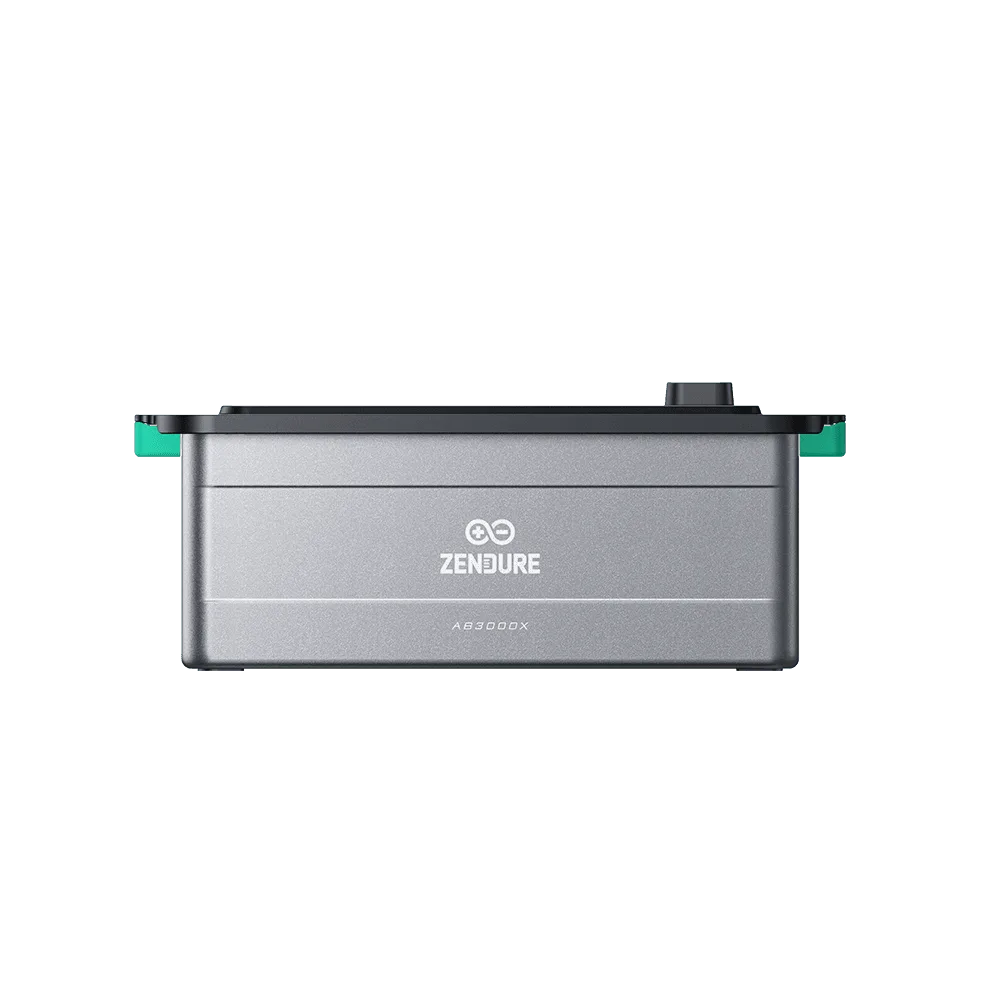
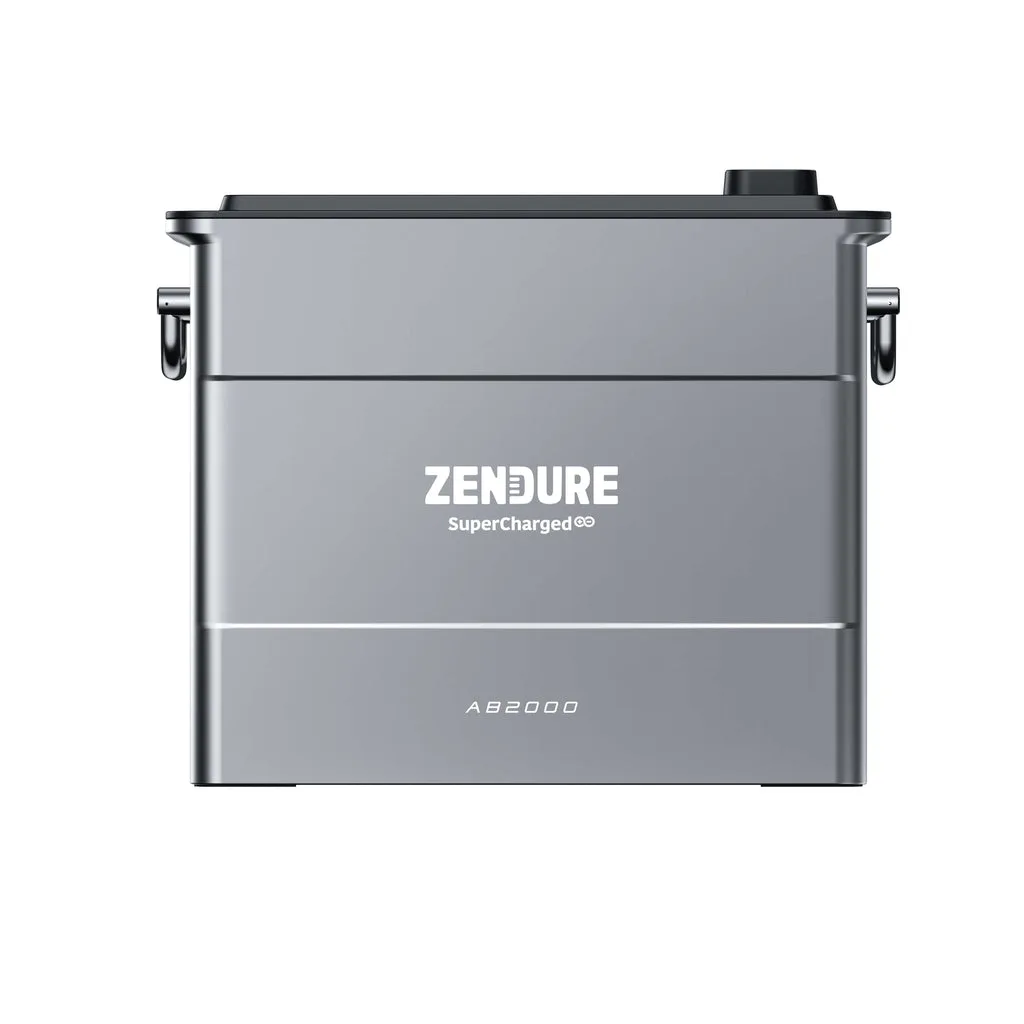
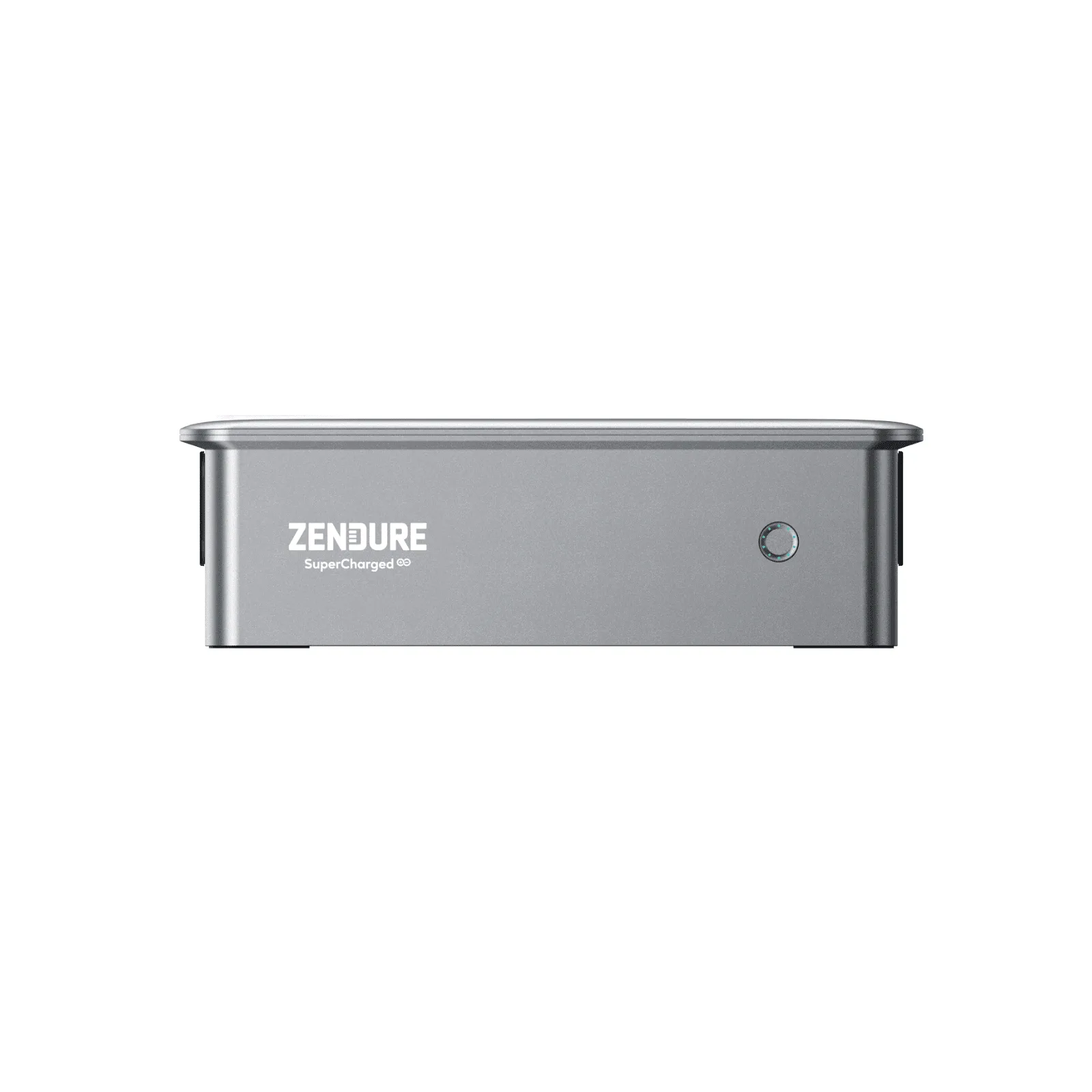
To expand your Zendure balcony power plant, connect a Zendure Satellite Battery to your existing PVHub Mini or compatible hub. This adds extra storage and ensures you have backup power during outages. Follow the step-by-step process below for a smooth installation.
If you already have a Zendure balcony power plant, you know the benefits of generating your own solar energy. But as your household energy needs grow, you might want more storage capacity. Adding a satellite battery is a practical way to expand your system without replacing the whole setup.
This guide walks you through the process of adding a Zendure Satellite Battery to your existing balcony solar system. You'll learn what to check before you start, how to connect the battery, and how to verify everything works correctly.
Before You Start: Compatibility and Safety Checks
Before you buy or install a satellite battery, confirm that your existing Zendure system supports it. The Zendure Satellite Battery works with the PVHub Mini and is designed to integrate with Zendure's smart energy management systems. Check your hub's model and firmware version to ensure compatibility.
Also, verify that your balcony can support the additional weight and that you have the necessary cables and connectors. If you're unsure about any part of the installation, consult the user manual or contact Zendure support. Safety first: always disconnect the system from the grid before handling any wiring.
- Check compatibility with your PVHub Mini or hub model.
- Ensure your balcony structure can support the extra battery weight.
- Have the correct cables and connectors on hand.
Step-by-Step Installation Process
Once you've confirmed compatibility, follow these steps to connect your satellite battery. First, power down your entire system and disconnect it from the grid. This is a critical safety step to avoid any electrical hazards.
Next, physically mount the satellite battery near your existing hub. Use the mounting brackets provided and ensure it's secure and protected from the elements. Then, connect the battery to the PVHub Mini using the appropriate cable. Make sure the connection is tight and weatherproof.
After connecting, power the system back on and check the Zendure app. The app should recognize the new battery and show its status. If not, try reconnecting or updating the firmware. Finally, run a test to confirm that the battery charges and discharges correctly.
- Always power down and disconnect from the grid before installation.
- Mount the battery securely and protect it from weather.
- Use the Zendure app to verify the battery is recognized.
Common Mistakes to Avoid
One common mistake is not checking compatibility before purchase. Not all Zendure hubs support satellite batteries, so double-check your model and firmware. Another mistake is improper cable routing, which can lead to water ingress or accidental disconnection.
Also, avoid overloading your system. Adding a satellite battery increases storage, but your solar input and inverter capacity remain the same. Make sure your solar panels provide enough power to charge the additional battery, or you may not see the expected benefits.
- Don't skip the compatibility check.
- Route cables carefully to avoid damage.
- Ensure your solar input can handle the extra battery.
Step-by-Step Expansion Checklist
- Check compatibility: Confirm your Zendure hub supports satellite batteries. Check the model and update firmware if needed. Compatibility is key; don't skip this step.
- Power down and disconnect: Turn off the system and disconnect from the grid before handling any wires. Safety first—always disconnect power.
- Mount the satellite battery: Securely mount the battery near your hub using the provided brackets, ensuring it's protected from weather. A secure mount prevents accidents and damage.
- Connect to the hub: Use the correct cable to connect the satellite battery to the PVHub Mini. Ensure the connection is tight and weatherproof. A proper connection is essential for performance.
- Power on and verify: Reconnect the system and check the Zendure app to confirm the battery is recognized. Run a test charge/discharge cycle. Verify everything works before relying on it.
Product Facts
- Zendure Satellite Battery Balcony Power Plant Set: The SuperBase V Battery Balcony Solar Plant Sets are engineered with smart energy management systems, which include a satellite battery connecting with our PVHub Mini, ensuring you always have energy reserves for unexpected power outages. This set provides a seamless way to add backup power to your balcony solar system, giving you peace of mind during outages.
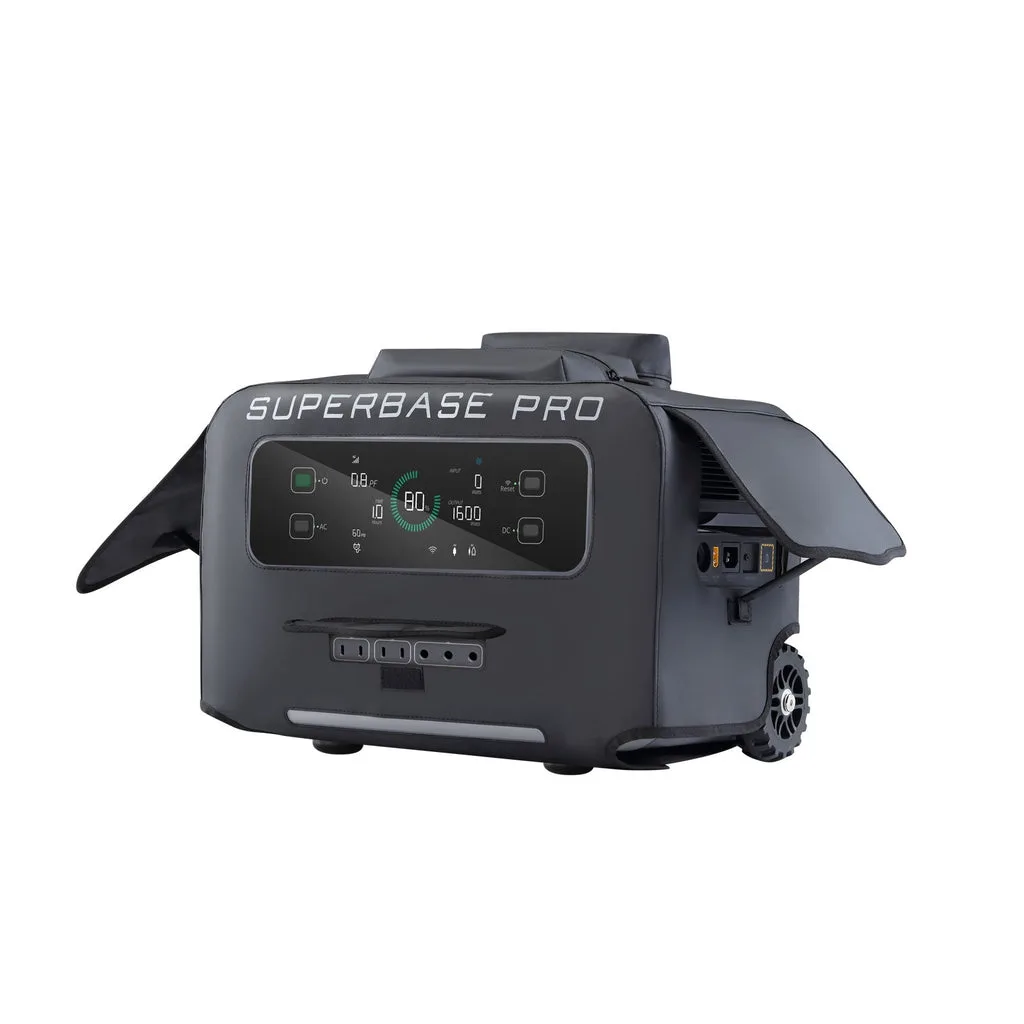
- Zendure SuperBase V Balcony Power Plant Set: The SuperBase V Balcony Solar Plant Sets are engineered with smart energy management systems, which include a portable power station with storage, ensuring you always have energy reserves for unexpected power outages. It handles high-power photovoltaic input, reaching a maximum of 3,000W. If you need more power and storage, this set offers a higher capacity option with a portable power station, making it ideal for larger homes or higher energy demands.
Expanding your Zendure balcony power plant with a satellite battery is a straightforward process that adds valuable backup power and storage. By following these steps and avoiding common pitfalls, you can enjoy greater energy independence and peace of mind. For more detailed information, refer to your product manuals or contact Zendure support.