Quick Answer
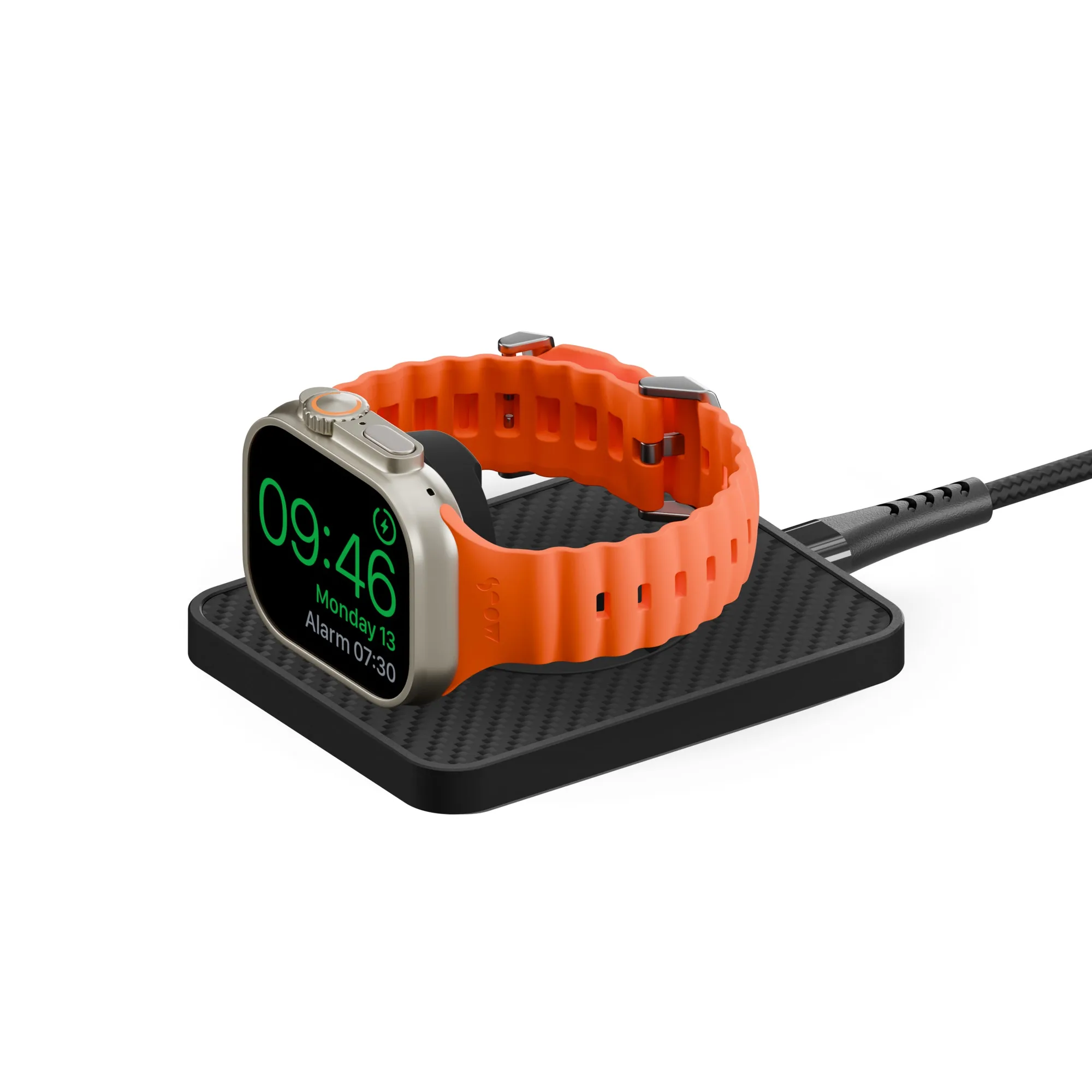
To extend your iPhone 17e battery life, focus on adjusting settings like screen brightness and background app refresh, and avoid extreme temperatures. When you're on the go, a Mous portable charger—such as the Wireless Charging Stand - Aramid Fibre—provides fast, reliable power to keep your phone charged without constantly hunting for an outlet.
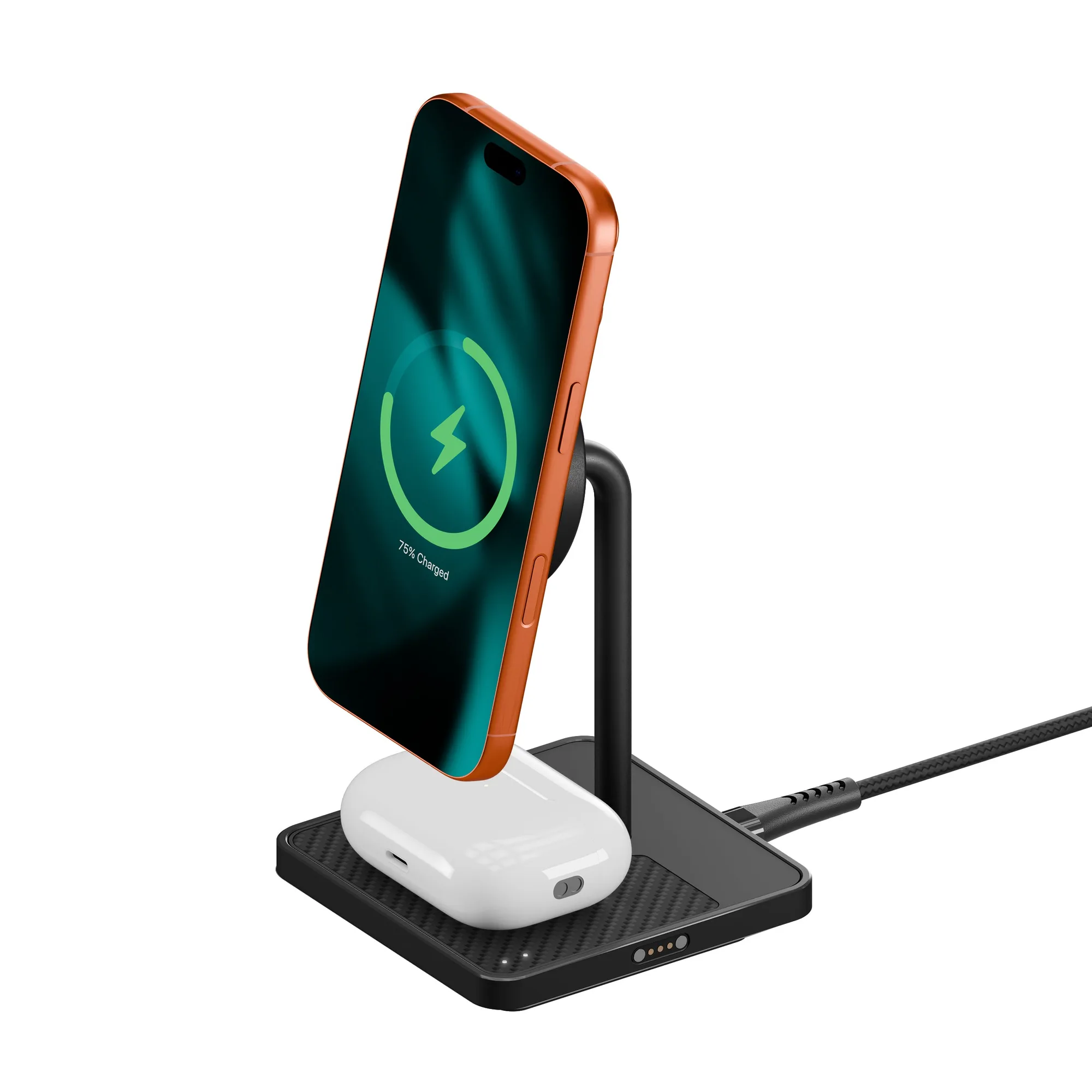
Wireless Charging Stand - Aramid Fibre
The iPhone 17e is designed to last, but even the best battery can drain faster than you'd like with heavy use. Whether you're streaming, navigating, or working on the go, a few smart habits can make a real difference in how long your phone stays powered. In this guide, we'll walk you through practical steps to extend your iPhone 17e battery life, and show you how a Mous portable charger can be a reliable backup when you're away from a wall socket.
You don't need to be a tech expert to improve battery performance. Simple changes—like managing screen brightness, controlling background apps, and using the right charger—can add hours to your day. We'll also highlight some Mous charging accessories that pair perfectly with your iPhone 17e, so you can stay powered wherever you are.
Start with Display and Brightness Settings
Your screen is one of the biggest battery consumers on any smartphone. Lowering your iPhone 17e's brightness or enabling Auto-Brightness can significantly reduce power drain. Go to Settings > Display & Brightness and adjust the slider to a comfortable level. You can also turn on True Tone if available, which adapts the screen to ambient light and can help save battery.
Another effective setting is reducing the auto-lock time. A shorter auto-lock (like 30 seconds) ensures your screen doesn't stay on when you're not using it. This simple tweak can prevent unnecessary battery loss throughout the day.
- Set Auto-Lock to 30 seconds or 1 minute to minimize screen-on time.
- Use dark mode on OLED displays to save power, as black pixels are turned off.
Manage Background App Refresh and Location Services
Apps running in the background can quietly drain your battery. Go to Settings > General > Background App Refresh and disable it for apps that don't need constant updates, like social media or news apps. You can also set it to Wi-Fi only to reduce cellular data usage.
Location services are another hidden battery hog. Review Settings > Privacy & Security > Location Services and set apps to 'While Using' instead of 'Always'. This prevents apps from tracking your location in the background, saving both battery and data.
- Disable Background App Refresh for non-essential apps.
- Limit location access to 'While Using' for most apps.
Use Low Power Mode and Optimized Battery Charging
Low Power Mode is a built-in feature that reduces background activity and performance to extend battery life. You can turn it on from Settings > Battery or via Control Center. It's especially useful when you're running low and can't charge immediately.
Also, enable Optimized Battery Charging in Settings > Battery > Battery Health. This feature learns your charging routine and slows down charging past 80% to reduce battery aging. It's a great way to maintain long-term battery health, not just daily life.
- Turn on Low Power Mode when your battery drops below 20%.
- Keep Optimized Battery Charging enabled to protect your battery's lifespan.
Choose the Right Charger for Efficiency
Not all chargers are created equal. Using a high-quality charger that delivers the right wattage can charge your iPhone faster and more efficiently. Mous offers the Wireless Charging Stand - Aramid Fibre, which delivers up to 15W wireless charging with Qi2 technology. This stand is not only fast but also keeps your phone in a convenient viewing angle while charging.
For a more portable option, the https://mouse-m.com/products/aramid-fibre-wireless-charger-and-stand-351681Aramid Fibre Wireless Charger and Stand is MagSafe compatible and works with MagSafe-enabled iPhones. It's a compact solution that you can easily slip into a bag, ensuring you always have a reliable charging option.
- Use a charger that matches your iPhone's fast-charging capability to avoid slow top-ups.
- Look for Qi2-certified chargers for optimal wireless charging speed.
Steps to Extend Your iPhone 17e Battery Life
- Adjust Display Settings: Lower screen brightness, enable Auto-Brightness, and shorten auto-lock time to reduce screen power consumption. Checkpoint: Your screen should dim quickly when idle—if not, revisit these settings.
- Limit Background Activity: Disable Background App Refresh for non-essential apps and restrict location services to 'While Using' to stop hidden battery drain. Checkpoint: After a day of normal use, check Battery settings to see which apps use the most power and adjust accordingly.
- Use Power-Saving Features: Turn on Low Power Mode when needed and keep Optimized Battery Charging enabled to preserve long-term battery health. Checkpoint: If your battery still drains quickly, consider carrying a Mous portable charger for emergency top-ups.
- Invest in a Reliable Charger: Choose a high-quality charger like the Mous Wireless Charging Stand - Aramid Fibre to ensure efficient and fast charging wherever you are. Checkpoint: A good charger not only speeds up charging but also reduces the wear on your battery caused by slow, inefficient power sources.
Mous Charging Solutions for Your iPhone 17e
- Aramid Fibre Wireless Charger and Stand: A MagSafe compatible charger and a handy stand for high-speed magnetic charging and mounting. Complete, unhindered MagSafe compatibility with MagSafe-enabled iPhones. This charger lets you power up your iPhone 17e quickly and keep it propped up for video calls or hands-free viewing, making it a versatile desk or travel companion.
- Wireless Charging Stand - Aramid Fibre: Fast, reliable 15W wireless charging for iPhone and Android in a sleek, compact design. Built with official Qi2 technology and engineered for everyday use. With 15W output, this stand ensures your iPhone 17e charges at top speed, reducing the time you spend tethered to an outlet and maximizing your battery life throughout the day.
By following these steps, you can significantly extend the battery life of your iPhone 17e and avoid the anxiety of a dying phone. Remember that a reliable charger is just as important as your usage habits. A Mous portable charger, like the Wireless Charging Stand - Aramid Fibre, offers fast, dependable power that fits your on-the-go lifestyle. Start implementing these tips today, and you'll notice a difference in how long your battery lasts.