Quick Answer
To extend Phyn Plus leak detection coverage, place Phyn Smart Water Sensors in every high-risk area and connect a Sensor Cable to the Phyn Plus unit to monitor larger spaces. Start with the most vulnerable spots like under sinks, behind toilets, and near the water heater, then add sensors as needed.
Sensor Cable
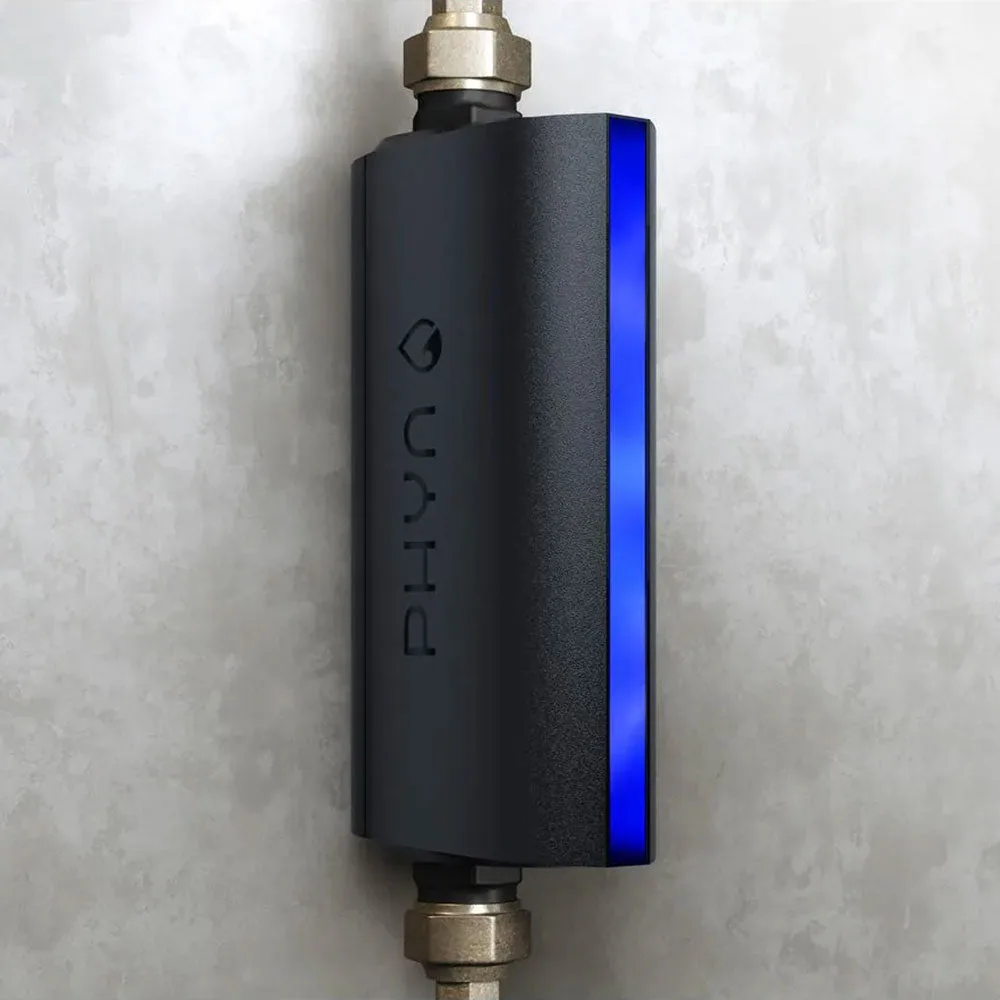
Phyn Plus is a powerful smart water assistant that monitors your home's water pressure and can automatically shut off the water when a leak is detected. But to get the most out of it, you need to extend its reach beyond the main water line. That's where multiple Phyn Smart Water Sensors and the Sensor Cable come in.
This guide walks you through a practical, step-by-step approach to expanding your Phyn Plus coverage so you can protect every corner of your home from costly water damage.
Why Extend Coverage Beyond the Phyn Plus Unit?
Phyn Plus monitors the entire plumbing system from the point of installation, detecting leaks by analyzing pressure changes. However, it can't tell you exactly where a leak is happening or detect slow drips that don't create significant pressure drops. That's why adding Phyn Smart Water Sensors in key locations is essential.
Sensors placed near potential leak sources provide early, localized alerts, giving you time to act before water damages floors, walls, or belongings. They also help you pinpoint the exact source of a leak, saving you from costly exploratory plumbing work.
- Phyn Plus gives whole-home pressure monitoring; sensors give room-level detection.
- Sensors are especially useful in areas where leaks often go unnoticed: basements, under sinks, behind washing machines, and near water heaters.
Planning Your Sensor Placement
Before you buy extra sensors, walk through your home and identify every potential water damage risk. Common spots include under kitchen and bathroom sinks, behind toilets, near the water heater, washing machine, dishwasher, refrigerator with an ice maker, and in the basement or crawlspace.
Prioritize areas where water is most likely to pool and cause damage, and where you might not notice a leak quickly. You can start with a 5-pack to cover the most critical zones, then expand as needed.
- Make a checklist of every room with a water source.
- Rank each location by risk: consider water pressure, age of appliances, and how often the area is visited.
Understanding the Sensor Cable
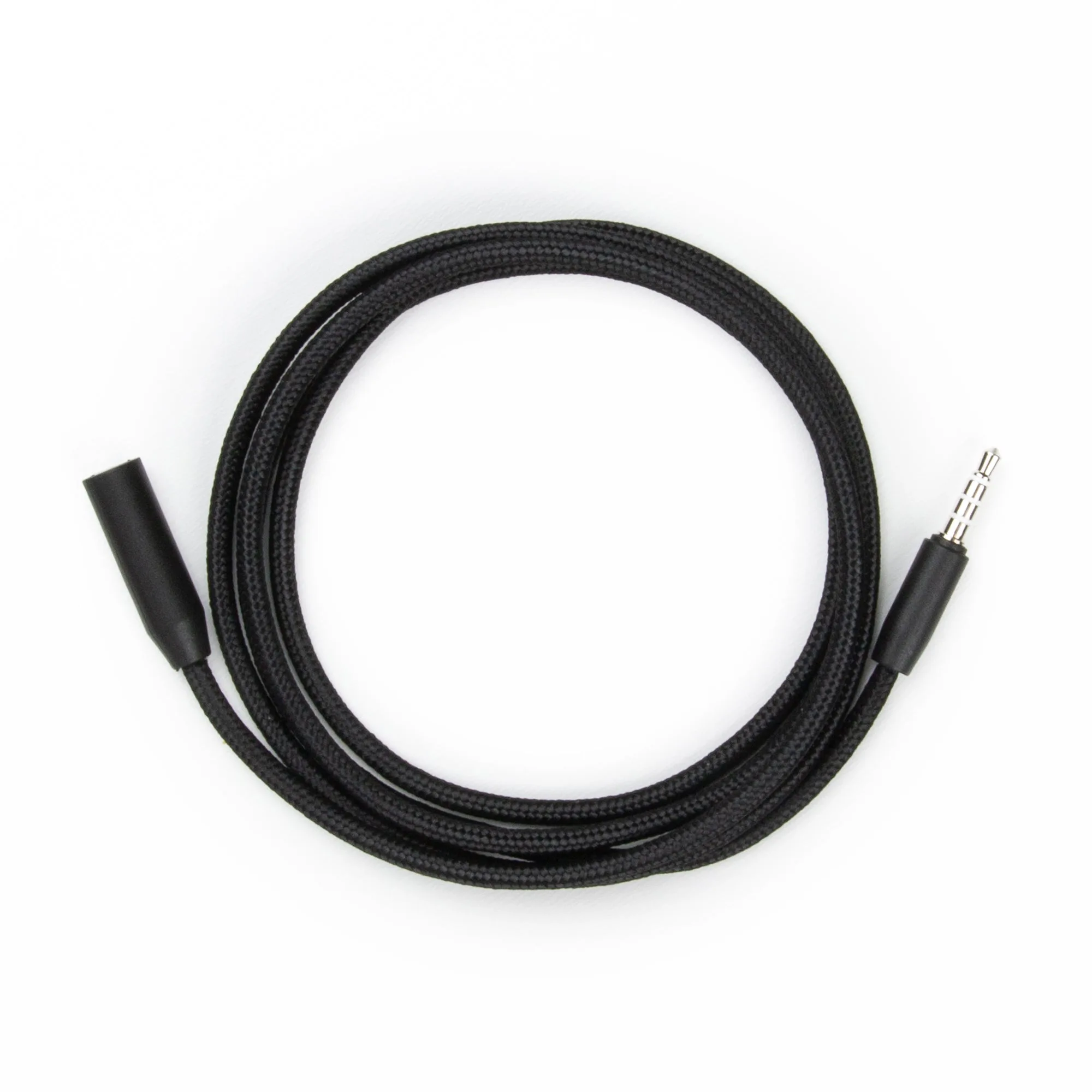
The Sensor Cable is a valuable accessory that works with your Phyn Plus system to detect water leaks along its length. It's designed to be easy to install and integrate into your existing setup, making it ideal for areas where a single point sensor might not be enough, such as along a basement wall or behind a long run of piping.
By using a Sensor Cable, you can extend detection coverage over a larger area without needing to place multiple individual sensors. This is especially useful for protecting against leaks from pipes that run along walls or under floors.
- Use the Sensor Cable in addition to, not instead of, point sensors.
- Run the cable along the base of walls or under appliances where leaks are likely to travel.
Installing Your Sensors for Maximum Coverage
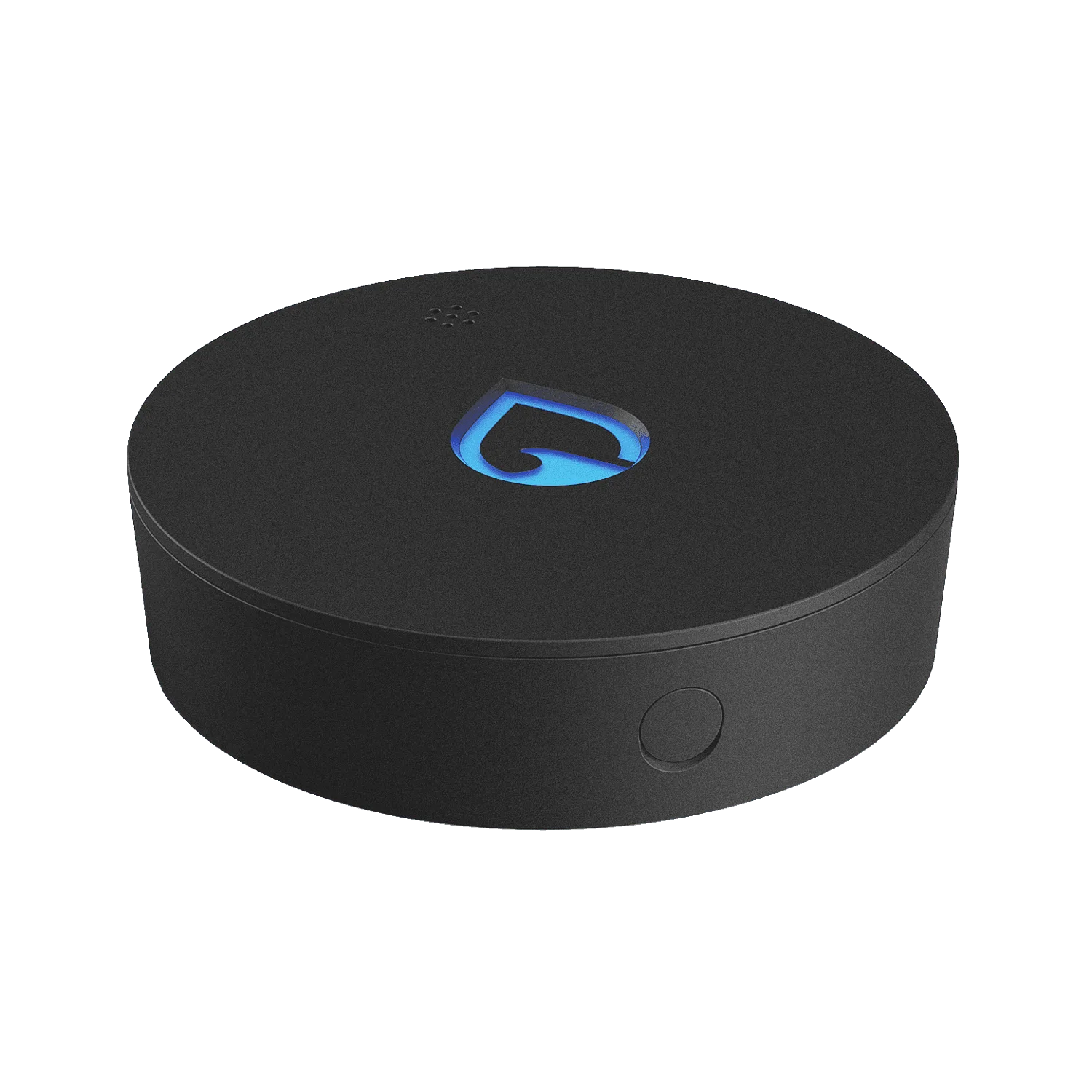
Place each Phyn Smart Water Sensor directly on the floor or on a flat surface where water is likely to collect. Avoid placing them on shelves or high surfaces where they won't detect water pooling on the floor. For best results, position them near the center of the risk area, not right against the wall, since water may spread away from the source.
Phyn Smart Water Sensor
If you're using the Sensor Cable, route it along the floor or wall base in areas where water might flow. Secure it with clips or tape to keep it in place, but make sure it's not kinked or twisted, as that could affect detection.
- Test each sensor after installation by placing a damp cloth on it to confirm it triggers an alert.
- Check the Phyn app to ensure all sensors are connected and showing the correct location names.
Connecting Everything to the Phyn App
After installing your sensors, open the Phyn app and add each one to your system. You can assign custom names and locations (e.g., 'Basement floor' or 'Under kitchen sink') to make alerts more useful. The app also allows you to set custom alert thresholds for humidity and temperature, which can help you catch issues before water is even present.
Make sure your phone's notifications are enabled for the Phyn app, and consider enabling SMS alerts for critical alerts. This ensures you'll be notified even if you're away from home.
- Review your alert settings in the app to customize sensitivity and notification methods.
- Set up multiple notification channels (app, SMS) for redundancy.
Step-by-Step Coverage Extension
- Step 1: Map Your Risk Zones: Walk through your home and list every area where a leak could occur. Prioritize spots near water sources, appliances, and areas that are rarely visited. Checkpoint: You should have a clear list of at least 5-10 high-risk locations.
- Step 2: Choose Your Sensors: Decide how many Phyn Smart Water Sensors you need. A 5-pack is a cost-effective way to cover multiple rooms. For larger areas, plan to add a Sensor Cable. Checkpoint: Match the number of sensors to your risk map, not just the size of your home.
- Step 3: Place Sensors Strategically: Put each sensor on the floor or a flat surface where water is likely to pool. Position them near the center of the risk area, not against walls. Avoid placing them where they can be easily knocked over or covered. Checkpoint: After placing, test each sensor with a damp cloth to confirm it triggers an alert.
- Step 4: Install the Sensor Cable: If using the Sensor Cable, route it along the base of walls or under appliances where water might flow. Secure it with clips or tape, and avoid sharp bends that could damage the cable. Checkpoint: Ensure the cable is not kinked and is within range of the Phyn Plus system.
- Step 5: Connect and Configure in the App: Open the Phyn app, add each sensor and the cable, and assign custom names and locations. Customize alert thresholds for humidity and temperature to reduce false alarms. Checkpoint: Enable app and SMS notifications so you never miss an alert.
- Step 6: Test Your Whole System: Simulate a leak by placing a damp cloth on a sensor or running a small amount of water near the cable. Confirm that you receive alerts and that the Phyn Plus system responds as expected. Checkpoint: Regular testing (monthly) ensures your system is always ready.
Product Facts
- Phyn Smart Water Sensor 5-Pack - WS: Don’t ever worry about leaks or floods in your basement, under your sinks, from your water heater or anywhere else in the house. The Phyn Smart Water Sensor alerts you audibly, visually and with SMS and app notifications the moment it comes in contact with water. You can also set custom alert thresholds for potentially damaging high and low humidity and temperature in the free Phyn app. A 5-pack gives you enough sensors to cover the most critical areas of your home out of the box, so you can start protecting multiple zones immediately.
- Sensor Cable - WS: The Sensor Cable - WS is designed to detect water leaks and help protect your home from potential damage. It works seamlessly with your Phyn Plus system to provide early warnings and peace of mind. Compatible with Phyn Plus smart water monitoring system. Detects water leaks to help prevent costly damage. Easy to install and integrate into your existing setup. Helps conserve water and save money on utility bills. The Sensor Cable extends detection along a continuous path, making it ideal for basements, crawlspaces, or along long pipe runs where a single point sensor might miss a leak.
Extending your Phyn Plus coverage with multiple sensors and the Sensor Cable is a simple and effective way to protect your home from water damage. By following these steps, you'll have early warnings in the areas that matter most, saving you money and giving you peace of mind.