Quick answer
Plug your highest-power device (like a laptop) into the USB-C port labeled with the highest output, then connect your phone and tablet to the remaining ports. The Anker Nano Charger (70W, 3 Ports) automatically distributes power so each device gets a fast charge without overloading.
Why port order matters
The Anker Nano Charger (70W, 3 Ports) has three ports, but not all ports deliver the same wattage at the same time. When you plug in a laptop, the charger prioritizes the high-power USB-C port to give it the full wattage it needs, while the other two ports split the remaining power. If you plug your phone into the high-power port first, your laptop may charge slowly or not at all.
Power sharing trade-offs
With three devices connected, the total 70W is shared. A typical 60W laptop might get around 45W, a tablet 15W, and a phone 10W. This is still fast enough for most daily top-ups, but if you need a full-speed laptop charge, consider charging only two devices at a time.
Step-by-step guide to fast charge three devices
- 1. Identify the high-power USB-C port: On the Anker Nano Charger (70W, 3 Ports), one USB-C port is designed to deliver the highest wattage (usually labeled or indicated in the manual). Plug your device that needs the most power—like a laptop—into that port first. Common mistake: Plugging a phone into the high-power port first can starve your laptop of power.
- 2. Connect your second device: Plug your tablet or second phone into the remaining USB-C port. The charger will automatically adjust power distribution. Your laptop will still get a fast charge, while the second device gets a moderate charge. Checkpoint: If your tablet shows 'charging slowly', try swapping ports to see if it gets more power.
- 3. Add the third device: Plug your third device (e.g., another phone or earbuds case) into the USB-A port. The charger splits the remaining wattage among all three. Your laptop and tablet will charge a bit slower, but all devices will gain power overnight or during a meeting. Common mistake: Expecting full-speed charging for all three devices simultaneously. The trade-off is convenience over raw speed.
- 4. Monitor charging status: Check each device's battery indicator after 15 minutes. If any device isn't charging, unplug and replug the cable, or try a different port. The Anker Nano Charger supports multiple fast-charging protocols, so most modern devices will negotiate the optimal speed automatically. Checkpoint: If a device still won't charge, the cable may be the issue—try a different USB-C cable rated for 60W or higher.
Product facts
-
Anker Nano Charger (70W, 3 Ports): 70W total power output for charging multiple devices simultaneously. This means you can charge a laptop, phone, and tablet at the same time without needing separate chargers.
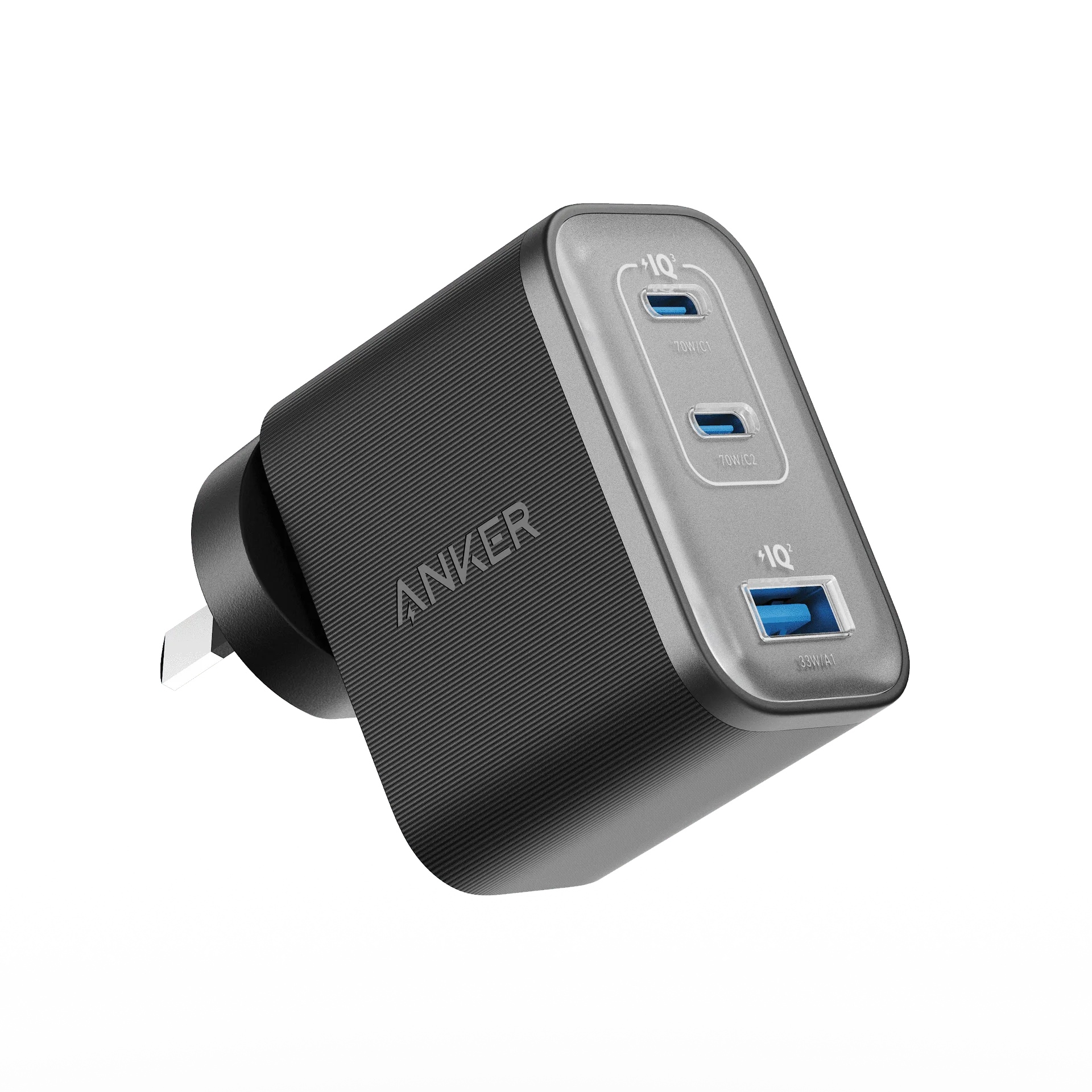
Anker Nano Charger (70W, 3 Ports)
