Quick answer
To fit a rain cover over a backpack, first loosen all straps and remove any dangling items, then slide the cover over the top and tuck it under the bottom before securing the drawcord or clips.
Why proper fit matters
A rain cover that flaps or slips off defeats its purpose. Water can seep through gaps, and a loose cover can catch wind or snag on branches. Taking an extra minute to fit it correctly keeps your gear dry and your cover intact.
Step-by-step guide
- Prepare your backpack: Loosen all compression straps and remove any items clipped to the outside, such as carabiners or water bottles. This prevents snags and allows the cover to slide on smoothly. A common mistake is leaving straps tight, which makes the cover hard to pull over the pack.
- Slide the cover over the top: Hold the cover by its center seam or elastic edge and pull it over the top of the backpack. Work it down the back panel first, then over the front. Ensure the cover’s opening faces the back of the pack. If the cover feels tight, check that no straps are caught underneath.
- Tuck under the bottom: Reach under the backpack and pull the cover’s hem so it wraps fully around the base. The elastic or drawstring should sit snugly below the bottom edge of the pack. A cover that stops above the bottom leaves the base exposed to puddles and wet surfaces.
- Secure the closure: Tighten the drawcord or snap the clips at the bottom. If your cover has a sternum strap loop, thread it through before fastening. Give the cover a gentle tug to confirm it won’t shift. Double-check that the cover is not twisted—twisted fabric can create channels that direct water onto your bag.
Products that help
-
Backpack Bundle: The Backpack Bundle includes a backpack and a Laptop Portfolio designed for daily commutes and campus use. If you carry a laptop alongside other essentials, the bundle keeps your devices organized and protected under a rain cover.
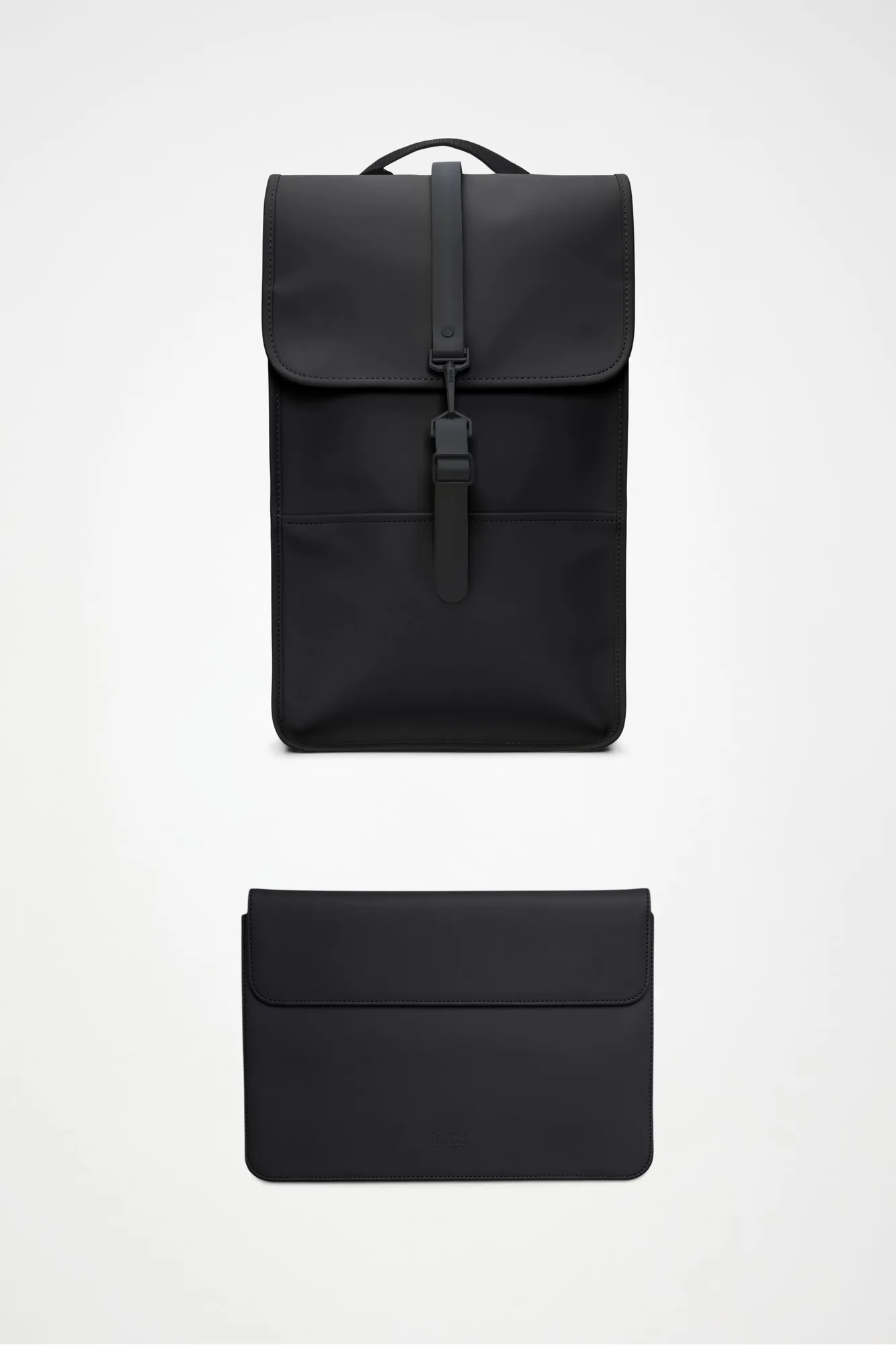
Backpack Bundle


