Quick answer
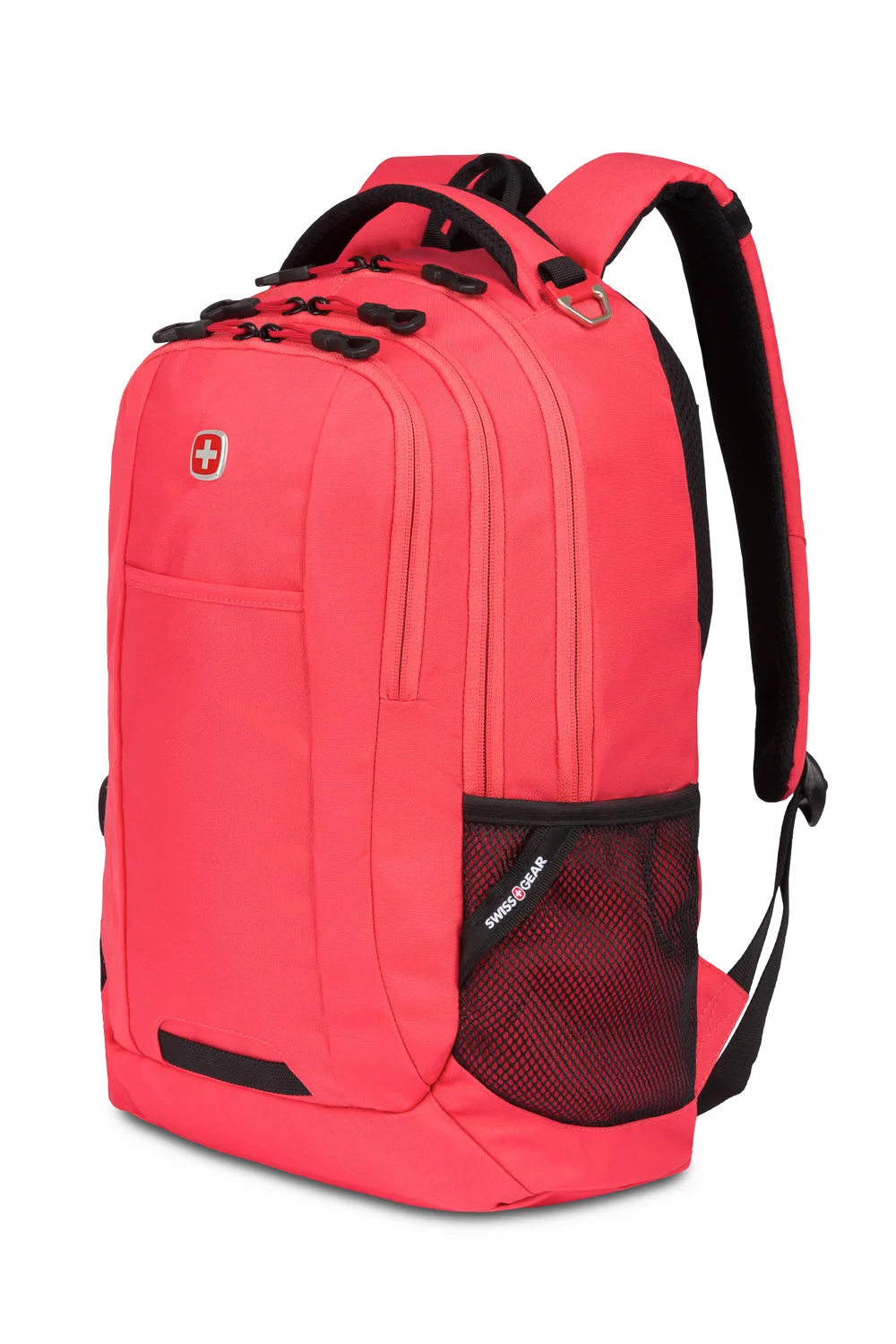
To fit a memobottle into a laptop bag or backpack, choose a flat size that matches your bag's sleeve depth, slide it into an upright laptop compartment or flat against a book, and keep it above the bag's bottom edge. The A5 memobottle suits all-day hydration in larger bags, while the A7 memobottle is the most compact option for clutches, blazers, or pockets. Always check the lid seal before packing.
Match the memobottle size to your bag's sleeve
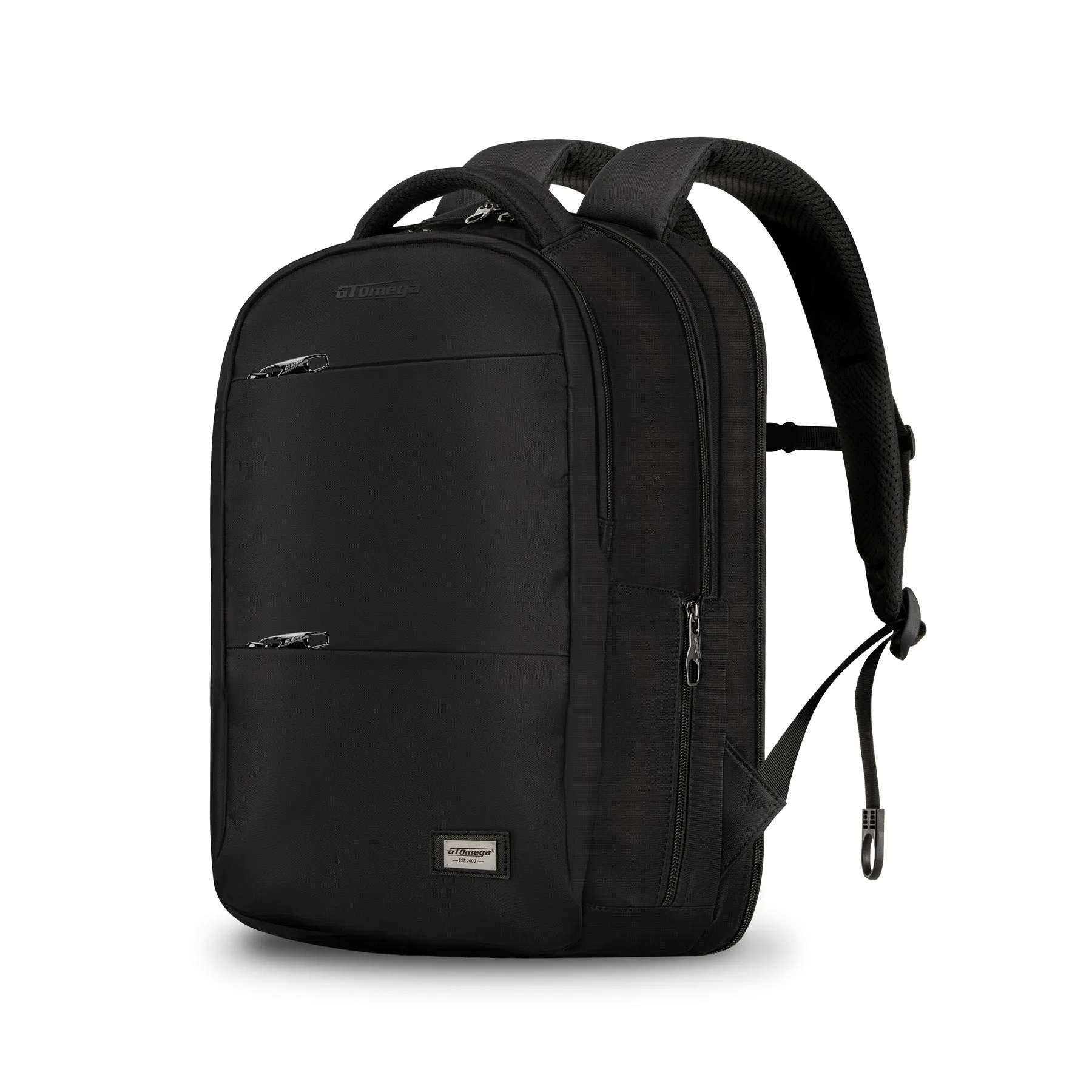
The biggest cause of a bad memobottle backpack fit is buying a bottle that is too tall or too wide for the laptop sleeve. Measure the internal height and width of the compartment you plan to use, then compare it with the bottle's flat dimensions. A paper-inspired flat shape is designed to sit against books and laptops, but it still needs a few millimeters of clearance so you can pull it out without dragging your laptop with it. If your bag has a tight sleeve, a smaller bottle will be easier to load and unload every day.
Place it flat, not loose
A flat water bottle for a laptop bag works best when it is treated like a notebook: slide it into the laptop sleeve or a separate flat pocket instead of dropping it into the main compartment. Loose bottles tip, roll, and press against your laptop screen. If your bag has no dedicated sleeve, place the bottle between two flat items such as a notebook and a folder so it stays vertical. This also reduces the chance of the bottle sliding around when you set the bag down.
Use a sleeve or stand to stop rolling
A silicone sleeve adds grip and cushioning, which helps a memobottle sleeve in bag setups stay put. If you already use a desk stand at home, keep it there; a sleeve is the more useful accessory for commuting because it protects the bottle and the things around it. When choosing a sleeve, match it to your bottle size and check that it does not add so much thickness that the bottle no longer fits your laptop compartment.
Pack around the bottle, not on top of it
Once the bottle is in place, load heavier items toward the back of the bag and keep pressure off the bottle's flat faces. A full memobottle is rigid, so a heavy laptop or textbook pressing directly on it can stress the lid area. Leave a little space above the lid so you can open and close the bottle without unpacking the whole bag. This is especially important for memobottle travel packing, where bags are often overfilled.
Check the lid before every trip
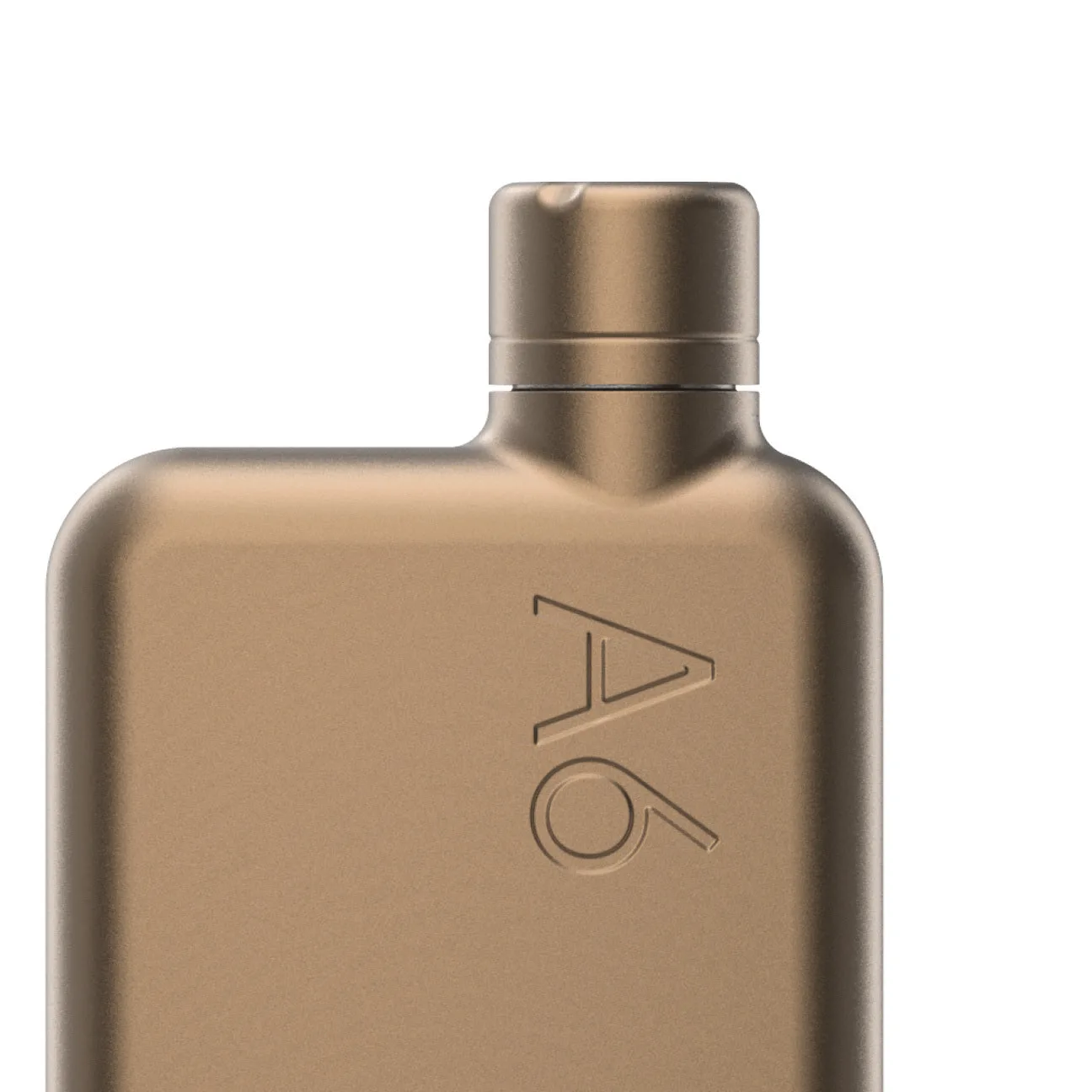
A flat bottle only stays leak-free if the lid is seated correctly. Before you put the bottle in your bag, fill it, close the lid firmly, and give it a quick shake over a sink. If you use a Stainless Steel memobottle, the Copper Lid is compatible only with the Stainless Steel memobottle range, so do not mix it with other models. A spare lid in your bag is a small item that can save a commute if a seal ever fails.
Packing steps for a memobottle in a laptop bag
- Empty and dry the bag compartment: Clear the laptop sleeve or flat pocket you plan to use. Remove crumbs, pens, and loose cables that could scratch the bottle or block it from sliding in. Checkpoint: the bottle should slide in and out with one hand before you fill it.
- Fill and seal the bottle: Fill the memobottle, close the lid firmly, and shake it over a sink. Wipe the outside dry so it does not dampen your laptop or books. Common mistake: packing a bottle that was sealed before the threads were aligned.
- Slide it flat against a rigid item: Insert the bottle into the laptop sleeve or flat against a notebook or folder. Keep it upright and above the bag's bottom edge. Checkpoint: the bottle should not bulge into the main compartment.
- Add a sleeve if the bottle shifts: If the bottle slides or rolls, fit a correctly sized silicone sleeve for grip. Do not force a sleeved bottle into a sleeve that is already tight. Common mistake: choosing a sleeve that makes the bottle too thick for the compartment.
- Pack heavy items away from the bottle: Place your laptop and textbooks so they do not press directly on the bottle's flat faces or lid. Leave headroom above the lid. Checkpoint: you can open the bottle without unpacking the bag.
- Do a final leak check before you leave: Hold the bag upright, then tilt it gently. If you see moisture near the lid, reseat the seal or swap in a compatible spare lid. Next step: carry a spare lid for Stainless Steel models so a worn seal never strands you.
Product facts
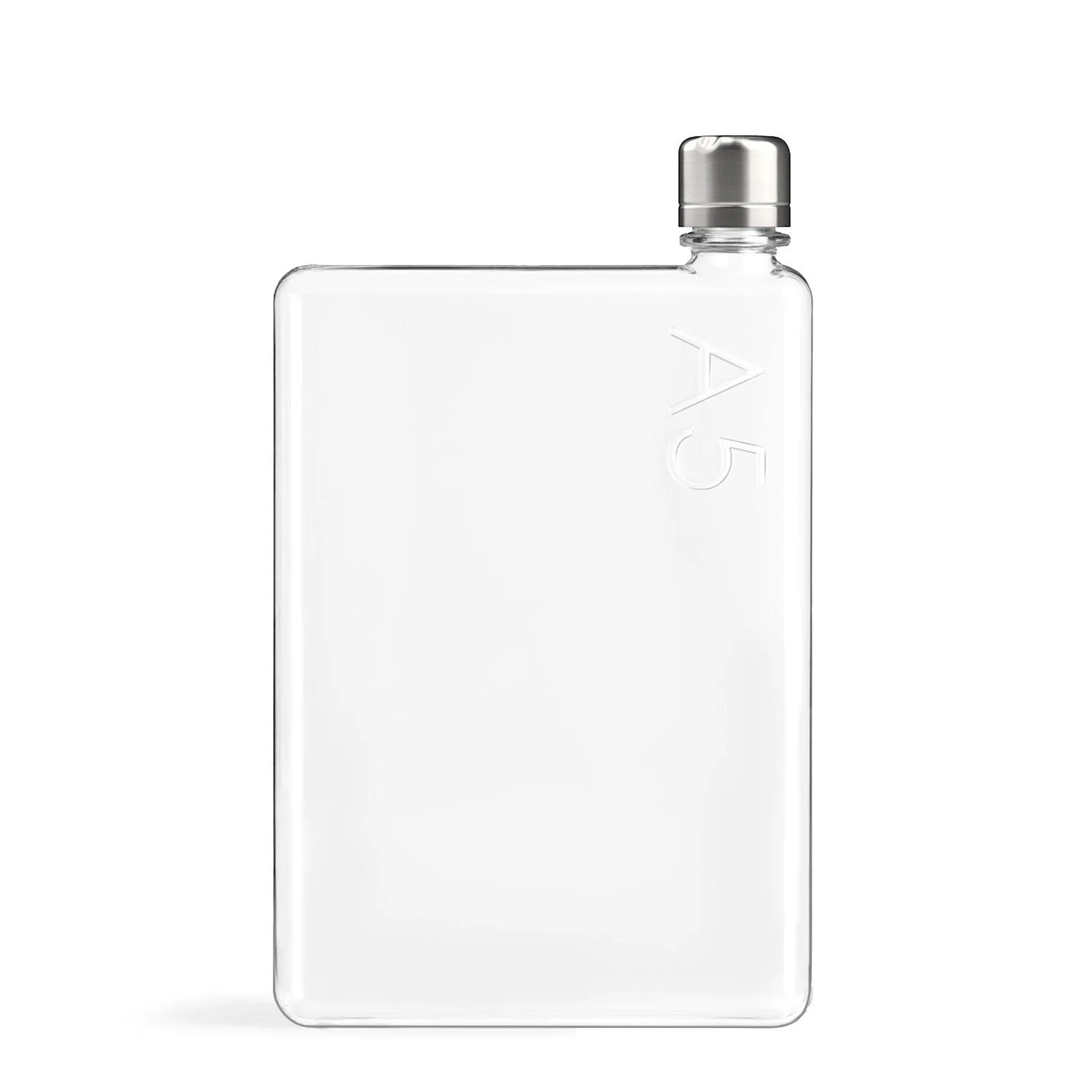
- A5 memobottle: The A5 memobottle is built for effortless all-day hydration, thanks to its extra large capacity and space-saving form. Its paper-inspired design allows for a Tetris style fit in your bag, flat against your books, laptop, and more. Best for commuters and students who want one bottle to last a full day and can spare a full laptop-sleeve slot.
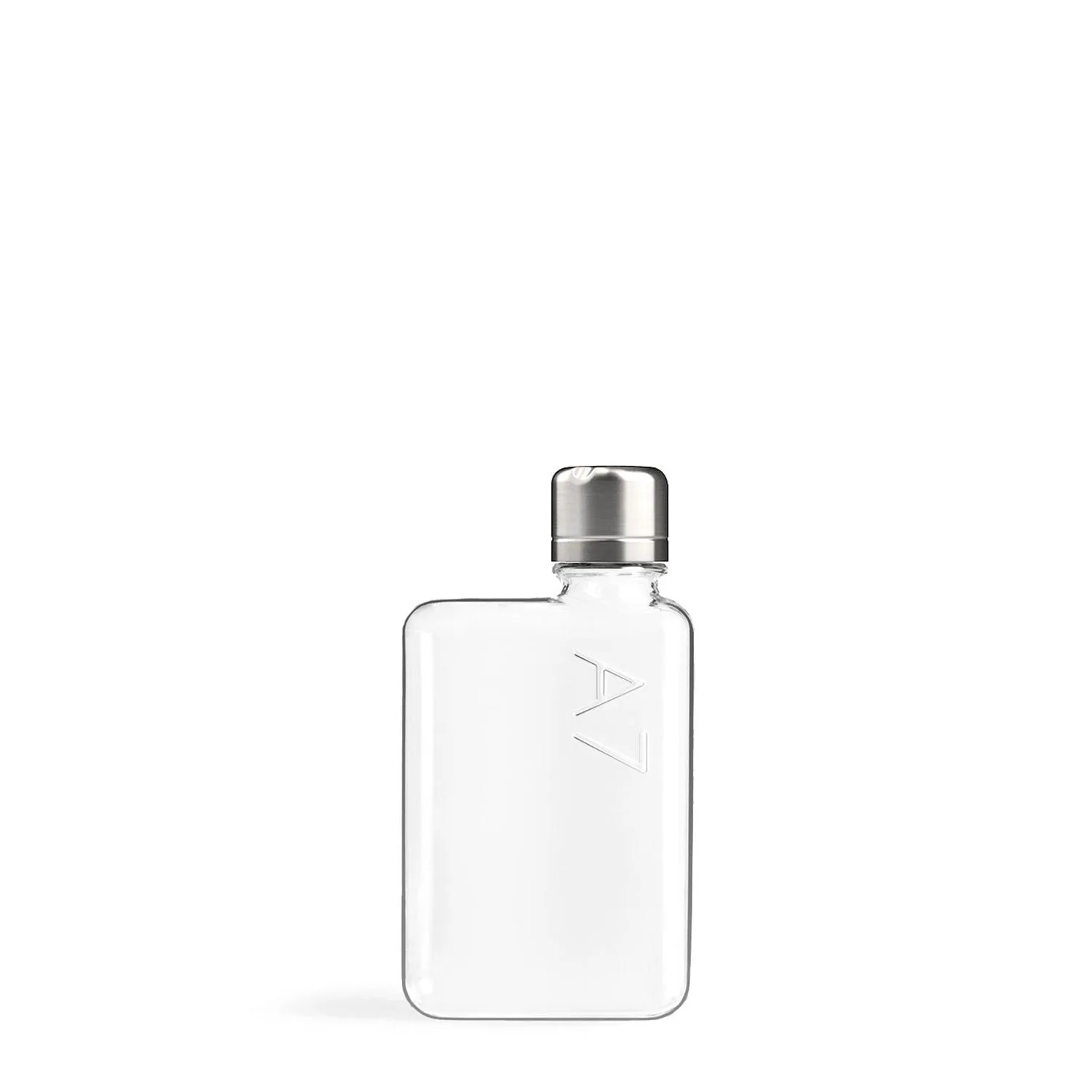
- A7 memobottle: The A7 memobottle is the most compact in the memobottle collection. Holding 180ml it's one of few bottles that can fit inside a clutch, blazer, or your pocket. A good choice for minimal bags, short trips, or days when you want a slim water bottle for commuting without giving up a laptop sleeve.
- Copper Lid (Stainless Steel memobottle): Need a spare, or replacement lid for your Stainless Steel memobottle? The durable and reliable silicone seal ensures a leak-proof fit, while the stainless steel construction gives a sleek and modern look. Compatible only with the Stainless Steel memobottle range. Keeps a Stainless Steel memobottle usable if the original lid is lost or worn, but it will not fit other memobottle models.