Quick answer
Fit the SimXPro DD Sidemount between your direct drive wheel base and wheel deck to adjust the steering angle for a comfortable, consistent position. The hardened steel brackets provide a clean, reliable installation.
Why sidemount brackets matter for direct drive wheel bases
Direct drive wheel bases are powerful and can transmit a lot of force into your rig. A sidemount bracket like the SimXPro DD Sidemount helps distribute that force evenly, reducing flex and maintaining a stable steering position.
The adjustable angle lets you fine-tune the wheel deck to suit your seating position, which is especially important for long sessions where comfort directly affects consistency.
What to check before you start
Before installing, confirm that your wheel base uses a side-mount pattern. The SimXPro DD Sidemount is designed for direct drive units, but not all wheel bases share the same bolt spacing. Measure the distance between the mounting holes on your wheel base and compare it with the bracket's slots.
Also check that your wheel deck has clearance for the brackets. Some decks have recessed areas or angled profiles that may interfere with the sidemount's flat mounting surface.
Installation steps
- Gather tools and parts: You'll need the SimXPro DD Sidemount brackets, the appropriate bolts for your wheel base and wheel deck, and the correct hex key or wrench. Verify that the bolt sizes match the threaded holes on your wheel base and deck. Using the wrong bolt size can strip threads or cause a loose fit, so double-check before tightening.
- Position the brackets on the wheel base: Align the sidemount brackets with the side mounting holes on your direct drive wheel base. The bracket's slots should face outward so you can adjust the angle later. Hand-tighten the bolts to hold the brackets in place. Do not fully tighten yet; you'll need to adjust the angle after mounting the wheel base.
- Mount the wheel base to the wheel deck: Place the wheel base with the attached brackets onto the wheel deck. Align the bracket slots with the deck's mounting holes. Insert the bolts and tighten them just enough to hold the assembly securely. Ensure the wheel base is centered and level before final tightening to avoid a skewed steering position.
- Adjust the steering angle: Loosen the bolts slightly, then tilt the wheel base to your preferred angle. Tighten the bolts gradually, alternating between sides to maintain even pressure. Check that the wheel base does not move when you apply force. A common mistake is over-tightening one side first, which can misalign the brackets. Tighten evenly and re-check the angle after each pass.
- Test for stability and comfort: Sit in your driving position and grip the wheel. Apply force in different directions to ensure there is no flex or movement. If you feel any play, re-tighten the bolts or adjust the angle slightly. If the wheel base still moves, check that all bolts are fully seated and that the brackets are not bent or damaged.
Product facts
-
SimXPro DD Sidemount: The SimXPro DD Sidemount is made from 2 mm hardened steel and offers angle adjustment for direct drive wheel bases. The hardened steel construction ensures the bracket can handle the torque of a direct drive wheel base without flexing, while the adjustment lets you dial in a comfortable steering angle.
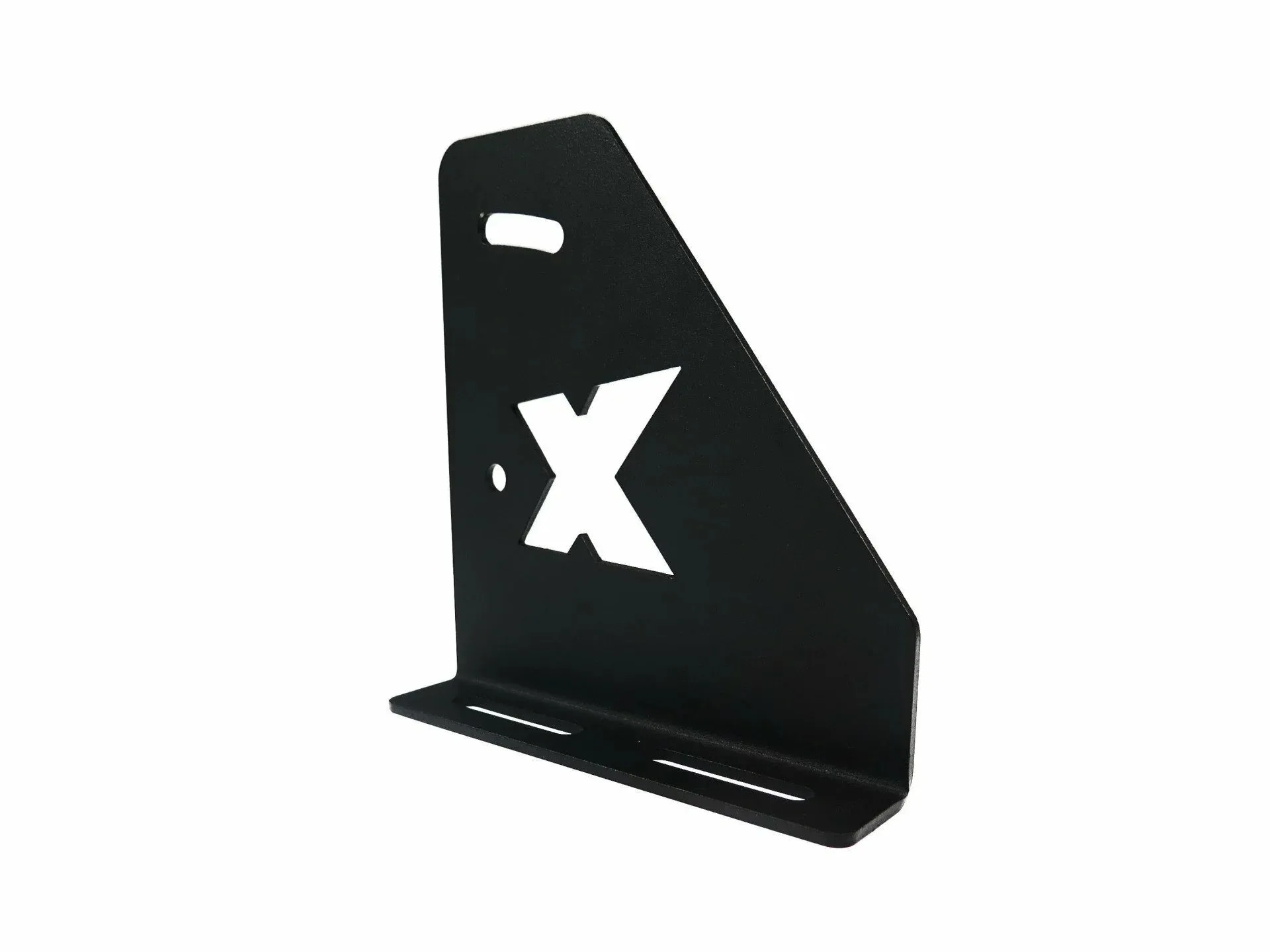
SimXPro DD Sidemount
After installation, take a few minutes to re-check all bolts after your first driving session, as vibration can cause them to loosen slightly. Enjoy your improved steering position and consistent feel.