Quick answer
Most stamping mistakes come down to three things: uneven pressure, too much or too little ink, or a slick paper surface. Start by testing your stamp on scrap paper with light, even pressure. If the image is still faint, clean the stamp and re-ink. For smudges, let the ink dry completely or switch to a faster-drying ink. If the mistake is set and cannot be fixed, cover it with a die-cut or start over on a fresh piece.
You've inked your stamp, pressed it down, and lifted it—only to find a blurry, patchy, or smudged image. It happens to every crafter, from beginners to seasoned card makers. The good news is that most stamping mistakes have a clear cause and a simple fix.
This guide walks through the most common stamping problems, what likely caused them, and exactly how to correct them. You'll also learn when to stop troubleshooting and switch to a different approach, so you don't waste paper or ruin a project.
The stamp is not stamping clearly (faint or patchy image)
A faint or patchy image usually means the stamp isn't making full contact with the paper. This can happen if you're pressing too lightly, if the stamp is new and hasn't been conditioned, or if the ink pad is dry. Start by stamping on scrap paper with firm, even pressure. If parts are still missing, clean the stamp with a stamp cleaner and try again. For new stamps, a light rub with an eraser or a quick pass with a stamp conditioner can help the ink adhere better.
If the stamp is old or heavily textured, the rubber may have flattened or clogged with dried ink. Clean it thoroughly with a stamp cleaning solution and a soft brush. If the image is still patchy, the stamp may be worn out and need replacing. Also check your ink pad: if it's dry, re-ink it or use a fresh pad. For detailed stamps, a fine spray mister can lightly mist the paper before stamping to help the ink transfer, but use it sparingly to avoid smudging.
- Test on scrap paper first—never on your final project.
- Use a Rock-a-Block or Turn Table for even pressure on large stamps.
- If the stamp is new, condition it before first use.
The image is smudged or blurry
Smudging happens when the ink is still wet and something touches it, or when you move the stamp while it's on the paper. If you're using a slow-drying ink, give it time to dry before handling. For faster results, switch to a pigment or dye ink that dries quickly, or use a heat tool to set the ink. If the smudge is caused by the stamp shifting, try using a stamp positioning tool like the Rock-a-Block or a Turn Table to hold the stamp steady.
Another common cause is over-inking. If you press the stamp into the ink pad too hard, excess ink can pool in the lines and cause blurring. Tap the stamp lightly on the ink pad instead of pressing hard. If you're stamping on a slick surface like glossy card, the ink may not absorb and can smear easily. In that case, use a solvent-based ink or stamp on matte paper.
- Let ink dry completely before touching or layering.
- Use a heat tool to speed up drying.
- Tap the stamp on the ink pad—don't press hard.
Stamping pressure problems: too much or too little
Pressure is the most common culprit behind uneven stamping. Pressing too hard can cause the stamp to slide, creating a double image or blur. Pressing too lightly leaves gaps. The goal is firm, even pressure across the entire stamp. For large stamps, use a Rock-a-Block or a Turn Table to apply pressure evenly. For small stamps, press straight down with your fingers, avoiding any rocking motion.
If you're using a stamp press, check that the stamp is mounted flat and the paper is on a firm surface. A craft mat or cutting mat provides a stable base. If the image is still uneven, try placing a piece of foam or a few sheets of paper under the paper to create a slightly softer surface, which can help the stamp make full contact.
- Use a stamp positioning tool for large or detailed stamps.
- Place paper on a firm, flat surface like a craft mat.
- For uneven images, try a foam shim under the paper.
Ink-related issues: drying, bleeding, and color transfer
Ink problems can mimic pressure problems. If your ink pad is old or dry, the image will be faint no matter how hard you press. Re-ink the pad or replace it. If the ink bleeds into the paper fibers, you may be using the wrong ink for the paper type. Dye inks work well on smooth cardstock, while pigment inks are better for porous papers. For non-porous surfaces, use a solvent-based ink.
If you're getting color transfer from a previous stamping, clean your stamp thoroughly between colors. A stamp cleaner and a scrub pad will remove residue. If you're using a stamp with fine details, avoid over-inking, as excess ink can fill in the fine lines and cause a blob. Blot the stamp on scrap paper once before stamping on your project.
- Match ink type to paper: dye for smooth, pigment for porous, solvent for non-porous.
- Clean stamps between colors to avoid muddy images.
- Blot excess ink on scrap paper before stamping.
When to stop troubleshooting and start over
Sometimes a mistake can't be fixed. If the image is badly smudged, torn, or misaligned, it's often faster to start over than to try to salvage it. If you're working on a card, you can cover the mistake with a die-cut, a sentiment strip, or a layered element. For example, a metal die set like the You're the Best Interchangeable Sentiment Create-a-Card Metal Die Set can cut a clean sentiment to cover a smudged area. If the mistake is on a background, consider adding a larger focal point over it.
If you've tried adjusting pressure, ink, and paper and the stamp still won't produce a clean image, the stamp itself may be defective or worn out. In that case, it's best to replace it. Don't keep stamping on the same project—each failed attempt adds more ink and makes the problem worse. Set the project aside, test on scrap, and come back with a fresh perspective.
- Cover mistakes with die-cuts, sentiments, or embellishments.
- If a stamp consistently fails, replace it.
- Always test on scrap before stamping on your final project.
Stamping mistake diagnosis chart
- Symptom: Faint or patchy image: Likely cause: Uneven pressure, dry ink pad, or new stamp that needs conditioning. Corrective action: Test on scrap with firm, even pressure. Clean and condition the stamp. Re-ink or replace the ink pad. If the image is still patchy after cleaning and re-inking, the stamp may be worn out—replace it.
- Symptom: Smudged or blurry image: Likely cause: Wet ink, over-inking, or stamp movement. Corrective action: Let ink dry completely or use a heat tool. Tap the stamp lightly on the ink pad. Use a stamp positioning tool to hold the stamp steady. If smudging persists, switch to a faster-drying ink or a different paper type.
- Symptom: Uneven impression (parts missing): Likely cause: Uneven pressure, warped stamp, or hard surface. Corrective action: Use a Rock-a-Block or Turn Table for even pressure. Place a foam shim under the paper. Ensure the stamp is mounted flat. If the stamp is warped, it may need to be replaced—no amount of pressure will fix it.
- Symptom: Ink bleeding or feathering: Likely cause: Wrong ink for paper type or over-inking. Corrective action: Match ink to paper: dye for smooth, pigment for porous, solvent for non-porous. Blot excess ink on scrap paper before stamping. If bleeding continues, try a different paper or ink formulation.
- Symptom: Double image or ghosting: Likely cause: Stamp moved during pressing or too much pressure. Corrective action: Use a stamp positioning tool. Press straight down without rocking. Reduce pressure. If the double image is severe, cover it with a die-cut or start over.
Products that help prevent and fix stamping mistakes
- Crafter's Companion - 7mm Glue Sticks (40PC): These 7mm hot glue gun sticks are designed for use with 7mm glue guns and provide strong, reliable adhesion for a wide range of craft projects. Each glue stick melts smoothly and dries clear, making them ideal for papercraft, card making, DIY and home décor. Supplied in a pack of 40. When you need to cover a stamping mistake with a die-cut or embellishment, a reliable glue gun with clear-drying sticks ensures your fix stays put without adding bulk or discoloration.
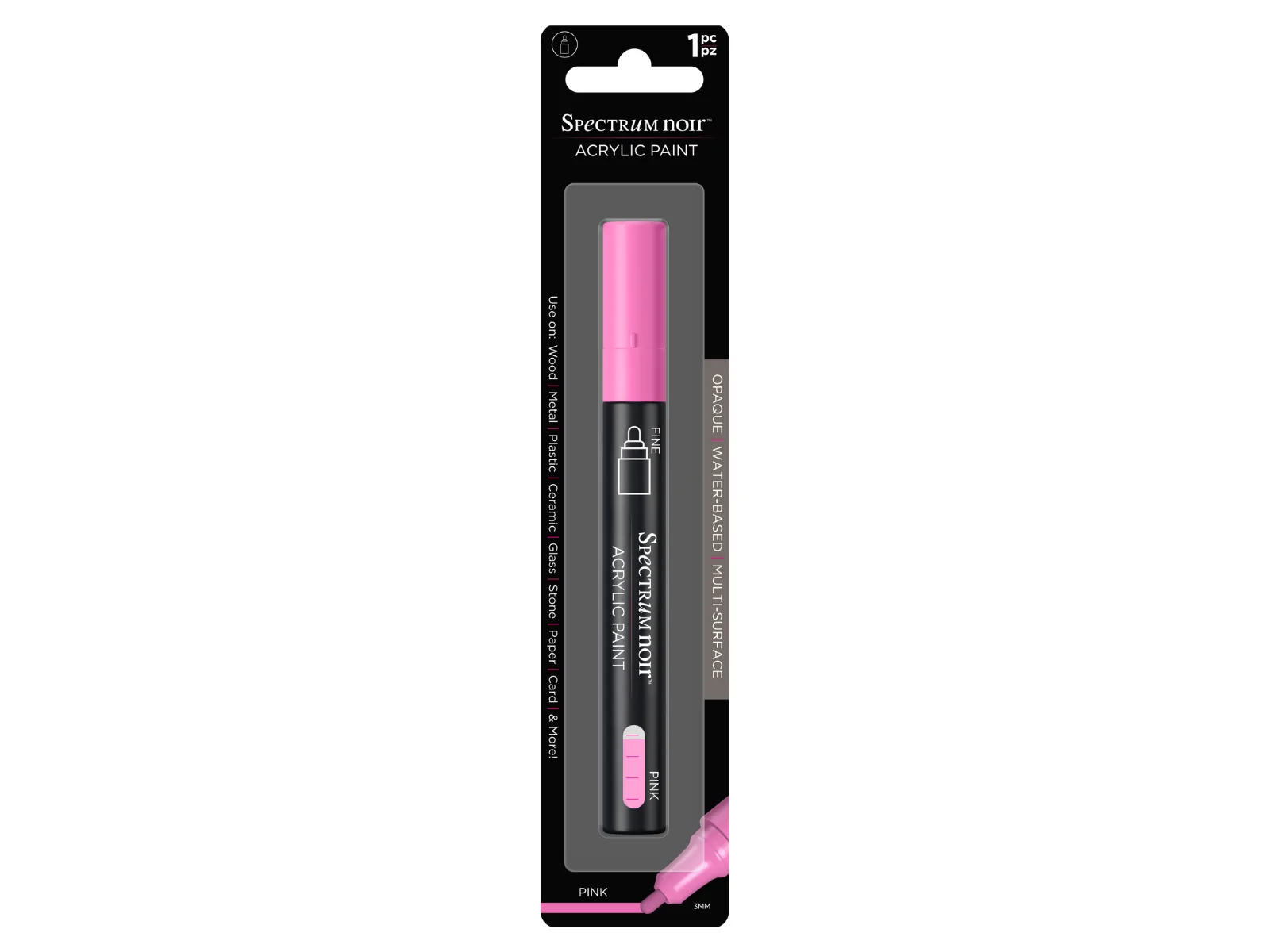
- Spectrum Noir Acrylic Paint Marker- Pink: These premium acrylic paint markers offer rich, opaque and colourful coverage on canvas, ceramic, glass, wood, porcelain, fabric, card, paper, and more. Perfect for creative hobbies, customisation. If your stamping mistake is on a mixed-media project, an opaque paint marker can cover it completely on almost any surface, saving you from starting over.
- You're the Best Interchangeable Sentiment Create-a-Card Metal Die Set: Create beautifully personalised cards for the special people in your life with the You’re the Best Interchangeable Sentiment Create-a-Card Metal Die Set. Featuring an elegant Create-a-Card design with interchangeable recipient dies, this set allows you to customise each card with names including Sister, Mum, Grandma, Auntie, and Mom. A clean die-cut sentiment can hide a smudged or faint stamped image, turning a mistake into a design feature. The interchangeable dies let you personalise the card while covering the error.
Most stamping mistakes are fixable with a few adjustments to pressure, ink, and paper. Test on scrap, keep your stamps clean, and use the right tools for even pressure. When a mistake can't be fixed, cover it creatively or start fresh—your next impression will be cleaner.