Quick answer
Frame your screen print poster using acid-free matting, UV-protective glass, and hinging tape rather than adhesive, so the ink and paper stay intact for years.
Why framing matters for screen prints
Screen prints have raised ink layers that can stick to regular glass or cheap matting over time. Without proper spacing and archival materials, the ink may transfer or the paper may yellow. Framing correctly preserves both the look and the value of the print.
The Yetee’s screen prints, like the 18" x 24" Robo Boss Rush designed by Pixel Eyebat, are made with care and limited availability, so protecting them with the right framing is worthwhile.
Choosing the right frame and materials
A standard poster frame may not have enough depth for the thick ink of a screen print. Look for a frame with at least a 1/2" gap between the print and the glazing, or use a mat with a window that keeps the glass off the surface.
Always pick UV-protective acrylic or glass, and acid-free backing boards. A cheaper frame with acidic materials can cause the paper to become brittle or discolored over time.
Step-by-step framing steps
- 1. Prepare your workspace and materials: Work on a clean, dry table. Gather your frame, acid-free mat or spacers, UV-protective glazing, acid-free backing board, hinging tape (not regular adhesive), a pencil, and a ruler. Avoid glossy or textured surfaces that could snag the print.
- 2. Measure and cut the mat (or install spacers): If using a mat, cut a window slightly smaller than your print so the edges are hidden but the full image shows. For frameless mounting, place spacers along the inside edge of the frame to lift the glass away from the ink. Cutting the mat too large may reveal the paper edge; too small may crop the design.
- 3. Mount the print using hinging tape: Apply conservation-grade hinging tape to the top edge of the print and attach it to the backing board. Never use permanent adhesive or spray glue, which will damage the paper and ink over time. Hinging only the top allows the print to expand and contract with humidity without buckling.
- 4. Assemble the frame: Place the assembled backing board and print into the frame, add the glazing, and secure the backing tabs or clips. Ensure the print stays flat and centered before closing the frame. Check for dust or hair between the glass and print before sealing; a soft anti-static brush helps.
- 5. Hang and maintain your framed print: Hang in a spot away from direct sunlight, humidity, and temperature swings. Clean the glass with a microfiber cloth and water; avoid spraying liquid near the edges. Rotate the frame occasionally to reduce uneven fading if the room has strong light.
Products mentioned in this guide
-
Robo Boss Rush: An 18" x 24" print designed by Pixel Eyebat, printed and shipped from Yetee HQ in Aurora, Illinois. This size fits standard 18x24 frames, but you still need a mat or spacer to keep the glass from touching the raised ink.
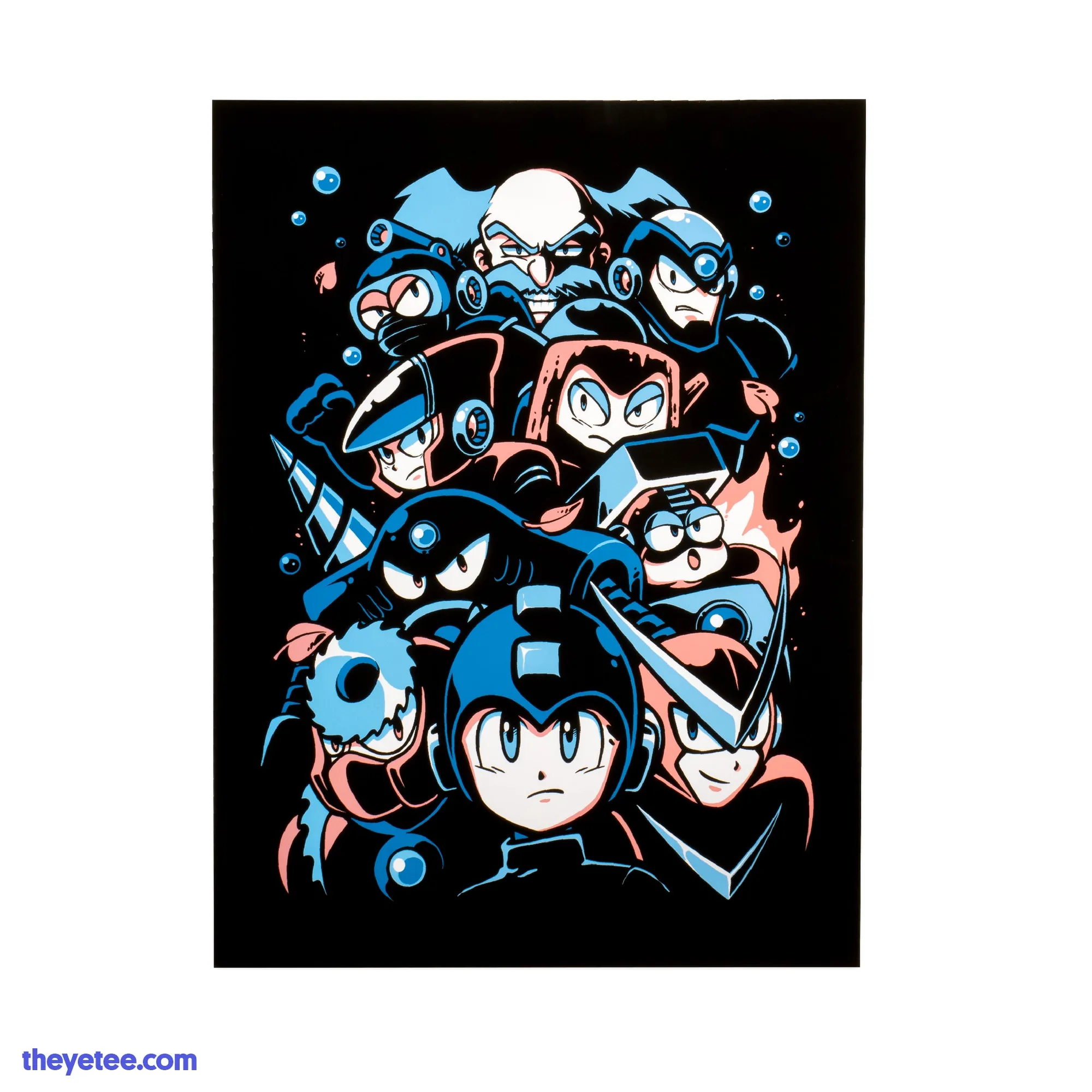
Robo Boss Rush
-
Hollow Knight Screenprint 2: Screenprinted on A4 (8 1/4" x 11 3/4") Cardstock, printed and shipped from Yetee HQ in Aurora, Illinois. The smaller cardstock format is easier to mount with hinging tape and fits common A4 frames, but still requires spacers or a mat to protect the ink.
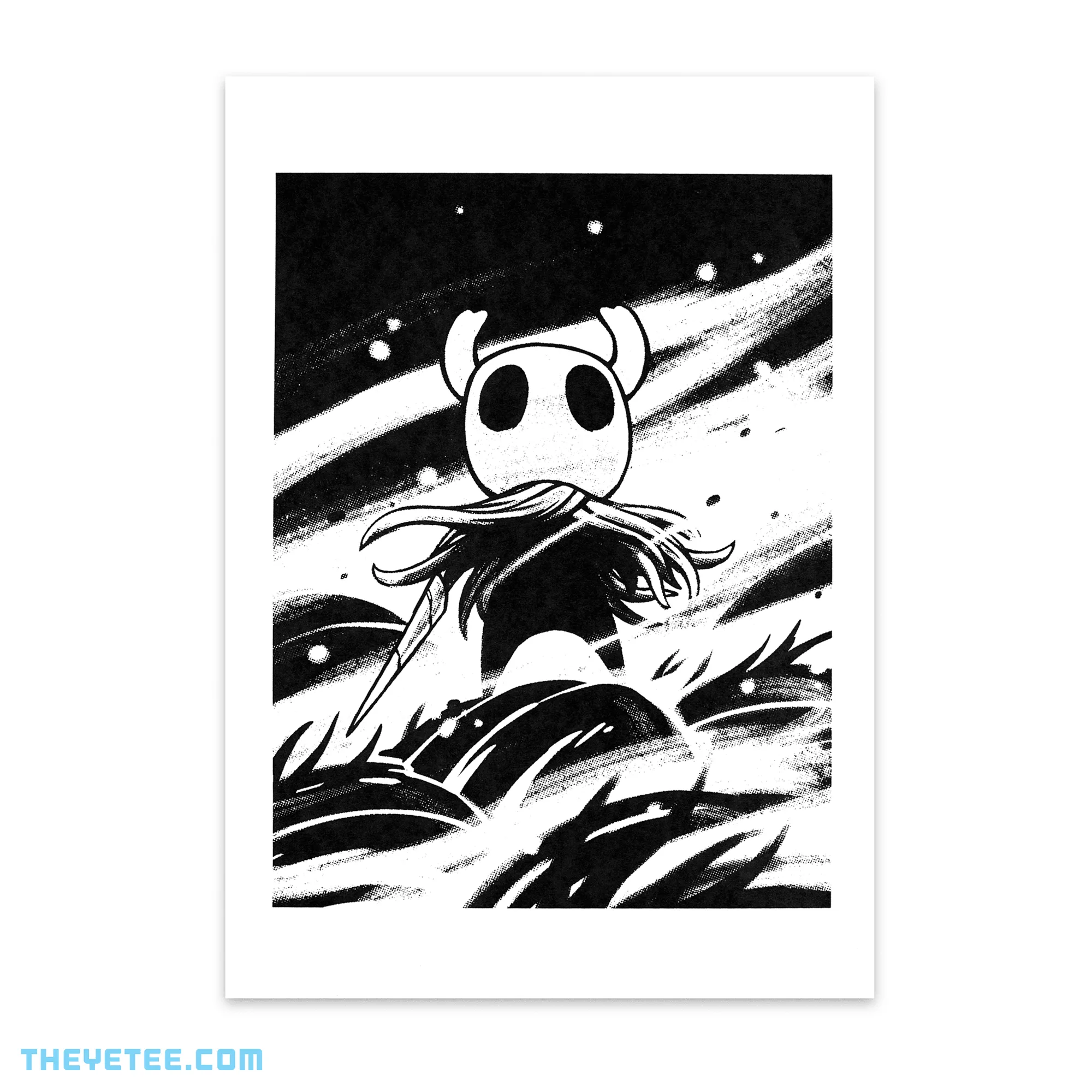
Hollow Knight Screenprint 2