Quick Answer
To get the most out of your Oral-B iO Series 6, start by downloading the Oral-B app and pairing your brush to access personalized coaching. Then, cycle through the brush's five cleaning modes—Daily Clean, Whitening, Sensitive, Super Sensitive, and Tongue Cleaner—to match your needs. Use the pressure sensor and smart timer to improve your technique, and replace the brush head every three months for optimal performance.
The Oral-B iO Series 6 is a standout in the iO lineup, offering a balance of advanced technology and user-friendly design. With its sleek magnetic drive and smart features, it promises a professional-level clean at home. But to truly unlock its potential, you need to understand its features and settings. This guide will walk you through everything from initial setup to advanced tips, ensuring you get the most out of your iO Series 6.
Whether you're a tech enthusiast or a brushing novice, the iO Series 6 has something for everyone. From its interactive display to its AI-driven coaching, every feature is designed to enhance your oral care routine. Let's dive into the specifics and make your brushing experience as effective and enjoyable as possible.
Understanding the Oral-B iO Series 6 Features
The Oral-B iO Series 6 is packed with features that set it apart from traditional electric toothbrushes. At its core is the iO's magnetic drive, which delivers a gentle yet effective oscillating-rotating action. Unlike older models, the iO Series 6 uses a linear magnetic motor that minimizes vibration and noise, making brushing more comfortable.
One of the standout features is the smart pressure sensor. It uses a ring of light around the brush head to indicate when you're brushing too hard—red for too much pressure, green for just right. This helps prevent gum damage and enamel wear. Additionally, the built-in timer ensures you brush for the recommended two minutes, with interval pauses every 30 seconds to guide you through each quadrant of your mouth.
- Smart pressure sensor with color-coded feedback
- Two-minute timer with 30-second interval alerts
- Magnetic drive for a quieter, smoother brushing experience
Exploring the Brushing Modes on iO Series 6
The iO Series 6 offers five distinct brushing modes, each tailored to different oral care needs. The Daily Clean mode is your go-to for everyday brushing, providing a thorough clean. Whitening mode is designed to help remove surface stains, while Sensitive mode is gentler on teeth and gums, ideal for those with sensitivity. Super Sensitive mode takes it a step further for extra comfort, and Tongue Cleaner mode helps freshen breath by gently cleaning your tongue.
Switching between modes is simple: just press the mode button on the handle. The selected mode is displayed on the smart screen, which also shows battery life and other useful information. To get the most out of each mode, use them consistently—for example, use Whitening mode in the morning and Sensitive mode at night if you have sensitivity.
- Daily Clean: standard brushing for everyday use
- Whitening: helps remove surface stains
- Sensitive: gentle on teeth and gums
- Super Sensitive: extra gentle for very sensitive mouths
- Tongue Cleaner: freshens breath by cleaning the tongue
Setting Up the Oral-B App and Smart Features
The Oral-B iO Series 6 connects to the Oral-B app via Bluetooth, unlocking a world of smart coaching. To get started, download the Oral-B app from your app store, create an account, and follow the pairing instructions. Once connected, the app tracks your brushing habits, provides real-time feedback, and offers personalized tips to improve your technique.
One of the app's most valuable features is the 'Brush with a Coach' function, which uses AI to analyze your brushing and highlight areas you might be missing. It also lets you set reminders for brush head replacements and track your progress over time. To maximize these benefits, make sure your brush is charged and in range of your phone during brushing sessions.
- Download the Oral-B app and pair your brush via Bluetooth
- Use the 'Brush with a Coach' feature for real-time feedback
- Set reminders for brush head changes and track your progress
Maximizing Battery Life and Maintenance Tips
The iO Series 6 comes with a rechargeable battery that can last up to two weeks with regular use. To keep it in top condition, avoid letting it fully drain before charging—instead, charge it when the battery indicator shows low. Use the included magnetic charging stand, which allows for quick and easy charging. A full charge takes about three hours.
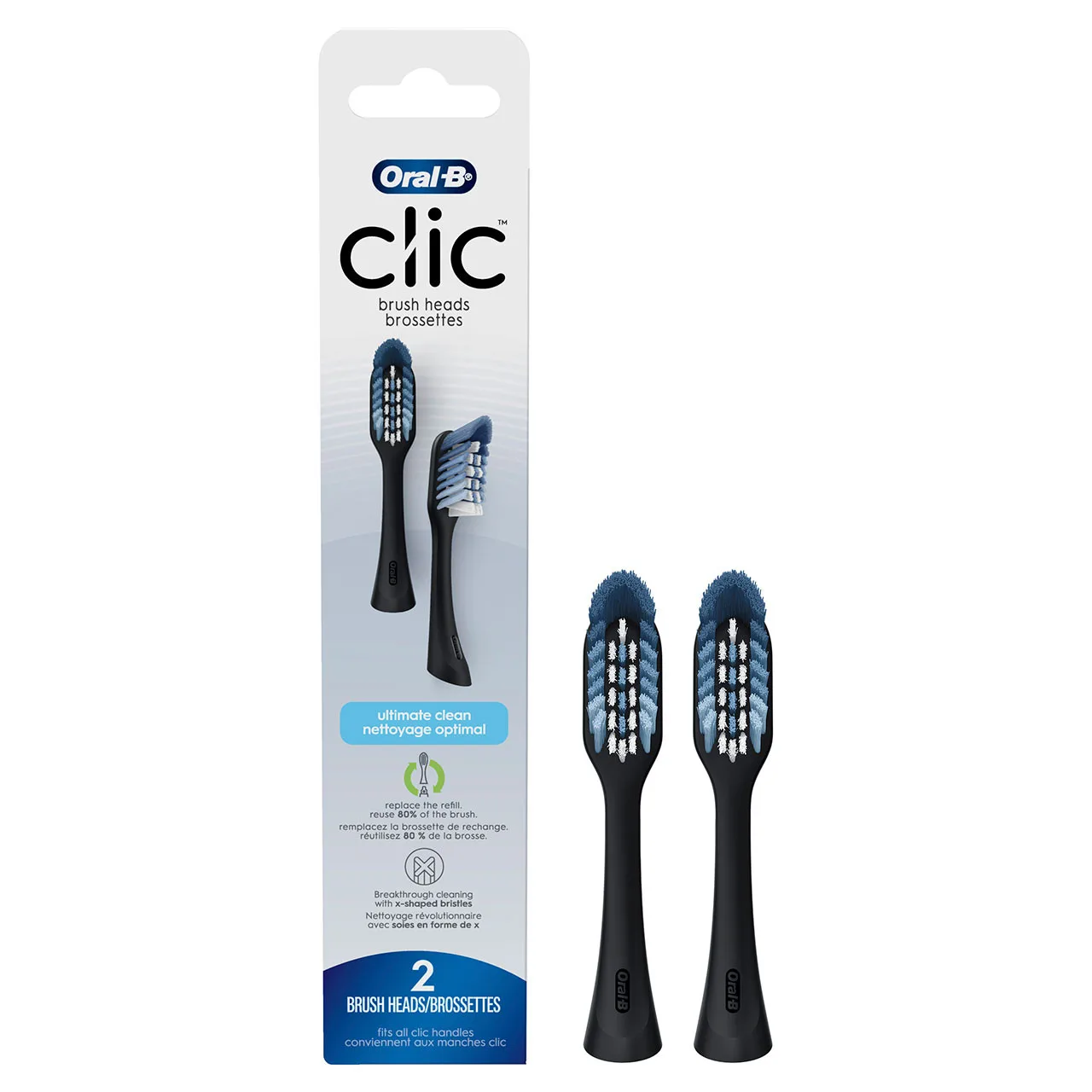
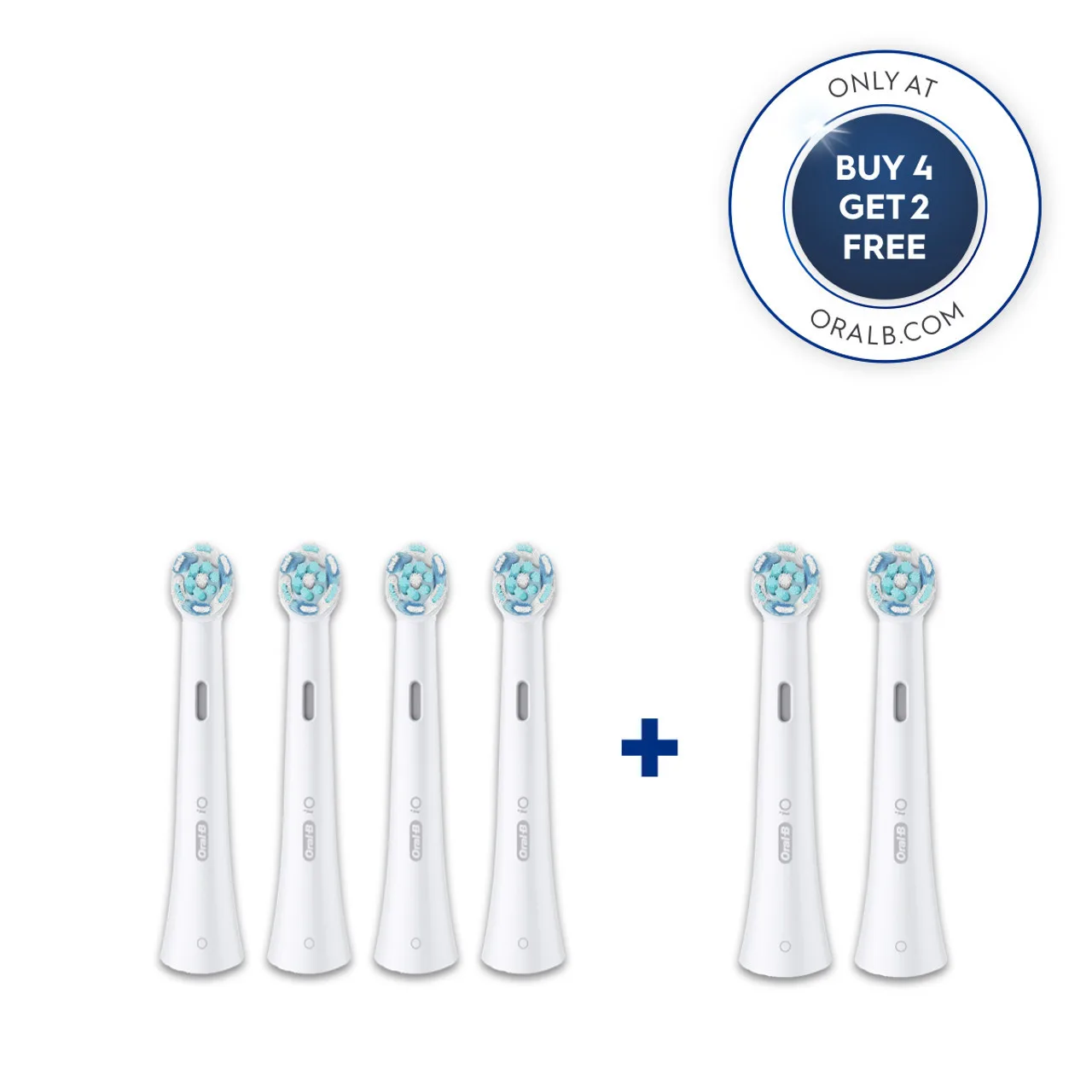
Proper maintenance extends the life of your brush. Rinse the brush head thoroughly after each use and store it upright to allow it to air dry. Avoid covering the brush head, as this can promote bacterial growth. Replace the brush head every three months or sooner if the bristles become frayed. The iO Series 6 is compatible with a range of iO brush heads, including the iO Ultimate Clean Replacement Brush Heads, which are designed for a deep clean.
- Charge when the battery is low, not fully drained
- Rinse and air-dry the brush head after each use
- Replace brush head every three months or when bristles fray
Step-by-Step to Master Your iO Series 6
- Charge and Set Up: Charge your iO Series 6 fully using the magnetic charging stand. Then, download the Oral-B app and pair your brush via Bluetooth to enable smart features. Checkpoint: Ensure the battery indicator shows a full charge and the app is connected before your first brush.
- Choose Your Mode: Press the mode button to cycle through Daily Clean, Whitening, Sensitive, Super Sensitive, and Tongue Cleaner. Select the mode that best suits your current oral care needs. Common mistake: Sticking to one mode. Experiment with different modes to find what works best for you.
- Brush with Proper Technique: Hold the brush at a 45-degree angle to the gum line and gently move it in small circular motions. Let the brush do the work—don't scrub hard. Use the pressure sensor to guide you. Checkpoint: The pressure ring should be green, not red, to avoid damaging your gums.
- Use the App's Coaching: During brushing, keep your phone nearby. The app will provide real-time feedback, highlighting areas you may be missing. Follow the on-screen instructions to improve coverage. Tip: Brush for the full two minutes, pausing at each 30-second interval to move to the next quadrant.
- Maintain Your Brush: After each use, rinse the brush head and handle, and store upright. Replace the brush head every three months or when bristles show wear. Use the app's reminder feature to stay on track. Checkpoint: Mark your calendar for brush head replacement to ensure optimal cleaning.
Product Facts
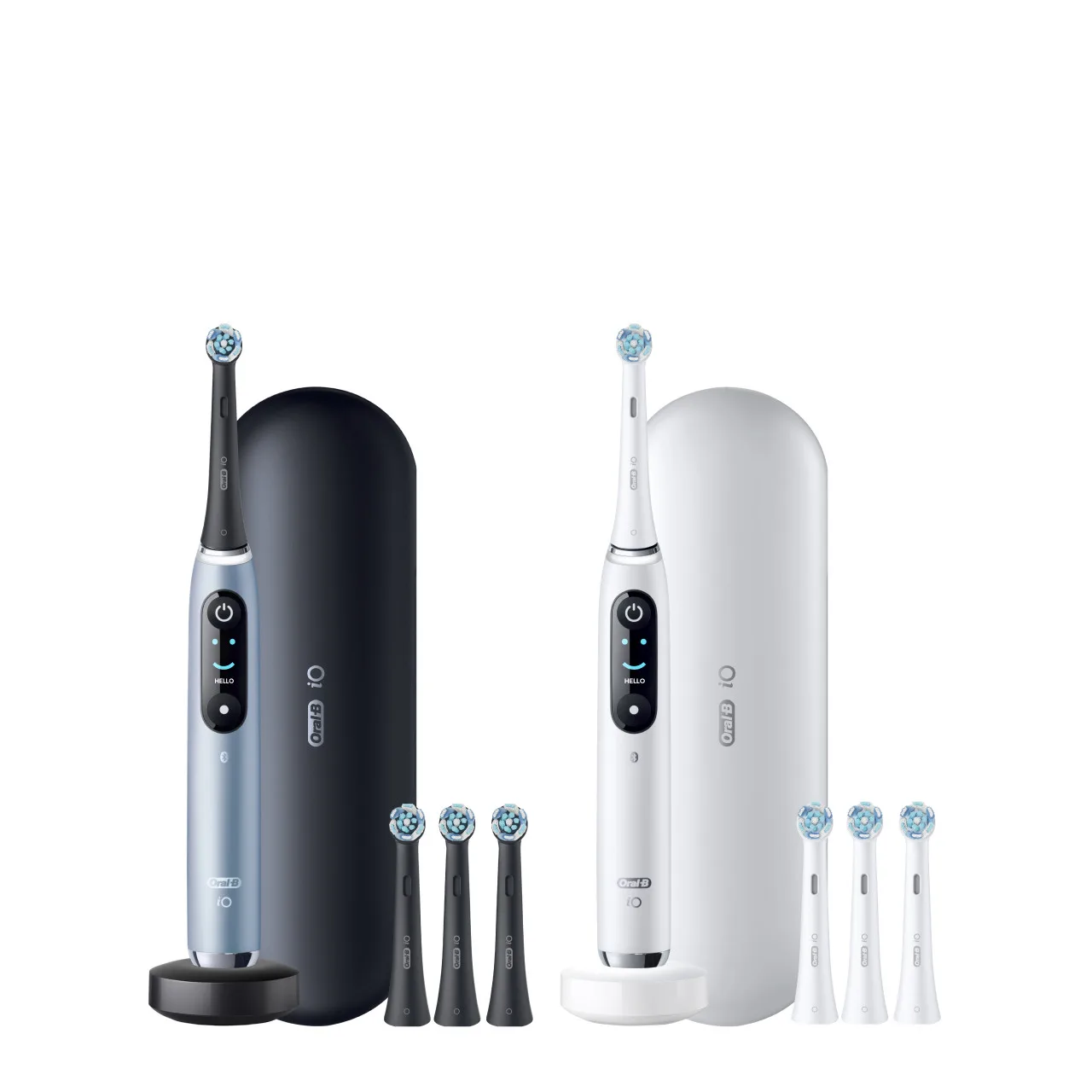
- Oral-B iO Series 6 Electric Toothbrush, Grey Opal: The Oral-B iO Series 6 Electric Toothbrush, Grey Opal is priced at USD 80.00, with a catalog comparison price of USD 159.99. This value price makes advanced iO technology more accessible, allowing you to enjoy smart features without breaking the bank.
- iO Ultimate Clean Replacement Brush Heads, 6-Count, White: The iO Ultimate Clean Replacement Brush Heads, 6-Count, White is priced at USD 25.00, with a catalog comparison price of USD 49.99. Stocking up on replacement heads ensures you always have a fresh brush head on hand, maintaining the effectiveness of your iO Series 6.
By following these steps, you'll maximize the benefits of your Oral-B iO Series 6, from its advanced modes to smart coaching. Remember, consistency is key—brush twice a day for two minutes, and don't forget to replace your brush head regularly. For a fresh start, consider the Oral-B iO Series 6 Electric Toothbrush, Grey Opal, available at an unbeatable price. Explore it today and transform your oral care routine!