Quick Answer
Installing a single din installation pocket is a straightforward way to fill the gap behind a floating-screen stereo or to create a clean storage cubby. The key steps are removing the old radio, fitting the pocket into the dash kit, securing it, and wiring the harness.
Why You Need an Installation Pocket
A single din installation pocket serves two main purposes: it supports the back of a floating-screen receiver (like the Alpine Halo9 or Halo11) and it prevents dust and debris from entering the dash cavity. Without one, the stereo may sag or rattle over time.
The Alpine KTX-1DIN is specifically designed for Alpine Halo receivers and the KIT-7VWX300 installation kit, ensuring a perfect fit. For other radios, a universal single din pocket with side bracket fittings works with most aftermarket dash kits.
Choosing the Right Pocket for Your Setup
Match the pocket to your stereo and dash kit. The Alpine KTX-1DIN is a drop-in solution for Alpine Halo units—it includes the correct brackets and depth. The universal single din pocket is more flexible but requires you to use your own side brackets from the dash kit.
Check the depth of your dash cavity. Most pockets are shallow (around 2–3 inches), but deeper dashes may need a spacer or a different pocket. Measure before you buy.
Step-by-Step Installation Guide
- 1. Disconnect the battery and remove the old stereo: Disconnect the negative battery terminal to avoid short circuits. Use a trim removal tool to pry off the dash bezel, then unscrew the factory radio and slide it out. Unplug the wiring harness and antenna connector. Common mistake: Forgetting to disconnect the battery can cause a blown fuse or damage the stereo.
- 2. Attach the installation pocket to the dash kit: If using the Alpine KTX-1DIN, it snaps directly into the KIT-7VWX300 kit. For the universal pocket, slide it into the dash kit's metal sleeve and secure it with the side brackets provided with your kit. Ensure the pocket sits flush and does not block any screw holes. Check that the pocket is oriented correctly—the open side faces the rear of the dash.
- 3. Mount the stereo onto the pocket: For floating-screen receivers, the pocket supports the back of the chassis. Slide the stereo into the dash kit until it clicks or screws into place. The pocket should sit behind the stereo, providing a solid surface. For a non-floating unit, the pocket simply fills the empty space below the radio. If the stereo wobbles, the pocket may not be fully seated. Remove and reinsert it.
- 4. Wire the harness and test the stereo: Connect the aftermarket wiring harness to the car's factory harness using crimp connectors or solder. Plug the antenna adapter into the stereo. Reconnect the battery and test all functions (power, sound, steering wheel controls if applicable). Common mistake: Reversing the constant and switched power wires can drain the battery. Use a multimeter to confirm polarity.
- 5. Secure the dash kit and reinstall the bezel: Push the dash kit and stereo assembly into the dash until it clicks into place. Reinstall the factory bezel or aftermarket trim ring. Tighten any visible screws. Double-check that the pocket remains seated and does not rattle. A loose pocket can cause rattles. Add foam tape around the pocket edges if needed.
Recommended Products
-
Alpine KTX-1DIN Single Din Installation Pocket for Halo Car Stereo & KIT-7VWX300: Installation Pocket for Alpine Halo receivers KTX-1DIN Single Din Install Pocket. Designed for KIT-7VWX300 Installation Kit. This pocket is a direct fit for Alpine Halo9 and Halo11 receivers, so you don't need to modify brackets or guess alignment.
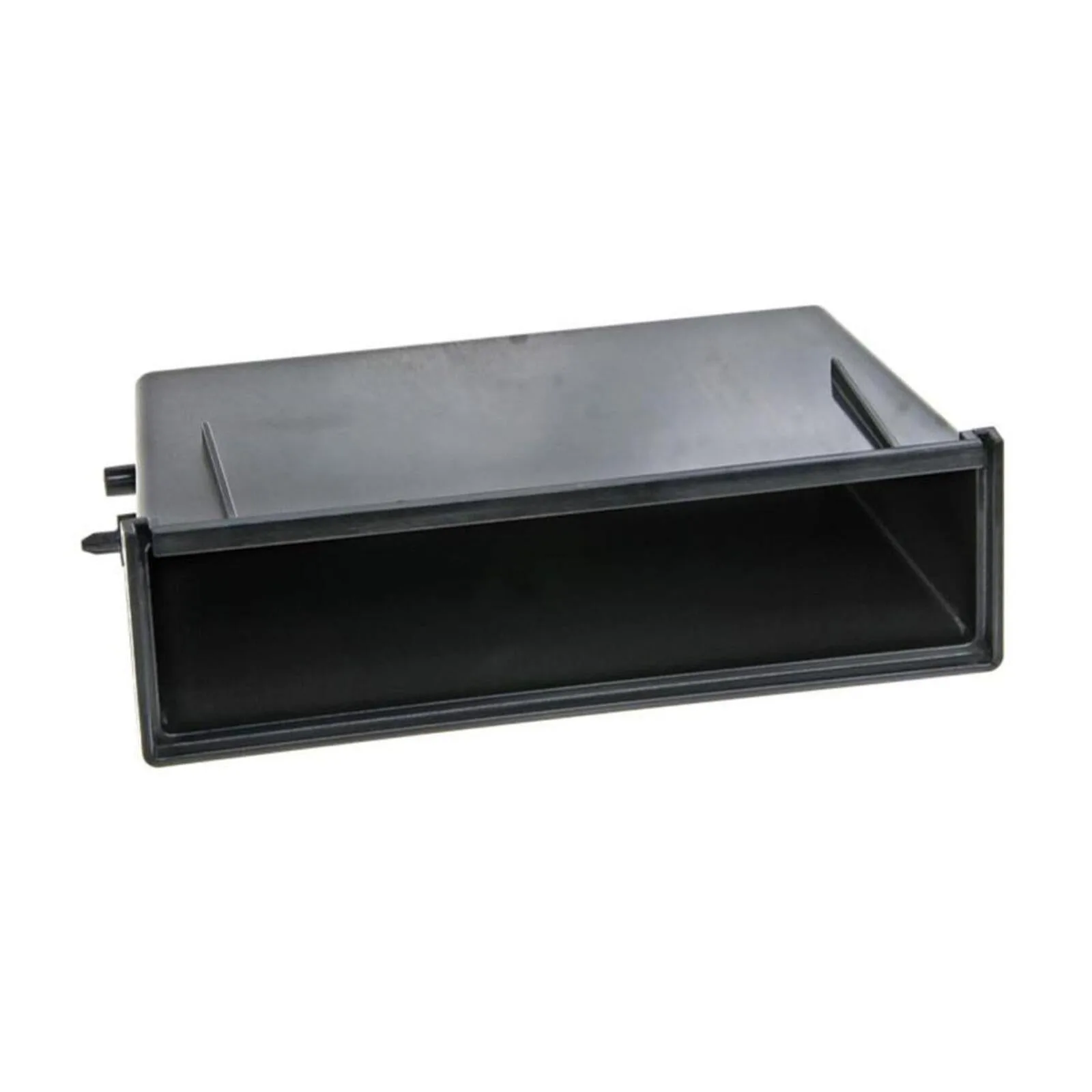
Alpine KTX-1DIN Single Din Installation Pocket for Halo Car Stereo & KIT-7VWX300
-
Universal Single Din Installation Pocket for Side Brackets Car Stereo Installs: Universal Single Din Installation Pocket for side bracket fitting kits. Works with most single din floating screen installations. If you have a non-Alpine stereo or a generic dash kit, this pocket gives you the flexibility to use your existing side brackets.
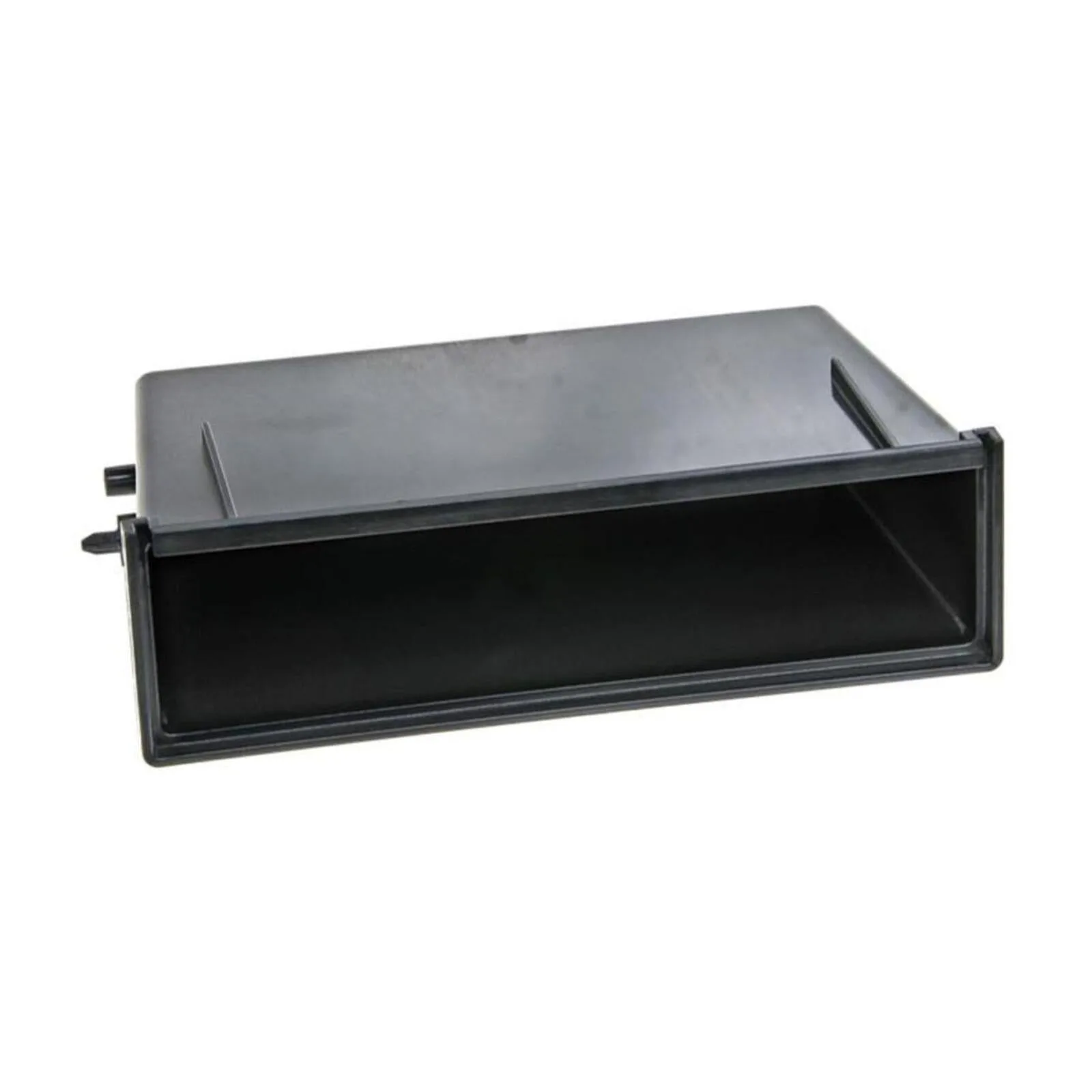
Universal Single Din Installation Pocket for Side Brackets Car Stereo Installs