Quick Answer
Installing a metal grip like the Fotodiox Pro DLX on your OM SYSTEM OM-5 or Olympus E-M5 Mark III takes just a few minutes and requires only a coin or screwdriver. The grip attaches via the tripod socket and provides a more stable hold without blocking battery or memory card access.
Why Add a Grip to Your OM-5 or E-M5 Mark III?
The OM SYSTEM OM-5 and Olympus E-M5 Mark III are compact and lightweight, which is great for travel but can make one-handed shooting less secure, especially with larger lenses. A dedicated metal grip adds a deeper, more textured hold and shifts the center of gravity slightly forward for better balance.
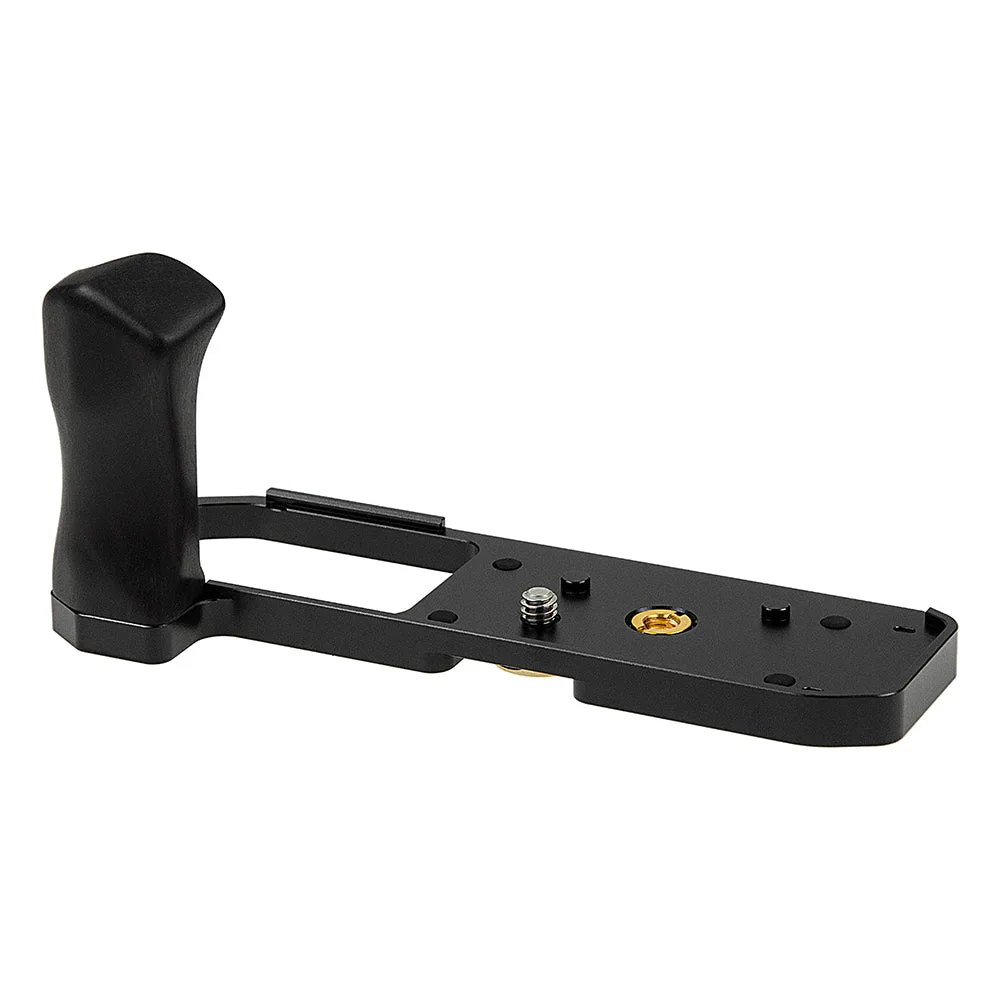
The Fotodiox Pro DLX grip is machined from aluminum with a wood accent that matches the camera's retro styling. It includes a standard 1/4" tripod socket so you don't lose tripod compatibility, and its cutout design lets you swap batteries and memory cards without removing the grip.
Step-by-Step Installation Guide
- 1. Prepare Your Camera and Grip: Turn off the camera and remove any existing tripod plate or quick-release adapter from the bottom. Wipe the camera base and the grip's contact surface with a dry cloth to remove dust or debris. A clean surface prevents scratches and ensures a snug fit.
- 2. Align the Grip with the Tripod Socket: Position the grip so its center screw aligns with the camera's 1/4" tripod socket. The grip's contour should match the camera body shape — it only fits one way. Do not force it; if it doesn't sit flush, realign. Common mistake: forcing the grip when it's slightly rotated can strip the socket threads.
- 3. Tighten the Screw Firmly (But Not Overtightened): Use a coin or a flathead screwdriver to turn the grip's screw clockwise until it is snug. Stop when you feel resistance — overtightening can damage the camera's socket or the grip's screw. The grip should not wiggle or shift. Check tightness after the first few shots; metal-on-metal can settle slightly.
- 4. Verify Battery and Card Access: Open the battery/memory card door on the side of the camera. The grip cutout should allow the door to swing open fully. Insert or remove a battery and card to confirm clearance. If the door binds, the grip may be misaligned — loosen and reposition. Always test access before heading out on a shoot.
- 5. Test Stability and Comfort: Hold the camera normally and grip the added handle. Check that your fingers clear the lens and that the grip feels secure. Mount the camera on a tripod using the grip's integrated socket to verify it is stable and level. If the camera tilts on the tripod, the grip screw may need a slight adjustment.
Product Highlights
-
Fotodiox Pro DLX Metal Grip f/ OM SYSTEM OM-5 & Olympus OM-D E-M5 Mark III Mirrorless Cameras - Grip w/ Battery Access: Metal CNC construction with wood accent; access to battery and memory card without removing the grip; standard 1/4" tripod socket; limited 2-year warranty. You get a durable, stylish grip that stays on the camera full-time and still lets you change batteries or cards mid-shoot, plus you can mount it on a tripod without any extra adapters.
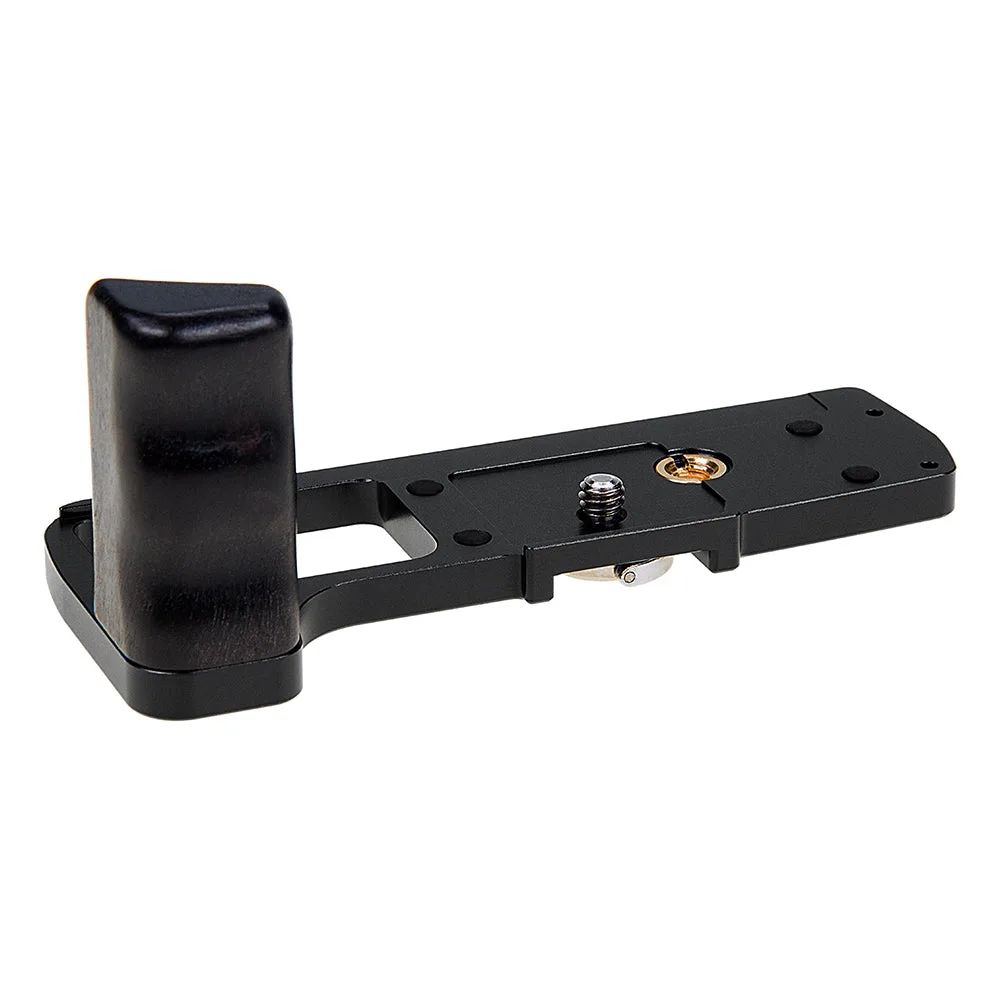
Fotodiox Pro DLX Metal Grip f/ OM SYSTEM OM-5 & Olympus OM-D E-M5 Mark III Mirrorless Cameras - Grip w/ Battery Access