Quick Answer
Installing a controller fuse mod involves opening your console, locating the controller port's power traces, and soldering in a resettable fuse to protect against shorts. It's a straightforward DIY project that requires basic soldering skills and about 30 minutes of your time.
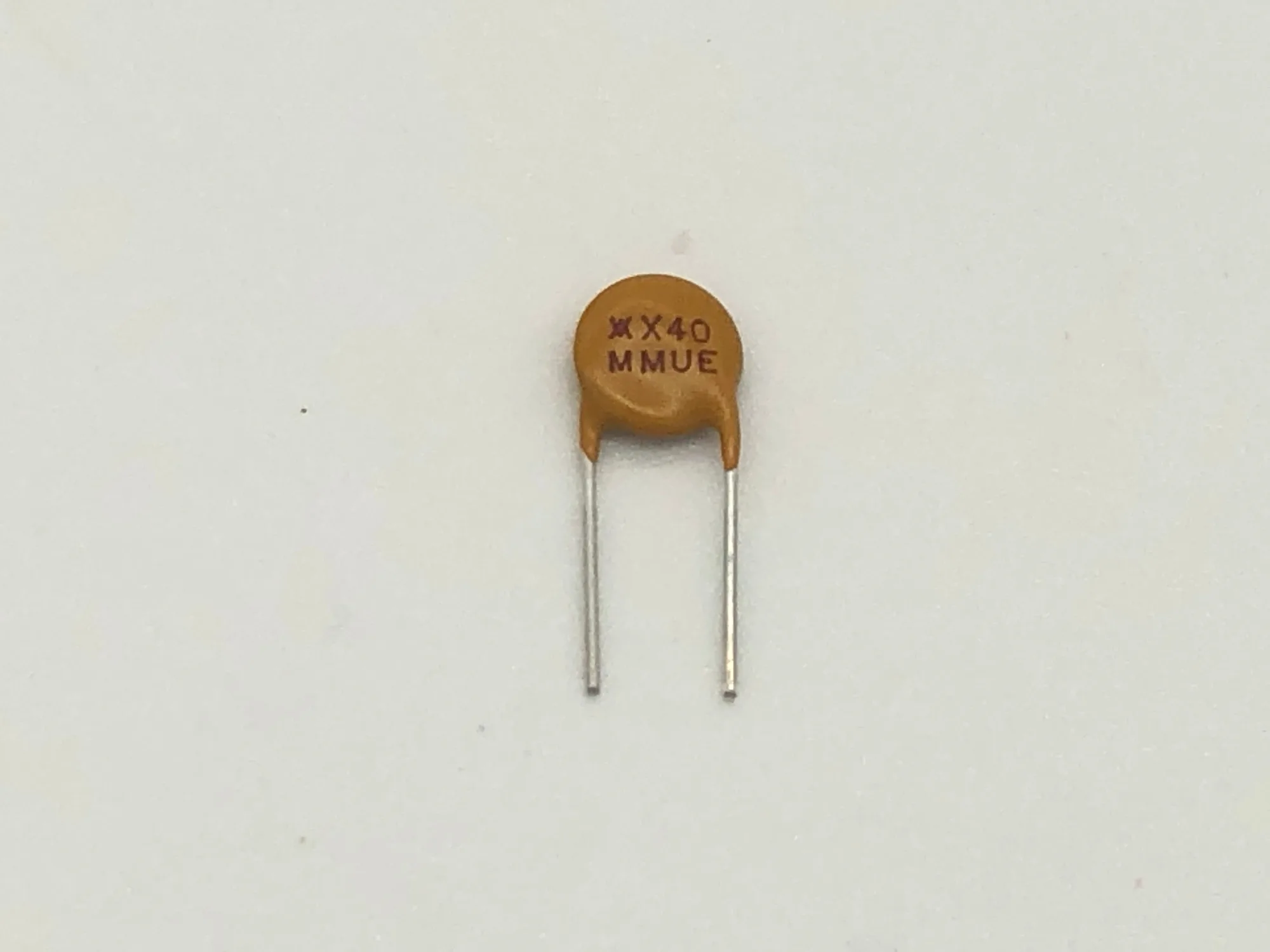
controller fuse mod
If you've ever lost a console to a shorted controller port, you know the frustration. A controller fuse mod adds a layer of protection by placing a fuse between the console's power rail and the controller port, so a faulty controller or cable won't damage your main board. This guide walks you through the process for most retro consoles, from the NES to the Sega Genesis.
Before you start, gather your tools: a soldering iron, solder, a resettable fuse (often a PPTC), wire, heat shrink tubing, and a screwdriver set. Always work in a well-lit area and take your time. If you're not comfortable soldering on vintage hardware, consider a professional service, but for many, this is a satisfying weekend project.
Understanding the Controller Fuse Mod
The controller fuse mod is a simple but effective safety upgrade. In many retro consoles, the controller port receives power directly from the main board. If a controller or cable develops a short, that power can surge and damage the console's ICs or voltage regulator. By inserting a fuse in line, you break the circuit when current exceeds a safe level.
The most common fuse type is a PPTC (resettable fuse), which automatically resets after the fault is removed. This is ideal for gaming, as you won't need to replace a blown fuse. Choose a fuse rated for the console's controller port current draw, typically around 500mA to 1A. Always check your console's specifications before purchasing.
- Always disconnect the console from power before opening it.
- Use a multimeter to confirm the fuse is working after installation.
- If you're unsure about your soldering skills, practice on a scrap board first.
Tools and Safety Precautions
You'll need a few basic tools: a temperature-controlled soldering iron, thin solder, a PPTC fuse, small wire cutters, and a screwdriver set. A desoldering pump or wick is helpful if you need to remove old components. Also, have a multimeter on hand to test continuity.
Safety is paramount. Work in a well-ventilated area, use a soldering iron stand, and never touch the tip. Wear safety glasses to protect your eyes from solder splashes. Double-check that the console is unplugged and capacitors are discharged before you begin.
- Use a soldering iron with a fine tip for precision work.
- Keep a fire extinguisher nearby just in case.
- Never work on a console that is plugged in.
Step-by-Step Installation
Follow these steps carefully. Each console is slightly different, so consult your console's service manual for the exact location of the controller port pins and power traces. The process is similar across most systems, but the board layout varies.
Remember to take your time and double-check each connection. A short here can cause more damage than the one you're trying to prevent. If you're unsure, stop and seek advice from a professional or a community forum.
- Take photos of the board before removing anything.
- Label wires if you need to disconnect multiple points.
- Test the fuse with a multimeter before and after installation.
Installation Steps
- Open the Console: Remove the screws from the bottom of the console and carefully lift the top shell. Disconnect any ribbon cables or connectors that attach the top to the lower board. Set the screws aside in a safe place. Checkpoint: Verify the console is completely unplugged before touching any internal components.
- Locate the Controller Port Pins: Identify the controller port connector on the main board. You'll see several pins; the power pin is usually the one that provides +5V to the controller. Refer to your console's pinout diagram if needed. Checkpoint: Use a multimeter in continuity mode to confirm which pin is power.
- Cut the Power Trace: Using a sharp knife or a rotary tool, carefully cut the PCB trace that runs from the power source to the controller port's power pin. This breaks the circuit so you can insert the fuse in line. Checkpoint: Double-check that the cut is clean and there are no stray copper fragments.
- Solder the Fuse: Solder one lead of the PPTC fuse to the power source side of the cut trace, and the other lead to the controller port side. Use heat shrink tubing to insulate the connections and prevent shorts. Checkpoint: Ensure the fuse is oriented correctly (PPTC fuses are not polarized, but double-check your connections).
- Reassemble and Test: Reconnect any cables, replace the top shell, and screw it back together. Plug in the console and test the controller port with a known-good controller. Checkpoint: If the controller works and the console boots, the mod is successful. If not, re-open and inspect your solder joints.
Product Facts
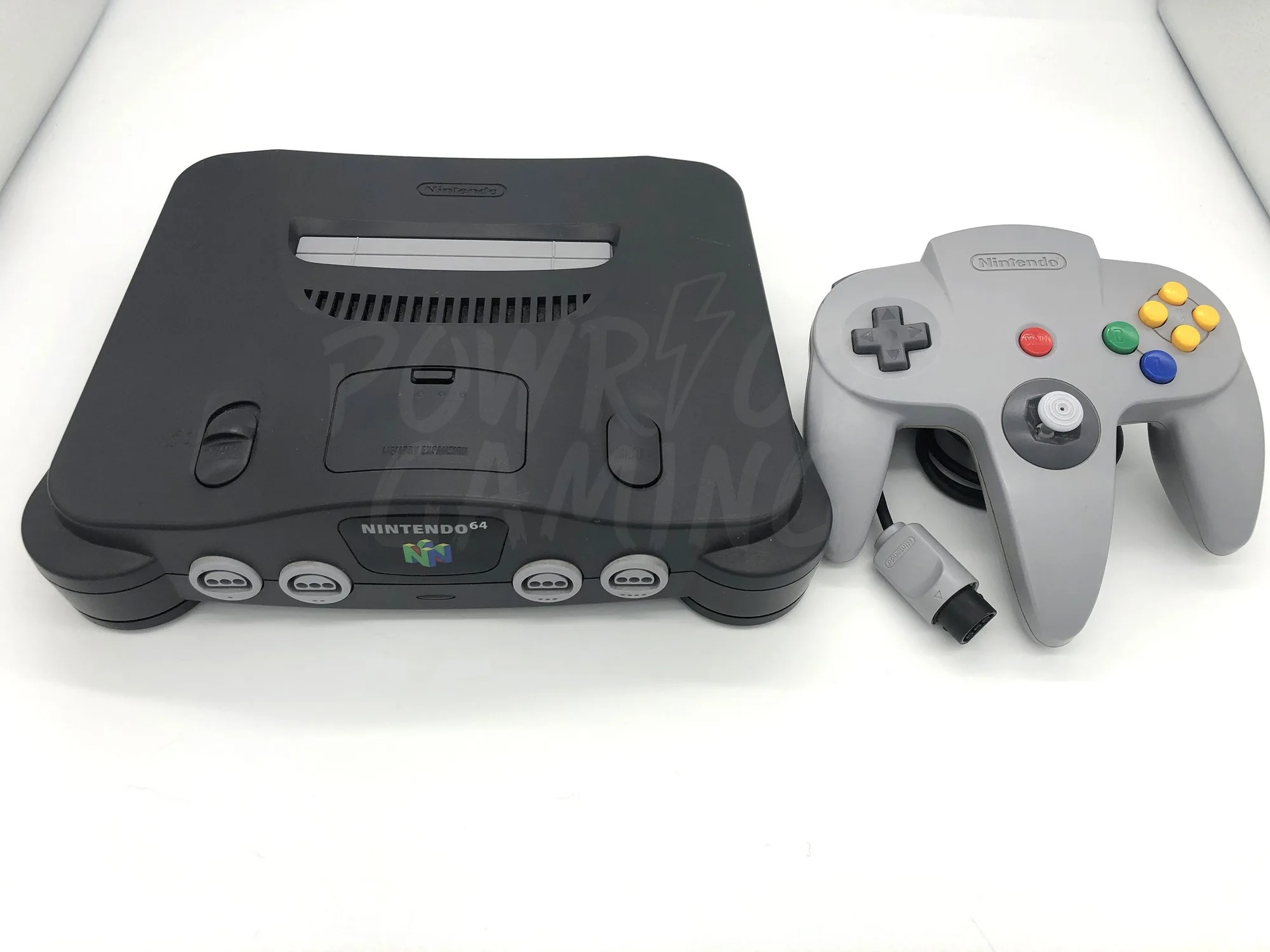
- Nintendo 64 N64 Console: Nintendo 64 Console with options for add-on modifications. All consoles/controllers are in similar condition as pictured. Consoles/Controllers are cleaned and disinfected in our UltraSonic Cleaner to ensure you receive your console Germ and dust-free! We thoroughly test our consoles to ensure you receive a well-working machine. If you're not comfortable modding your own console, you can purchase a pre-tested N64 from Powr Up Gaming and add a controller fuse mod as an add-on, ensuring a clean and reliable start.
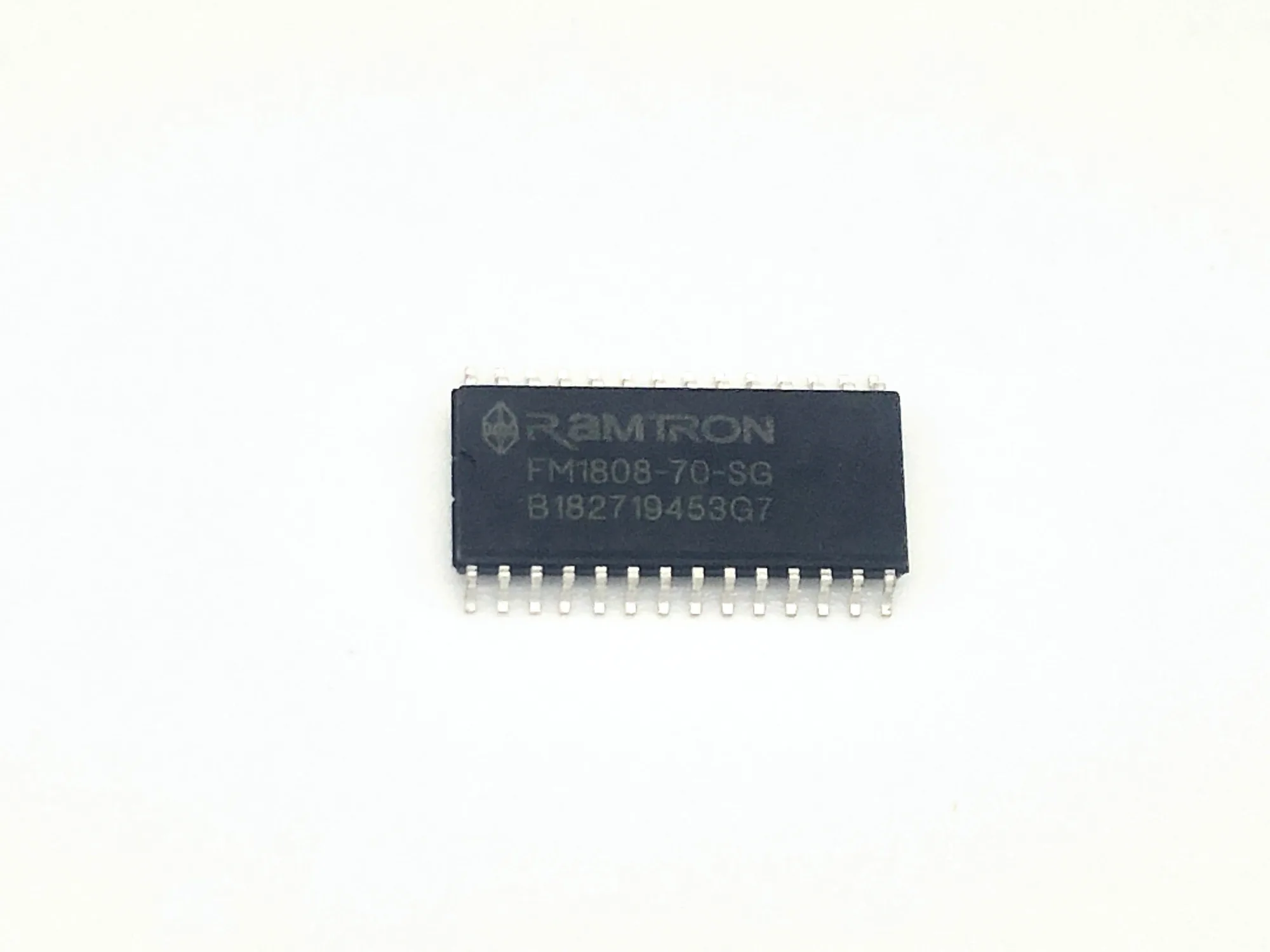
- Saturn FRAM Mod: Get your Saturn console upgraded with our professional FRAM mod service. Choose the option that fits your needs: we provide the kit, or you supply your own. This service ensures your system is ready for reliable save data storage. FRAM mod service performed by experienced technicians. While not directly related to controller fuses, this service shows the level of professional modding available at Powr Up Gaming. If you're not confident in your soldering, you can have experienced technicians handle your console mods.
Installing a controller fuse mod is a smart way to protect your retro console from unexpected shorts. With the right tools and a careful approach, you can complete this project in under an hour. If you'd rather leave it to the pros, Powr Up Gaming offers professional modding services to keep your vintage hardware safe and running.