Quick Answer
Installing a front basket is straightforward: choose a basket with the right mounting system for your bike, attach the mount securely, and test for stability before riding.
Choose the Right Mounting System
Front baskets typically attach via a handlebar mount or a quick-release (QR) system. Handlebar mounts are simple and work on most bikes, but they can interfere with cables or lights. QR mounts offer convenience—you can detach the basket when you park—but they add a bit of weight and require a secure locking mechanism.
If you ride an e-bike, check that the mount is compatible with the thicker handlebars and any wiring. Some mounts, like the Topeak Fixer 3e, are designed specifically for e-bikes.
Consider Weight and Capacity
Baskets have different weight limits. A sturdy metal basket can handle heavy loads like groceries, while a lighter basket is fine for small items. Always check the manufacturer's specifications and avoid overloading, which can affect steering and stability.
Some baskets expand to increase volume, which is handy for shopping trips. However, a larger basket may catch wind and make the bike harder to control at speed.
Step-by-Step Installation
- Gather Tools and Check Compatibility: You'll typically need a hex wrench or screwdriver. Confirm the basket's mount fits your handlebar diameter and that you have clearance for cables and lights. Check that the mount is compatible with your bike before starting.
- Position the Mount on the Handlebar: Slide the mount onto the handlebar in the center, or slightly off-center if you have a headlight. Ensure it doesn't block your view or interfere with brake levers. Avoid placing the mount over a cable or wire—this can cause rubbing and damage.
- Tighten the Mount Securely: Use the provided wrench to tighten the clamp. Do not overtighten, as this can crack the handlebar. A firm, snug fit is enough. Check for any movement by trying to twist the mount; it should be rock solid.
- Attach the Basket: Depending on the design, the basket either clicks into the mount or screws on. If it's a QR mount, push the basket until it locks with a click. For screw mounts, align the holes and tighten the bolts evenly. Test the locking mechanism by pulling gently on the basket to ensure it's secure.
- Test Ride and Adjust: Take a short ride on a flat surface. Listen for rattles and check that the basket doesn't interfere with steering. If needed, adjust the position or tighten the mount. If you hear noise or feel wobble, re-check the mount tightness before carrying heavy items.
Product Facts
-
Syncros Front Basket With QR Mount: The Syncros Front Basket includes a Quick Release handlebar mount. This lets you detach the basket quickly when you park, reducing theft risk and making the bike easier to store.
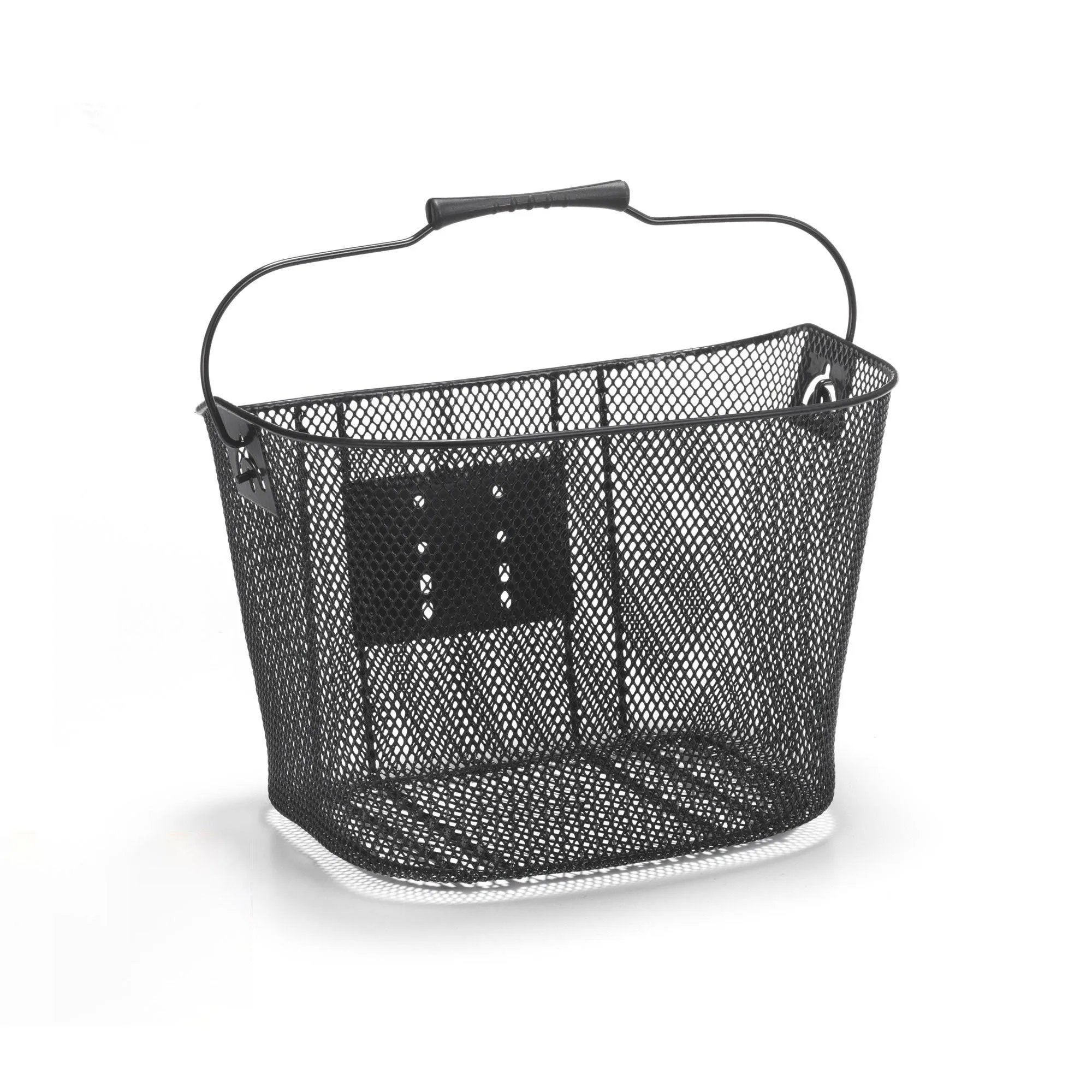
Syncros Front Basket With QR Mount
-
Topeak Basket Front (with Fixer 3E): The Topeak Basket Front features a QuickClick® Handlebar Mount (Fixer 3e) that allows installation on e-bikes. If you ride an e-bike, this mount is designed to fit thicker handlebars and handle the extra weight, so you can attach and remove the basket with ease.
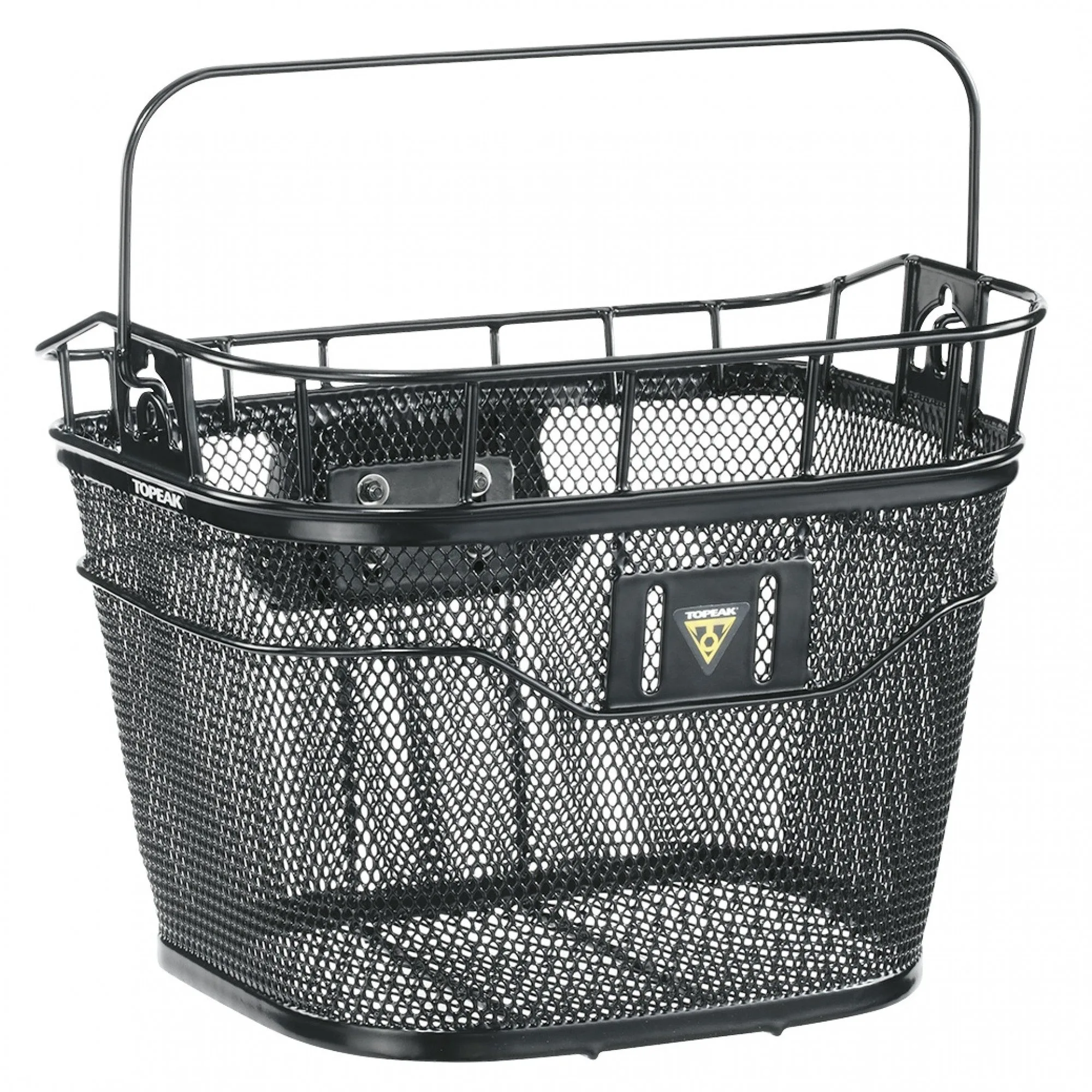
Topeak Basket Front (with Fixer 3E)
-
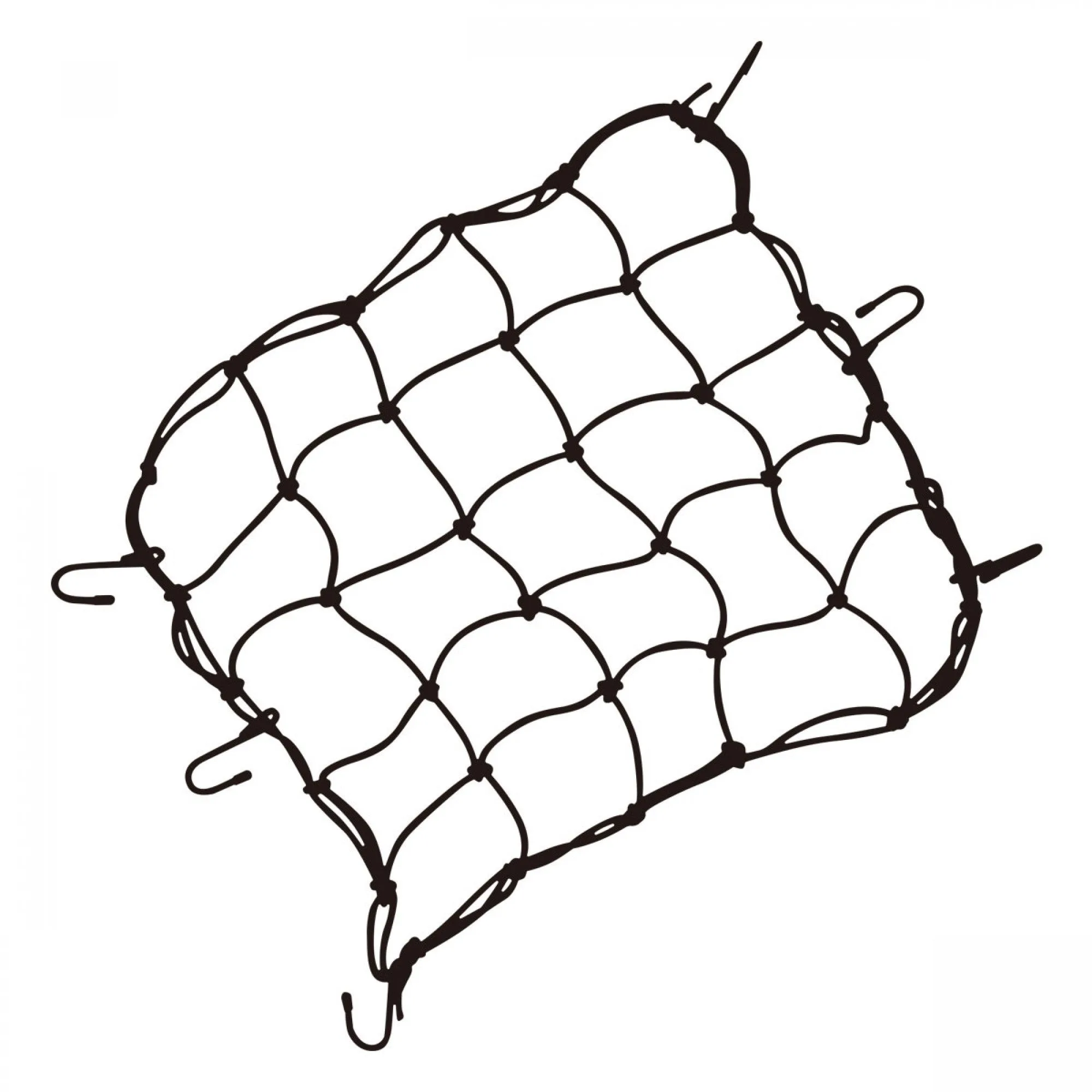
Topeak Cargo Net: The Topeak Cargo Net attaches to baskets with durable, coated hooks and keeps contents secure. Adding a cargo net ensures your items stay in place even on bumpy roads, preventing spills and lost gear.