Quick answer
Install a LensCoat from the rear of the barrel forward, one segment at a time, and line up every clear window over the controls it covers before you press the material flat. Work at room temperature, keep the lens dry and lint-free, and test focus and distance-scale visibility as you go rather than after the whole cover is on.
Before you start: prep and workspace
Wipe the barrel with a dry microfiber cloth and let the lens reach room temperature. Cold neoprene is stiff and harder to stretch into place, and a damp or gritty barrel traps debris under the cover.
Work over a clean table with the lens hood removed and the tripod collar rotated out of your way. Keep the lens cap on so you are not cleaning the front element afterward.
- Lay out the pieces in the order you will fit them so you do not hunt for a segment mid-install.
- If your cover has a color option, confirm all pieces are the same color before starting.
Match each piece to its lens segment
LensCoat covers are cut per lens model, so segments are not interchangeable. Test-fit each piece without pulling it tight: the opening should meet the barrel seam or control ring it was cut for, not overlap it.
If a piece looks too long or short, you likely have it on the wrong segment. Recheck before stretching, because neoprene that has been over-stretched stays loose.
Fit the barrel, then the hood
Slide the rear segment on first and work forward, easing the material over the barrel rather than yanking it. On hood pieces designed to slide over the barrel, fit the hood after the barrel segments so the overlap sits correctly.
Once a segment is positioned, smooth it from the center outward to push out trapped air. Do not fold or crease the material to make it fit; a crease becomes a wear point.
Align the clear windows and check function
The clear plastic windows must sit directly over the controls they cover, such as the auto focus controls and the distance scale. Rotate the segment slightly rather than pulling it lengthwise to line a window up.
With the cover on, switch the lens to autofocus and manual focus, rotate the distance scale through its range, and confirm nothing is blocked or pinched. If a window sits off-center, adjust that segment before moving on.
Installation steps and checkpoints
- Clean and warm the lens: Wipe the barrel dry, remove the hood, and let the lens sit at room temperature so the neoprene stretches without fighting you. Checkpoint: no grit, moisture, or fingerprints left on the barrel.
- Lay out and test-fit every piece: Match each segment to the barrel section or control ring it was cut for before pulling anything tight. Mistake to avoid: stretching a piece onto the wrong segment, which leaves it permanently loose.
- Install rear to front: Slide the rear segment on first and work forward, easing the material over the barrel instead of yanking it. Checkpoint: seams sit on the barrel seams, not across control rings.
- Add the hood piece last: On covers with a hood piece designed to slide over the barrel, fit it after the barrel segments so the overlap lands correctly. Mistake to avoid: forcing the hood on first and trapping the barrel segments underneath.
- Align the clear windows: Rotate each segment slightly until the windows sit directly over the auto focus controls and the distance scale. Checkpoint: both windows centered, no material pinched under the edge.
- Smooth and function-test: Press from the center outward to remove air pockets, then cycle autofocus, manual focus, and the distance scale. If anything binds or a window is off-center, fix that segment now rather than after your first shoot.
Fit examples from the catalog
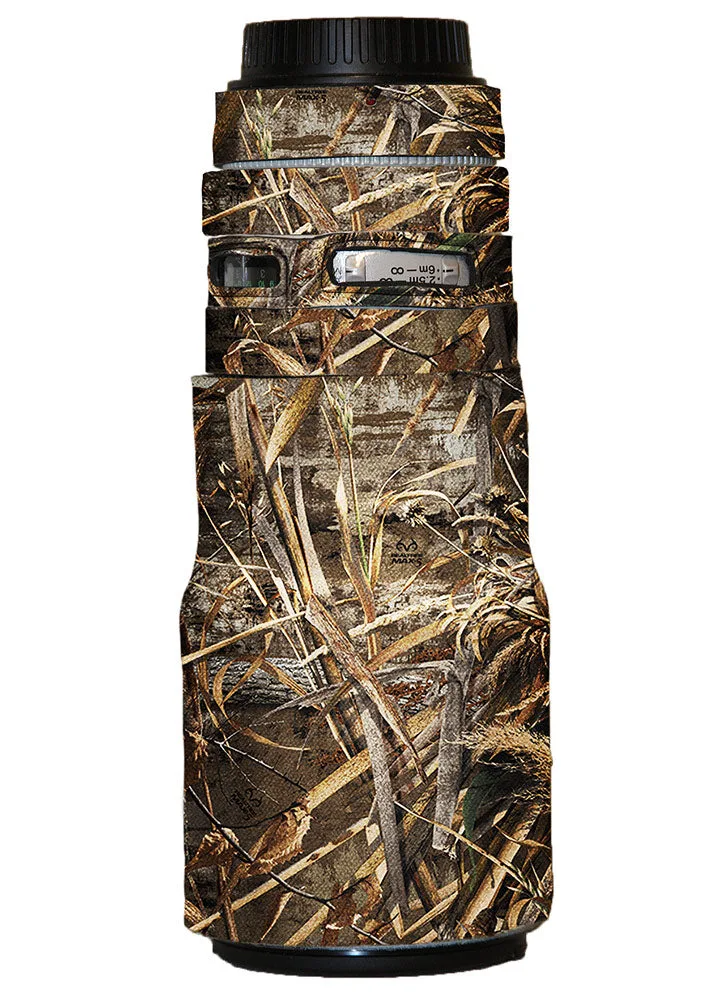
- LensCoat® Canon 300 NO IS f/4: The LensCoat for the Canon 300 f/4 NO IS includes clear plastic windows over the auto focus and the distance scale, and its hood piece is designed to slide over the barrel. Fit the barrel segments first, then slide the hood piece on, and confirm both windows sit over their controls before you press the material flat.
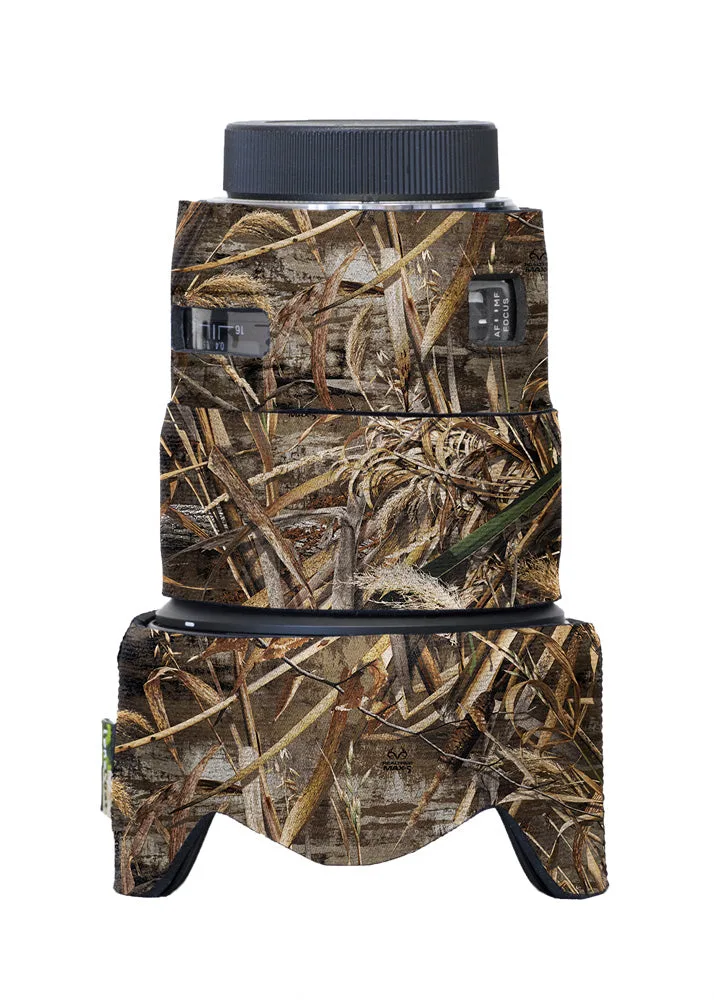
- LensCoat® Sigma 50 f1.4 DG HSM Art: The LensCoat for the Sigma 50mm F1.4 DG HSM Art has clear plastic windows over the auto focus controls and the distance scale. On a short prime, small rotation errors are more visible, so line up both windows before smoothing the cover down.
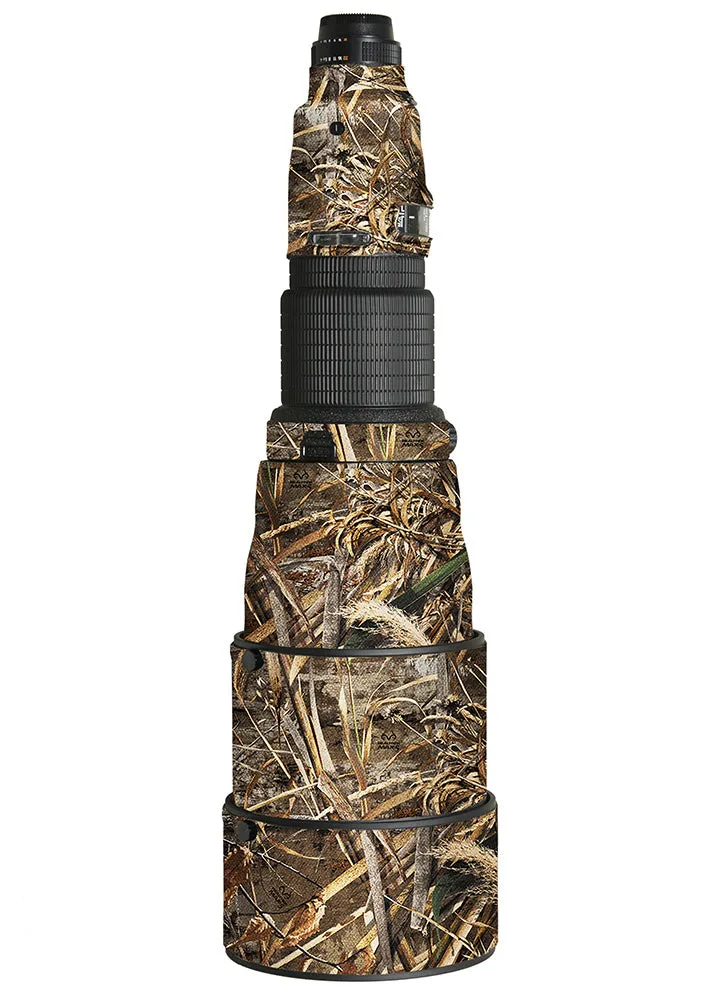
- LensCoat® Nikon 600 AFS I: The LensCoat for the Nikon 600 f/4 AFS I has clear plastic windows over the auto focus controls and the distance scale, and a small hole on the last segment that lines up with a matching feature. Check that the last-segment hole aligns with its matching point; if it does not, the segment is rotated or reversed.