Quick answer
To install a TASER cartridge, point the device in a safe direction, confirm the safety is on, align the cartridge bay and press it in until it seats, then test the laser if your model allows it. To remove one, keep the device pointed safely, press the release tab or latch, and pull the cartridge straight out. Always treat every cartridge as live until it is removed and stored.
Before you touch the cartridge
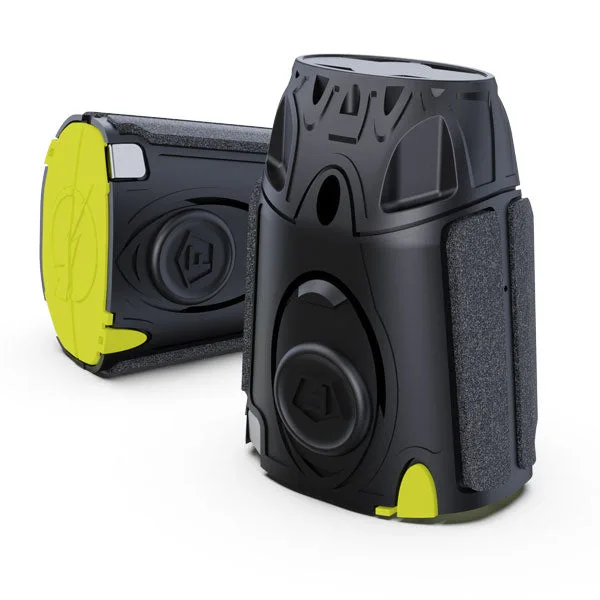
A TASER cartridge is not a battery you can swap casually. Each live cartridge contains a primer, a gas capsule, probes, and conductive wires, and it can deploy if the device fires. That is why the first step in any TASER reload procedure is not the cartridge at all; it is confirming the device cannot discharge. Point the device in a safe direction, keep your finger away from the trigger, and check that the safety is engaged.
Work in a well-lit area with both hands free. If you are installing a cartridge for carry, do it at home or in a staging area, not in a vehicle or while walking. The same applies to TASER cartridge removal steps: remove and store cartridges in a controlled place where the probes and wires cannot catch on clothing or gear.
What changes between TASER models
The installation motion is similar across TASER devices, but the cartridge bay and release mechanism differ. The TASER X2 Professional Series uses a dedicated cartridge, while the X1, X26P, X26C, and M26C share a different live cartridge. The TASER Pulse Series and Bolt/C2 Series use their own cartridge as well. Because these cartridges are not interchangeable, check the device label before you buy or load.
If you carry a TASER X2, keep a spare two-pack on hand so a spent or practice cartridge does not leave you without protection. If you carry an X1, X26P, X26C, or M26C, the same logic applies with the cartridge made for those models. The goal is simple: know which cartridge fits your device before you need to reload.
How to remove a TASER cartridge
Removal is the reverse of installation, but it deserves its own careful pass. Point the device in a safe direction, confirm the safety is on, and locate the release tab or latch on the cartridge bay. Press or slide the release, then pull the cartridge straight out. Do not twist or pry it; the bay and the cartridge housing are designed to separate cleanly.
Once the cartridge is out, treat it as a live device until you have stored it properly. Keep your fingers away from the front of the cartridge, where the probes sit. If the cartridge has already been fired, it is spent and should be set aside for replacement rather than reloaded. Store spare cartridges in a case or pouch that keeps the probes protected and the wires from tangling.
TASER cartridge install and removal steps
- Confirm the device is safe: Point the TASER in a safe direction, keep your finger off the trigger, and engage the safety. Remove the cartridge only when you are ready to handle it, not as a casual habit. Checkpoint: if you cannot point the device in a safe direction, stop and move to a safer location before continuing.
- Match the cartridge to the model: Check the device label and compare it to the cartridge packaging. X2 uses its own cartridge; X1, X26P, X26C, and M26C share a different one; Pulse and Bolt/C2 use another. Common mistake: forcing a cartridge that does not seat easily. If it does not fit, it is probably the wrong model, so stop and verify.
- Align and seat the cartridge: Line up the cartridge with the bay and press it in straight until it sits flush. Do not twist or angle it. A properly seated cartridge should not wobble or protrude. Checkpoint: give the cartridge a light tug to confirm it is seated, but do not pull hard enough to trigger the release.
- Remove a cartridge correctly: With the device pointed safely, press or slide the release tab and pull the cartridge straight out. Keep your fingers away from the front where the probes are. Common mistake: prying or twisting the cartridge. That can damage the bay and make the next reload harder.
- Store spares and spent cartridges: Put live spares in a case or pouch that protects the probes and keeps wires from tangling. Set spent cartridges aside for replacement so they are not confused with live ones. Next step: replace any spent cartridge right away so your device is not left unloaded.
Cartridge options that match your device
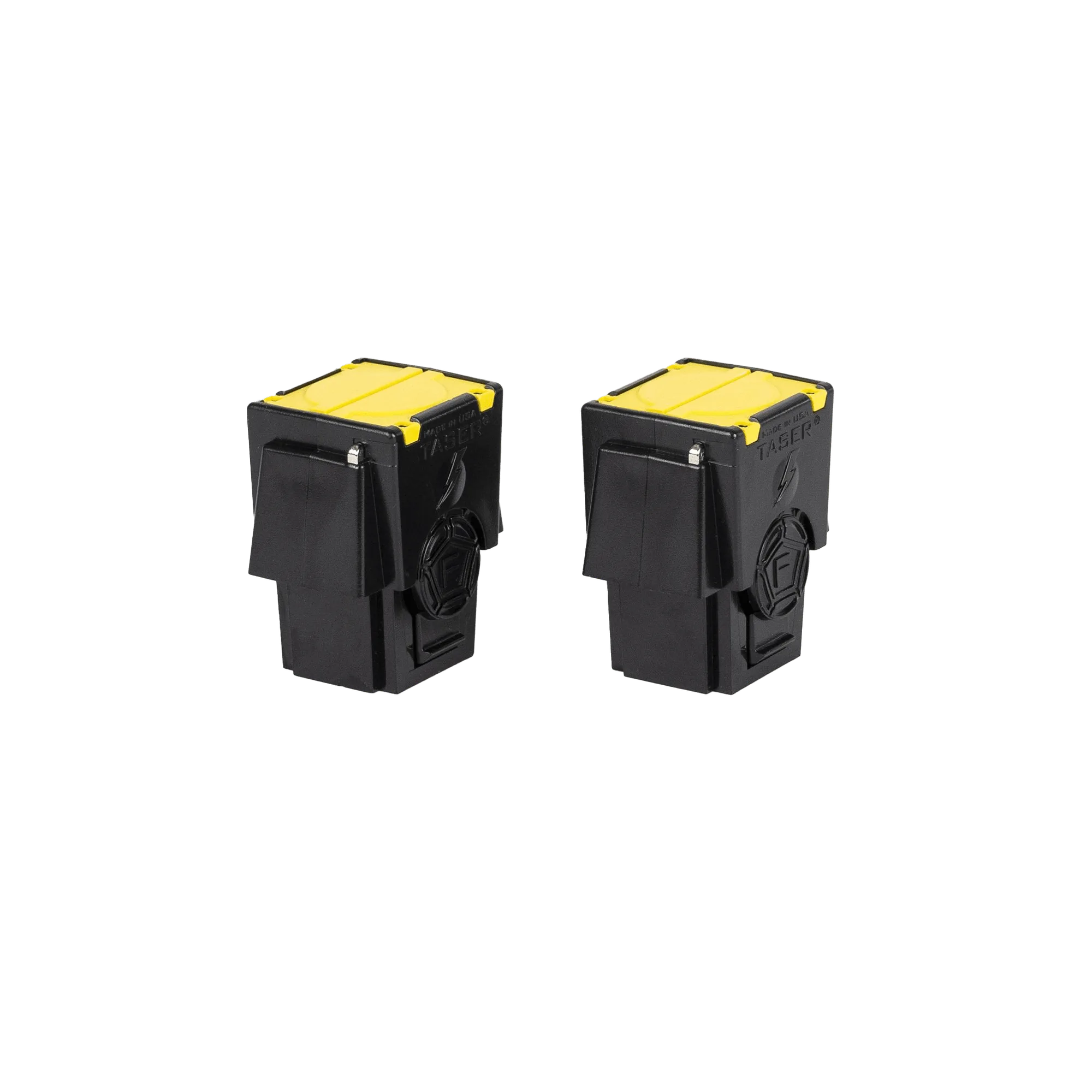
- Two-Pack of Cartridges for TASER X2: Two-Pack of Cartridges for TASER X2 is compatible with the TASER X2 Professional Series and includes a primer, gas capsule, probes, serialized tags, and conductive wires. If you carry an X2, this is the correct spare to keep stocked; the serialized tags are part of the cartridge design, so use the X2-specific cartridge rather than a universal one.
- Two-Pack of Live Cartridges for TASER X1/X26P/X26C/M26C: Two-Pack of Live Cartridges for TASER X1/X26P/X26C/M26C deploys two probes using compressed nitrogen and insulated conductive wires, with a maximum deployment distance of 15 feet. These fit the X1, X26P, X26C, and M26C, so owners of those duty-style models can keep a spare two-pack without guessing compatibility.
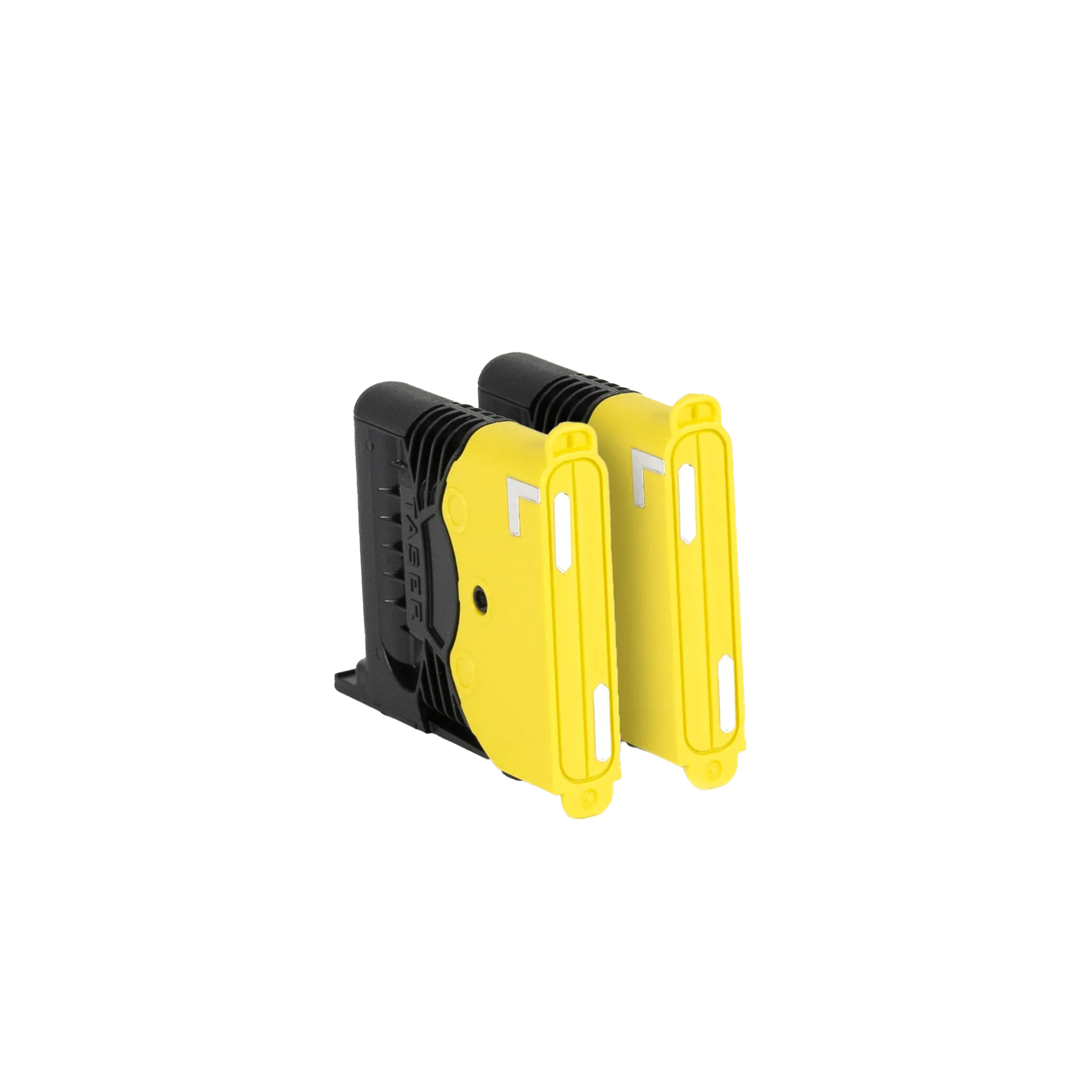
- Self-Defense Cartridges: Self-Defense Cartridges are compatible with the TASER Pulse Series and Bolt/C2 Series and use compressed nitrogen to deploy two probes connected by insulated conductive wires, with a maximum range of 15 feet. Pulse and Bolt/C2 owners need this cartridge specifically; the 15-foot maximum range is a planning number for how close you need to be, not a guarantee of performance in every situation.