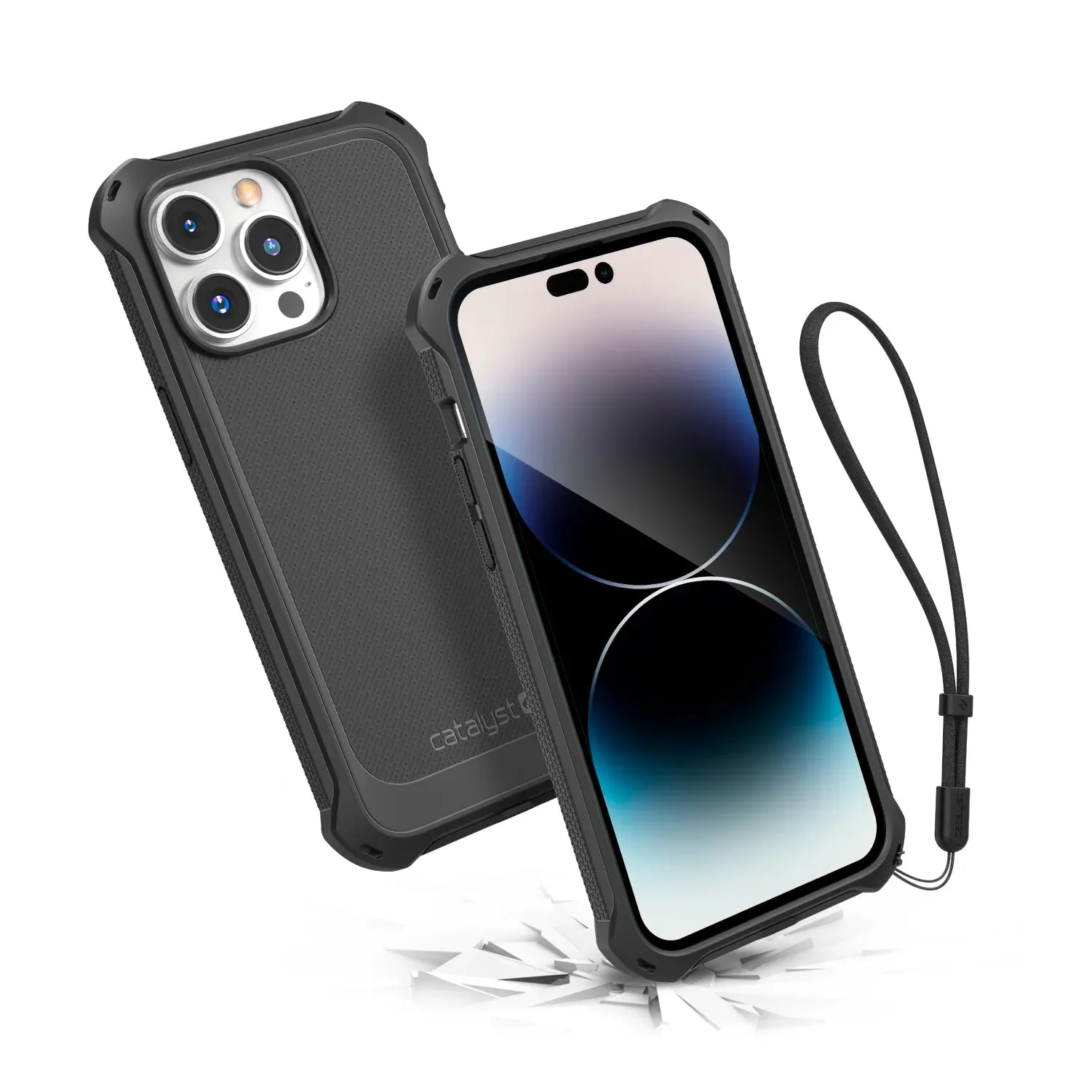
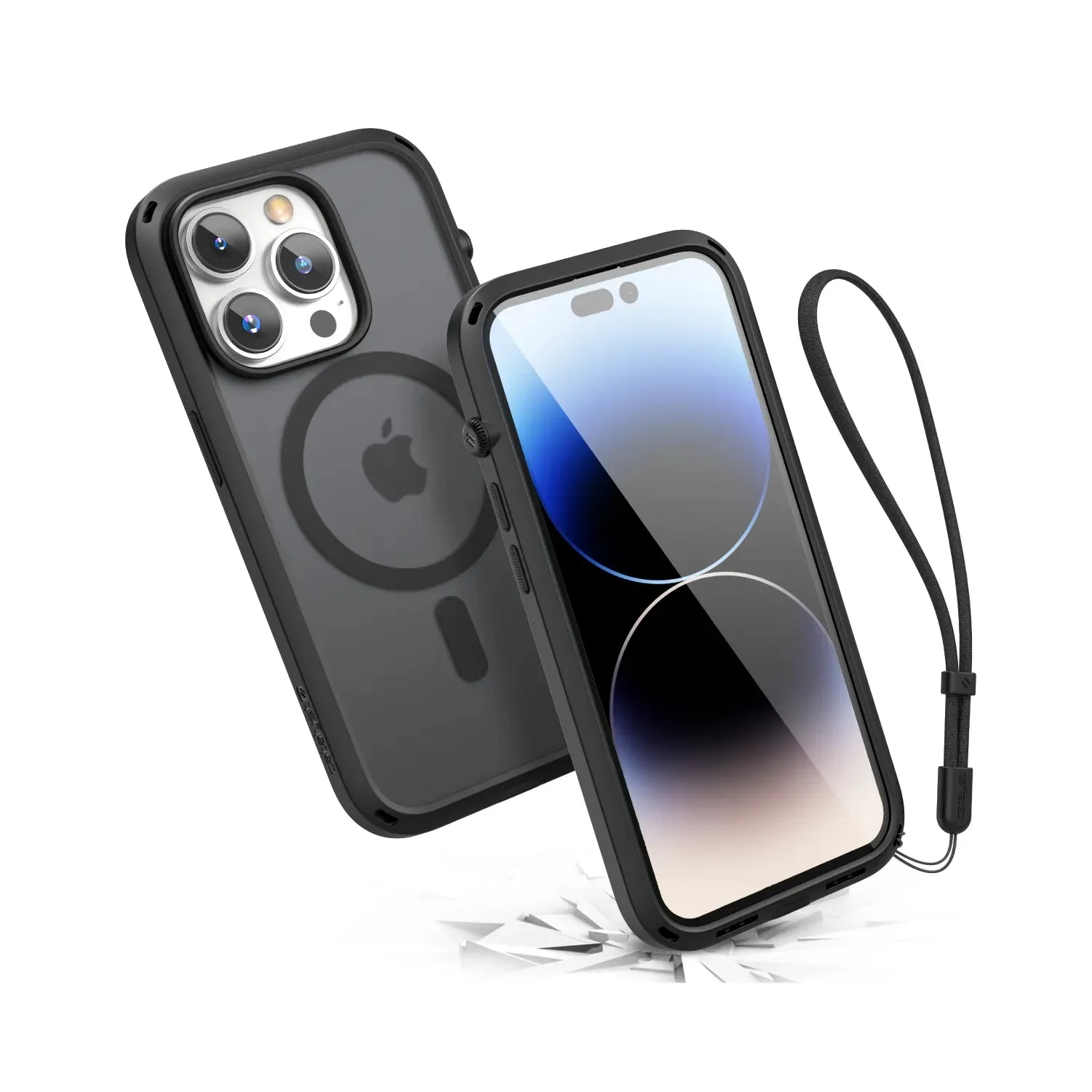
The iPhone 13 mini is a compact powerhouse, but its small size makes it easy to drop. A snap case offers excellent protection without adding bulk, but installing it correctly is key to keeping your phone safe. In this guide, we'll walk you through the process of installing a snap case on your iPhone 13 mini, from preparation to final fit.
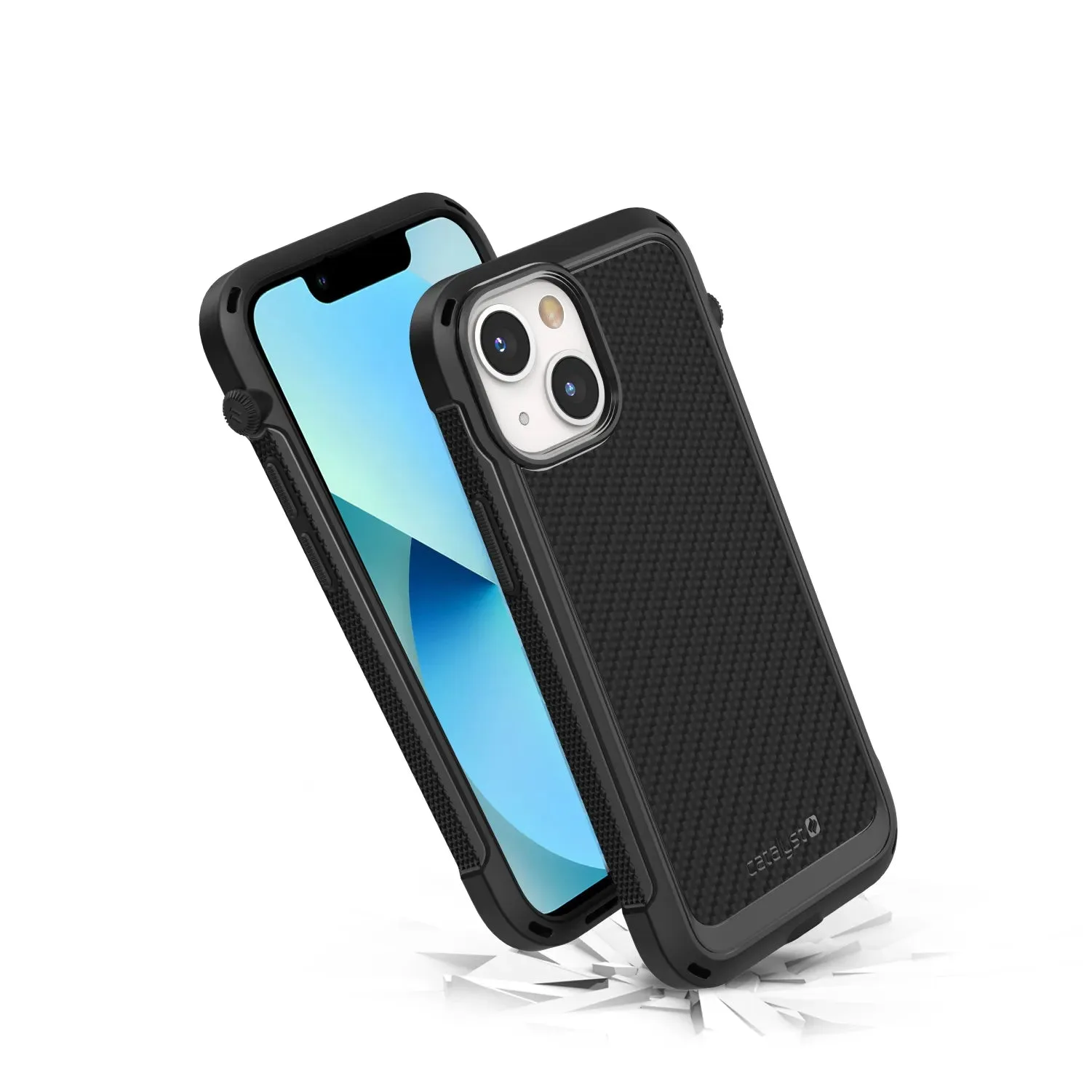
iPhone 13 mini
Whether you're a first-time snap case user or you've struggled with alignment before, these steps will help you achieve a secure, professional-looking installation. We'll also cover common mistakes to avoid and how to ensure your case stays snug over time.
Why Choose a Snap Case for Your iPhone 13 mini?
Snap cases are popular because they offer a slim profile while providing solid drop protection. Unlike bulky rugged cases, snap cases fit closely to the phone, making them ideal for the iPhone 13 mini's compact design. They are also easy to remove when you need to clean your phone or switch cases.
When you choose a snap case, you get a layer of shock absorption that protects against everyday bumps and scrapes. Many snap cases also feature raised edges around the camera and screen, giving you extra peace of mind. For the iPhone 13 mini, a well-fitted snap case can make the difference between a cracked screen and a safe drop.
- Slim and lightweight, perfect for the iPhone 13 mini's small form factor.
- Provides shock absorption and raised bezels for screen and camera protection.
- Easy to install and remove, making it convenient for daily use.
Before You Begin: Preparation and Tools
Before installing your snap case, take a moment to prepare your workspace. Find a clean, flat surface with good lighting. You'll want to remove any existing case or screen protector that might interfere with the fit. Also, wash your hands to avoid transferring oils or dirt onto your phone or case.
You don't need any special tools for a snap case installation. Most snap cases are designed to be installed by hand. However, having a microfiber cloth on hand is useful for wiping down your phone before installation. If your snap case has a built-in screen protector, make sure to remove the protective film before installation.
- Use a microfiber cloth to clean your iPhone 13 mini, especially the edges and corners.
- Remove any old case or screen protector to ensure a clean fit.
- Check the snap case for any debris or dust before installation.
Step-by-Step Installation Process
Start by aligning the top of the snap case with the top of your iPhone 13 mini. Most snap cases have a distinct top and bottom, so look for cutouts for the camera and speaker. Gently press the case onto the top of the phone, ensuring the camera module fits perfectly into the corresponding hole.
Once the top is secured, move to the bottom of the phone. Press the case down along the sides, working your way around the edges. You should hear a satisfying click as the case snaps into place. Avoid forcing the case, as this can damage the phone or the case itself.
Finally, check all edges and corners to ensure the case is fully seated. Press along the power button and volume buttons to ensure they are responsive. If your case has a cutout for the mute switch, make sure it aligns properly. If everything fits snugly, you're done!
- Start with the top (camera side) to ensure proper alignment.
- Work your way around the edges, pressing firmly but gently.
- Listen for a click to confirm the case is fully snapped on.
Common Mistakes to Avoid
One common mistake is installing the case upside down. Always double-check the cutouts for the camera and buttons before pressing the case on. Another mistake is using excessive force, which can bend the case or scratch your phone. If the case doesn't fit easily, it may be the wrong size or you may have debris underneath.
Also, avoid installing a snap case over a thick screen protector, as this can cause the case to bulge and not fit properly. If you're using a screen protector, make sure it's compatible with your case. Finally, don't forget to clean your phone before installation; dust and dirt can cause scratches over time.
- Check the camera cutout alignment before pressing down.
- Don't force the case; if it doesn't fit, inspect for obstructions.
- Remove any screen protector that is too thick for the case.
Tips for Maintaining a Snug Fit Over Time
Snap cases can loosen slightly with repeated removal and installation. To keep your case snug, avoid removing it unnecessarily. If you do remove it, do so carefully by peeling from one corner and working around the edges, rather than yanking it off.
Clean your case regularly with a damp cloth and mild soap to remove oils and dirt that can make it slippery. Also, periodically check the case for cracks or wear. If your case becomes too loose, it may be time for a replacement. For a durable option, consider the Catalyst Direct-Connect Sport Band for Apple Watch, which is built to last, though for your iPhone, a well-maintained snap case will do the job.

Catalyst Direct-Connect Sport Band for Apple Watch
- Remove your case carefully to avoid stretching it.
- Clean your case monthly to maintain grip and appearance.
- Inspect for damage and replace if necessary.
Choosing the Right Snap Case for Your iPhone 13 mini
Not all snap cases are created equal. When shopping for a case, look for one that specifically fits the iPhone 13 mini. A case designed for a different model may not align properly with the buttons or camera. Also, consider the material: silicone cases offer more grip, while hard plastic cases provide more rigidity.
If you're looking for a reliable brand, Catalyst offers a range of durable cases for various devices. While they don't currently have a case specifically for the iPhone 13 mini, you can find options for other models like the https://restfulhomecoai.shop/products/iphone-16-pro-max-288521iPhone 16 Pro Max and the iPhone 14 Pro Max, which are known for their rugged protection. For your iPhone 13 mini, ensure the case you choose has good reviews and a snug fit.
- Check the product description for compatibility with iPhone 13 mini.
- Read reviews to see how the case holds up over time.
- Consider your lifestyle: if you're outdoorsy, opt for a more rugged case.
Installing a snap case on your iPhone 13 mini is a straightforward process that takes just a few minutes. By following these steps and avoiding common mistakes, you'll keep your phone protected and looking great. For a high-quality case that fits your needs, explore our collection at Catalystcase and find the perfect match for your device.