Quick Answer
Start by aligning the case's camera cutout with your iPhone 17 Air's camera module, then press evenly from the top down to avoid misalignment or cracking the clear back.
Why Alignment Matters for Clear Cases
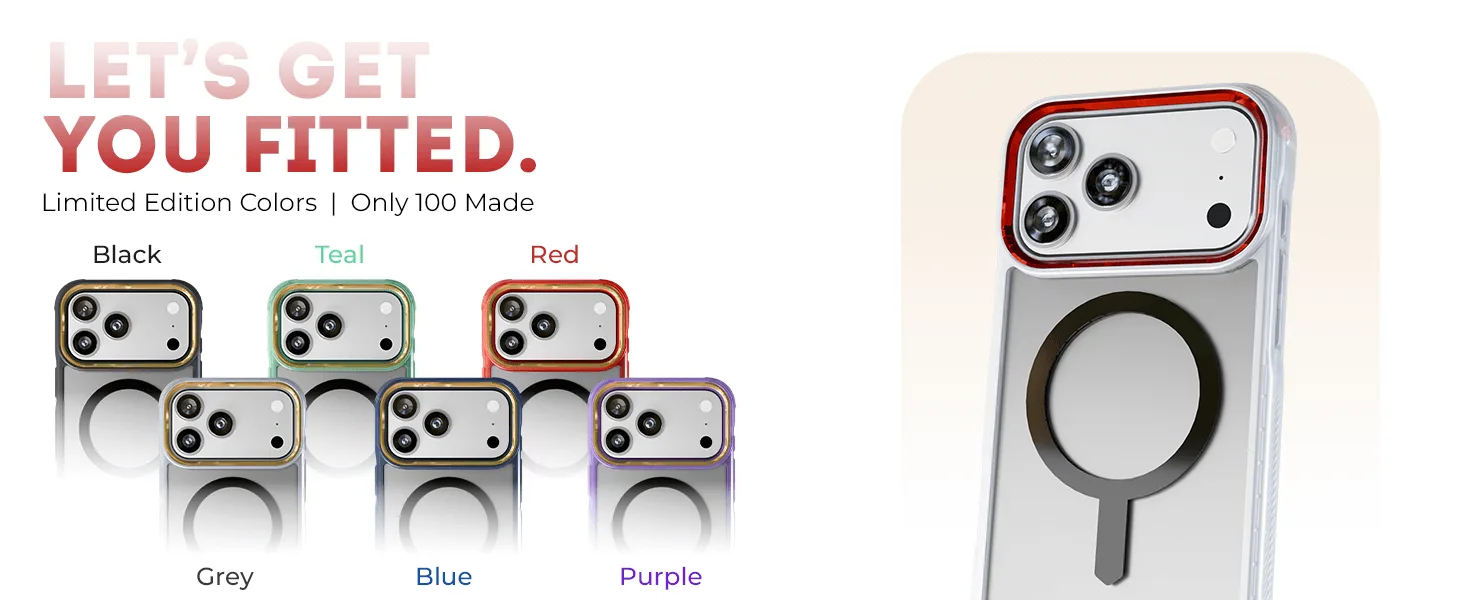
A clear case like the COVERT series relies on precise alignment to keep the camera cutout centered and the MagSafe magnets properly positioned. If you snap the case on crooked, the magnets may not hold accessories securely, and the case might feel loose. Taking an extra moment to align before pressing saves you from having to remove and reinstall.
Step-by-Step Installation Guide
- Step 1: Clean Your iPhone 17 Air: Wipe the back and sides of your iPhone 17 Air with a microfiber cloth to remove dust, oil, or debris. Any particle trapped between the case and phone can scratch the clear back or cause a bubble. Skip this step and you may see permanent marks under the clear case.
- Step 2: Align the Case with the Camera Cutout: Hold the COVERT case so the camera cutout lines up exactly with the camera module on your iPhone 17 Air. The case should sit flush without forcing. Check that the cutout surrounds all lenses evenly. A misaligned cutout can block the camera or cause the case to pop off.
- Step 3: Press from the Top Down: Start pressing the case onto the top edge near the camera, then work your way down the sides and bottom. Apply even pressure with your palms, not your fingertips, to avoid cracking the clear polycarbonate back. Pressing only the center first can bend the case and create a loose fit.
- Step 4: Check the MagSafe Magnet Alignment: After the case is fully seated, place a MagSafe accessory (charger or wallet) on the back. It should snap into place firmly and stay centered. If it slides or wobbles, remove the case and realign. A weak magnetic hold means the case is not seated correctly.
- Step 5: Verify Button and Port Access: Press each side button (volume, power, action) to ensure they click without resistance. Check that the charging port and speaker grilles are fully exposed. If a button feels stuck, the case may need a slight adjustment. Stiff buttons often mean the case is not pressed down fully along that edge.
Product Facts
-
iPhone 17 / Air Series Protective Clear MagSafe Cases — COVERTiPhone 17 Pro Max / Smoke Matte: The COVERT case for iPhone 17 Pro Max includes a screen protector, 45W USB-C wall charger, and 60W USB-C charging cable. You get everything needed to protect and power your phone in one box, so you don't have to buy accessories separately.
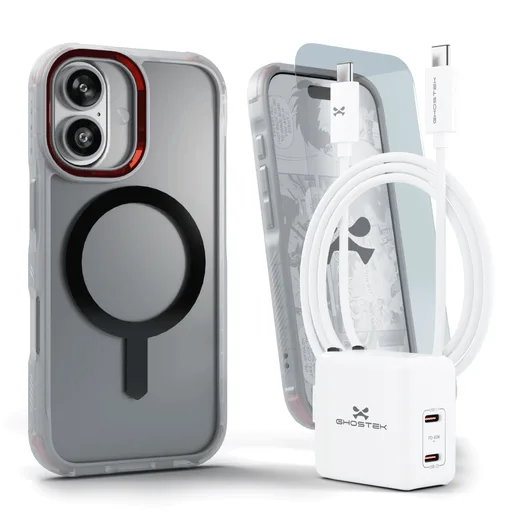
iPhone 17 / Air Series Protective Clear MagSafe Cases — COVERTiPhone 17 Pro Max / Smoke Matte