Quick answer
Install a solar-powered 4K security camera by first checking Wi-Fi signal and sun exposure at each spot, then mounting the camera and panel before pairing. Aim the 3W panel toward the midday sun, keep it clear of shade, and pair one camera at a time so the app identifies each unit correctly.
Plan camera positions before you drill
Walk your property at the times of day you care about most and note where Wi-Fi reaches. Solar-powered cameras still need a wireless connection to your network, so a spot with strong sun but weak signal will cause dropouts. Test signal with your phone at the exact mounting height, not at ground level. For a multi-camera kit, spread units to cover entry points, driveways, and side yards rather than overlapping the same view.
Mount the camera and solar panel for reliable power
Secure the camera bracket to a solid surface, then attach the 3W solar panel so it faces the midday sun. In the northern hemisphere that means a south-facing tilt; in the southern hemisphere, face it north. Keep the panel above or beside the camera, not behind it, so shadows from the camera body do not fall across the panel. Use the included hardware and check that the panel cable reaches the camera without strain.
Connect to Wi-Fi and finish setup in the app
Power on one camera at a time and follow the app prompts to join your 2.4 GHz Wi-Fi network. Give each camera a clear name like "Driveway" or "Back Gate" so alerts make sense later. If a camera fails to pair, move it closer to the router for the initial connection, then remount it. After pairing, confirm live view and adjust motion zones so you are not flooded with alerts from passing cars or trees.
Installation steps and checkpoints
- 1. Survey sun and Wi-Fi: Check sun exposure and Wi-Fi strength at each planned location using your phone. Avoid spots that are shaded most of the day or far from your router. If signal is weak, plan a mesh node or move the camera closer before drilling.
- 2. Mount the camera bracket: Attach the bracket to a sturdy surface at the height you want, using the supplied hardware. Make sure the camera will point where you need it. A loose mount causes blurry video and false motion alerts.
- 3. Position the 3W solar panel: Face the panel toward the midday sun and keep it clear of shadows from the camera, roof, or trees. Connect the panel cable to the camera. Even partial shade for a few hours can reduce charging.
- 4. Power on and pair one camera: Turn on a single camera and follow the app steps to connect it to your 2.4 GHz Wi-Fi. Repeat for each camera separately. Pairing one at a time prevents the app from mixing up cameras.
- 5. Name cameras and set motion zones: Rename each camera by location and draw motion zones that ignore streets, sidewalks, or swaying branches. Fewer false alerts means you pay attention to real ones.
- 6. Test for 24 hours: Watch live view and playback for a full day, checking that the solar panel keeps the battery charged and video stays online. If a camera goes offline, check panel shading first, then Wi-Fi.
Solar-powered 4K cameras for this install
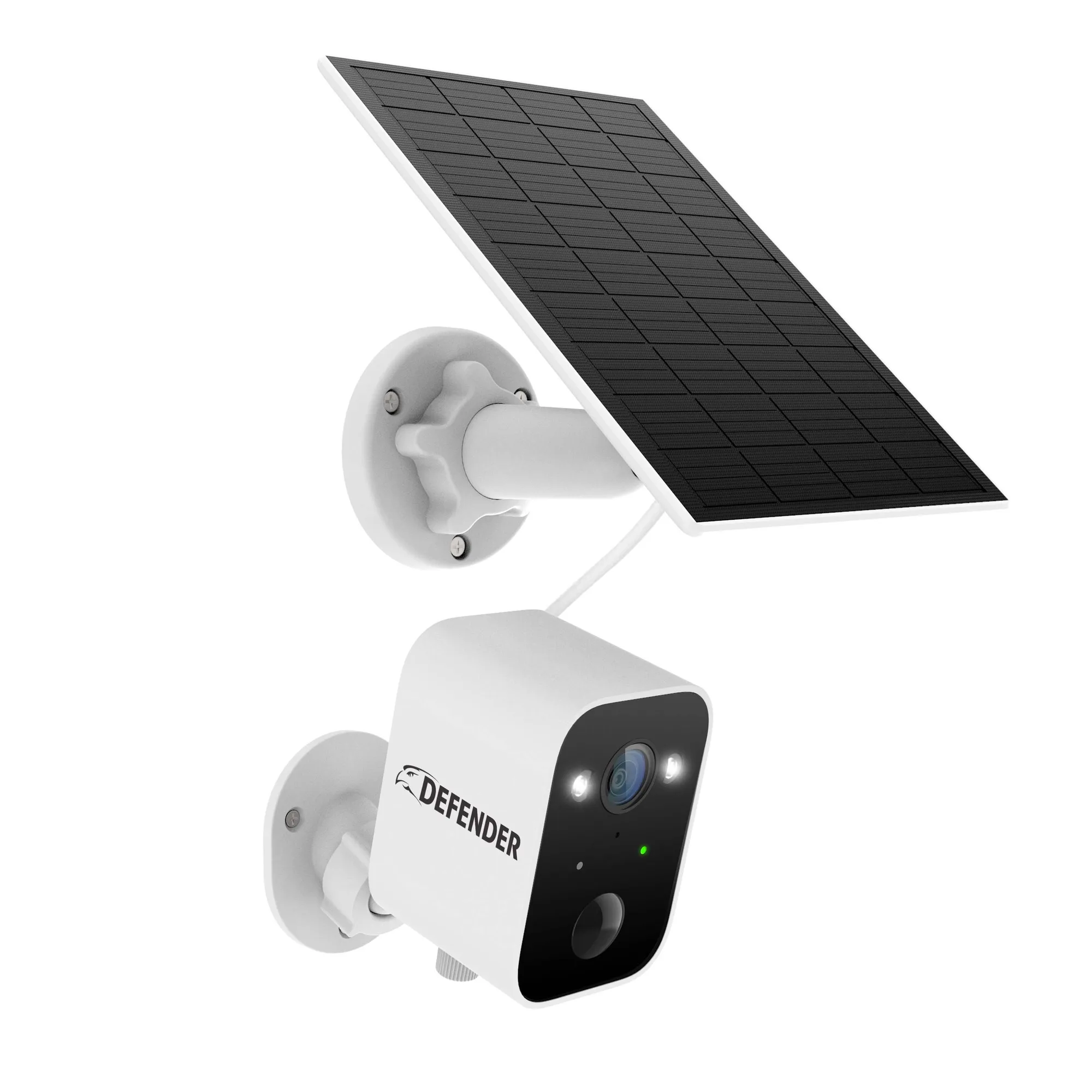
- Solar Powered 4K AI EverWatch Wireless Security Camera, 3W Solar Panel: Solar Powered 4K AI EverWatch Wireless Security Camera with a built-in 3W solar panel and 4K video resolution. A single camera suits a focused view like a front door or driveway where you want detail without running power.
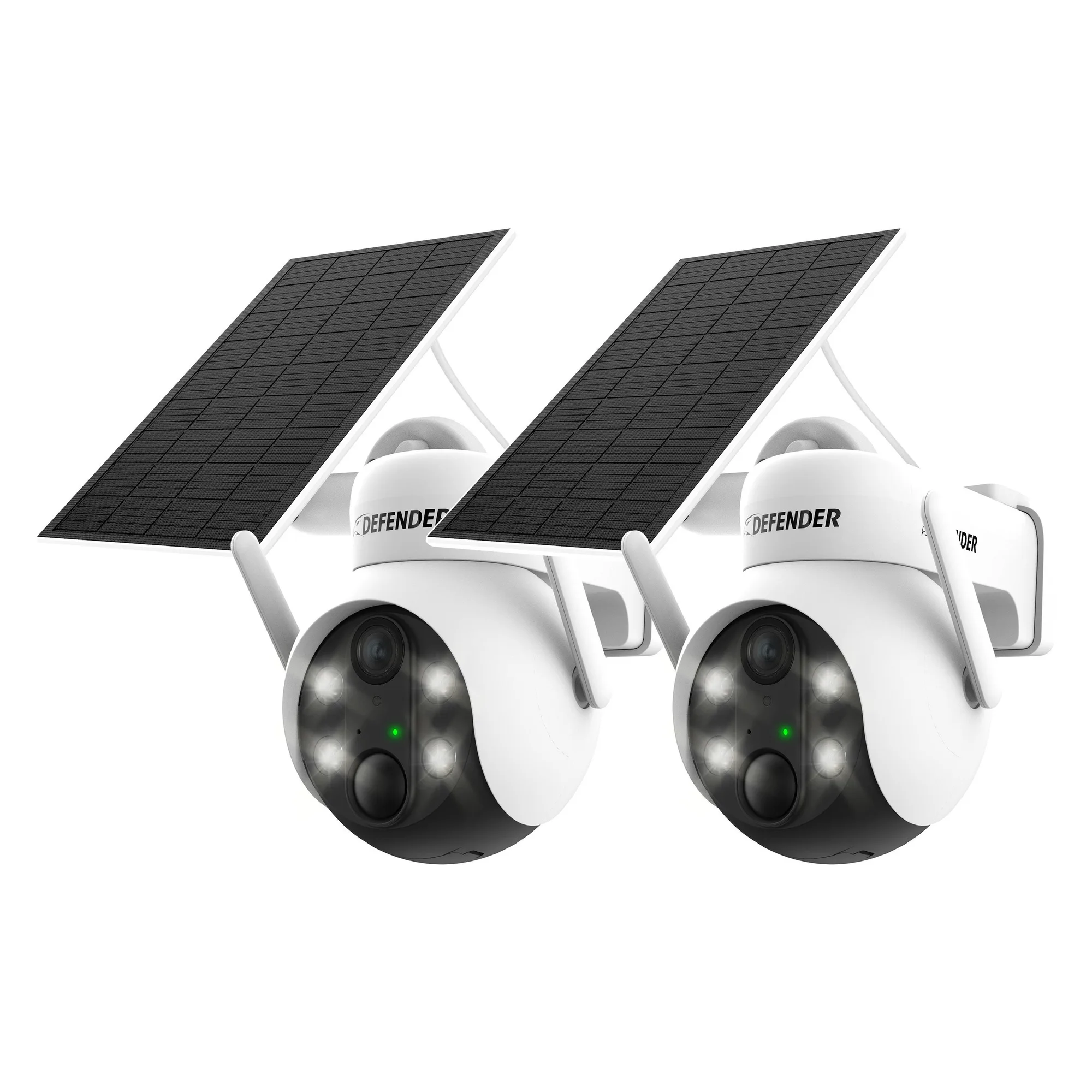
- Solar Powered 4K AI EverWatch PTZ Wireless Camera with 3W Solar Panel, 2 pc: Solar Powered 4K AI EverWatch PTZ Wireless Camera 2-pack, each with a 3W solar panel, 4K resolution, and pan-tilt-zoom control. Two PTZ cameras cover two areas and let you adjust the view remotely instead of climbing a ladder.
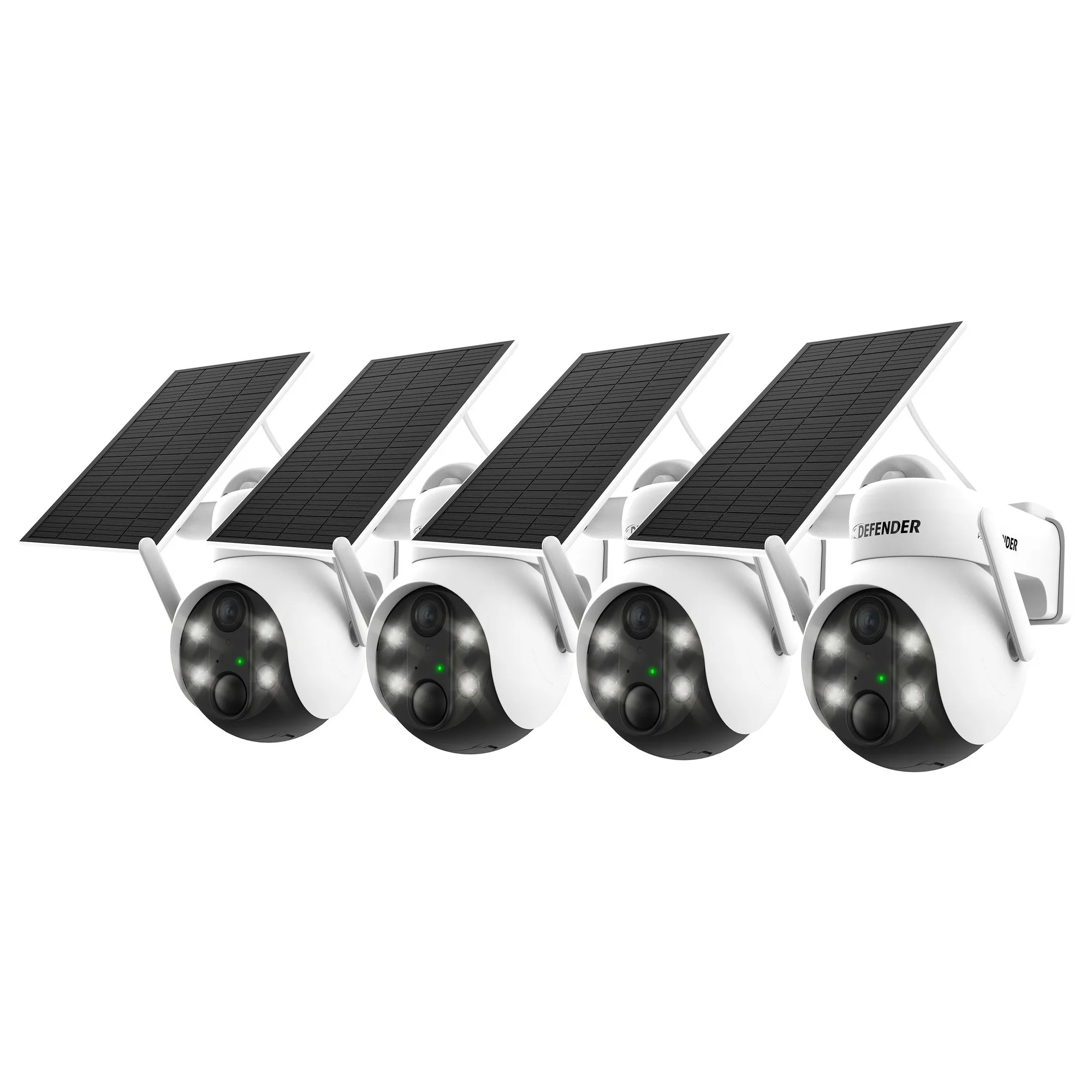
- Solar Powered 4K AI EverWatch PTZ Wireless Camera with 3W Solar Panel, 4 pc: Solar Powered 4K AI EverWatch PTZ Wireless Camera 4-pack, each with a 3W solar panel, 4K resolution, and pan-tilt-zoom control. A four-camera set is practical when you need coverage on all sides of a house or small business.