Quick Answer
Installing the ClaroSwiss water filter in your Breville espresso machine takes just a few minutes. Follow the steps below to reduce chlorine, heavy metals, and minerals in your water for better-tasting espresso and to help extend your machine's life.
Why Use a Water Filter for Your Espresso?
Tap water contains chlorine, heavy metals, and minerals that can affect the taste of your espresso and cause scale buildup inside your machine. The ClaroSwiss filter is designed to reduce these impurities, improving both flavor and equipment longevity. It is compatible with most Breville espresso machines and is easy to install without any tools.
When to Replace the Filter
For optimal performance, replace the ClaroSwiss filter every 90 days. If you notice a change in water taste or a decrease in flow rate, it may be time for an early replacement. Mark your calendar or set a reminder to keep your espresso tasting its best.
Step-by-Step Installation Guide
- Step 1: Remove the Old Filter: Turn off and unplug your Breville espresso machine. Open the water tank lid and lift out the old filter. If the filter is stuck, gently twist it while pulling upward. Discard the old filter. Always unplug the machine before handling the water tank to avoid electrical shock.
- Step 2: Prepare the New ClaroSwiss Filter: Remove the new ClaroSwiss filter from its packaging. Submerge it in a bowl of fresh cold water for 5 minutes to activate the carbon. This step ensures the filter works properly from the first use. Do not skip the soaking step—running a dry filter may reduce its effectiveness and cause air pockets in your machine.
- Step 3: Install the New Filter: Insert the soaked filter into the empty filter holder in the water tank. Push it down firmly until it clicks into place. Ensure it is fully seated to prevent water from bypassing the filter. A loose filter can allow unfiltered water to enter your machine, defeating the purpose of installation.
- Step 4: Flush the System: Fill the water tank with fresh water and place it back on the machine. Run a full water cycle without coffee grounds to flush any loose carbon dust from the filter. Discard the water from this cycle. The first cup of water may look slightly cloudy—this is normal carbon fines and not a safety concern.
- Step 5: Reset the Filter Reminder (if applicable): If your Breville model has a filter change indicator, press and hold the filter reset button for 3 seconds until the light turns off. This resets the 90-day timer. Consult your machine's manual for the exact reset procedure, as it varies by model.
Product Details
-
Filtro de agua ClaroSwiss: The ClaroSwiss water filter reduces chlorine, heavy metals, and minerals in your water. This helps improve the taste of your espresso and can prolong the life of your Breville machine by reducing scale buildup.
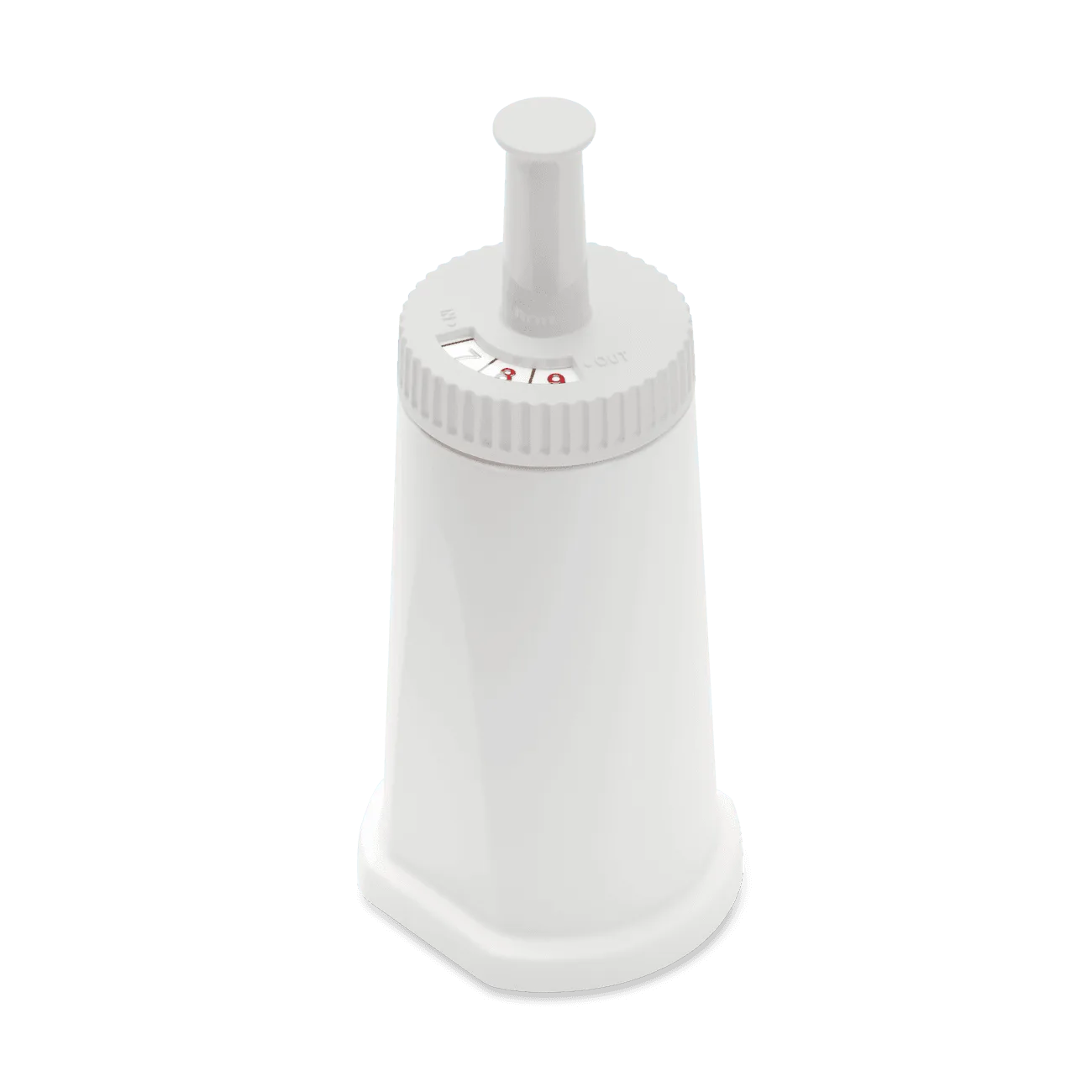
Filtro de agua ClaroSwiss