Quick answer
Clean and dry both the dash surface and the back of your phone, press the Steelie dash base and phone adapter firmly into place, then let the adhesive sit for several hours before mounting the phone. Once set, the magnetic connection holds your phone while you drive. For the fastest setup, the Steelie Squeeze Dash Kit combines a universal clamp with the classic dash mount.
Prep the dash and phone before any adhesive touches them
Adhesive mounts fail for one main reason: they are stuck to dust, oil, or a curved surface that never lets the base sit flat. Wipe the dash area with an alcohol wipe and let it dry completely. Do the same on the back of your phone or case, because that is where the adapter or clamp makes contact. If you use a textured or silicone case, test the adapter on a smooth spot first, or plan to attach it to the phone itself rather than the case. Room temperature works best; cold plastic and hot dashboards both weaken the initial bond.
Mount the base where you can actually reach it
Place the dash base on a flat, unobstructed part of the dashboard, not over a seam, vent, or airbag cover. You want the phone angled toward you and within easy arm's reach, with no cables pulling sideways. Press the base down firmly for about 30 seconds, then leave it alone. This waiting period is the step most people skip, and it is the difference between a mount that holds for years and one that drops off in a week. If you need to reposition later, a replacement adhesive kit lets you redo the bond without buying a whole new mount.
Attach the phone side and check the hold
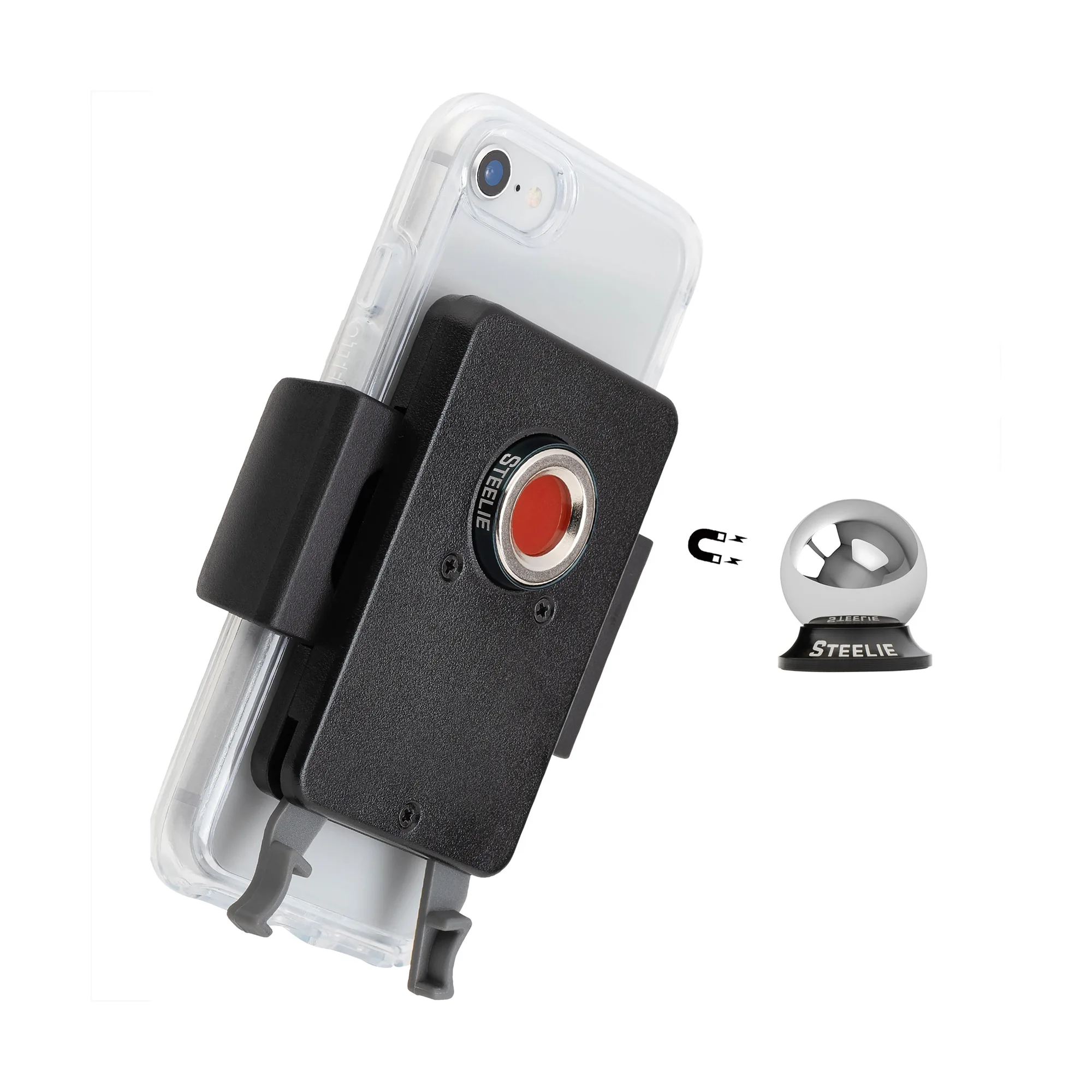
Follow the instructions included with your kit to attach the phone adapter or clamp. With a Squeeze-style clamp, pinch the levers to open the arms, slide the phone in, and release the levers to secure it. Before you drive, tug gently on the phone to confirm the magnetic connection is solid. If the phone slides or spins, the adapter is probably on a curved or greasy spot, so clean and reattach it. Never rely on the mount to hold a phone that is not seated flat against the adapter.
Use and maintain the mount day to day
One-handed placement is the whole point of a magnetic mount, so practice docking and removing the phone without looking down. Keep the adapter and the mount face free of grit; a quick wipe every few weeks preserves the grip. In very hot climates, avoid leaving the phone on the dash for hours with the sun beating down, since heat stresses both the adhesive and the phone. If the hold weakens over time, clean both surfaces and consider fresh adhesive before assuming the mount is worn out.
Step-by-step Steelie dash mount setup
- Clean the dash and phone: Wipe both surfaces with an alcohol wipe and let them dry fully. Common mistake: skipping the phone case, which is often the oiliest surface in the car. Checkpoint: no dust or residue on either surface before you continue.
- Position the dash base: Choose a flat, reachable spot away from vents and airbags. Press firmly for 30 seconds. Common mistake: mounting over a curved or textured area where the base cannot sit flush. Checkpoint: the base does not rock when you press one edge.
- Wait before mounting the phone: Let the adhesive cure for several hours, ideally overnight, before attaching the phone. Common mistake: testing the mount immediately and pulling the base loose. Checkpoint: the base stays put when you gently tug it.
- Attach the phone adapter or clamp: Follow the kit instructions for the phone side. With a Squeeze Clamp, pinch the levers to open the arms, place the phone, and release to secure. Common mistake: trapping a cable or case edge under the adapter. Checkpoint: the phone sits flat and does not spin or slide.
- Dock and remove one-handed: Practice placing and removing the phone without looking down. Common mistake: yanking the phone sideways, which stresses the adhesive over time. Checkpoint: you can dock the phone in one motion while seated.
- Maintain the bond: Wipe the mount face and adapter every few weeks and keep the car interior from baking the adhesive. If the hold weakens, clean both surfaces and replace the adhesive before buying a new mount. Next step: keep a replacement adhesive kit on hand for repositioning or a fresh bond.
Products used in this guide
- Steelie® Squeeze® Dash Kit: The Squeeze Dash Kit pairs the universal Squeeze Clamp with our classic Steelie Dash Mount. Easily pinch the levers to open the Squeeze arms, place your phone, and release the levers to secure. This is the all-in-one option if you want a clamp-style hold instead of attaching an adapter directly to your phone.
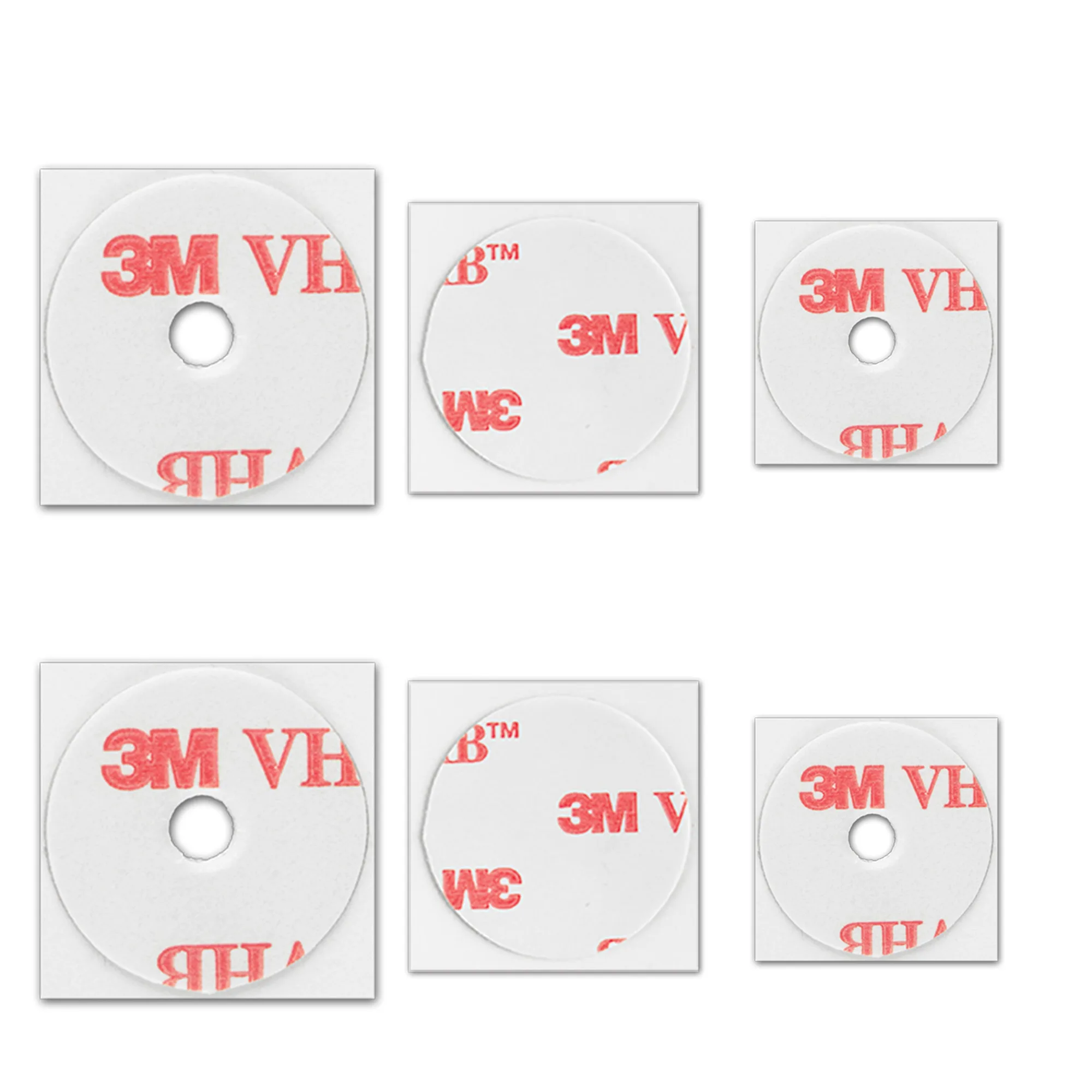
- Steelie® Universal Adhesive Replacement Kit: Need a new Steelie adhesive for your phone or car? You're in the right place! Lets you re-stick a mount after repositioning or a failed bond without replacing the whole kit.