Quick Answer
Clean the windshield surface, attach the suction cup firmly, and adjust the arm to your preferred viewing angle without blocking your line of sight.
Why Proper Installation Matters for Safety
A loose or poorly positioned windshield mount can become a dangerous distraction while driving. If the mount slips or the phone falls, your attention is pulled from the road. Taking a few extra minutes to install it correctly reduces that risk and keeps your device secure.
The Windshield Mount Accessory from Journey Official is designed for a stable, hands-free experience. Its direct-to-windshield attachment works well with most phones and GPS units, but the key is getting the initial placement right.
Common Mistakes to Avoid
Many people attach the mount without cleaning the glass first. Dust, grease, or residue from window tint can prevent the suction cup from forming a tight seal. Another frequent error is placing the mount too low or too high, which either blocks your view or forces you to reach awkwardly.
Step-by-Step Installation Guide
- Choose the Right Spot: Select a location on the windshield that does not obstruct your view of the road. The lower-left or lower-right corner is usually ideal. Avoid areas directly in front of the steering wheel or in the driver's line of sight. Test the position by sitting in the driver's seat and checking that the mount does not block any part of the windshield.
- Clean the Glass Thoroughly: Use a microfiber cloth and a glass cleaner to remove dust, smudges, and any oily residue. A clean surface ensures the suction cup adheres tightly and does not lose grip over time. Even a small speck of dirt can break the seal. Wipe the area twice if needed.
- Press the Suction Cup Firmly: Place the suction cup against the cleaned glass and press down firmly. If your mount has a locking lever, flip it to the locked position after pressing. This creates a vacuum that holds the cup in place. Check the seal by gently tugging the cup. If it moves, reapply and press harder before locking.
- Attach the Mount Arm and Phone Holder: Snap the arm or bracket onto the suction cup base. Then secure your phone or GPS in the holder according to the product instructions. Make sure the device is centered and the grip is snug but not overly tight. Over-tightening can damage the device or the holder. A snug fit that prevents sliding is enough.
- Adjust the Viewing Angle: Angle the mount so you can see the screen without tilting your head down or turning it sideways. The goal is a quick glance that does not require you to change your driving posture. If you need to reposition, unlock the suction cup and start again. Do not force the arm past its intended range.
- Test Before Driving: Give the mount a gentle shake to confirm it is secure. Drive a short distance and observe whether the phone vibrates or shifts. If it moves, recheck the suction and angle. A stable mount should not bounce or slide even on bumpy roads. Adjust as needed before relying on it for navigation.
Product Details
-
Windshield Mount Accessory: Mounts directly to your windshield for a stable, hands-free viewing experience. This direct attachment keeps your phone secure and reduces vibration, so you can glance at directions without taking your eyes off the road for long.
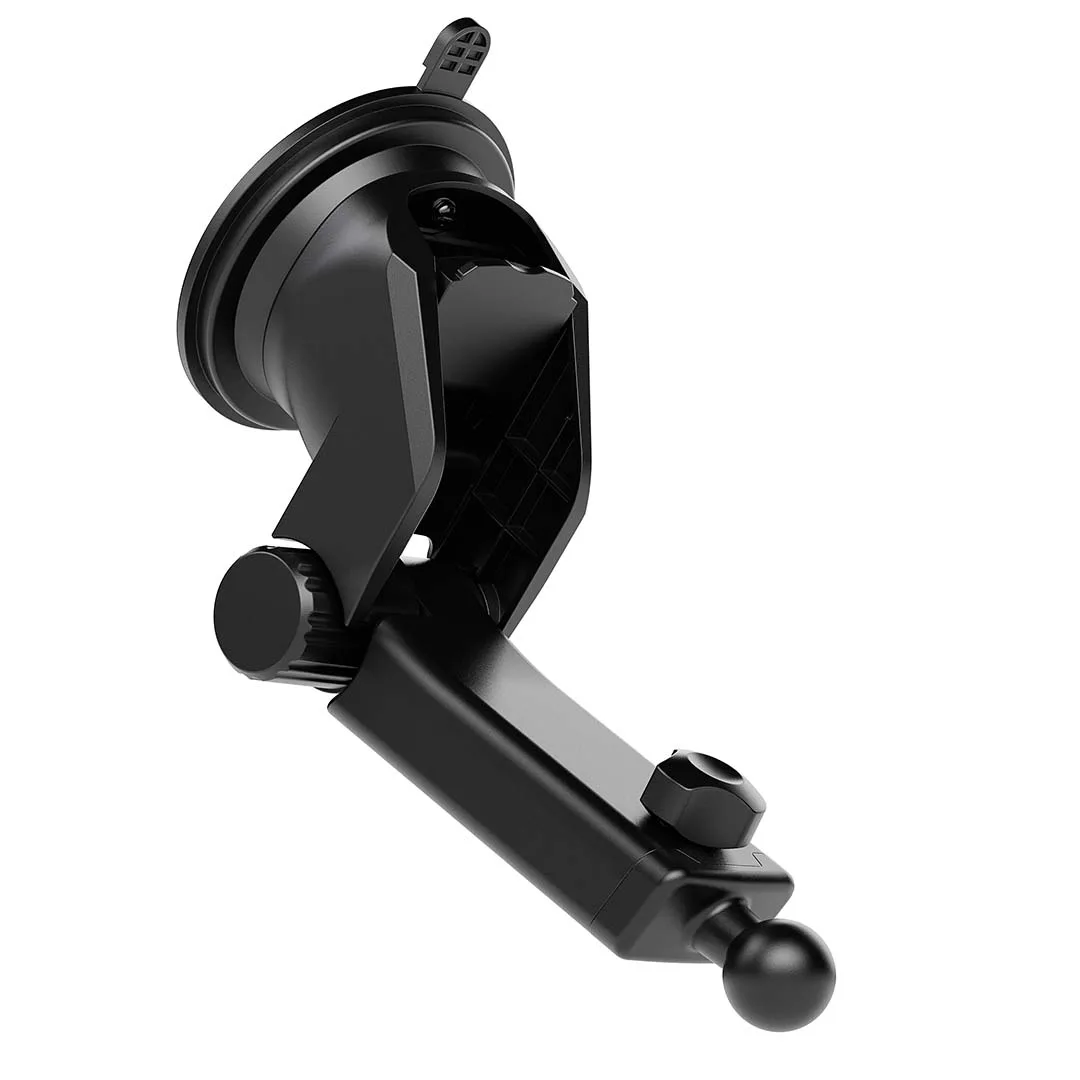
Windshield Mount Accessory