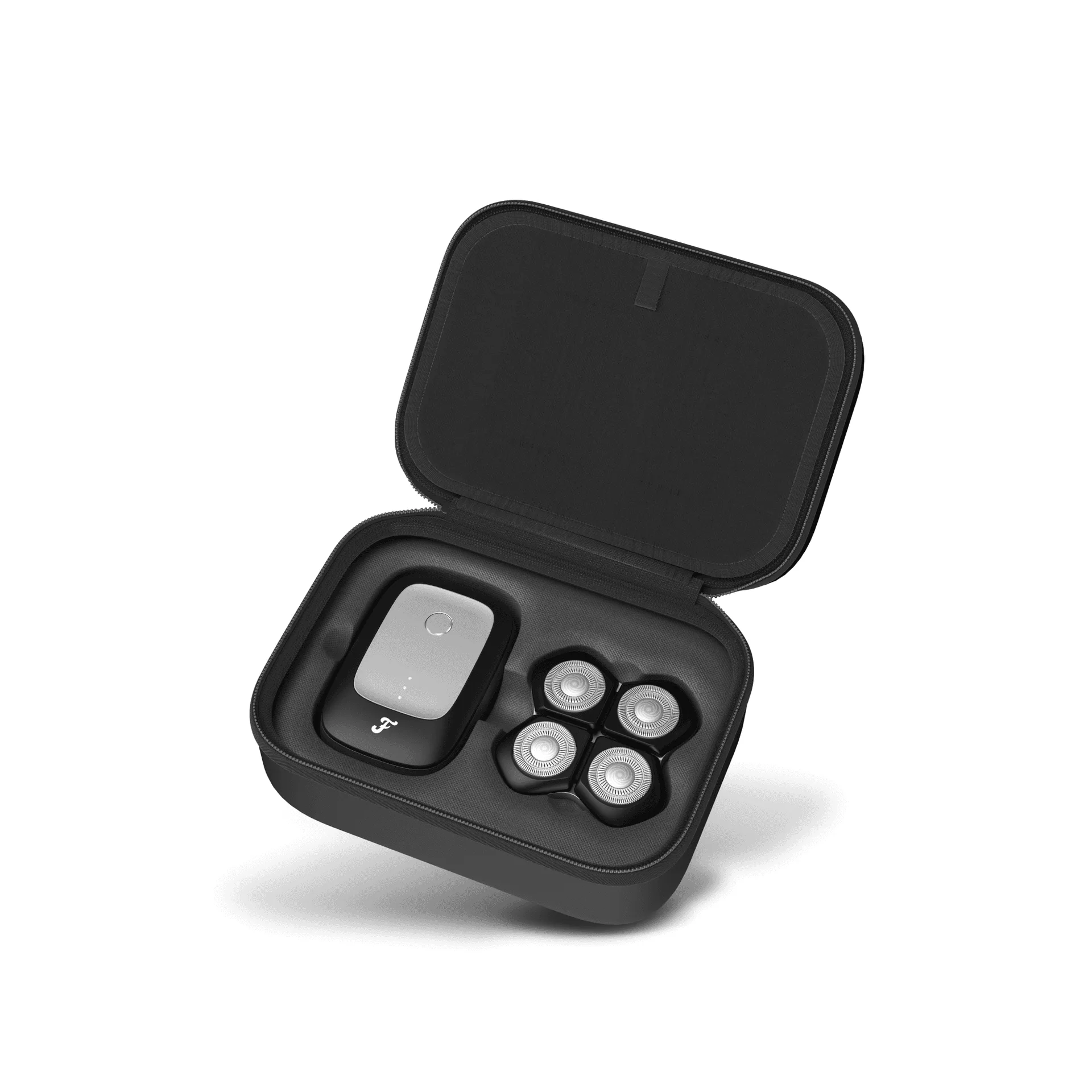
Your FlexSeries® Pro razor is a precision tool designed to deliver a smooth, comfortable head shave every time. But like any high-quality device, it requires regular maintenance to perform at its best and last for years. Proper care not only extends the life of your razor but also ensures a hygienic shave that’s gentle on your scalp.
In this guide, we’ll walk you through the essential steps to maintain your FlexSeries® Pro, from daily cleaning to long-term storage. Whether you’re a seasoned head shaver or new to the game, these tips will help you get the most out of your investment.
Why Regular Maintenance Matters
A well-maintained razor is a safe razor. Over time, hair, skin oils, and product buildup can accumulate on the blades and in the crevices of your FlexSeries® Pro. This not only dulls the blades faster but can also harbor bacteria, leading to skin irritation or infections. Regular cleaning keeps your razor hygienic and ensures a close, comfortable shave every time.
Moreover, proper maintenance can significantly extend the life of your razor. By keeping the blades sharp and the motor free of debris, you reduce wear and tear, saving you money in the long run. A little care goes a long way in preserving the performance and durability of your device.
- Prevents skin irritation and infections
- Maintains blade sharpness for a closer shave
- Extends the overall lifespan of your razor
Daily Cleaning Routine
After each use, it’s crucial to clean your FlexSeries® Pro to remove hair and shaving cream residue. Start by rinsing the razor head under warm running water. If your model is waterproof, you can hold it under the tap for a few seconds. For a more thorough clean, use a soft brush to gently dislodge any trapped hairs from the blades and the foil.
You can also use a mild liquid soap or a specialized razor cleaner. Apply a drop to the head, turn on the razor, and let it run for a few seconds to help loosen debris. Then rinse thoroughly and shake off excess water. Allow the razor to air dry completely before storing it to prevent moisture buildup, which can lead to corrosion.
- Rinse under warm water after each use
- Use a soft brush to remove trapped hairs
- Air dry completely before storing
Deep Cleaning: Weekly and Monthly Care
While a daily rinse is essential, a deeper clean once a week will keep your razor in top condition. Remove the shaving head or foil according to the manufacturer’s instructions. Soak the removable parts in warm soapy water for about 10 minutes to break down stubborn buildup. Use a soft toothbrush to gently scrub the blades and the inner components, then rinse and dry thoroughly.
Once a month, consider using a cleaning solution specifically designed for electric razors. These solutions not only clean but also lubricate the blades, reducing friction and wear. Follow the product instructions carefully. After cleaning, you can apply a drop of light machine oil to the blades to keep them moving smoothly. This is especially important if you use your razor frequently.
- Weekly: soak and scrub removable parts
- Monthly: use a razor cleaning solution and lubricate blades
- Always dry parts completely before reassembling
Blade Care and Replacement
The blades are the heart of your FlexSeries® Pro. Even with the best care, they will eventually dull and need replacement. Typically, you should replace the blades every 6 to 12 months, depending on how often you shave. Signs that it’s time for a new blade include increased tugging, irritation, or a less close shave.
When replacing blades, always use genuine FlexSeries® Pro parts to ensure optimal performance and fit. The FlexSeries® Attachment Kit includes replacement foils and blades designed specifically for your razor. Using compatible parts not only maintains the quality of your shave but also protects your device from damage.
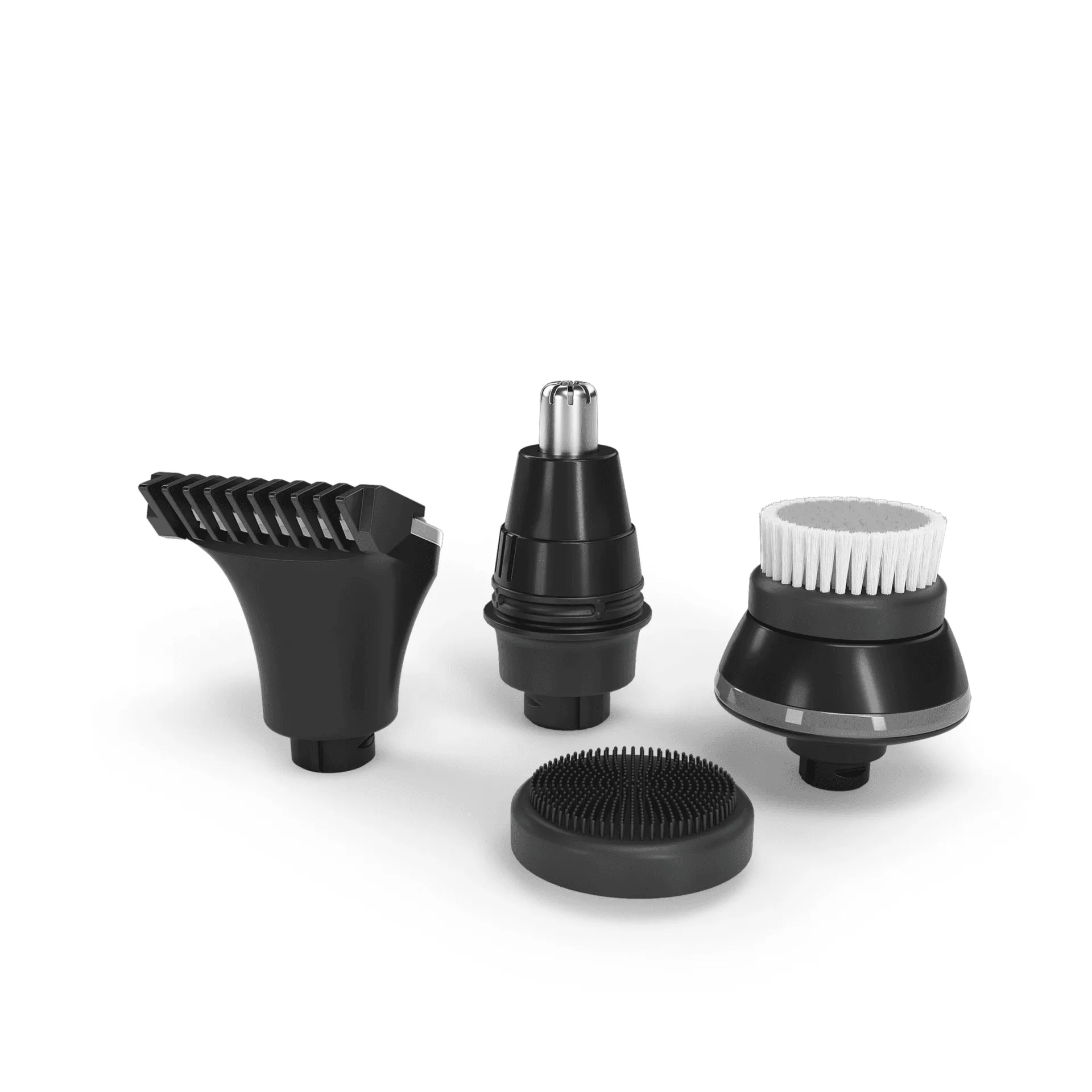
FlexSeries® Attachment Kit
- Replace blades every 6-12 months or when you notice reduced performance
- Use genuine FlexSeries® Pro replacement parts
- Check for wear and tear regularly
Battery and Charging Best Practices
Your FlexSeries® Pro is powered by a rechargeable battery, and how you charge it affects its lifespan. Avoid letting the battery completely drain before recharging; instead, charge it when it’s around 20-30% remaining. Overcharging can also degrade the battery, so unplug it once it’s fully charged.
If you plan to store your razor for an extended period, charge it to about 50% and store it in a cool, dry place. This helps maintain battery health. The FlexSeries® Pro Charging Dock is designed to provide a safe and convenient charging experience, ensuring your razor is always ready when you need it.
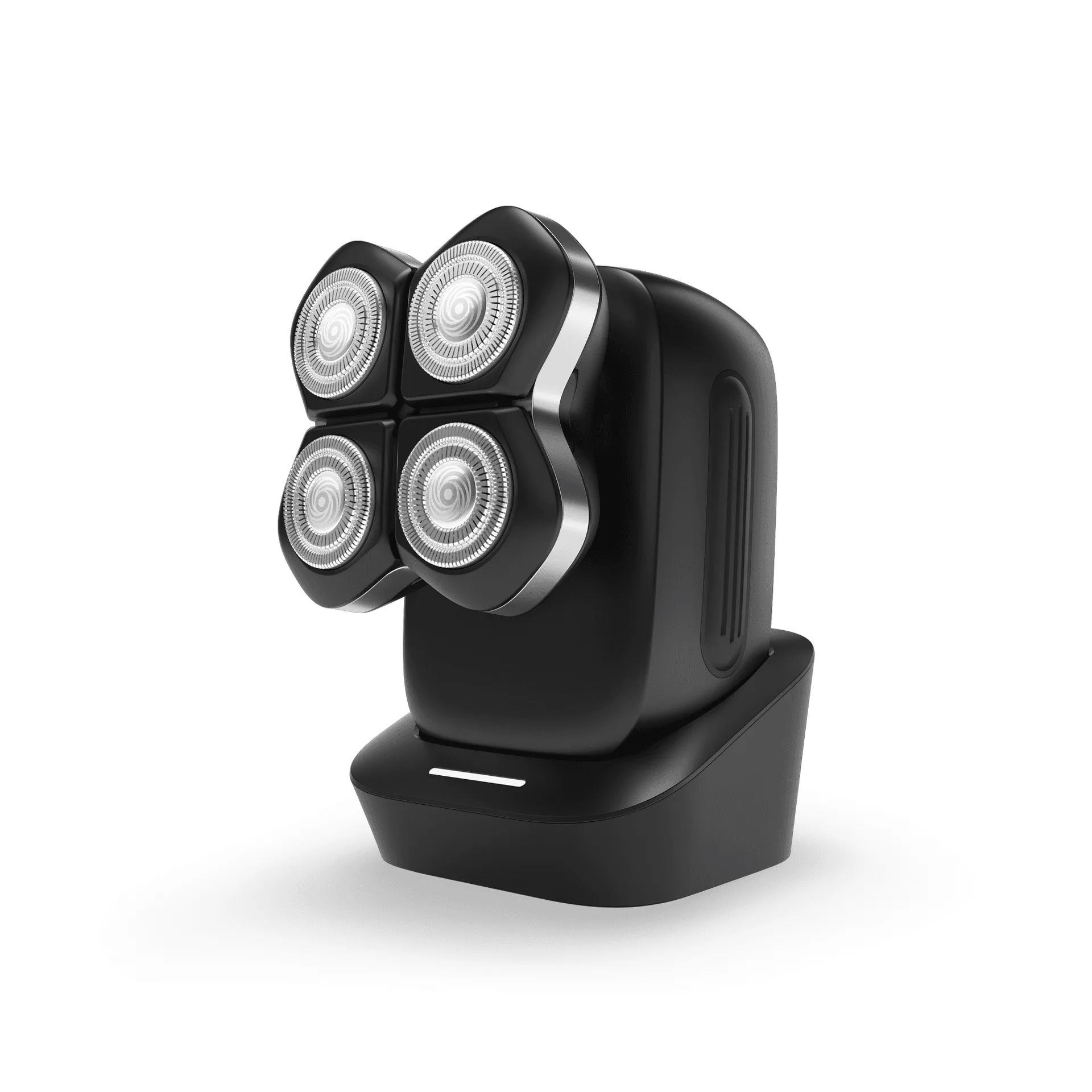
FlexSeries® Pro Charging Dock
- Charge before the battery fully drains
- Avoid overcharging
- Store at 50% charge if not using for a while
Storage and Travel Tips
Proper storage is essential to protect your razor from damage and dust. When not in use, keep your FlexSeries® Pro in a dry place, ideally in a protective case. If you travel frequently, consider investing in the FlexSeries® Pro Travel Case, which is designed to securely hold your razor and accessories, preventing damage during transit.
Make sure your razor is completely dry before storing it in a case to prevent moisture buildup. Also, keep it out of direct sunlight and away from extreme temperatures, as these can damage the battery and plastic components.
- Store in a dry, cool place
- Use a travel case for protection
- Ensure it’s dry before storing
Troubleshooting Common Issues
Even with proper maintenance, you might encounter occasional issues. If your razor isn’t performing as well, check if the blades are dull or clogged. A thorough cleaning often solves the problem. If the razor doesn’t turn on, check the battery charge and ensure the charging dock is working properly.
If you notice unusual noise or vibration, it could be a sign that the motor is struggling. This might be due to debris buildup or a worn-out blade. In such cases, a deep clean and blade replacement should resolve the issue. If problems persist, consult the user manual or contact customer support.
- Clean and check blades first
- Verify battery charge and charging dock
- Seek professional help if issues persist
Maintaining your FlexSeries® Pro razor doesn’t have to be complicated. With a simple daily routine and periodic deep cleaning, you can ensure your razor stays in peak condition for years. Remember to replace blades as needed and store your device properly. By following these tips, you’ll enjoy a smooth, comfortable head shave every time, making your investment truly worthwhile. Explore our range of care accessories to keep your razor in top shape.