Quick answer
Match the center channel to your left and right speakers by brand and driver family first, then place it as close to ear height and screen center as your furniture allows, and only then adjust levels and crossover. In an Aperion system, the Novus N5C 5.25" center is the natural match for Novus fronts, while a different series can still work if you keep the tweeter type and voicing consistent.
Why timbre matching matters more than specs
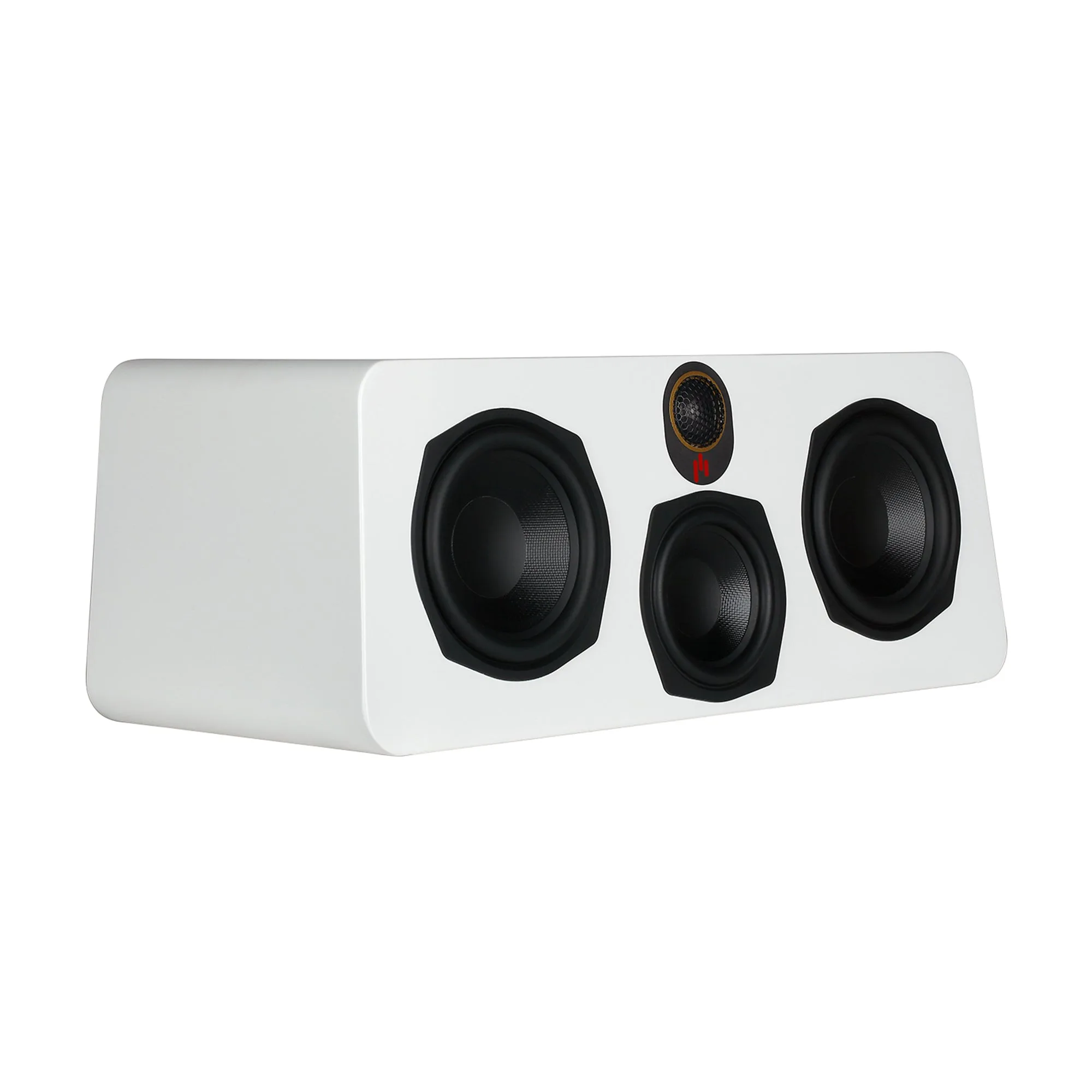
Most dialogue and on-screen action comes from the center channel, so any tonal difference between it and your left/right speakers pulls voices toward or away from the screen. A 5.25-inch center channel speaker like the Novus N5C is sized to sit under a TV without blocking the screen, and its 3-way design keeps vocals in a dedicated driver range instead of forcing a woofer to cover speech. If your fronts use a different tweeter material or crossover style, panning sounds will change character as they move across the front stage.
You do not need identical cabinet sizes, but you do want the same tweeter family and similar voicing. That is why pairing the Novus N5C with Novus bookshelf or tower fronts is the lowest-risk choice, and why mixing a bright metal-dome center with soft-dome fronts tends to sound disjointed.
Placement rules for a center channel below a TV
A center channel below TV placement is the most common compromise, and it works if you angle the speaker up toward the listening position. Put the front baffle flush with or slightly ahead of the TV stand edge so sound does not bounce off the shelf, and keep the tweeter as close to ear height as possible. If the speaker sits inside a cabinet, pull it forward; recessed placement causes muddy dialogue and uneven bass.
Aim for a seated ear height that is within about 12 inches of the tweeter. If the center must sit much lower, tilt it back with a wedge or isolation pads. Also keep at least a few inches of clearance behind a rear-ported design, and avoid stacking the center directly on a vibrating game console.
Set levels and crossover after placement, not before
Run your receiver's auto-calibration with the microphone at ear height in the main seat, then verify the center channel trim. If dialogue is hard to follow, raise the center by 1–2 dB rather than boosting the whole system. Set the crossover at 80 Hz as a starting point for a 5.25-inch center, and raise it to 100–120 Hz if the speaker sounds strained on deep male voices.
Check that the center is set to "Small" in the receiver menu when a subwoofer is used. Leaving it on "Large" sends full-range bass to a cabinet that cannot reproduce it cleanly, which thickens dialogue and reduces headroom.
When an open-box or separate amplifier makes sense
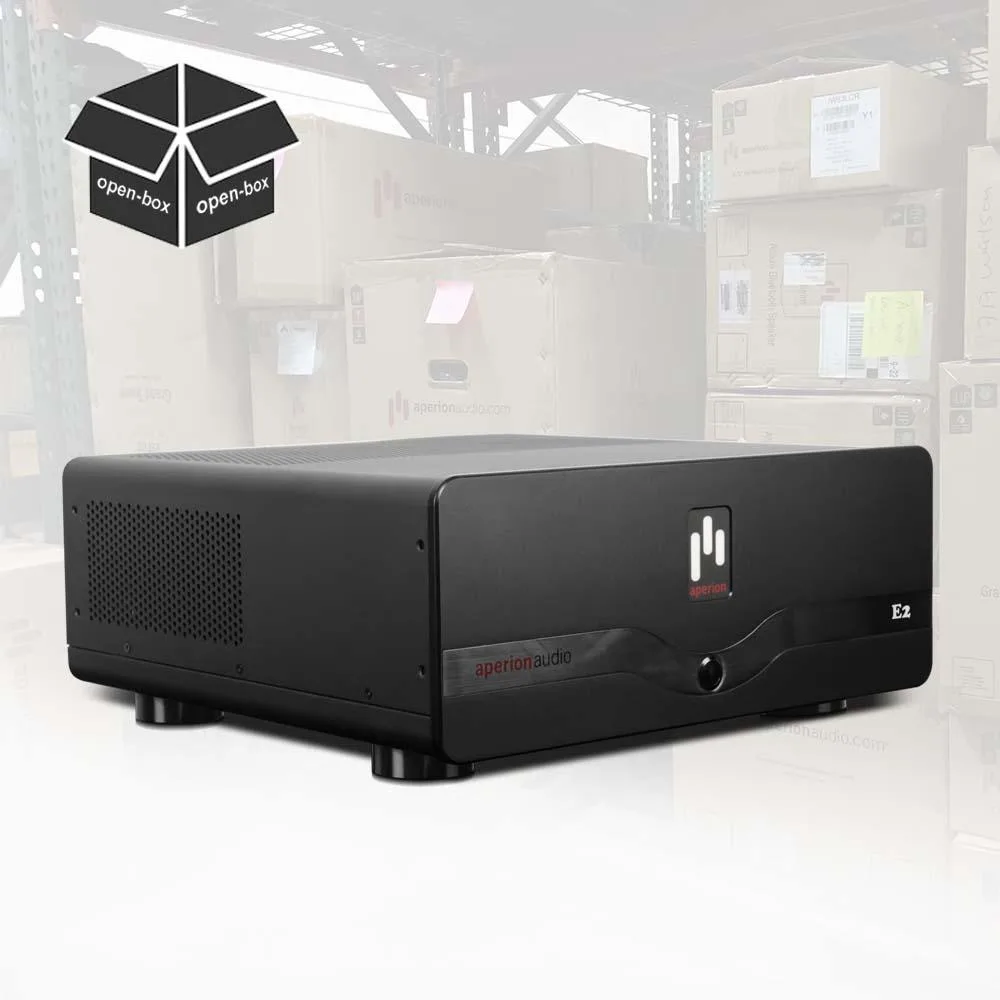
A center channel is the hardest-working speaker in a home theater, so a dedicated amplifier can help if your receiver struggles with low-impedance loads or you hear compression during loud action scenes. The Energy 2 Channel Home Theater Power Amplifier - E2 (Open Box) is a two-channel option that can power the front left and right or be bridged for the center in some setups, though you should confirm bridging support for your specific configuration before buying.
Open-box units are a practical way to add power without paying full price, but inspect the return policy and warranty terms. For most rooms, a good receiver with adequate power is enough; add an external amp only when you have measured clipping or clearly audible strain.
Step-by-step center channel matching process
- 1. Identify your front speaker series and tweeter type: Check the model name and tweeter material of your left and right speakers. If they are Aperion Novus, choose a Novus center such as the N5C. If they are another series, look for a center with the same tweeter family and similar sensitivity. Mistake to avoid: buying a center solely because it fits your shelf. Fit is secondary to tonal match.
- 2. Choose a center size that fits your space and screen: Measure the gap under your TV and the depth of your stand. A 5.25-inch center like the Novus N5C fits most media consoles without blocking the screen, while larger centers may require a riser or wall shelf. Checkpoint: the tweeter should end up within about 12 inches of seated ear height.
- 3. Position the center at or below ear height and angle it up: Place the speaker at the front edge of the shelf, not recessed. If it sits below ear level, tilt it up toward the main seat using a wedge or isolation pads so dialogue stays anchored to the screen. Mistake to avoid: leaving the center inside a closed cabinet or behind a TV stand lip.
- 4. Run calibration, then adjust center trim and crossover: Run your receiver's auto-setup with the mic at ear height, then fine-tune. Start the crossover at 80 Hz and raise it if the center sounds strained. Set the center to "Small" when using a subwoofer. Checkpoint: dialogue should be intelligible at low volume without boosting the center more than 2 dB.
- 5. Test with real content and adjust placement before buying gear: Play a dialogue-heavy scene and a panning scene. If voices shift tone as they move across the front, revisit step 1 or adjust toe-in. Only consider a separate amplifier if you still hear compression at your normal listening level. Next step: if you need more headroom, evaluate a two-channel amp like the Energy E2 rather than replacing the center.
Aperion products that fit this process
- Novus N5C 5.25" Center Channel Speaker: Aperion Novus N5C 3-Way 5.25" Center Channel Speaker, designed to complement a home theater setup with rich, clear vocals and easy-to-follow dialogue. A 3-way 5.25-inch center keeps speech in its own driver range, which makes timbre matching with Novus fronts more predictable and keeps the cabinet compact enough to sit below a TV.
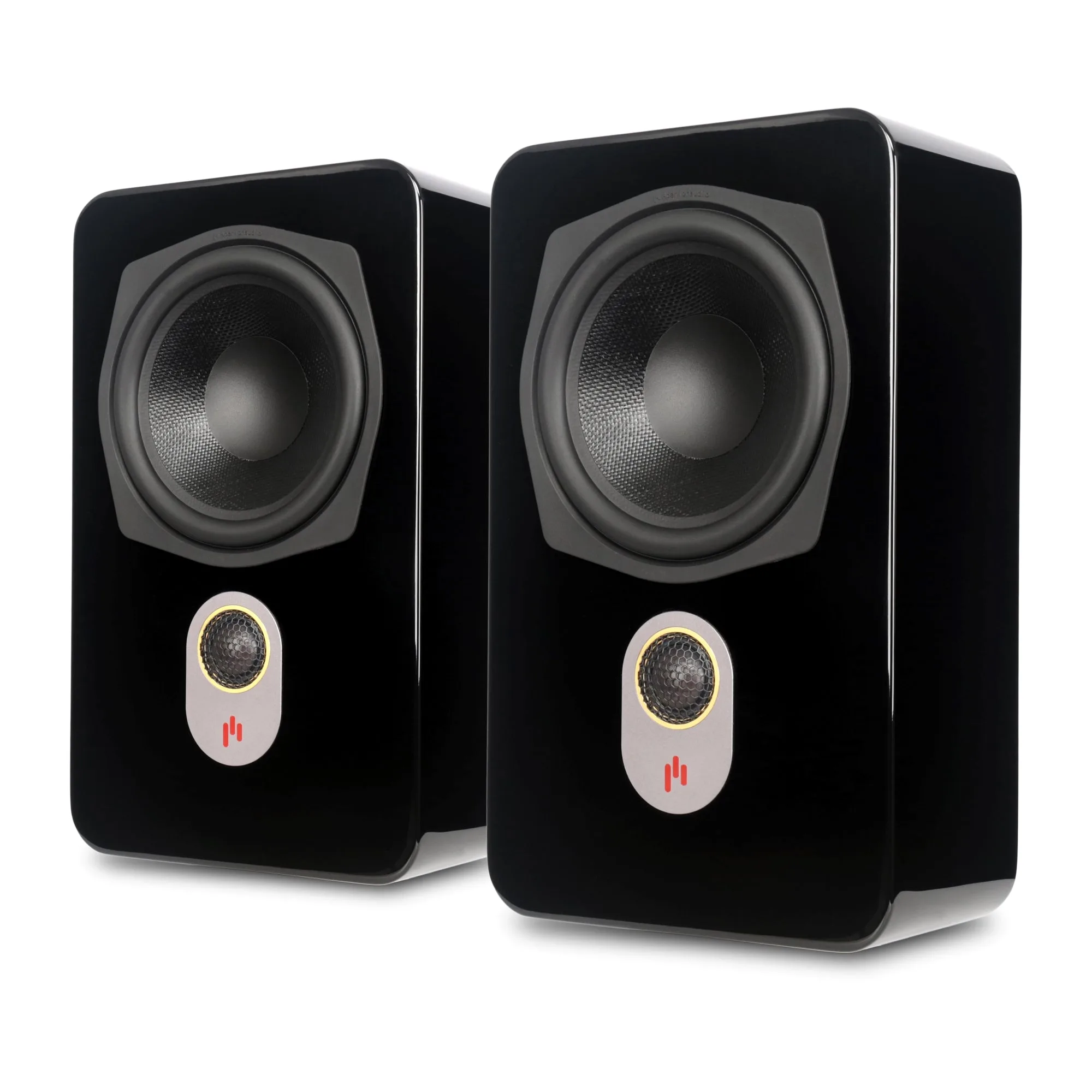
- Novus N6SR Slim Satellite 6.5" On-Wall & Surround Speaker: Aperion Novus N6SR Slim Satellite 2-Way 6.5" On-Wall & Surround Speaker with a slim profile for contemporary living rooms. If your front stage uses on-wall speakers, matching the center to the same Novus family keeps panning effects consistent as sound moves from the screen to the surrounds.
- Energy 2 Channel Home Theater Power Amplifier - E2 (Open Box): Energy 2 Channel Home Theater Power Amplifier - E2 (Open Box), part of the Aperion Energy Amplifier series, using large capacitors to reproduce sonic transients. A separate two-channel amp can add dynamic headroom for the front stage when a receiver runs out of clean power during demanding movie scenes.