Quick Answer
To match your Mous case with the right screen protector, prioritize protectors designed for edge-to-edge coverage that sit flush with the case's raised lips. Check the case's compatibility notes, choose a protector with an installation tray, and always test the fit before pressing it down fully.
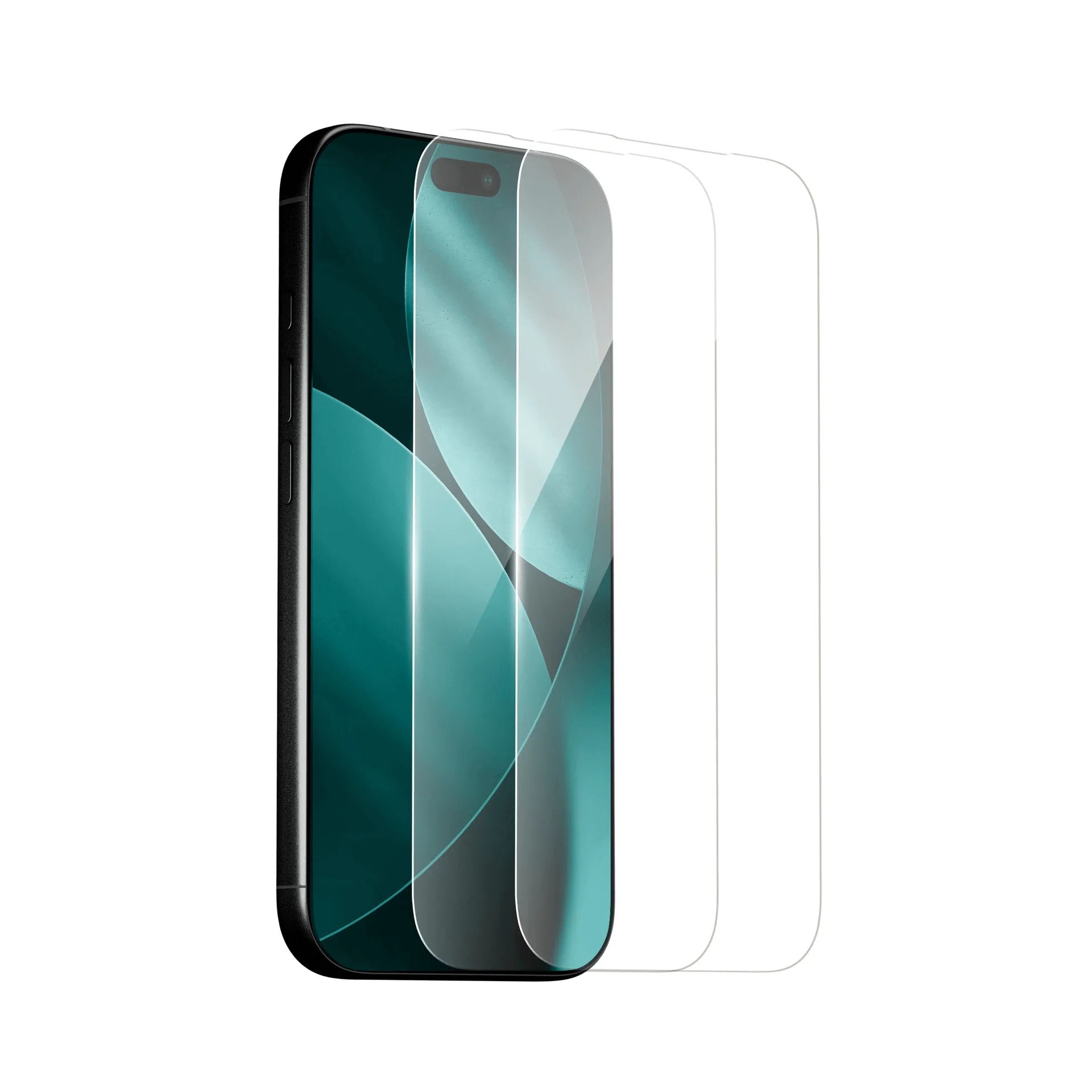
screen protector
A Mous case is only as good as the screen protector you pair with it. If the protector is too small, you lose coverage; if it's too large, it can peel up when the case is on. The key is to find a protector that works with the case's raised edges and cutouts.
In this guide, we'll walk you through the steps to choose a screen protector that fits your Mous case perfectly, covering compatibility, edge-to-edge coverage, installation, and common mistakes to avoid.
Understand Your Mous Case's Design
Before you buy a screen protector, take a close look at your Mous case. Most Mous cases, like the Limitless series, feature raised lips that sit slightly above the screen. This design protects the glass when you place the phone face down, but it also means the screen protector must fit within that raised border.
If the protector is too wide, it will press against the case and lift at the edges. If it's too narrow, you'll leave a gap that can collect dust and reduce coverage. Check the case's product page or packaging for any notes about screen protector compatibility. Some cases, like the Silver Pearl Protective Phone Case - Limitless, are designed to work with specific Mous screen protectors.
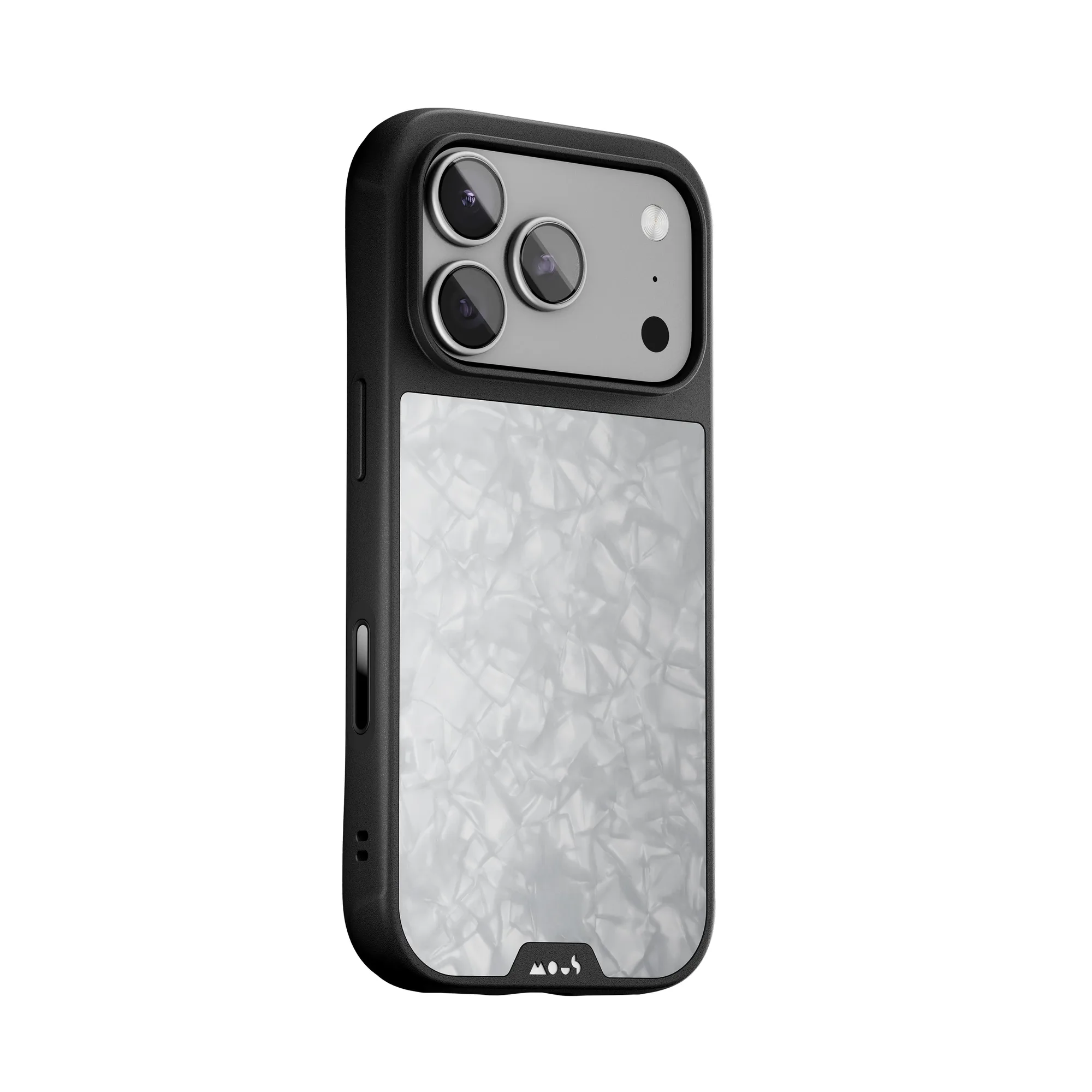
Silver Pearl Protective Phone Case - Limitless
- Measure the visible screen area with a ruler to compare with the protector's dimensions.
- Look for protectors that explicitly state they are compatible with Mous cases.
Choose the Right Type of Screen Protector
Screen protectors come in two main types: tempered glass and film. Tempered glass offers better drop protection and a more rigid feel, but it's thicker and may not work with every case. Film protectors are thinner and more flexible, making them easier to fit under a case, but they offer less impact resistance.
For Mous cases, which are known for their drop protection, a tempered glass protector is usually the better match. Look for a protector with an edge-to-edge design that covers the entire display, including the curved edges if your phone has them. Some protectors come with a 'case-friendly' design that leaves a tiny gap around the edge to prevent lifting.
- If you have a curved-screen phone, look for a protector with a 3D or 9H hardness rating that can wrap around the edges.
Check for Edge-to-Edge Coverage and Cutouts
Edge-to-edge coverage means the protector covers the entire front of the phone, not just the flat part of the screen. This is important for both protection and aesthetics. However, edge-to-edge protectors can be tricky with cases because they often extend right to the edge of the phone, leaving no room for the case's lip.
When choosing a protector for your Mous case, look for one that is specifically designed to work with cases. These protectors often have a slightly smaller footprint or a rounded edge that allows the case to fit over them without lifting. Also, make sure the protector has precise cutouts for the speaker, camera, and sensors. A misaligned cutout can block the earpiece or affect Face ID.
- Check the product photos to see if the protector has a black border that might cover part of the screen.
Consider the Installation Process
A screen protector is only as good as its installation. If you misalign it, you'll get bubbles and poor coverage. Many modern protectors come with an installation tray or alignment frame that helps you position the protector perfectly. This is especially useful when you're trying to match the protector with a case, as a slight misalignment can cause the case to push the protector up.
Practice the installation on a clean, dust-free surface. Use the included wet/dry wipes and dust removal stickers. If you make a mistake, most protectors can be lifted and repositioned, but be careful not to bend the glass. If your protector doesn't come with a tray, consider buying one separately or watching a tutorial video.
- Install the screen protector before putting on the case to ensure proper alignment.
Test the Fit with Your Case
Once the screen protector is applied, test the fit with your Mous case. Place the phone in the case and check for any lifting or bubbling at the edges. The case should fit snugly without pressing against the protector. If you see any lifting, remove the case and check if the protector is fully adhered. If the problem persists, the protector may not be compatible with your case.
Also, test the touchscreen and buttons to make sure the protector doesn't interfere with any functions. Some protectors can be too thick and cause the case's buttons to feel stiff. If that happens, you may need to switch to a thinner protector or a different case.
- If the case pushes the protector up, try a protector with a smaller footprint or a 'case-friendly' design.
Step-by-Step: Pairing Your Mous Case with a Screen Protector
- Step 1: Identify Your Case Model: Check the back or bottom of your Mous case for the model name (e.g., Limitless, Clarity Lite). This helps you search for compatible protectors. Checkpoint: Write down the exact model and phone model.
- Step 2: Measure the Screen Area: Use a ruler to measure the visible screen area of your phone. Compare this with the dimensions listed on the screen protector's packaging. Checkpoint: The protector should be slightly smaller than the screen's total area to fit under the case.
- Step 3: Choose a Protector with an Installation Tray: Select a protector that includes an alignment tray. This ensures the protector is centered and prevents misalignment that could cause the case to lift it. Checkpoint: If no tray is included, look for a video tutorial for your phone model.
- Step 4: Install the Protector Before the Case: Clean the screen thoroughly, then apply the protector using the tray. Wait for any bubbles to settle before attaching the case. Checkpoint: If bubbles persist, lift the protector and reapply with a dust sticker.
- Step 5: Test the Fit with the Case: Slide your phone into the Mous case. Check for any lifting at the edges or interference with buttons. If the case doesn't fit smoothly, the protector may be too thick or too wide. Verdict: If the case lifts the protector, try a thinner or case-specific protector.
Screen Protectors and Cases That Work Together
- Stone Protective Case, Screen Protector and Card Wallet - Apple Starter Kit: All-in-one iPhone starter kit – Limitless case with AiroShock® drop defence, screen protector for 360° coverage and a magnetic card wallet. This kit takes the guesswork out of matching a case and screen protector. You get a case and protector that are designed to work together, ensuring a perfect fit and full coverage.
- Silver Pearl Protective Phone Case - Limitless: Our toughest, most feature-rich case with impact-absorbing AiroShock®, MagSafe®/Qi2 compatibility and premium finishes built for real-world use. If you choose this case, you'll want a screen protector that doesn't interfere with the case's drop protection or MagSafe features. A slim, edge-to-edge protector is your best bet.
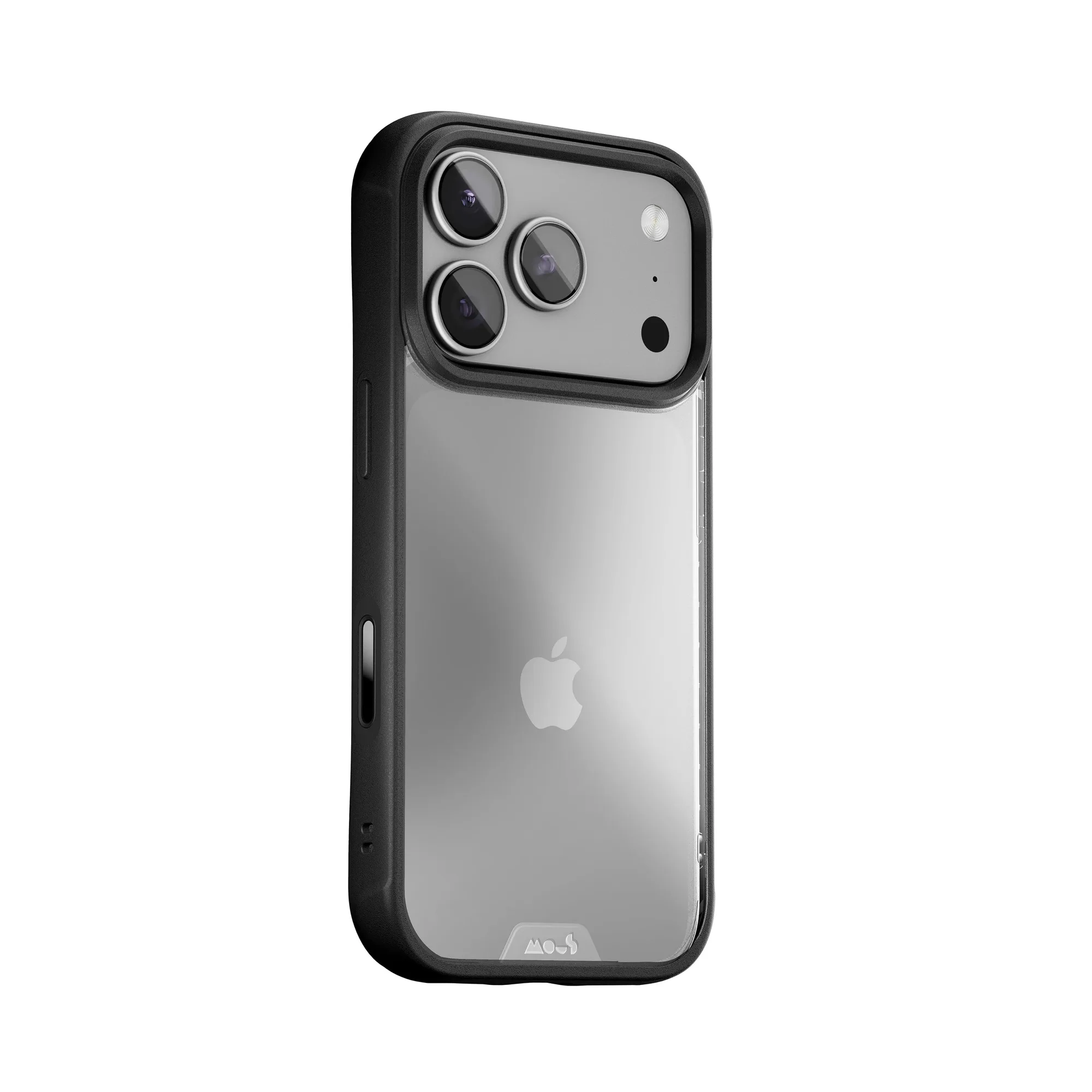
- Clear Phone Case - Clarity Lite: Featuring a sophisticated scratch-resistant coating and raised lips for face-down protection. The raised lips on this case mean you need a screen protector that sits within those lips. A case-friendly protector will prevent lifting and maintain the clear aesthetic.
Matching your Mous case with the right screen protector is about understanding the case's design and choosing a protector that fits within its raised edges. By following these steps, you can enjoy full-screen protection without compromising the case's fit or your phone's functionality.