Quick answer
Attach the quick release plate to the camera first, tighten it with a coin or hex key until it will not twist, then seat the plate fully in the clamp and lock it before you let go. Balance the camera over the tripod's center column, check the clamp and head knobs, and only then release your hands. If the plate or clamp feels loose at any point, stop and re-seat it rather than trusting it.
Check the plate, clamp, and head before the camera goes on
Most dropped-camera incidents start with a mismatch between the plate and the clamp, or with a head that was never fully locked. Before you bring the camera anywhere near the tripod, confirm the plate is the correct type for the clamp (Arca-Swiss, Manfrotto RC2, or a proprietary system), that the clamp jaws open and close smoothly, and that the head's pan and tilt knobs actually tighten. A clamp that only grips the plate on one edge will feel secure in your hand and fail under load. If your plate and clamp come from different systems, do not force them together; use the plate that matches the clamp or swap the clamp.
Install the plate on the camera with real torque
Thread the plate's screw into the camera's tripod socket by hand until it seats, then tighten it with a coin, screwdriver, or hex key. Hand-tight is not enough for heavier bodies and long lenses; a plate that twists under the camera is the single most common cause of a sudden drop. Check for rotation by holding the camera body and trying to twist the plate. If it moves at all, tighten again. Some plates have a rubber or cork pad that compresses over time, so re-check after the first few minutes of use. If your camera has a battery grip or an L-bracket, make sure the plate is centered on the actual load path, not offset to one side.
Seat the plate fully in the clamp and lock it
Open the clamp, slide the plate in from the top or side depending on the design, and push until it stops. Do not stop halfway because it feels snug; a partially seated plate can slip out under tilt. Close the clamp and tighten the locking knob or lever until it resists. On lever clamps, flip the lever and then adjust the tension screw so the lever locks with firm pressure, not with a light flick. Tug upward on the camera body once, gently, to confirm the clamp holds before you let go. If you feel any movement, open the clamp, re-seat the plate, and lock it again.
Balance the load before you tighten the head
With the camera attached, loosen the head's tilt knob just enough to feel the camera's weight, and slide or tilt the setup until the camera sits roughly over the tripod's center. A front-heavy lens will pull the head forward the moment you loosen it, so keep one hand on the camera throughout. For long lenses, use the lens's own tripod collar rather than the camera body; that moves the pivot point to the lens's center of gravity and reduces strain on the mount. Once balanced, tighten the tilt and pan knobs firmly. If your tripod has a center column, keep it down unless you need height, because a raised column makes the whole setup top-heavy.
Do a final safety check before you walk away
Before you step back, confirm four things: the plate screw is tight, the clamp is locked, the head knobs are tight, and the tripod legs are spread and locked. Give the camera a light nudge with one finger and watch for any wobble. On soft ground, press each foot down or use spikes. If you are shooting in wind, hang a bag from the tripod's hook to add stability, but keep the strap off the ground so it cannot catch. When you are done, remove the camera before you fold the tripod, and support the camera with one hand while you release the clamp.
Step-by-step mounting checklist
- Attach the plate to the camera: Thread the plate screw by hand, then tighten with a coin or hex key until the plate will not twist. Common mistake: leaving it hand-tight, which lets the plate rotate under the camera. Checkpoint: try to twist the plate by hand; if it moves, tighten again.
- Open the clamp and seat the plate fully: Slide the plate in until it stops, then close the clamp and tighten the locking knob or lever. Common mistake: stopping halfway because the plate feels snug. Checkpoint: the plate should not slide or rock inside the clamp.
- Lock the clamp and tug-test: Tighten the clamp fully, then pull gently upward on the camera body while keeping a hand under it. Common mistake: trusting a lever that flips too easily. Checkpoint: adjust lever tension so the lock requires firm pressure.
- Balance the camera over the tripod center: Loosen the tilt knob slightly, slide or tilt the camera until it sits over the center, then tighten. Use the lens collar for long lenses. Common mistake: balancing by feel without keeping a hand on the camera. Checkpoint: the camera should stay put when you briefly release the tilt knob.
- Final check before you walk away: Confirm plate screw, clamp, head knobs, and leg locks are all tight; nudge the camera lightly to test for wobble. Common mistake: skipping the nudge test after moving the tripod. Checkpoint: any wobble means re-seat the plate and re-tighten the head.
Gear that supports safe mounting
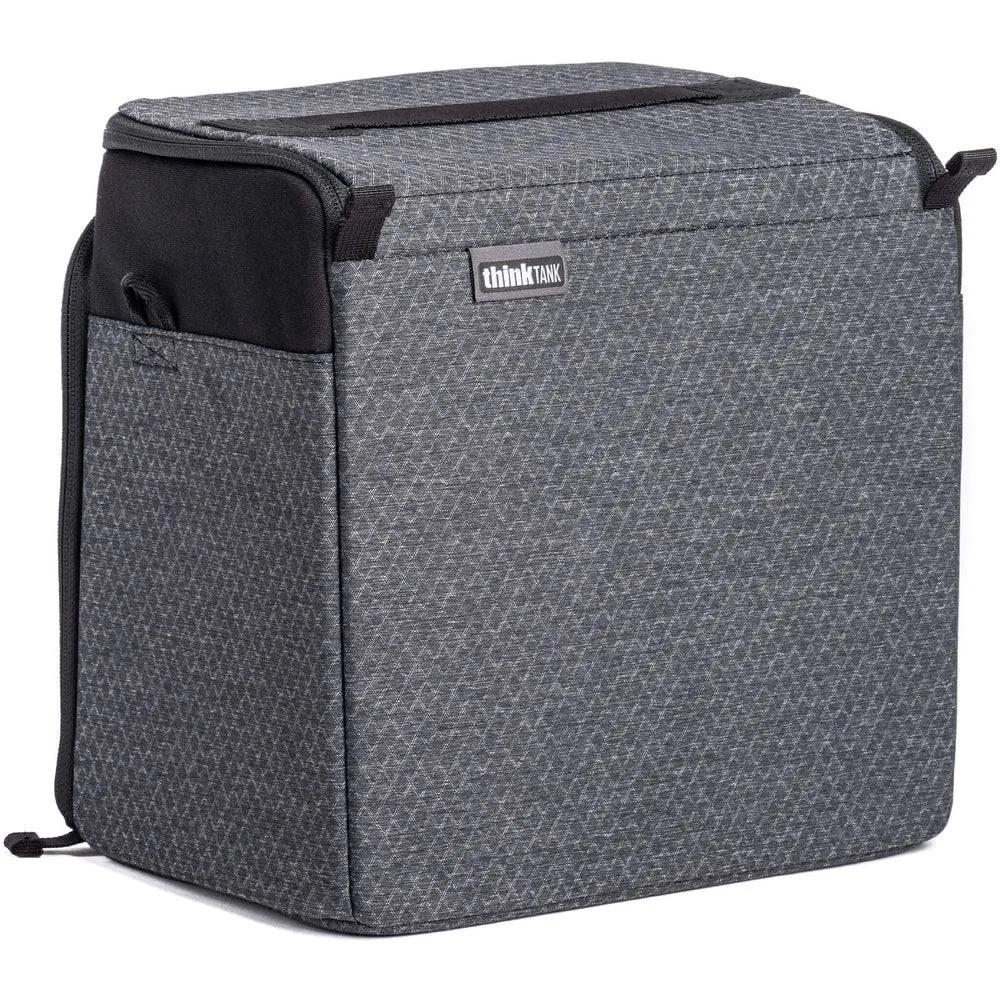
- Think Tank Photo Stash Master M Pro: The Stash Master Camera Cube series enables you to expand the photo gear capacity of any large backpack, roller or duffel, with high-density velex interior and reinforced vertical dividers. A padded cube keeps your camera and plate protected during transport, so the plate and clamp are less likely to be knocked out of alignment before you mount the camera.
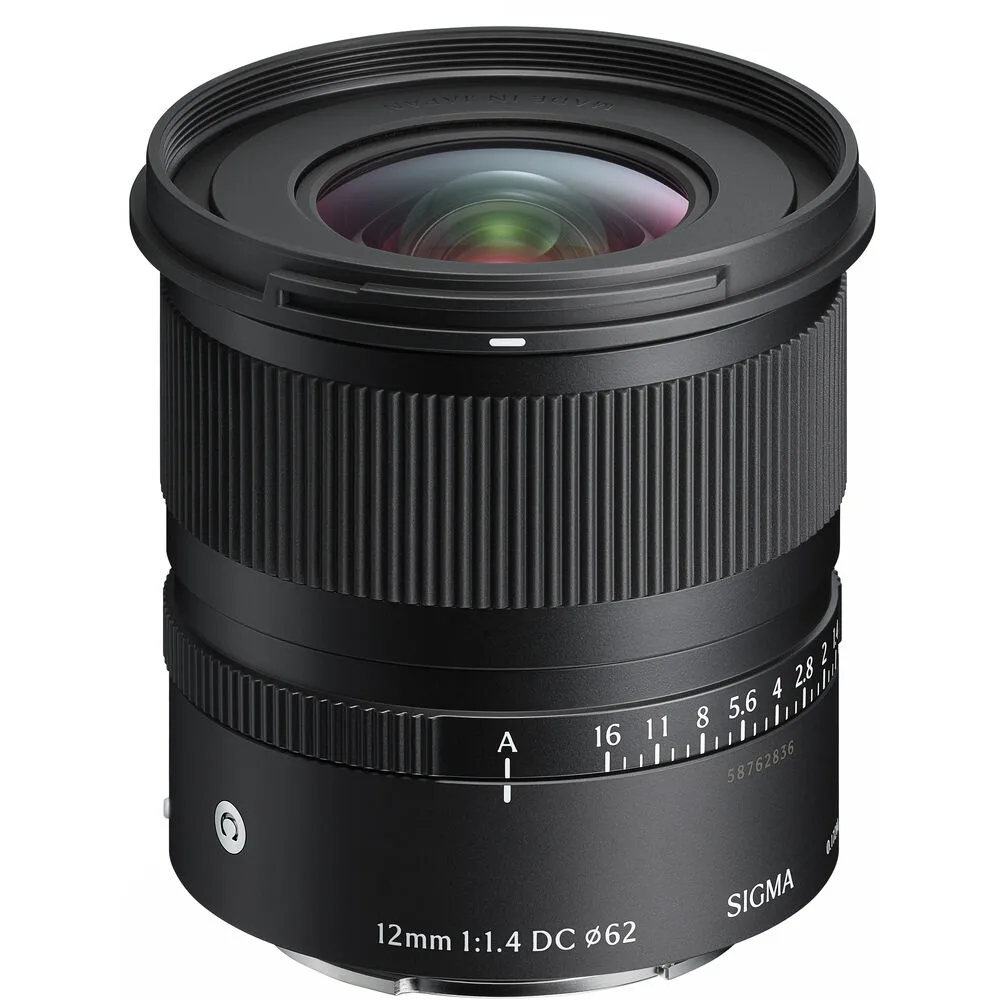
- Sigma 12mm F1.4 DC CONTEMPORARY: Sigma 12mm F1.4 DC CONTEMPORARY is an APS-C wide-angle prime with a minimum focusing distance of 6.8 inches and a dust- and splash-resistant construction. A compact, lightweight wide-angle prime puts less torque on the tripod head and plate than a long telephoto, which makes it a forgiving choice when you are learning to mount and balance a camera safely.