Quick answer
Mounting a heavy PTZ camera safely requires a reinforced bracket, correct anchor selection for your wall type, and careful cable routing to prevent water ingress.
Why heavy PTZ cameras need special mounting care
Unlike small fixed cameras, a heavy PTZ unit exerts constant torque as it pans and tilts. A standard plastic anchor or drywall screw can loosen over time, causing the camera to sag or fall. The Defender AI Powered 4K Everwatch PTZ 360° camera weighs significantly more than a typical indoor cam, so the mounting surface must be solid and the hardware rated for the full load.
Outdoor mounting adds weather concerns. Water can seep through an unsealed cable entry or an improperly caulked bracket base, leading to short circuits or corrosion. A safe installation accounts for both mechanical load and environmental sealing.
Step-by-step mounting guide
- Choose a reinforced mounting bracket rated for the camera weight: Select a metal bracket with a load capacity at least 1.5 times the camera's weight. For the Defender AI Powered 4K Everwatch PTZ, use a bracket designed for outdoor PTZ cameras, not a lightweight indoor mount. Check the bracket's load rating before buying; plastic brackets are not suitable.
- Anchor into solid material (brick, concrete, or wood stud): Drill pilot holes and use masonry anchors for brick or concrete, or lag bolts into a wood stud. Avoid drywall or thin siding alone. The bracket must be screwed into at least three points for even load distribution. If you hit a hollow spot, move the mount location rather than using a toggle bolt.
- Route cables before fully tightening the bracket: Feed the power and Ethernet cables through the bracket's cable entry before you secure the camera body. Leave a drip loop so water runs off the cable rather than into the connection point. Use silicone sealant around the cable entry to prevent moisture from entering the bracket.
- Level the bracket and tighten in a crisscross pattern: Use a bubble level on the bracket base. Tighten screws in a crisscross sequence (like lug nuts on a tire) to avoid warping the mount. A warped bracket can cause the PTZ motor to bind or produce jerky motion. Re-check level after tightening; shim with a metal washer if needed.
- Attach the camera and adjust the pan/tilt limits: Secure the camera to the bracket using the included locking mechanism. Then, in the camera's software, set the pan and tilt travel limits so the lens does not hit the wall or its own cable bundle during movement. Test the full range of motion manually before closing the setup.
Product facts
-
AI POWERED 4K Everwatch PTZ 360° Wi-Fi Plug-in Power Security Camera, 3 Pack: The AI Powered 4K Everwatch PTZ camera delivers 4K video with full 360-degree pan-tilt-zoom coverage and AI-based motion detection that distinguishes people, vehicles, and animals. Its advanced features require a stable, level mount so the PTZ mechanism can track accurately without vibration or misalignment.
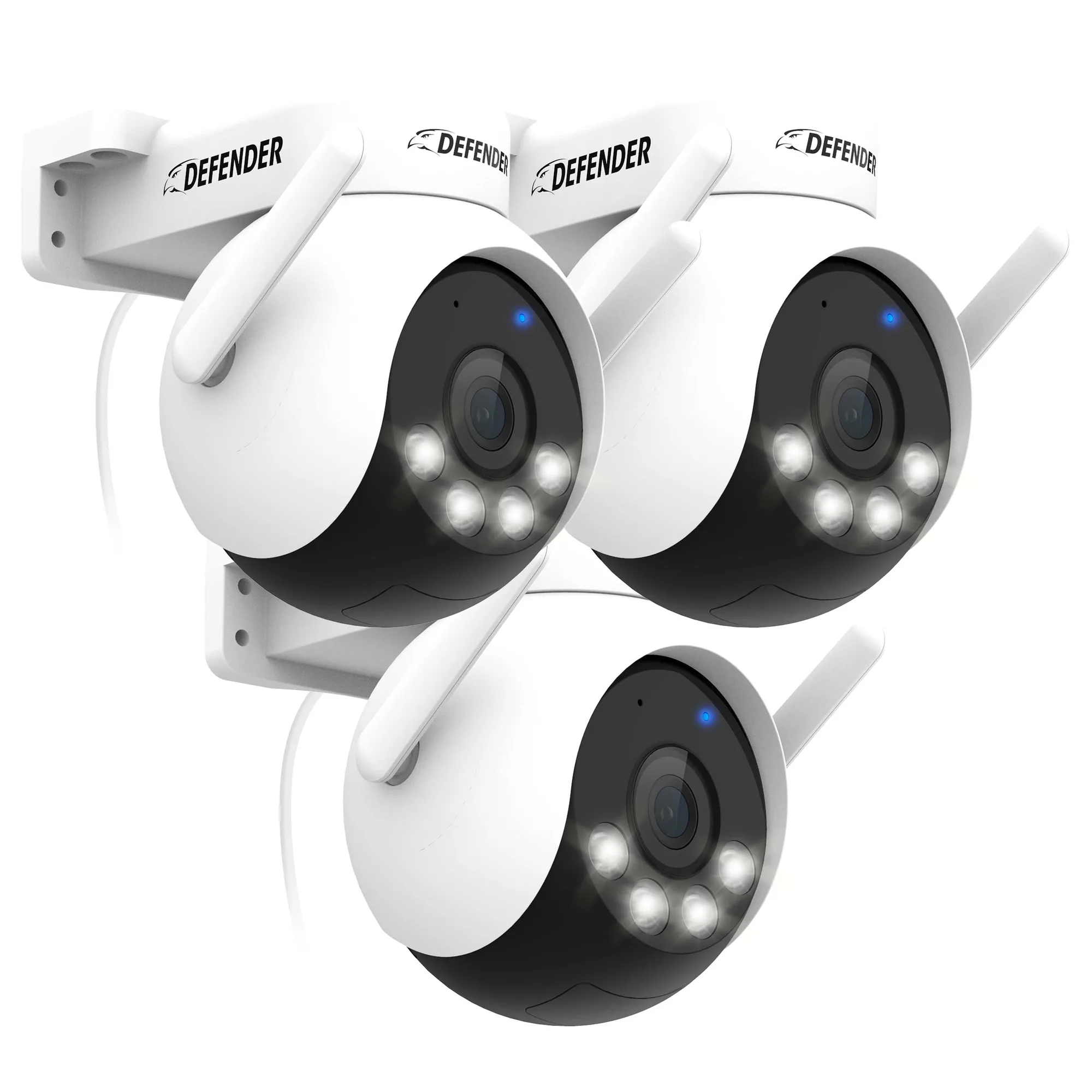
AI POWERED 4K Everwatch PTZ 360° Wi-Fi Plug-in Power Security Camera, 3 Pack