Quick Answer
To safely mount a monitor on a c-stand, always start with the lowest riser section, use a baby pin or articulating arm with a positive locking mechanism, and add a safety cable or tether as a backup. Never extend the riser fully or rely on friction alone to hold the monitor.
Why C-Stand Monitor Mounting Requires Extra Care
A c-stand is a grip staple because its three riser sections let you position a monitor exactly where you need it. But those same sections create leverage. A 7-inch monitor at the end of a fully extended riser and an articulating arm can tip a stand that isn't sandbagged. The weight itself isn't the problem — it's the torque. Every inch of extension multiplies the force at the base. That's why the first rule of safe mounting is to keep the riser as low as practical and always use a sandbag on the leg opposite the monitor.
Choosing the Right Mounting Hardware
Most monitors have a 1/4''-20 thread on the bottom or back. You can attach that thread directly to a baby pin (a 5/8'' stud) with a 1/4''-20 adapter, or use an articulating arm that has a 1/4''-20 receiver. A fixed baby pin is simpler and cheaper, but an articulating arm gives you fine positioning without moving the whole c-stand. Whichever you choose, make sure the locking knob is metal, not plastic, and that it cinches down fully. A loose knob is the most common cause of a monitor suddenly tilting downward.
Sandbagging and Weight Distribution
A standard c-stand weighs about 11 lb (5 kg). A monitor plus arm might add another 3–4 lb. That's not heavy, but the lever arm is long. Place at least one 10–15 lb sandbag over the leg that points away from the monitor. If you're using an articulating arm that extends sideways, sandbag both legs on the side opposite the arm. Never skip the sandbag for a quick setup — it's the cheapest insurance against a $1,000 monitor hitting the floor.
Step-by-Step: Mount a Monitor on a C-Stand
- Step 1: Set up the c-stand with the lowest riser section: Extend only the lowest riser section to your working height. Leave the upper sections collapsed. This keeps the center of gravity low and reduces the risk of tipping. Common mistake: extending all three sections because it's faster. Keep the stand low and stable.
- Step 2: Attach the mounting hardware to the c-stand: Slide a baby pin or articulating arm onto the c-stand's receiver and tighten the grip head knob firmly. If using an articulating arm, lock each joint before adding the monitor. Checkpoint: the grip head should not rotate when you push on it. If it moves, tighten more.
- Step 3: Mount the monitor and secure all locking knobs: Thread the monitor's 1/4''-20 screw into the mounting hardware. Tighten it by hand until snug, then give it a quarter turn with a coin or multitool. Do not overtighten. Common mistake: leaving the monitor loose to allow quick adjustment. A loose mount can slip and drop the monitor.
- Step 4: Add a safety tether or cable: Loop a small cable tie, paracord, or a dedicated safety cable through the monitor's mounting hole or cage and around the c-stand's riser. Leave enough slack for articulation but not so much that the monitor can hit the ground if it falls. This backup catches the monitor if a knob vibrates loose. It takes 10 seconds and can save your gear.
- Step 5: Sandbag the stand and test stability: Place a sandbag over the leg opposite the monitor. Gently push the monitor in all directions. If the stand wobbles or the head slips, add another sandbag or reposition the arm closer to the riser. Final check: the stand should not tip when you bump the monitor. If it does, shorten the arm or add weight.
Recommended Gear for Safe Monitor Mounting
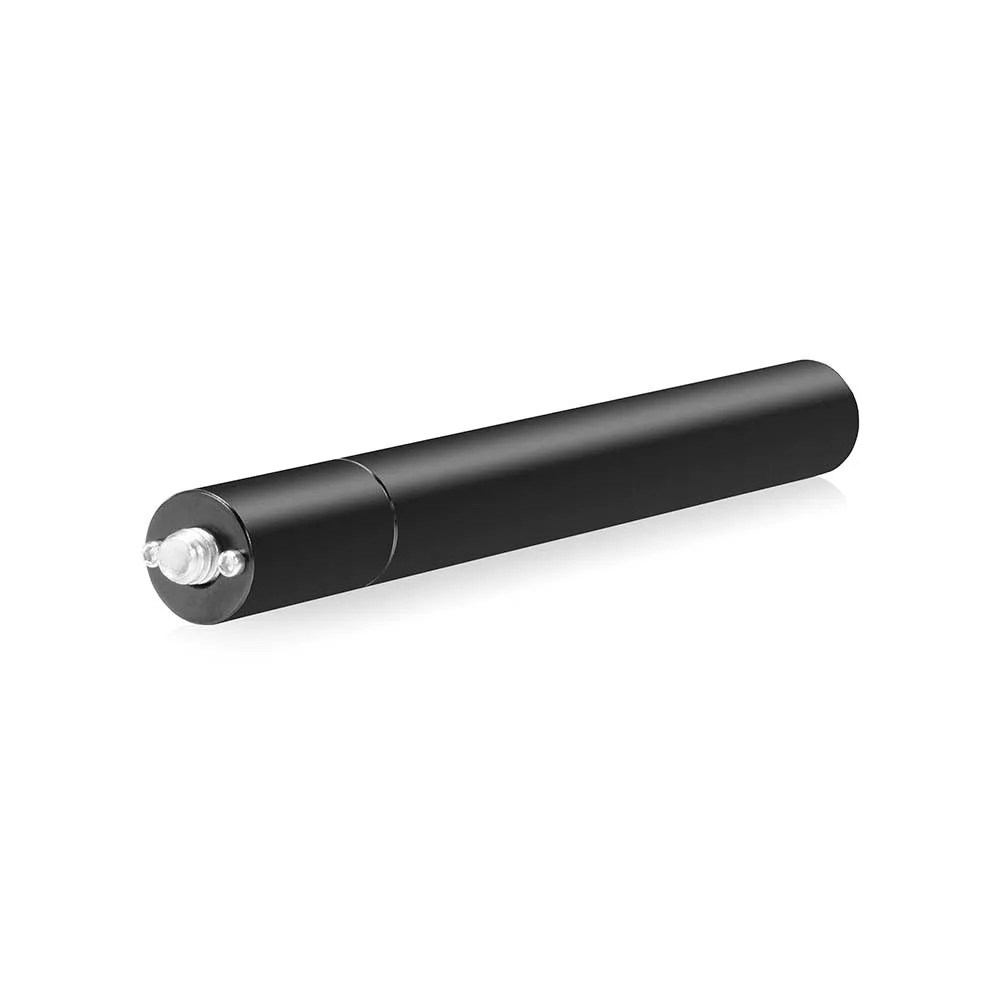
- SHAPE 5-inch 15mm Rod with 1/4''-20 Mount: The SHAPE 5-inch 15mm Rod with 1/4''-20 Mount is a camera rod-support accessory for 15 mm or 19 mm rigging for lens, matte box, battery, and follow-focus accessories. This rod gives you a solid 1/4''-20 mounting point on your rig, which is the same thread most monitors use. If your c-stand setup uses a baby pin, you can attach this rod directly to the pin for a stable, vibration-free monitor mount.